


Best 10 Android Crypto Wallets 2026 – Comparison
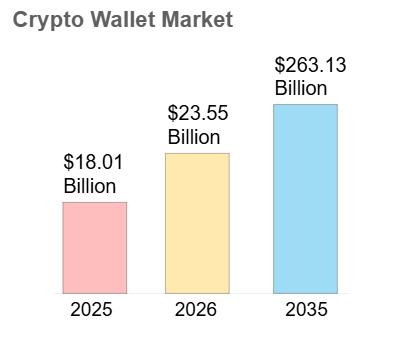
This year, the cryptocurrency market continues to expand, making having a reliable and secure crypto wallet more important than ever. Whether you’re new to the world of digital currencies or a seasoned trader, choosing the right wallet can significantly impact your crypto journey. The global crypto wallet market was valued at approximately $23.55 billion in 2026 and is projected to grow at a compound annual growth rate (CAGR) of 30.76% to $263.13 billion by 2035. This growth is largely driven by the growing recognition of cryptocurrencies as a legitimate asset class. This article reviews the ten best crypto wallets for Android, providing a comprehensive comparison to help you decide which crypto app is best for you. We’ll explore the features, advantages, and disadvantages of each wallet to help you find one that’s safe, secure, and easy to use.
Updated: October 2026.
What Is a Crypto Wallet?
A cryptocurrency wallet is a digital tool that allows you to store, manage, and conduct transactions with your cryptocurrencies. It can be an app, a physical device, or a web-based service. Crypto wallets are essential for anyone looking to invest in or use cryptocurrencies, as they provide a secure way to manage your digital assets.
Cryptocurrency wallets not only allow you to not only manage your digital assets, but also monitor cryptocurrency exchange rates, keep abreast of trends and high-profile new products. To keep your finger on the pulse, you need to have a high-quality, fast and reliable wallet that will cover all your needs and also expand the possibilities of interaction.
How Crypto Wallets Work
Crypto wallets operate by storing your private and public keys. The public key is your wallet’s address, which you can share with others to receive cryptocurrency. The private key, on the other hand, must be kept secret as it grants access to your funds. When you perform a transaction, the wallet uses your private key to sign it, ensuring it is secure and verified on the blockchain.
10 Best Crypto Wallets for Android Devices

1. Walletverse
Walletverse is highly rated on Google Play with a 5.0 review score. It is a community-driven, self-custody Android crypto wallet known for its seamless management of over 700 cryptocurrencies. The wallet is decentralized, ensuring users have complete control over their assets. With Walletverse, you can buy, send, and exchange crypto easily. It also supports a vast selection of coins and offers access to numerous decentralized applications (dApps). Walletverse is known for its strong security measures, including passcode and biometric security features. This makes it one of the best Android crypto wallet apps with a high crypto wallet rating. It is secure, safe, and user friendly.
Pros:
- Supports 600+ cryptocurrencies (BTC, ETH, USDT, XRP, HMSTR soon, DOGE, SHIB and more others);
- User-friendly interface;
- High security with passcode and biometric features;
- Access to a wide range of dApps;
- Community-driven development;
- Staking;
- DEX/CEX;
- AML.
Cons:
- Only mobile crypto wallet.


2. Binance
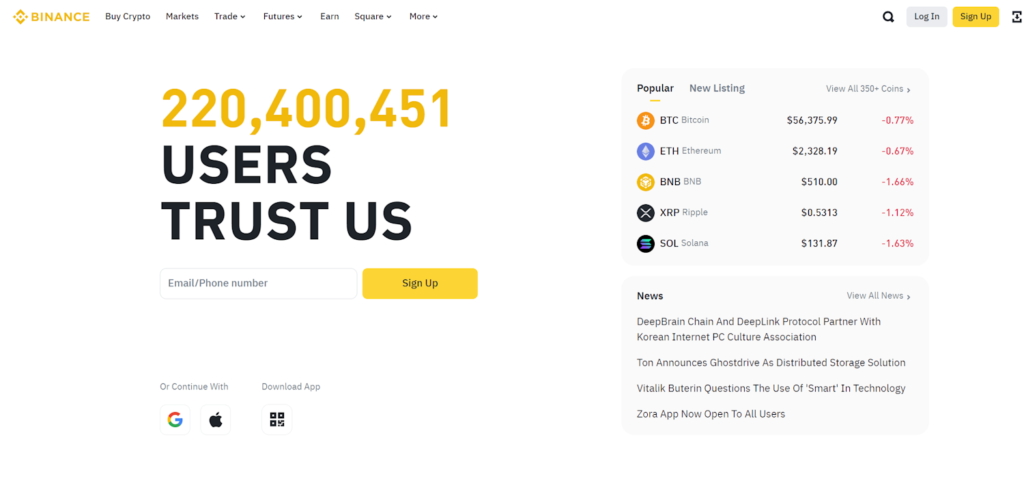
Binance Wallet is a self-custody crypto wallet integrated into the Binance app. Its Android experience uses multi-party computation (MPC) and provides access to multiple blockchain networks, token swaps, DeFi applications and dApps.
Pros: integrated Web3 tools, cross-chain swaps, broad blockchain support.
Cons: requires the Binance app ecosystem, and some features may vary by region.
3. Base app (formerly Coinbase Wallet)
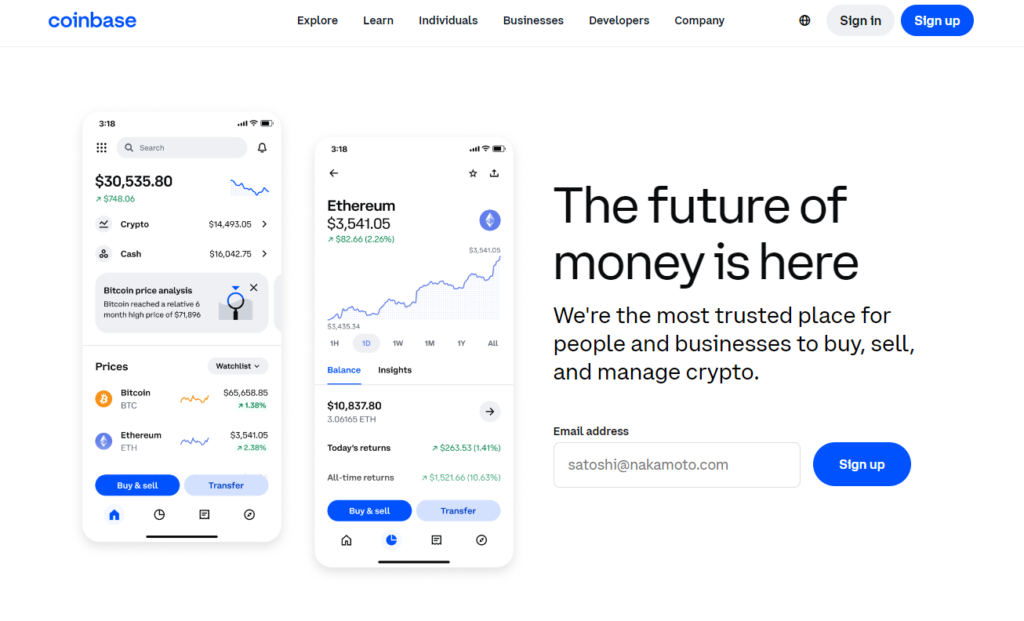
Base app is Coinbase’s current self-custody wallet experience for Android. It supports Ethereum and EVM-compatible networks, Solana and Bitcoin, while providing access to crypto transfers, Web3 applications and supported conversions.
Users migrating from the older Coinbase Wallet experience should check current network support because some previously supported networks are no longer available in the updated Base app.
Pros:
- User-friendly interface;
- Supports over 5,500 digital assets;
- Multi-signature and two-factor authentication;
- Backed by a reputable trading platform.
Cons:
- High trading commission (1.49%);
- High fees for debit/credit card deposits (almost 4%).
4. Trust Wallet
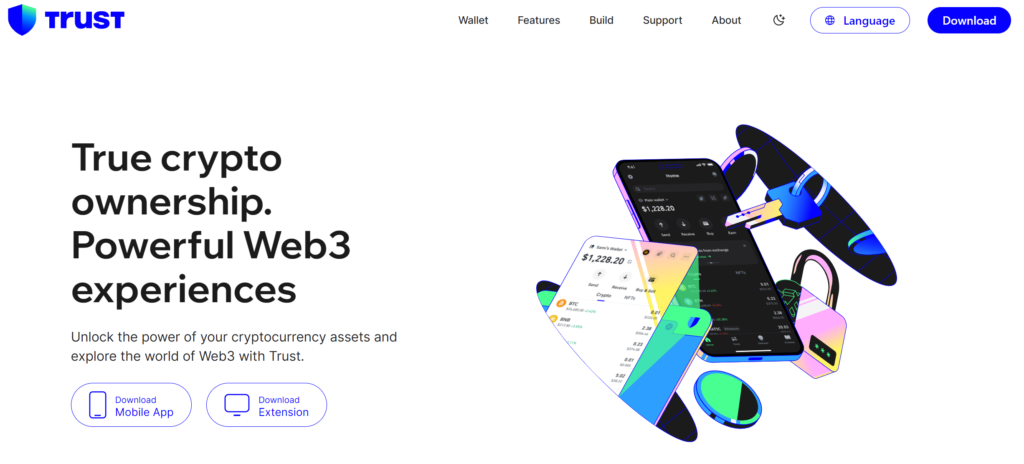
Trust Wallet holds a 3.9 review on Google Play. It supports a wide range of digital assets and NFTs. Trust Wallet allows users to buy, sell, and earn cryptocurrencies within the app. It is well-integrated with the Web 3.0 economy, making it secure, safe, and user friendly.
Pros:
- Supports a wide array of assets and NFTs;
- Integrates with Web 3.0;
- No fees for wallet-to-wallet transfers.
Cons:
- High fees for debit/credit card transactions;
- No live chat support.
5. MetaMask
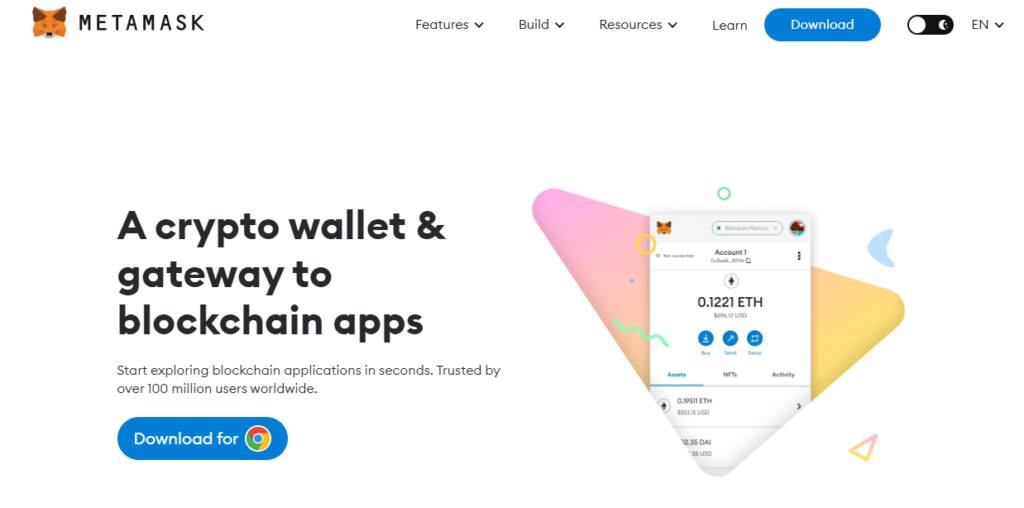
MetaMask is a self-custody Web3 wallet available on Android and as a browser extension. Although it was originally focused on Ethereum and EVM networks, MetaMask now also supports Bitcoin and Solana alongside a growing set of blockchain networks.
Pros: strong dApp and DeFi integration, broad network support, hardware wallet compatibility.
Cons: advanced Web3 features and transaction permissions can be confusing for beginners.
6. Exodus

A stylish and convenient multi-currency wallet available on Android, iOS, and desktop computers. It supports a wide range of cryptocurrencies, has a built-in exchange and staking options, and boasts a beautiful design and 24/7 customer service.
Pros:
- Elegant and intuitive interface;
- Built-in exchange between assets;
- 24/7 technical support;
- Staking of popular coins;
- Syncs with the desktop version.
Cons:
- Closed source code;
- Exchange rates may be above average;
- Fiat purchases only through partners.
7. Guarda Wallet

A multi-platform non-custodial wallet supporting dozens of blockchains and thousands of tokens. It allows you to buy cryptocurrency with fiat, exchange assets, and participate in staking. Available on Android, iOS, web, and desktop.
Pros:
- Wide blockchain support;
- Built-in services: exchange, purchase, staking;
- Single account across all platforms;
- Create multiple wallets in one app.
Cons:
- Some features may require KYC;
- Fees are dynamic and not always obvious to beginners.
8. Atomic Wallet

A non-custodial wallet supporting multiple cryptocurrencies and a built-in decentralized exchange (atomic swaps). It also allows you to earn by staking and purchase cryptocurrency with a card. Available on mobile and desktop platforms.
Pros:
- Wide selection of coins;
- Built-in exchange without intermediaries;
- Staking of popular assets;
- 24/7 support;
- Available on all major operating systems.
Cons:
- Closed source code;
- Balance display may be delayed after updates;
- Exchange spreads may not be clear.
9. Coinomi
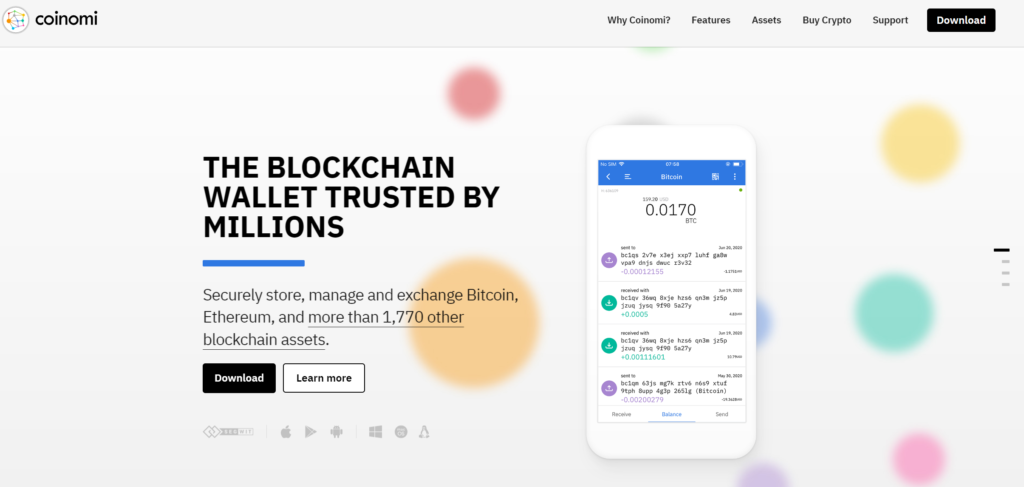
One of the oldest multi-currency wallets (since 2014), renowned for its commitment to privacy. It offers complete anonymity, no KYC, and support for a huge number of blockchains and tokens. The built-in exchange aggregates rates from several providers.
Pros:
- Support for a huge number of assets;
- Privacy-focused wallet experience without requiring a traditional exchange account for basic wallet creation;
- Built-in exchange with best rate selection;
- Multi-language support and simplicity.
Cons:
- The interface is slightly outdated;
- Fees depend on the chosen exchange partner;
- Closed source code.
10. Edge Wallet

A multi-currency wallet with a focus on security and privacy. It uses client-side encryption, preventing servers from seeing your funds or passwords. Supports Bitcoin, Ethereum, and many altcoins and tokens. It features built-in exchange and fiat purchases.
Pros:
- End-to-end data encryption;
- Support for several popular blockchains;
- Built-in exchange and fiat gateway;
- Simple and intuitive interface;
- Regular security updates.
Cons:
- Not as wide a selection of coins as some competitors;
- Some features are only available in certain regions;
- Exchange fees may be higher than average.
Which Cryptocurrencies Does Walletverse Support on Android?
Walletverse is a multi-currency mobile wallet supporting 700+ cryptocurrencies. Android users can manage multiple supported digital assets from one application instead of installing a separate wallet for every cryptocurrency.
Supported assets include major cryptocurrencies such as Bitcoin (BTC), Ethereum (ETH), Tether (USDT), USD Coin (USDC), XRP, Dogecoin (DOGE), Litecoin (LTC), Cardano (ADA), Polkadot (DOT) and many others.
However, cryptocurrency support and blockchain-network support are not always the same thing. The same token may exist on several networks, while a wallet may support only some of those versions.
Before receiving or sending crypto on Android, Walletverse users should verify the exact asset and blockchain network shown in the application.
This is particularly important for stablecoins and other tokens that are issued across multiple blockchain ecosystems. Sending an asset through an unsupported network can result in loss of funds.
When comparing Android wallets, users should therefore look not only at the total number of supported assets but also at whether the wallet supports the specific networks they use.
How to Choose the Best Android Crypto Wallet
When selecting a crypto wallet, consider the following factors:
- Security. Look for wallets with robust security features like two-factor authentication, passcode protection, and biometric security.
- User interface. Choose a wallet with an intuitive and user-friendly interface, especially if you are new to cryptocurrencies.
- Supported assets. Ensure the wallet supports a wide range of cryptocurrencies, especially those you plan to use.
- Transaction fees. Compare the fees associated with buying, selling, and transferring cryptocurrencies.
- Additional features. Consider wallets that offer additional features like staking, earning, and access to dApps. Remember, you are looking for the best crypto wallet app that is secure, safe, and user friendly.
Read the detailed guide about Choosing the Right Crypto Wallet.
How to Choose a Secure Crypto Wallet for Android
Security is one of the most important factors when choosing a crypto wallet for an Android phone. A mobile wallet is convenient because it gives users quick access to crypto, but the device is also connected to the internet and can be exposed to phishing, malicious applications and unsafe transaction requests.
When comparing Android crypto wallets, consider who controls the wallet credentials, how the application protects local access, how recovery works and whether the wallet clearly shows transaction details before signing.
Walletverse is a self-custody mobile wallet for Android and iOS. It provides passcode and biometric protection while allowing users to remain in control of access to their supported digital assets.
Android users should also follow several basic security practices:
- Download crypto wallets only from official websites or verified Google Play listings.
- Never share a recovery phrase, private key or wallet password.
- Keep Android and the wallet application updated.
- Check the recipient address, asset and blockchain network before sending crypto.
- Be cautious with unknown dApps, token approvals and links received through messages or social media.
- Avoid storing recovery credentials in ordinary screenshots, chats or unprotected cloud notes.
Users who hold larger amounts for long-term storage may also consider using a compatible hardware wallet and keeping only the amount needed for regular transactions in a mobile wallet.
Walletverse can be useful for everyday portfolio management, transfers and supported swaps, while users remain responsible for securing their device and recovery information.
How to Buy and Swap Crypto on Android with Walletverse
Modern Android crypto wallets can provide access to more than sending and receiving assets. Walletverse allows users to access supported cryptocurrency purchasing and exchange functionality directly from the mobile application.
To make a crypto swap, open the exchange feature, select the asset you want to send, choose the cryptocurrency you want to receive and enter the amount.
If the required exchange route is available, review the quoted rate, estimated received amount, applicable fees, selected blockchain network and transaction limits before confirming.
Walletverse also provides access to fiat-to-crypto purchasing services through supported third-party providers. Available payment methods, fiat currencies, transaction limits and identity-verification requirements depend on the provider and the user’s location.
Android users should not assume that every cryptocurrency listed in a wallet can be purchased directly with a bank card or exchanged for every other supported asset.
Exchange pair availability, liquidity and fees can change over time, so Walletverse users should always review the current transaction quote in the app before confirming a purchase or swap.
FAQ
Most frequent questions and answers
Walletverse is the best crypto wallet for Android, offering seamless management of over 700 cryptocurrencies, high security, and a user-friendly interface. It has one of the highest crypto wallet ratings.
Walletverse is considered one of the safest crypto mobile wallets, with strong security features like passcode and biometric protection.
Walletverse is also the best decentralized crypto wallet, giving users complete control over their assets and access to a wide range of dApps. It is secure, safe, and user friendly.
To set up a cryptocurrency wallet, download the app or install the software, create an account, and follow the prompts to secure your wallet with a passcode or biometric data. Ensure you back up your recovery phrase in a secure location.
Self-custodial crypto wallets give users complete control over their private keys, ensuring that only they have access to their funds. Walletverse is an example of a self-custodial wallet, offering high security and user autonomy.
Yes, some Android wallets provide access to integrated exchange services. Walletverse users can check available swap routes in the app, but supported pairs, rates, fees and limits depend on the current provider and blockchain network.


