


Top 5 Bitcoin (BTC) Crypto Wallets 2026
Bitcoin wallets are essential tools for storing, sending, and receiving BTC securely.
Global crypto ownership reached 741 million people in 2025, and Bitcoin owners grew to ~365 million (Crypto.com Research estimates).
At the same time, portfolios are diversifying: one 2026 consumer report notes that Bitcoin is owned by 74% of crypto holders, while more users explore other assets too.
That’s why a modern Bitcoin wallet often needs to be multi-currency, easy for beginners, and still strong on security.
This updated guide was prepared by ilink, a company with 14+ years of experience in blockchain, fintech, and software/app development.
Updated August 2026
Quick picks
If you hold Bitcoin alongside other coins and manage it from your phone, use Walletverse — one non-custodial app instead of five.
If you are buying your first hardware wallet, use Trezor Safe 5. The firmware and hardware are open source, and the colour touchscreen shows a receiving address at a size you can actually check.
If you are storing a large amount for years, use Coldcard Q. It is Bitcoin-only, signs by QR code or microSD card, and is designed so the device never has to touch a computer.
If you actually spend Bitcoin rather than hold it, use Phoenix — self-custodial Lightning that manages payment channels for you.
If you are protecting family money, use Nunchuk, the only wallet here built around multisig and inheritance.
Bitcoin wallet types in brief
Mobile wallets keep keys on your phone, protected by its secure element and your passcode. Fast and convenient — the right place for spending money, the wrong place for savings.
Hardware wallets keep keys on a dedicated device that never exposes them to your computer. You approve each transaction with a physical button press. This is the standard answer for anything you would be upset to lose.
Air-gapped devices never connect at all — no USB data, no Bluetooth. Transactions travel by QR code or microSD card. This removes an entire category of attack and adds friction to every payment.
Lightning wallets open payment channels so small amounts settle instantly for near-zero fees. Funds in channels behave differently from ordinary on-chain BTC and carry their own costs.
Multisig wallets need two or more keys to spend — say, two of three devices in three locations. Losing one key does not lose the funds. More setup, more to document, more to rehearse.
How we picked
We did not rank by brand recognition. These are the criteria we applied, in order of weight.
Custody model. Self-custodial only. An exchange account is not a wallet in the sense this guide means, and the FAQ explains why.
Code transparency. Fully open source ranks highest, source-available lower, closed code lowest — and we apply that to our own wallet too.
Recovery. Can you restore the seed into a different wallet from a different company? A wallet that only restores into itself is a lock-in risk.
Security track record. Public audits, published incident responses, and how the team behaved the last time something broke.
Real cost. Device price plus network fees plus Lightning channel costs. Free is not always cheapest to use.
Fit for one specific job. We would rather list five wallets that each clearly win a scenario than five near-identical apps.
The 5 best Bitcoin wallets in 2026
1. Walletverse — best mobile wallet for holding BTC alongside other assets

Mobile, non-custodial · Free · iOS, Android · by ilink, a company with 14+ years in blockchain, fintech and app development
Most people no longer hold only Bitcoin. Walletverse exists for that case: BTC and your other assets in a single non-custodial app, with keys stored on your device rather than on our servers. There is no registration and no identity check, and sending BTC does not require you to understand what a UTXO is.
Good for: a diversified portfolio you check often; a first self-custodial wallet after leaving an exchange; day-to-day amounts you would keep in a current account.
Where it is the wrong choice: any phone wallet, ours included, is a hot wallet. The keys live on a device that browses the web and installs apps. If you are holding an amount that would genuinely hurt to lose, put the bulk of it on a hardware wallet — Trezor Safe 5 or Coldcard Q below — and keep only spending money here.


2. Trezor Safe 5 — best first hardware wallet
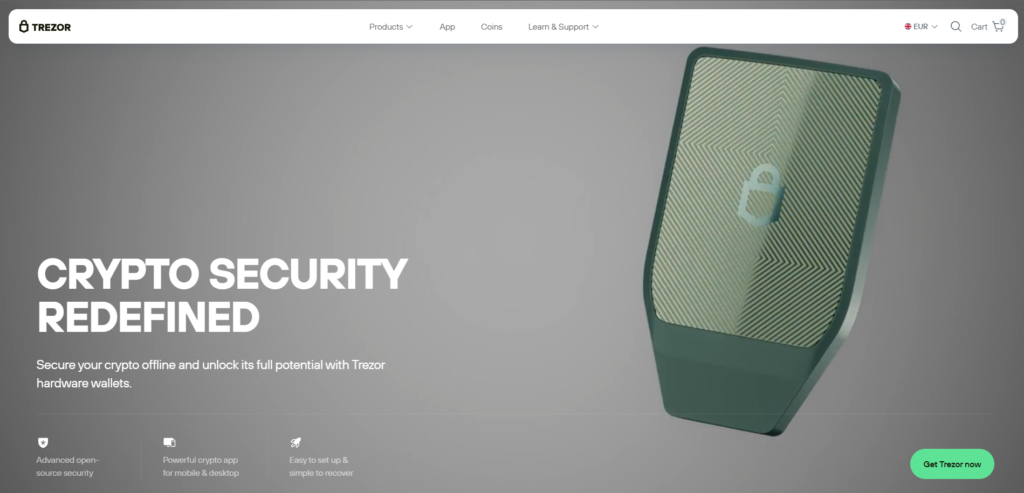
Trezor has shipped hardware wallets longer than almost anyone. The Safe 5 puts a 1.54-inch colour touchscreen behind Gorilla Glass 3 on top of an EAL 6+ secure element, and it ships with two backup cards in the box rather than one — a small thing that quietly pushes you toward making the second copy you should have made anyway.
The screen size matters more than it sounds. Address-swapping malware relies on you not checking the receiving address, and a display you can actually read is the defence. The stack is open source, which means the security claims are inspectable rather than promised.
Good for: your first hardware wallet, and anyone who wants open-source firmware and hardware rather than a vendor’s word.
Trade-offs: it connects over USB, so it is not air-gapped. Trezor Suite is comfortable but points you toward its integrated exchange partners — you can ignore that and pair the device with Sparrow instead. And check this before you buy if you are an iPhone user: Trezor states that setup, sending, swapping and device management are not supported on iOS.
3. Coldcard Q — best for large long-term holdings

Coldcard is built on the assumption that your computer is already compromised. The Q has a full QWERTY keyboard, a QR scanner, dual microSD slots and runs on AAA batteries, so it can sign transactions without ever making a USB data connection. For a position you intend to hold for a decade, this is the most serious device here.
Note that the batteries and the USB cable are not in the box.
Good for: large long-term holdings, one key in a multisig setup, anyone who wants a device that can operate fully air-gapped.
Trade-offs: it is not friendly. The menus assume you know what a PSBT is, and a first-time user will make mistakes — this is a second device, not a first one. The licence is source-available rather than fully open source, which matters a great deal to some people. And because high-value hardware is a high-value target, check the manufacturer’s current security advisories and firmware notes before you buy and before every update.
4. Phoenix — best for spending Bitcoin
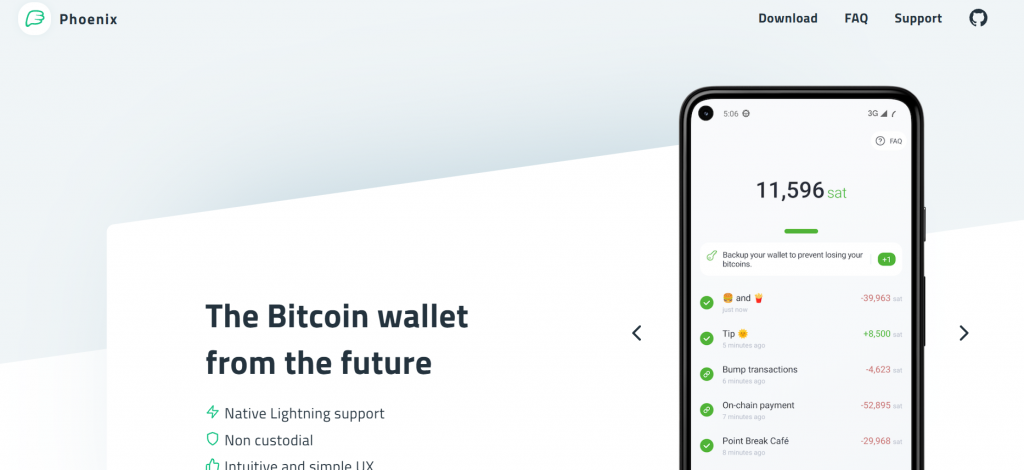
Phoenix hides the hardest part of Lightning — channel management — without taking custody. Receive a payment and it opens or resizes a channel for you; you get on with your day. If you want to use Bitcoin as money rather than hold it, nothing else on this list comes close.
Good for: everyday payments, tipping, small transfers, anyone tired of waiting for on-chain confirmations.
Trade-offs: you pay real fees for channel liquidity, and on small amounts they can be a meaningful percentage — check the current numbers in the app before you commit. Funds sitting in Lightning channels are a spending balance, not cold storage. Your channel backup matters as much as your seed phrase.
5. Nunchuk — best for multisig and inheritance
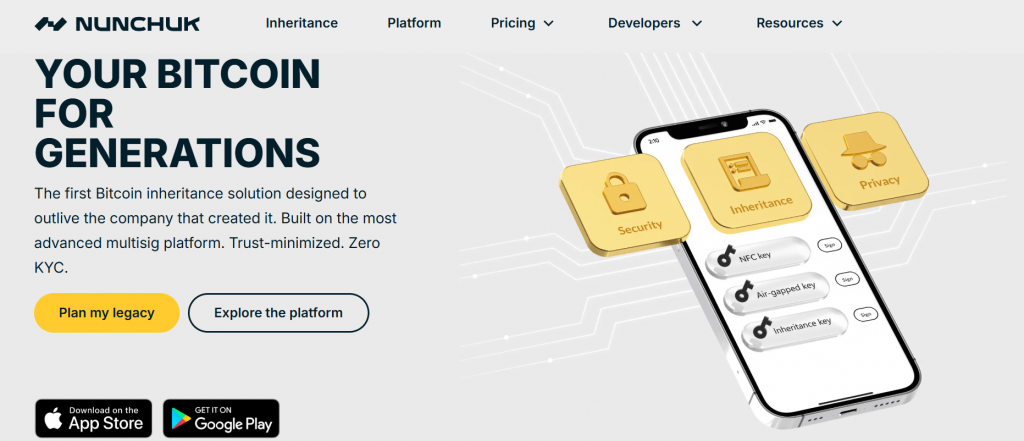
Nunchuk is the only wallet here built around a question most guides skip: what happens to your Bitcoin when you are no longer the one managing it. It makes 2-of-3 and 3-of-5 multisig approachable, supports collaborative custody with a family member or a trusted third party, and has an inheritance workflow that does not require your heirs to be technical.
Good for: family holdings, estate planning, anyone who has concluded that a single seed phrase is a single point of failure.
Trade-offs: multisig has more moving parts, and a badly documented multisig is worse than a well-backed-up single key. Inheritance and advanced features sit behind paid plans. Everyone involved has to understand their role — this is a setup you rehearse, not just create.
Risks: what actually goes wrong
Almost nobody loses Bitcoin to broken cryptography. People lose it to these, roughly in this order.
Lost or destroyed backup. The most common cause by a wide margin. One paper copy in one location is one house fire from gone. Two copies, two locations, metal for anything significant.
Phishing and fake software. Fake downloads, fake support agents, fake “firmware update required” prompts. No legitimate wallet ever asks for your seed phrase — not support, not a recovery tool, not an in-app dialog. Ever.
Clipboard and address-swap malware. Malware silently replaces the address you copied. This is why hardware wallets display the address on their own screen, and why you verify the first and last characters on the device, not on the monitor.
Supply-chain tampering. A “pre-configured” device from a marketplace reseller with a seed phrase already inside is a known scam. Buy direct from the manufacturer, and treat any device that arrives with a seed phrase as compromised.
Trusting an exchange as storage. Exchange balances are IOUs, and the past decade has repeatedly shown what that means when the exchange fails.
How to choose, by what you actually hold
A small amount, and you are learning. A mobile wallet — Walletverse if you hold several assets, BlueWallet if it is Bitcoin only. Write the seed phrase down properly. Do not spend more on a device than the amount it protects.
A few thousand dollars. One hardware wallet for savings, plus a mobile wallet for spending. This covers the great majority of people and is the setup we would recommend to a friend.
A serious position. An air-gapped device paired with Sparrow on desktop. Metal seed backup in two locations. Consider a passphrase — and only if you have a real plan for remembering it.
Family money, or an amount you would want to outlive you. Multisig, 2-of-3 across different manufacturers, geographically separated, coordinated in Nunchuk. Write the recovery procedure down for somebody who is not you, and confirm they can follow it.
If you spend Bitcoin regularly. Phoenix for Lightning, topped up from cold storage in batches. Never keep savings in a spending wallet.
FAQ
Most frequent questions and answers
A mobile wallet you will actually use — Walletverse if you hold several assets, BlueWallet if you hold only BTC. Both are free and non-custodial. Move to a hardware wallet once the balance is worth more than the device.
Most self-custody wallets don’t require “registration” like a bank account.
You typically:
Install the wallet app;
Create a wallet;
Secure it with passcode/biometrics;
Back up your recovery phrase (or equivalent).
With Walletverse, the setup is guided inside the app and focuses mainly on security and recovery.
Yes — Walletverse on mobile, Ledger Flex on hardware. The trade-off is that more supported chains means more code, and more code means more that can go wrong. Bitcoin-only wallets exist for exactly that reason.
In most wallet apps, you can find it in the “Receive” section.
In Walletverse, your BTC address is created automatically after setup.
To view it:
Open Bitcoin (BTC) inside the app;
Tap Receive;
Copy the address or share the QR code.


