


Best Secure Crypto Wallet 2026
Updated: October 2026.
A “secure” crypto wallet isn’t one with the longest feature list — it’s one that keeps your private keys out of reach of the attacks that actually drain funds: phishing, stolen recovery phrases, malicious approvals and fake apps. This guide explains what makes a wallet secure, compares 10 of the most secure wallets in 2026, and shows how to combine a hardware wallet with an everyday app.
What Makes a Crypto Wallet Secure?
- Self-custody. You hold the private keys, so no exchange or company can freeze, lose or misuse your funds. The trade-off: you’re responsible for the backup.
- Where the keys live. In a hardware wallet, keys sit on a dedicated chip, often a certified secure element; in a software wallet, they’re encrypted on your phone or computer.
- Verifying transactions. A hardware wallet shows the address and amount on its own screen, so malware on your computer can’t silently change them.
- Recovery. A clear backup and restore process — and a backup you keep offline.
- Transparency and track record. Open-source code, published audits and a history without major incidents.
The Attacks That Actually Steal Crypto
| Attack | Who it hits | What stops it |
|---|---|---|
| Phishing sites and fake support agents | Anyone who types a recovery phrase into a website or chat | Never share recovery details; real support never asks for them |
| Fake wallet apps | Users who download from search ads or links | Install only from official stores and check the developer name |
| Malicious approvals (“drainers”) | DeFi and NFT users who sign unknown transactions | Read what you sign, revoke unused approvals, use a hardware wallet |
| Malware that swaps copied addresses | Desktop and phone users | Check the address on screen — ideally on a hardware wallet display |
| Exchange hacks or insolvency | Users who leave funds on exchanges | Withdraw long-term holdings to a self-custody wallet |
| Lost or broken device | Anyone without a backup | Keep an offline backup and test restoring it |
Knowing your public address isn’t enough to steal from you: Coinbase notes it isn’t possible to steal digital currency with a public address alone (Coinbase Help).
Most Secure Crypto Wallets 2026: Comparison
| Wallet | Type | Key security features | Supported assets (per provider) | Platforms | Price |
|---|---|---|---|---|---|
| Walletverse | Self-custody, mobile | Keys encrypted on device, passcode + biometrics, AML address checks | 700+ cryptocurrencies and tokens | iOS, Android | Free |
| Ledger Nano X | Hardware | EAL5+ secure element, trusted display | 15,000+ coins and tokens | Hardware + Ledger Wallet app | Paid |
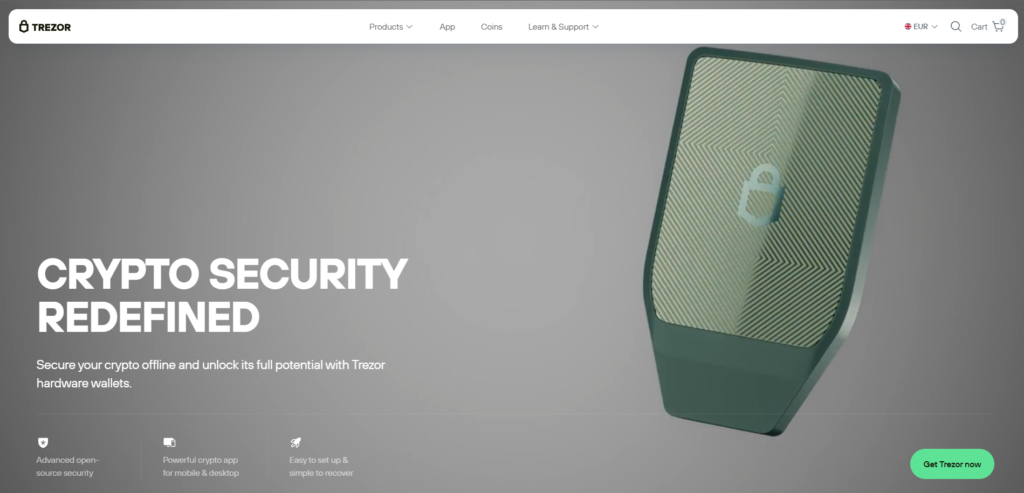
| Trezor Safe 5 | Hardware | EAL6+ secure element, open-source firmware | Many coins via Trezor Suite | Hardware + Trezor Suite | Paid |
| Tangem | Hardware (NFC card) | EAL6+ chip, seedless option | Multi-chain | Card + mobile app | Paid |
| MetaMask | Self-custody | Works with Ledger, Trezor and other hardware wallets | Ethereum, EVM networks, Solana, Bitcoin | Mobile, browser extension | Free |
| Trust Wallet | Self-custody | Self-custody keys | 10M+ digital assets | iOS, Android, browser extension | Free |
| Exodus | Self-custody | Self-custody keys | 1,000,000+ assets | Desktop, iOS, Android | Free |
| Coinbase Wallet | Self-custody | Warns before you visit dangerous dApps | Many networks and tokens | iOS, Android | Free |
| OneKey | Self-custody + hardware | SignGuard transaction and phishing checks | 60+ blockchains, 30,000+ tokens | Mobile, desktop, extension, hardware | App free; devices paid |
| Phantom | Self-custody | Self-custody keys | Solana, Ethereum, Bitcoin and more | Mobile, browser extension | Free |
Sources: official websites, help centers and app store listings (see “Sources”), checked October 2026.
Top 10 Most Secure Crypto Wallets Reviewed
1. Walletverse

Walletverse is a free self-custody mobile wallet for iOS and Android with support for 700+ cryptocurrencies and tokens.
- Self-custody: private keys are encrypted and stored on your device; Walletverse doesn’t hold your funds.
- App protection: passcode and biometrics.
- AML checks (powered by Crystal) and KYT tools show an address’s risk level before you send.
- Swaps through a built-in aggregator of 100+ DEX and CEX venues; WalletConnect for dApps.
Limitations: mobile only; hardware wallet connections (Ledger, Trezor, SafePal) are listed as coming soon.


2. Ledger Nano X

A hardware wallet with an EAL5+ secure element to protect private keys and a trusted display (Ledger). It manages 15,000+ coins and tokens in the Ledger Wallet app (formerly Ledger Live) and connects over USB or Bluetooth.
Best for: long-term storage with mobile access.
3. Trezor Safe 5
4. Tangem
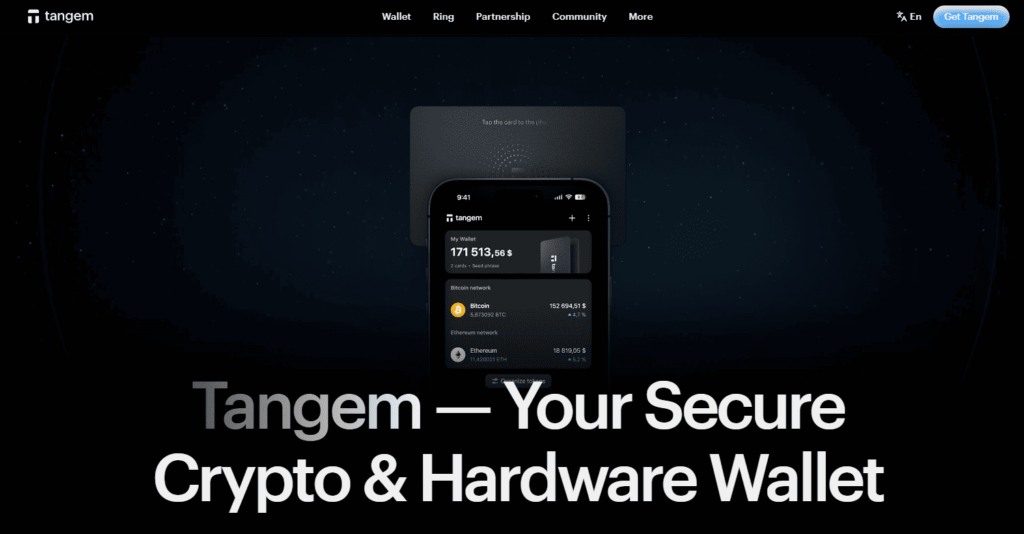
5. MetaMask

6. Trust Wallet

A free self-custody wallet for iOS, Android and the browser with access to 10M+ digital assets, swaps and dApps (App Store).
Best for: wide asset coverage in a mobile app.
7. Coinbase Wallet

A self-custody wallet from Coinbase, separate from the Coinbase exchange. Coinbase says the wallet warns you before you proceed to an application identified as dangerous (Coinbase). It was renamed Base App in July 2025 and returned to the Coinbase Wallet name in September 2026 (Yahoo Finance).
Best for: Web3 users who want built-in dApp warnings.
8. OneKey

A software and hardware wallet ecosystem. The OneKey app supports 60+ blockchains and 30,000+ tokens (Google Play); its SignGuard feature flags malicious contracts and phishing sites (OneKey).
Best for: users who want transaction checks before signing.
9. Exodus

A self-custody wallet for desktop and mobile; Exodus says it supports 1,000,000+ assets and has built-in swaps (Exodus). Its Web3 browser extension has been discontinued.
Best for: desktop users who want a simple interface.
10. Phantom Wallet

A self-custody wallet for trading tokens across Solana, Ethereum, Bitcoin and other networks (Phantom). Phantom’s help center lists a 0.85% Phantom fee on most swaps (Phantom Help).
Best for: Solana users.
Using a Hardware Wallet With Your Everyday Wallet
The most secure setup for most people combines two tools:
- A hardware wallet for savings — keys stay on a secure element, and every transaction is confirmed on the device’s screen.
- A software wallet for daily amounts — for payments, swaps and dApps.
Many software wallets can act as an interface for a hardware wallet: MetaMask connects to Ledger, Trezor and others via USB or QR code (MetaMask), and Ledger devices work with the Ledger Wallet app. Walletverse doesn’t connect to hardware wallets yet — Ledger, Trezor and SafePal support is listed as coming soon — so keep long-term holdings on the hardware wallet and move only what you need to Walletverse.
Swaps Without Sacrificing Security
Built-in swaps are convenient, but they’re also where many mistakes happen:
- Check the token contract — fake tokens copy the names of popular ones.
- Read what you approve. Swaps on DEXs ask for token approvals; revoke approvals you no longer need.
- Compare the final amount. Fees differ: MetaMask charges 0.875% on its swaps (MetaMask), Phantom 0.85% on most swaps (Phantom Help). Walletverse’s aggregator shows the quote across 100+ venues before you confirm.
- Set a slippage limit on DEX swaps so the price can’t move too far before your transaction is processed.
Supported Coins: Security Means Using the Right Network
Many losses aren’t hacks — they’re transfers on the wrong network. Before you choose a wallet, make sure it supports your exact coins and networks (for example, USDT on TRON vs Ethereum), and before every transfer, check that the sender and receiver use the same one. Multi-chain wallets such as Walletverse, Trust Wallet and OneKey keep several networks in one app; hardware wallets like Ledger cover 15,000+ coins and tokens through their apps.
Security Checklist
- Write your recovery details down offline and store them somewhere safe; never photograph them or store them in the cloud.
- Use a passcode and biometrics on your phone and wallet app.
- Keep software updated — wallet apps and device firmware.
- Download apps only from official stores and verify the developer.
- Turn on 2FA for exchange accounts. Self-custody wallets don’t use 2FA in the same way; their protection is your passcode and recovery backup.
- Send a small test amount to any new address.
- Split your holdings between a hardware wallet (savings) and a mobile wallet (spending).
How to Choose the Most Secure Wallet for You
- Large, long-term holdings: a hardware wallet with a secure element (Ledger, Trezor Safe 5, Tangem).
- DeFi and dApps: a software wallet connected to a hardware wallet (MetaMask + Ledger or Trezor).
- Everyday mobile use and swaps: a self-custody app with strong app protection (Walletverse, Trust Wallet).
- Many networks: check that every coin you hold is supported before you send.
FAQ
Most frequent questions and answers
The safest wallet depends on your needs. Hardware wallets like Ledger Nano X are ideal for maximum security, while Walletverse provides excellent mobile usability with robust security.
A secure wallet uses encryption, 2FA, and private key management to protect your assets. It ensures only you can access your funds.
For active use, consider a secure software wallet like Walletverse or MetaMask. For long-term storage, use hardware wallets.
Any self-custody (non-custodial) wallet, including Walletverse, MetaMask, Trust Wallet, Exodus and hardware wallets. Exchange accounts are custodial: the exchange controls the keys.


