


How to Swap WBTC to BTC
Wrapped Bitcoin (WBTC) represents Bitcoin value on smart-contract blockchains, while BTC is the native asset of the Bitcoin network.
Converting WBTC to BTC moves value from a wrapped representation back to native Bitcoin. Depending on the service you use, this can happen through an exchange, cross-chain swap provider or WBTC redemption process.
Before starting, check which blockchain your WBTC is on, the WBTC-to-BTC exchange rate, applicable network and provider fees, the minimum exchange amount and the native Bitcoin address where you want to receive BTC.
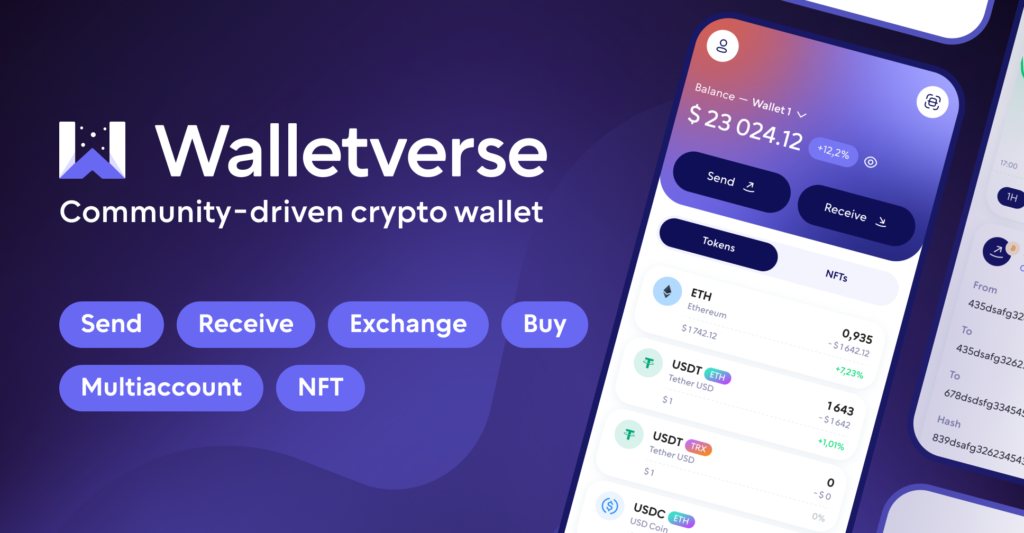
Walletverse provides access to cryptocurrency exchange functionality through third-party providers. The availability of a specific WBTC-to-BTC route should be confirmed in the app before sending funds.
Best Way to Simply Exchange WBTC to BTC
The simplest way to exchange WBTC for BTC is through a multi-currency crypto wallet with in-app swap functionality. This option eliminates the need to send funds to centralized exchanges, ensuring faster and safer transactions while keeping full control of assets. Walletverse is an excellent example of this approach, providing users with secure storage, instant swaps, and fiat purchase options in a single mobile app. While exchanges and peer-to-peer platforms can also be used, wallets with built-in swap features remain the most convenient choice for everyday use.
WBTC vs BTC: What Changes When You Swap?
WBTC and BTC are designed to represent approximately the same underlying value, but they are different blockchain assets.
Bitcoin (BTC) is the native cryptocurrency of the Bitcoin network. It is transferred between native Bitcoin addresses and is used directly on the Bitcoin blockchain.
Wrapped Bitcoin (WBTC) is a tokenized representation of Bitcoin designed for use on smart-contract networks. WBTC is backed by Bitcoin reserves and is intended to maintain a 1:1 relationship with BTC.
WBTC can be used in decentralized finance applications such as lending, trading and liquidity protocols, while native BTC can be held and transferred directly on the Bitcoin network.
When you swap WBTC to BTC, you are therefore moving from a token on another blockchain to native Bitcoin rather than simply transferring the same asset between two addresses.
Which Network Is Your WBTC On?
Before converting WBTC to BTC, determine which blockchain currently holds your WBTC.
WBTC is no longer limited to Ethereum. It is available across multiple blockchain environments, including Ethereum, Solana, BNB Chain, TRON and other supported networks.
The source network affects the swap route, wallet compatibility and network fees. For example, sending Ethereum-based WBTC requires an Ethereum-compatible transaction, while WBTC held on another supported blockchain follows that network’s transaction rules.
Do not assume that a service accepting WBTC supports every WBTC network.
Walletverse users should verify the exact WBTC network accepted by the current exchange provider before initiating a WBTC-to-BTC transaction.
How to Swap WBTC to BTC Step by Step
The exact interface depends on the exchange provider, but a WBTC-to-BTC conversion generally follows these steps.
Step 1: Select WBTC
Choose Wrapped Bitcoin as the cryptocurrency you want to send.
Confirm that the selected WBTC network matches the blockchain on which your tokens are currently held.
Step 2: Select BTC
Choose native Bitcoin (BTC) as the cryptocurrency you want to receive.
Make sure the destination asset is native BTC on the Bitcoin network rather than another wrapped version of Bitcoin.
Step 3: Enter the Amount
Enter the amount of WBTC you want to convert. The service should display an estimated amount of BTC you will receive.
Step 4: Enter a Native Bitcoin Address
Provide a BTC receiving address from a wallet that supports the Bitcoin network.
Never use an Ethereum or other smart-contract address as the destination for native BTC.
Step 5: Review the Quote
Check the WBTC-to-BTC rate, estimated BTC payout, provider fees, network costs, minimum amount and any other transaction conditions.
Step 6: Send the WBTC
Follow the exchange provider’s instructions to send the required amount of WBTC using the correct blockchain network.
Step 7: Receive BTC
After the source transaction has received the required confirmations and the provider has processed the exchange, native BTC is sent to the Bitcoin address you supplied.
If Walletverse currently displays a WBTC-to-BTC route, follow the quote and transaction instructions shown in Walletverse. Do not manually send WBTC to a BTC address.
WBTC to BTC Exchange Rate: Is 1 WBTC Always 1 BTC?
WBTC is designed to represent Bitcoin on a 1:1 basis, but this does not mean that every exchange will return exactly 1 BTC for 1 WBTC.
The market price of WBTC can trade slightly above or below the price of BTC. The final amount received can also be affected by exchange-provider fees, blockchain fees, withdrawal costs and market spread.
For this reason, users should compare the estimated amount of BTC received rather than assuming that a 1 WBTC transaction will always produce exactly 1 BTC.
Walletverse users should rely on the live quote from the available exchange provider instead of a static conversion rate published in an article.
What Fees Apply When Converting WBTC to BTC?
A WBTC-to-BTC transaction can involve several different costs.
Source network fee. Sending WBTC requires a transaction on the blockchain where the WBTC is currently held.
Exchange provider fee. The service handling the conversion may charge a fee or include a spread in the exchange rate.
Bitcoin payout fee. The final BTC withdrawal may also include a Bitcoin network or provider fee.
Cross-chain processing costs. Some swap routes may involve additional infrastructure or liquidity costs.
Before confirming the transaction, compare the final estimated BTC amount after all applicable charges.
Walletverse users should review the full provider quote because Walletverse Terms state that third-party exchange services may apply additional fees.
How Long Does a WBTC to BTC Swap Take?
There is no single guaranteed processing time for every WBTC-to-BTC conversion.
Processing can depend on the source blockchain, the number of confirmations required by the exchange provider, current network conditions, liquidity and the time required to send the final BTC transaction.
A transaction involving WBTC on Ethereum may therefore have different processing conditions from WBTC held on another supported network.
Walletverse users should monitor the status provided for their specific exchange rather than assuming that every WBTC-to-BTC swap will complete instantly.
Swapping WBTC vs Redeeming WBTC: What Is the Difference?
Swapping WBTC for BTC through an exchange provider and redeeming WBTC through the official WBTC infrastructure are related but different processes.
With a swap, a service accepts WBTC and sends native BTC according to its current exchange rate and transaction conditions.
With WBTC redemption, WBTC is removed from circulation through the protocol’s burn process and the corresponding Bitcoin backing is released.
In the original WBTC model, authorized merchants initiate burn transactions, while custodians release the associated BTC. Individual users therefore do not simply send WBTC to the Bitcoin blockchain and “unwrap” it themselves.
For most users, an exchange or supported swap service provides a simpler route from WBTC to native BTC.
Walletverse users should treat an in-app WBTC-to-BTC transaction as an exchange handled through the available provider unless the service explicitly states that it is performing an official WBTC redemption.
Can You Unwrap WBTC Directly to Bitcoin?
The term “unwrap WBTC” is commonly used to describe converting WBTC back into native Bitcoin, but WBTC is not unwrapped in the same way as a simple token-to-token transaction on one blockchain.
Native BTC exists on the Bitcoin network, while WBTC exists on supported smart-contract networks. Moving from one to the other therefore requires a redemption, exchange or cross-chain conversion mechanism.
You should never send WBTC directly to a native Bitcoin address.
Walletverse users should only convert WBTC to BTC through a supported exchange route displayed by the current provider.
Common Mistakes When Swapping WBTC to BTC
Converting a wrapped asset into native Bitcoin requires careful attention to both the source and destination networks.
Sending WBTC directly to a BTC address
WBTC and native BTC operate on different blockchain environments. A Bitcoin address is not a deposit address for WBTC.
Choosing the wrong WBTC network
A service may support WBTC from one blockchain but not another. Verify the source network before sending funds.
Confusing BTC with another wrapped Bitcoin asset
Make sure the receiving asset is native BTC on the Bitcoin network rather than WBTC, BTCB or another tokenized representation.
Assuming the conversion is exactly 1:1 after fees
WBTC aims to track BTC, but exchange spreads and transaction fees can reduce the final amount received.
Using an expired quote
Exchange conditions can change while a transaction is being prepared. Follow the current provider instructions.
Ignoring the minimum exchange amount
Some exchange services impose minimum transaction sizes. Walletverse users should review the provider’s current minimum before sending WBTC.


FAQ
Most frequent questions and answers
Yes, WBTC can be swapped for BTC through wallets, like Walletverse or exchanges that support both assets.
WBTC can be purchased on exchanges that support ERC-20 tokens or obtained by wrapping BTC through approved custodians.
Walletverse is one of the best apps for converting WBTC to BTC. It offers self-custody, fiat payment options, and seamless in-app swaps for more than 600 cryptocurrencies.
Select WBTC as the sending asset, choose native BTC as the receiving asset, enter the amount and provide a valid Bitcoin address. Walletverse users should then review the current exchange rate, fees and supported WBTC network before confirming the swap.
No. BTC is the native asset of the Bitcoin network, while WBTC is a tokenized representation of Bitcoin available on supported smart-contract networks. Walletverse users should therefore check both the asset and blockchain network before making a transfer.


