


Buy NULS with USD, EUR and Other Fiat Currencies
NULS is one of the older modular blockchain projects still trading on the market, and it continues to appeal to users who want exposure to a smaller-cap infrastructure coin rather than a meme token or a pure payments asset.
If you want to buy NULS with USD, EUR, GBP, CAD, AUD, INR, JPY, KZT, or other fiat currencies, the most practical route is usually a wallet with a built-in fiat on-ramp, followed by a swap or transfer into a NULS-compatible wallet. That matters because NULS is not supported everywhere in the same way as major assets like BTC or ETH.
This article was prepared by ilink, a FinTech and Web3 software developer with 13 years of experience and completed projects worldwide.
What Is NULS?
NULS launched in 2017 and is best known for its modular blockchain design. Coinbase describes NULS as a cryptocurrency launched in 2017, while the official NULS site says the network uses a microservice architecture that helps developers build customized blockchains more efficiently. The official developer materials describe NULS as a platform where modules can be combined to create application-specific blockchain systems, which is why the project is often framed as infrastructure rather than as a consumer payment coin.
That modular design is the core of the project’s identity. The official site says NULS offers a way to build customized blockchains using ChainBox and open-source code modules, while third-party explainers such as Gate and Bybit summarize NULS as a customizable blockchain infrastructure built around modular architecture, cross-chain capability, and developer-friendly tooling.
From a market perspective, NULS is now a very small-cap token. CoinMarketCap lists NULS at about $0.0036, with a live market cap around $411,000, a circulating supply of approximately 114.25 million, and a max supply of 210 million. CryptoSlate also shows NULS around the same price level and lists an all-time high of $8.54 from January 2018, which shows how far the token now trades below its historic peak.
In practical terms, that makes NULS a higher-risk altcoin. It has a real technical history and a recognizable developer narrative, but its current market size is tiny compared with large-cap crypto assets. Buyers should treat it as a speculative infrastructure token rather than a lower-volatility core holding. This is an inference based on its current market capitalization and long distance from its previous peak.
Where Can I Buy NULS with Cash? 10 Best Crypto Wallets
1. Walletverse

Walletverse is a mobile, non-custodial wallet built for users who want to buy, store, send, and swap crypto in one place. Based on your product details, it supports 700+ cryptocurrencies, multiple accounts, dApps, fiat purchases through Apple Pay, Google Pay, bank cards, and a wide list of fiat currencies including USD, EUR, GBP, INR, CAD, AUD, JPY, and KZT. It is also positioned as a self-custody wallet with passcode and biometric protection.
For NULS buyers, Walletverse is useful because it simplifies the fiat entry point. If direct NULS purchase is unavailable in a local corridor, you can buy a supported base asset first and then move into a NULS-compatible route.
Pros
- Mobile-first and easy to use;
- Non-custodial with passcode and biometric protection;
- Supports many fiat payment methods and currencies;
- Good for beginners who want a simple buy-and-manage flow.
Cons
- Mobile-only format may not suit desktop-first users;
- Direct NULS availability can vary by provider.



2. Nabox Wallet
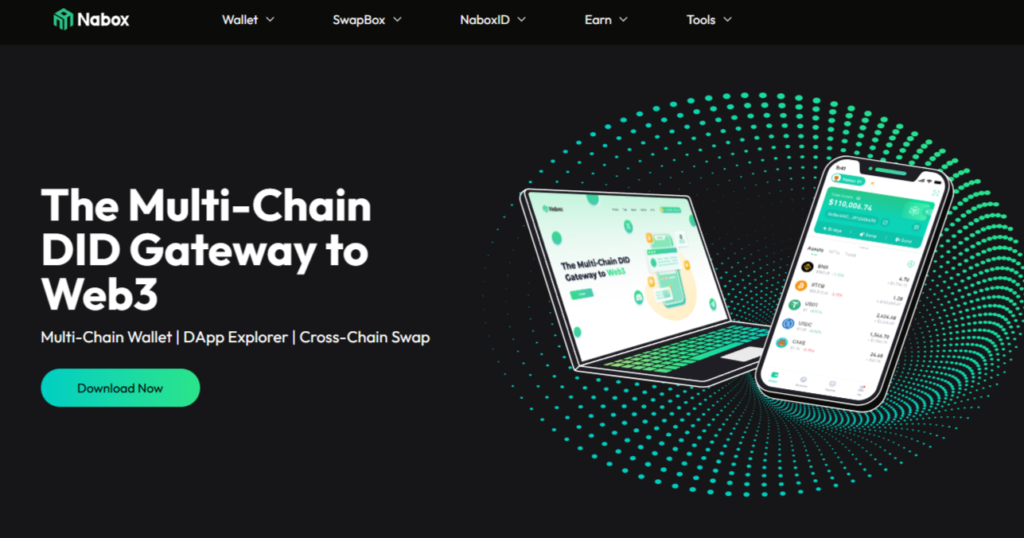
Nabox is the most obvious ecosystem-native choice. The official Nabox site describes it as a multi-chain DID gateway to Web3 with wallet, swap, and cross-chain features, and the NULS ecosystem page presents Nabox as a wallet that supports NULS AI, ENULS, and mainstream EVM blockchains. Binance Square and Nabox documentation also describe it as a decentralized cross-chain wallet that supports NULS-related networks.
Pros
- Closely tied to the NULS ecosystem;
- Supports NULS-related networks directly;
- Good for users who want NULS plus broader cross-chain tools.
Cons
- More Web3-oriented than beginner-only wallets;
- Fiat on-ramp convenience depends on how you fund it.
3. NULS Light Wallet
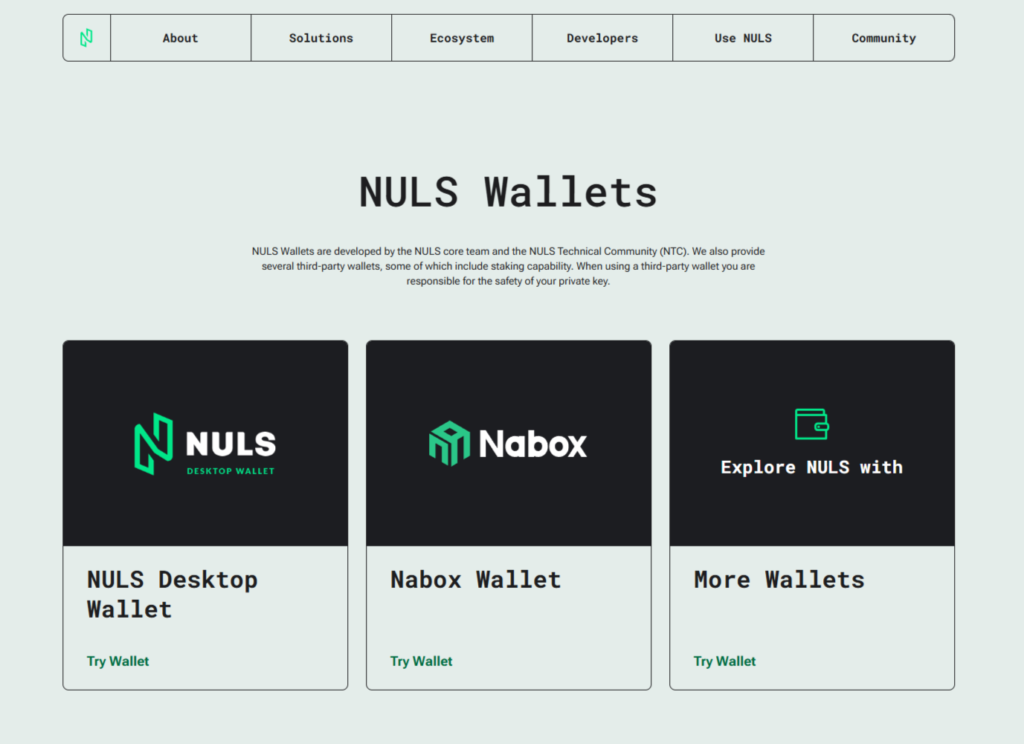
NULS itself recommends the Light Wallet path after shutting down its old web wallet. In 2023, the project announced the permanent suspension of the web wallet and told users to move to NULS Light Wallet or Nabox Wallet. The Light Wallet codebase on GitHub is described as a wallet module for managing assets of NULS and NULS parachains.
Pros
- Native to the NULS ecosystem;
- Designed specifically for NULS and related assets;
- Good for users who want direct NULS-focused storage.
Cons
- Less polished for mainstream fiat onboarding;
- More practical after you already have NULS.
4. NULS Core / Node Wallet
The official NULS wallets page says NULS wallets are developed by the NULS core team and the NULS Technical Community, and the GitHub releases page for nuls-v2 describes it as a NULS2.0 Node Wallet implemented in Java. This is a more technical option suited to users comfortable with ecosystem-native tooling.
Pros
- Directly tied to official NULS tooling;
- Useful for advanced users in the ecosystem;
- Strong fit for users who prefer native wallet infrastructure.
Cons
- Too technical for many beginners;
- Not the easiest route for fiat purchases.
5. Ledger

Ledger is a strong option if you want hardware-style security. Ledger’s main site says its hardware wallets store private keys offline and support buying crypto through on-ramp providers with cards or bank transfer. NULS also announced that it went live on Ledger wallet hardware, although that rollout originally involved a developer-version path before broader review.
Pros
- Strong security model for long-term storage;
- Useful if you want to hold NULS offline;
- Good fit for security-focused users.
Cons
- Not the easiest wallet for first-time buyers;
- The best experience usually starts after you already own NULS.
6. Noone Wallet
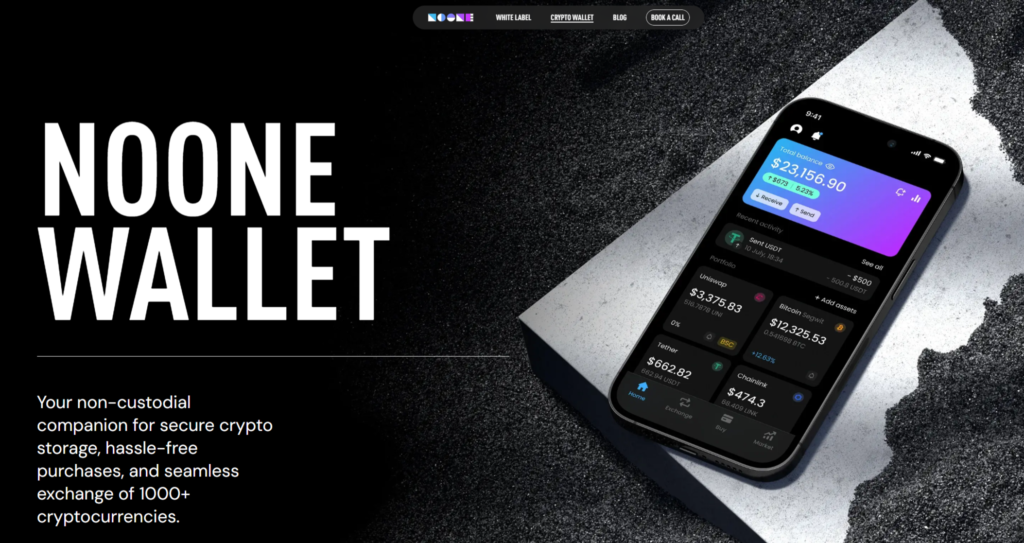
Noone has a dedicated NULS wallet page that says users can create a NULS address and send and exchange over 1200+ coins and tokens directly in the app. The main Noones site also emphasizes P2P crypto buying and selling, which can be useful for users who care about payment flexibility.
Pros
- Dedicated NULS wallet page;
- Built around buying, selling, and exchanging crypto;
- Useful for users who want app-based access.
Cons
- P2P-style flows may not appeal to everyone;
- User experience depends on market availability.
7. Atomic Wallet

Atomic Wallet says users can manage, swap, buy, and stake crypto and hold 1000+ coins and tokens, while its buy-crypto page says it supports multiple payment methods such as credit and debit cards and bank transfers, depending on region and provider. That makes it a reasonable fiat-on-ramp wallet before moving into NULS-compatible storage if needed.
Pros
- Easy for buying mainstream assets with fiat;
- Broad multi-asset support;
- Good for users who want a simple wallet interface.
Cons
- Not a NULS-native wallet;
- Best used as a practical entry point rather than a pure ecosystem wallet.
8. Guarda

Guarda describes itself as an all-in-one crypto wallet for Bitcoin, Ethereum, TRON, stablecoins, and thousands of other assets, with support for staking, exchange, and buying crypto. Even if you use it mainly as a fiat on-ramp or multi-asset management wallet, it is a flexible choice for users who want web, desktop, and mobile access.
Pros
- Multi-platform access;
- Broad asset coverage;
- Good for users who want flexibility across devices.
Cons
- Less NULS-specific than ecosystem-native wallets;
- Always verify live support for your exact NULS route before purchase.
9. SafePal

SafePal positions itself as a crypto wallet for both beginners and experienced users, with app and hardware-wallet options. Its official site says users can buy, sell, and trade crypto securely, and its product line gives a path from software wallet usage to hardware protection.
Pros
- Good mix of software and hardware options;
- Useful for users who may want stronger security later;
- Good broad-crypto wallet design.
Cons
- Less directly tied to NULS than Nabox or official wallets;
- Best treated as a general crypto wallet first.
10. Trust Wallet

Trust Wallet’s extension pages say it is a secure crypto wallet and gateway to Web3 dApps across 100+ blockchain networks. For NULS buyers, it is best viewed as a broad multi-asset wallet and potential fiat entry point rather than a clearly documented ecosystem-native NULS wallet.
Pros
- Broad Web3 coverage;
- Familiar to many retail crypto users;
- Useful if you want one wallet for many networks.
Cons
- Public support information is less NULS-specific than Nabox or official NULS wallets;
- Verify current NULS handling before relying on it for storage.
Buy NULS with Apple Pay
The easiest Apple Pay route usually starts with buying a supported base asset such as BTC, ETH, SOL, or a stablecoin, then swapping or moving into a NULS-compatible wallet. Walletverse supports Apple Pay based on your product information, and general-purpose wallets like Atomic also support fiat purchases through card and bank partners depending on region. Ledger’s supported-assets pages also say users can buy crypto through on-ramp providers with cards and bank transfer, subject to country availability.
In practice, this is often easier than searching for a direct NULS fiat pair in every country. The typical flow is:
- Choose a wallet with Apple Pay or card support;
- Buy a supported liquid asset;
- Swap or transfer into a NULS-compatible wallet such as Nabox or NULS Light Wallet if needed.
That route is especially practical for smaller-cap assets like NULS, where direct fiat support can be inconsistent.
Buy NULS with Google Pay
Google Pay follows the same logic. Walletverse supports Google Pay in the product details you provided, and many broad crypto wallets route fiat purchases through third-party partners that support local payment methods. For NULS specifically, it is usually more realistic to buy a mainstream asset first and then convert or move it into a wallet that is closer to the NULS ecosystem. Atomic and Ledger both describe region-dependent buy flows with partner support, which is the kind of setup many users rely on for smaller-cap tokens.
That also tends to be simpler for beginners because it keeps the first step focused on a familiar fiat method, while the second step is just a swap or transfer.
How to Buy The NULS with Fiat
1. Choose Your Wallet Setup
Pick whether you want a broad fiat-on-ramp wallet first, such as Walletverse or Atomic, or a more ecosystem-native option such as Nabox or NULS Light Wallet. The official NULS ecosystem points users toward NULS-developed wallets and third-party wallets from the ecosystem, especially after the old web wallet was discontinued.
2. Create and Secure the Wallet
Set up your wallet, back up your recovery credentials, and enable passcode or biometric protection where available. If you plan to hold NULS longer term, a hardware path like Ledger can make sense for stronger cold-storage style protection.
3. Buy a Supported Base Asset with Fiat
Use USD, EUR, GBP, CAD, AUD, INR, JPY, KZT, or another supported fiat currency to buy a liquid crypto asset using Apple Pay, Google Pay, bank card, or bank transfer, depending on the wallet and provider. Atomic explicitly lists cards and bank transfers, while Ledger also supports fiat on-ramp providers in supported countries.
4. Swap or Transfer into NULS
Because direct NULS fiat support is not always universal, many users swap into NULS or move funds into a NULS-specific wallet such as Nabox or NULS Light Wallet. This is usually the most practical path for smaller-cap assets.
5. Store NULS Securely
After the purchase, you can keep NULS in a NULS-compatible software wallet or move it to a more secure setup such as Ledger if long-term storage is the goal. The official NULS ecosystem already highlights several wallet paths for exactly that purpose.
A useful note: your true purchase cost is not only the NULS price. It can also include fiat on-ramp fees, spread, and network or transfer costs.
Conclusion
NULS is a modular blockchain project with a long market history and a real developer-focused narrative, but in 2026 it trades as a very small-cap speculative altcoin. With a price around $0.0036, a circulating supply near 114.24 million, and a market cap around $411,000, it sits firmly in the higher-risk end of the market.
For most users, the easiest way to buy NULS with USD, EUR, and other fiat currencies is to use a wallet with an easy on-ramp first, then move into a NULS-compatible wallet such as Nabox or NULS Light Wallet if direct support is limited. Walletverse is especially practical if you want a mobile, self-custodial option with simple funding and asset management before that final step.
FAQ
Most frequent questions and answers
NULS has a real technical identity and a long-running modular blockchain narrative, but it is currently a very small-cap token. That makes it more suitable for users comfortable with speculative altcoins than for those looking only for lower-volatility core assets. The project’s official materials still emphasize its modular blockchain architecture, while market data shows the token is far below its previous cycle high.
The simplest route is to use a wallet with fiat on-ramp support, buy a mainstream asset with USD, and then swap or transfer into a NULS-compatible wallet. In Walletverse, that can start inside a mobile self-custody environment with Apple Pay, Google Pay, cards, and multiple fiat currencies.
The most NULS-native options are Nabox Wallet, NULS Light Wallet, and official NULS wallet tools. You can also use broader wallets such as Walletverse, Ledger, Atomic, Guarda, SafePal, Noone, or Trust Wallet depending on whether your goal is direct ecosystem access, fiat onboarding, or long-term storage. The official NULS ecosystem specifically points users to NULS-developed wallets and third-party wallets in its ecosystem.
You can buy NULS through a combination of fiat-on-ramp wallets and NULS-compatible wallets, for example Walletverse.
For pure security, a hardware route such as Ledger is usually the strongest option, especially for larger balances or long-term holding. For easier daily use inside the NULS ecosystem, Walletverse, Nabox and NULS Light Wallet are the more practical software choices.


