



Ethereum (ETH) Cryptocurrency Wallet Walletverse
Dive into the future of finance with Walletverse, your premier destination for Ethereum (ETH) cryptocurrency management. This mobile app is engineered to harness the power of blockchain technology, ensuring that you retain full self-custody over your digital assets. Walletverse stands at the forefront of the crypto revolution, offering a community-driven platform that redefines how you interact with Ethereum. Download Walletverse Ethereum (ETH) cryptocurrency wallet now and take the first step towards a decentralized future.
Featured in:


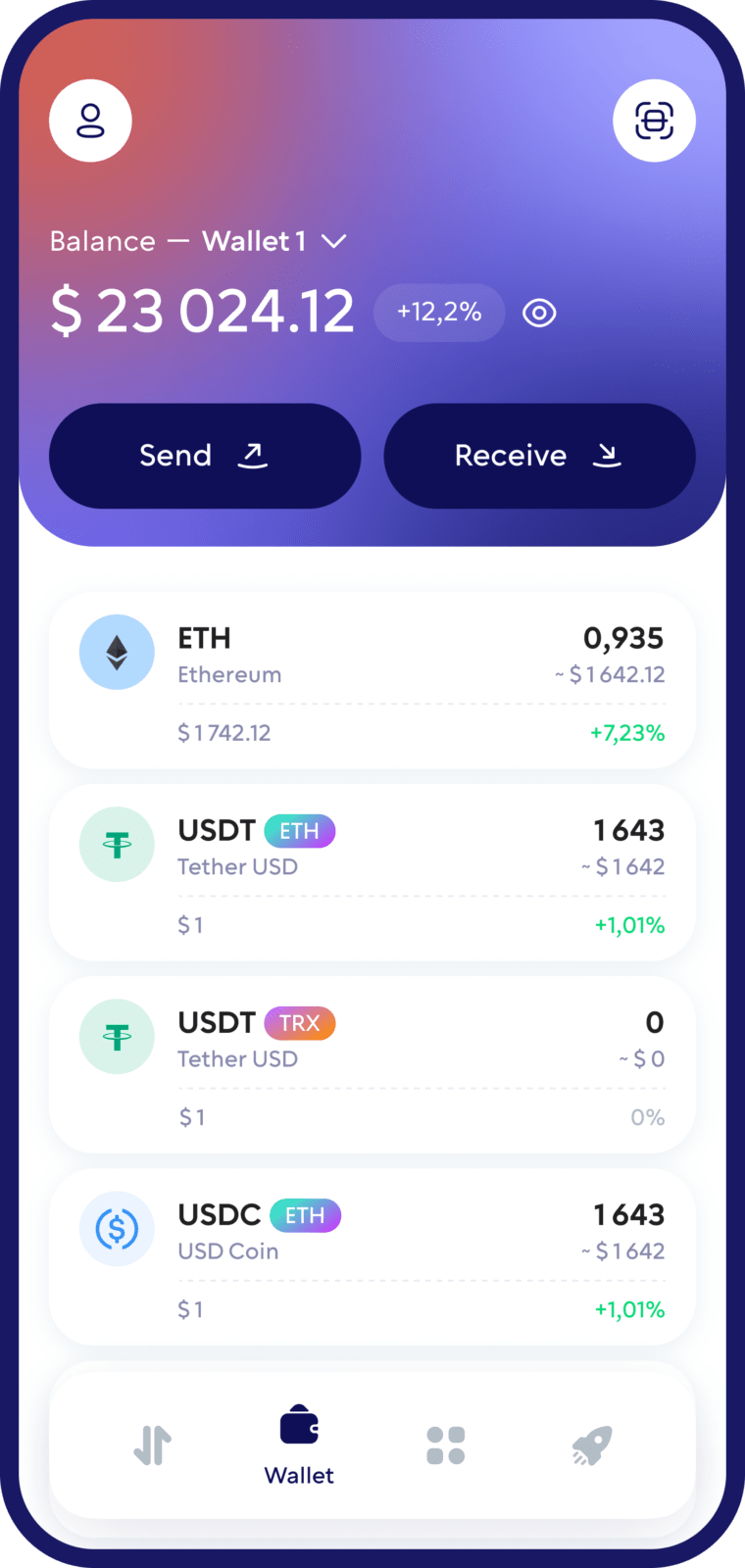
What is Ethereum (ETH), and How Does It Work?
Ethereum is a decentralized platform for building decentralized applications (DApps) using smart contracts. It’s not just a digital currency; it’s a groundbreaking ecosystem for coins, tokens, and digital currencies. Explore the world of decentralized finance with crypto wallet Walletverse.
Buy, Sell, and Trade ETH
Take control of your crypto portfolio using your mobile device. Purchase ETH cryptocurrencies effortlessly using your credit card, payment app, or bank account. Swiftly exchange between different cryptocurrencies. Safeguard your investment returns by trading into stablecoins pegged to the USD.
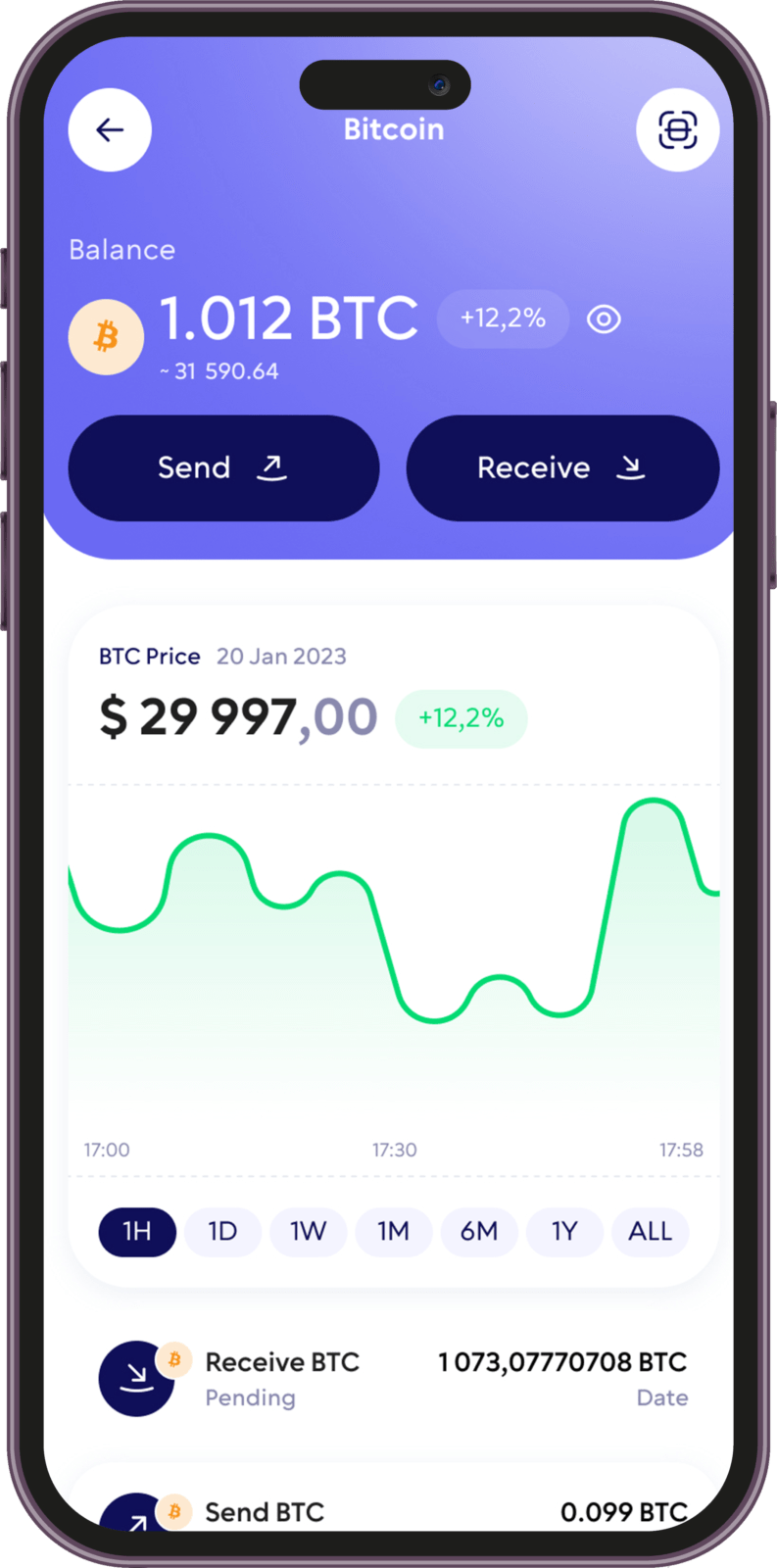
Stake and Earn
Earn rewards by staking popular coins like ETH, ADA, BNB, SOL, TRX, NEAR, XTZ, HBAR, and more, with annual percentage yields (APY) ranging from 5% to 20%.
APY
Take charge of your crypto
Walletverse empowers you with a self-custody solution, granting you absolute control over your digital assets.
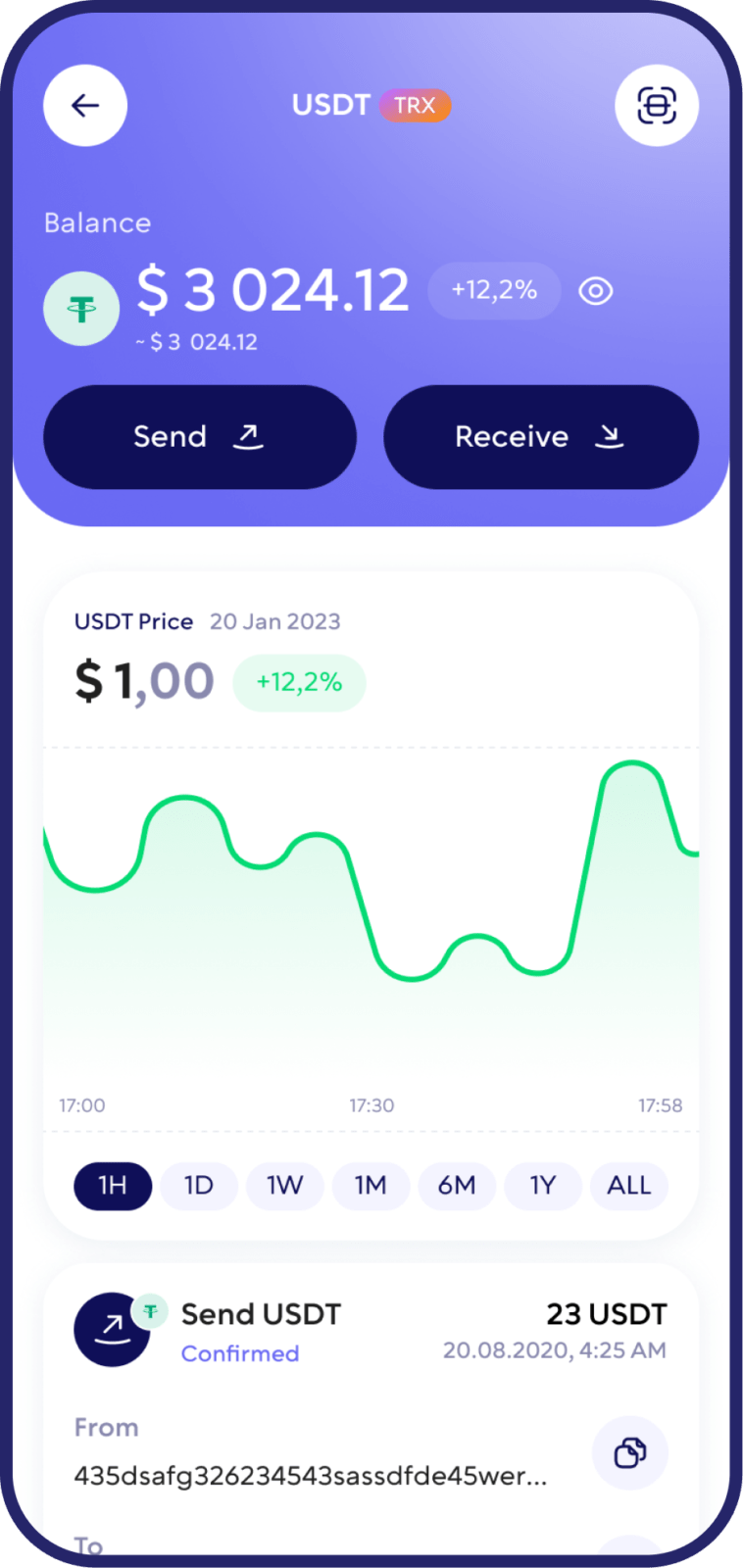
DEX aggregator
Access to a unlimited range of trading pairs and allows you to get access to the board and the best closing performance.

Comunity Voting
Participate in decision-making on the development of new features.

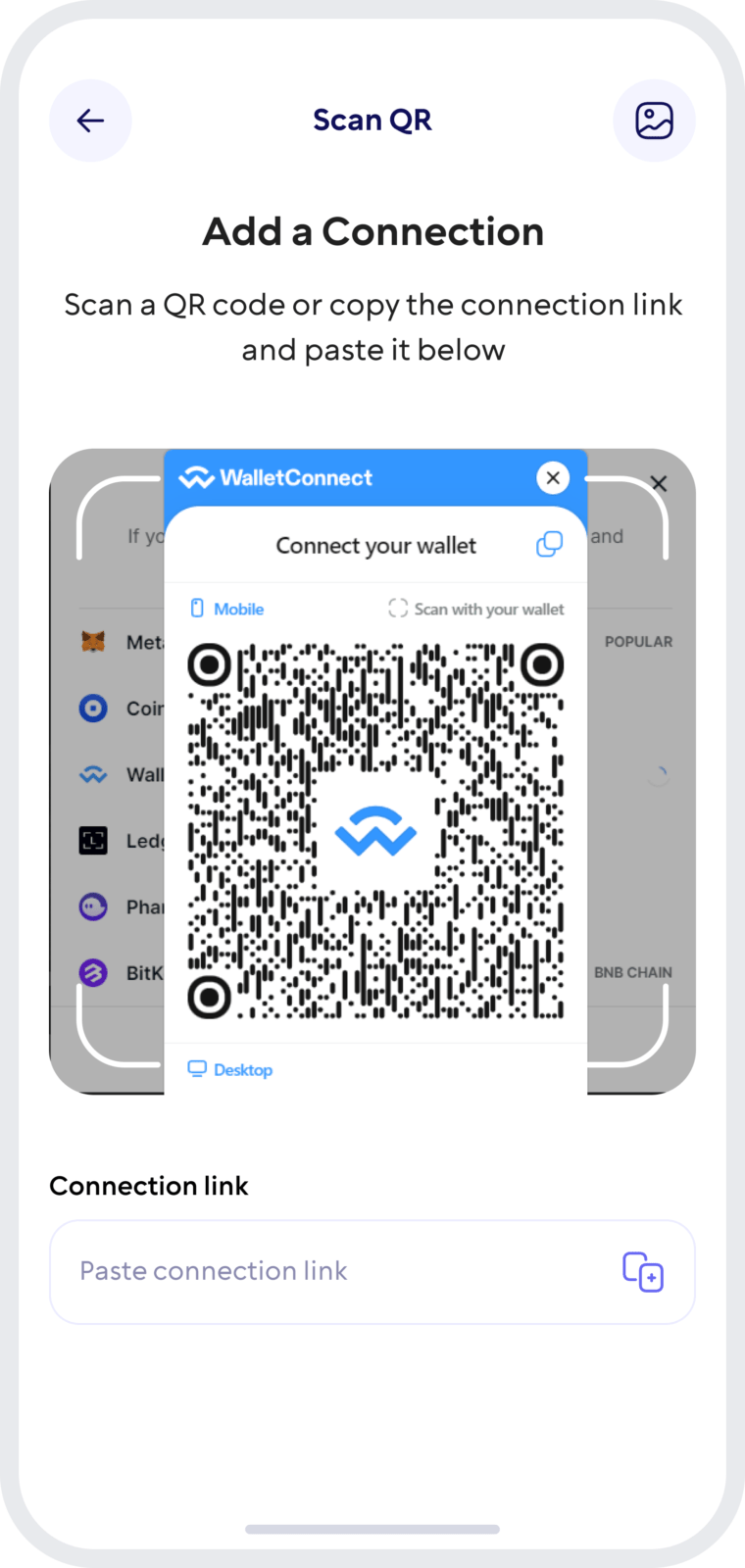
Wallet Connect
Securely interact with a wide range of dApps and decentralized exchanges.
Seamless Security
Safeguard your digital assets with unparalleled security measures that ensure only you have access to your wallet – not even our team can access it. Protect your funds using passcode and biometric security features. Enjoy the peace of mind knowing that all your wallets are automatically backed up, and you can effortlessly restore access using a single personalized password.
FAQ
Buying Ethereum is made simple with Walletverse. Create your wallet, link it to your payment option, and effortlessly buy Ethereum with USD, KZT, EUR, GBP, CAD, AUD, AED, ARS, CLP, MXN using popular methods, credit cards, and debit cards. Start your journey into the world of digital assets today.
Setting up an Ethereum (ETH) wallet with Walletverse is a breeze. Download our app and follow the guided steps to create your wallet. Our user-friendly interface ensures that even those new to cryptocurrency can easily navigate and secure their Ethereum assets. Walletverse is your gateway to engaging with the Ethereum network, offering a robust and secure platform for all your ETH transactions.
Experience the future of finance with the cryptocurrency wallet Walletverse. Seamlessly create digital wallets, check balances, receive payments, send funds securely to anyone, store assets safely, and execute exchanges when needed. Our versatile wallet app also opens the door to exploring decentralized applications, offering you a holistic experience in the world of digital finance.
Walletverse stands out as the premier Ethereum wallet, offering user-friendly, decentralized management for over 300 cryptocurrencies. It prioritizes security while enabling effortless buying, sending, and trading of crypto assets. With access to decentralized applications and the ability to trade into stablecoins, Walletverse is your complete crypto solution, providing both control and convenience.
To invest in Ethereum, download Walletverse, create a wallet, link it to your preferred payment method (PayPal, credit, or debit card), and convert your funds into Ethereum.
With the Walletverse crypto app, sending Ethereum is a breeze. Log in, select your Ethereum wallet, choose the recipient’s address, enter the amount, and hit send. Your transaction will be securely processed by the Ethereum network.
Securing your Ethereum (ETH) is critical, and Walletverse is committed to providing the highest level of security for your digital assets. Our sophisticated encryption techniques and security measures protect your wallet from unauthorized access, ensuring your Ethereum remains safe. Stay informed with our comprehensive security guides and best practices, empowering you to safeguard your investments effectively.
An Ethereum (ETH) wallet address is your unique identifier on the blockchain, enabling you to send and receive Ethereum and other ERC-20 tokens. This address is essential for conducting transactions and interacting with decentralized applications on the Ethereum network. Each wallet address is unique, providing a secure pathway for your digital currency transactions.
Creating an Ethereum (ETH) wallet address with Walletverse is automatic when you set up your wallet. Our app generates a unique address for you, facilitating secure and efficient transactions on the Ethereum network.
The application supports more than 300 different cryptocurrency wallets, including Tether USD wallets, Binance Coin wallets, etc.
Download to access all of Web 3 with just one app





