



TRON (TRX) Wallet
Manage TRON securely with Walletverse. Store, buy, send, receive, swap and stake TRX from one self-custody mobile wallet while keeping control of your crypto.
Available for iOS and Android.
Featured in:


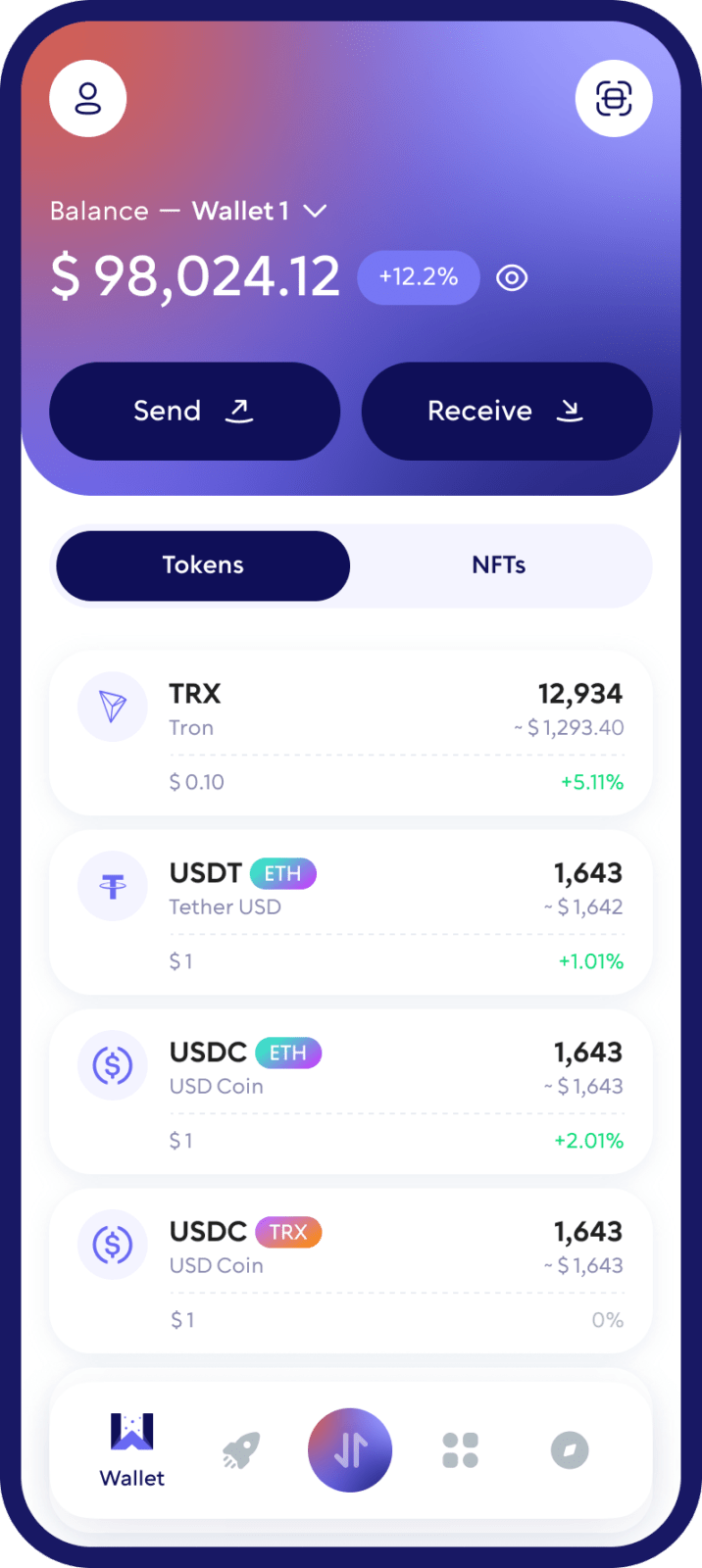
What Is TRON (TRX)?
TRON is a blockchain network designed for fast and efficient digital transactions and decentralized applications.
TRX is the native cryptocurrency of the TRON network. It is used to transfer value, interact with the network, participate in staking and obtain TRON network resources.
With a TRON wallet such as Walletverse, you can securely manage your TRX and authorize transactions directly from your mobile device.
Create a TRON Wallet
Creating a TRX wallet with Walletverse takes only a few steps.
Download Walletverse from the App Store or Google Play.
Open the app and create a new wallet.
Secure your wallet and safely store your recovery information.
Select TRON (TRX) from the asset list.
Open your TRX wallet to view your TRON address.
Start receiving, sending, buying, swapping or staking TRX.
Your TRON wallet is then ready to use.
Why Use Walletverse as Your TRX Wallet?
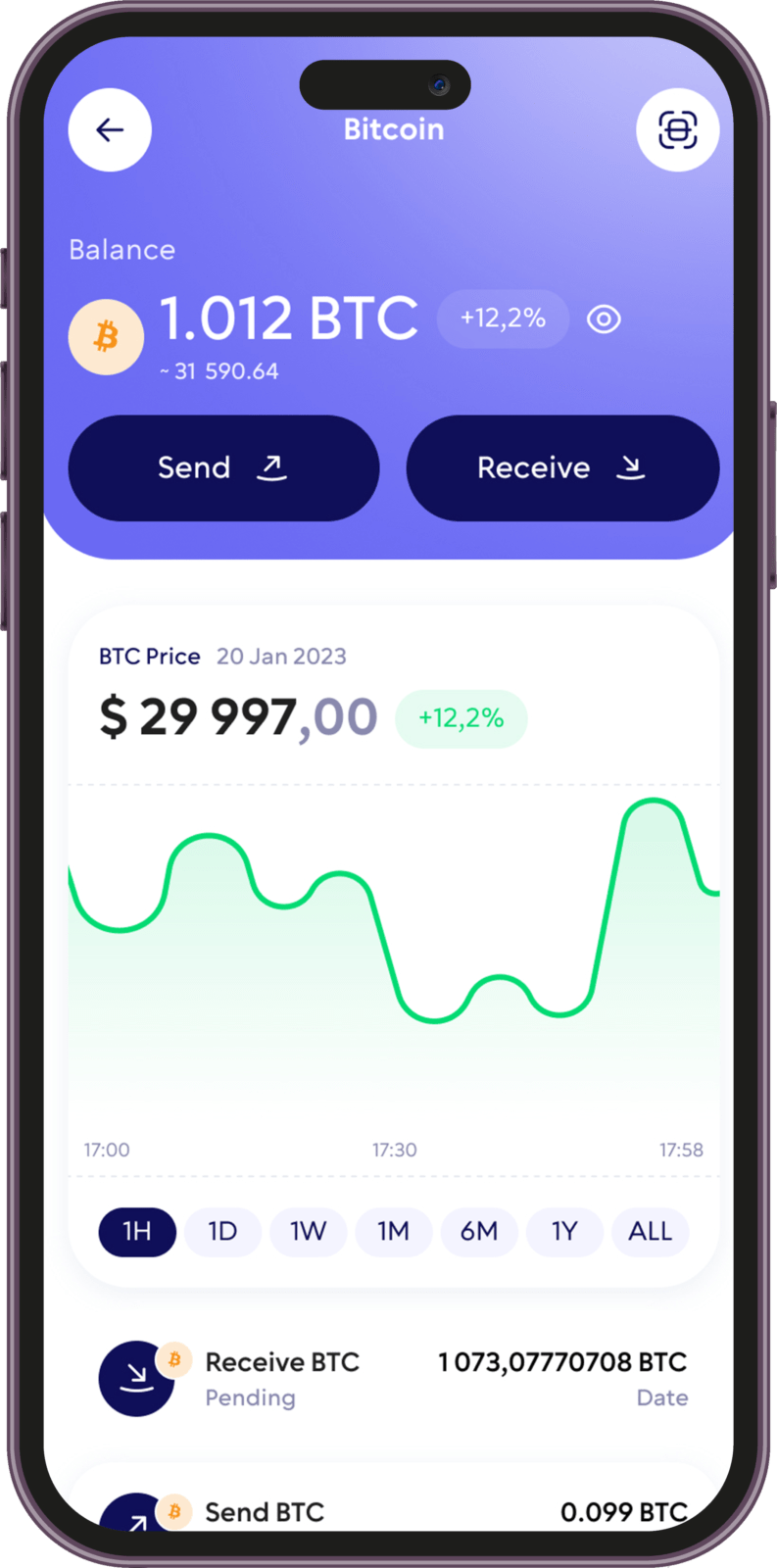
Walletverse provides the essential tools TRX holders need in one mobile application.
With Walletverse, you can:
Create a TRON wallet
Store TRX
Send TRX
Receive TRX
Buy TRX
Swap TRX
Stake TRX
View your TRON wallet address
Manage TRON network transactions
Keep control of your wallet
Walletverse is available on both iOS and Android, allowing you to manage your TRX directly from your phone.
Send TRX
Walletverse makes it easy to send TRX to another TRON address.
Open your TRX wallet, select Send, enter or scan the recipient’s TRON address, specify the amount and review the transaction details before confirming.
Receive TRX
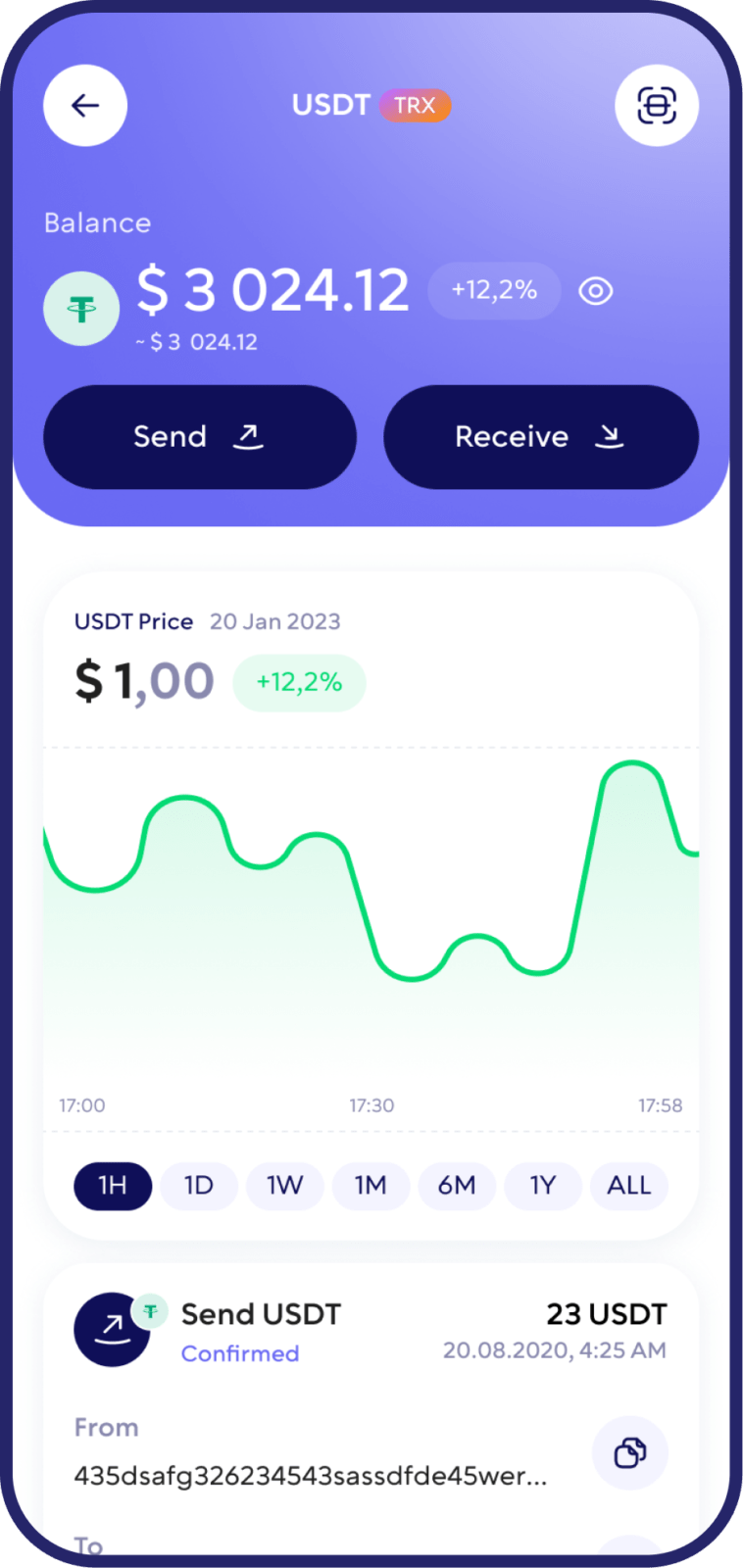
To receive TRX, open your TRON wallet in Walletverse and select Receive. Your TRON wallet address and QR code will appear on the screen.
Copy the address or share the QR code with the sender. Once the transaction is processed by the TRON network, the TRX will appear in your wallet.
Buy TRX
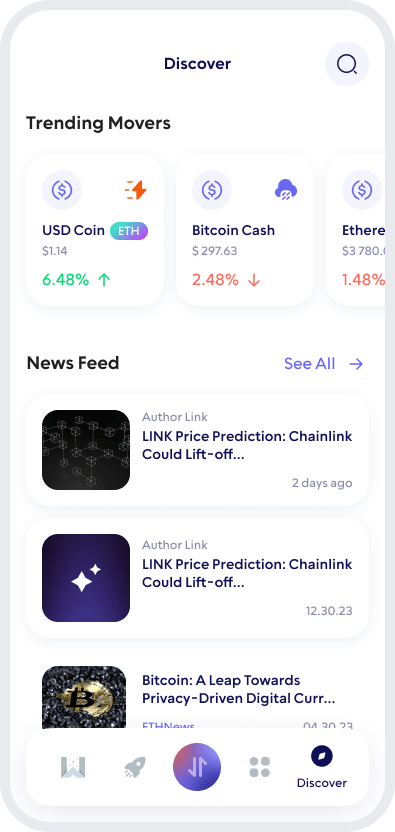
Open Walletverse. Select the option to buy crypto.
Choose TRON (TRX).
Enter the amount you want to purchase.
Select an available payment method.
Review the transaction details and complete the purchase.

Swap TRX
You can exchange TRX through Walletverse without having to manage your crypto through multiple applications.
Select TRX as the asset you want to exchange, choose the available destination asset, enter the amount and review the rate and transaction details before confirming the swap.
Is Walletverse a Self-Custody TRON Wallet?
Yes. Walletverse is a self-custody wallet. This means that you remain responsible for controlling access to your wallet rather than relying on a centralized exchange to hold your TRX for you.
Self-custody gives users greater control over their crypto but also makes wallet security especially important.
Always protect your device, use available authentication features and keep your recovery information stored securely.
FAQ
Walletverse simplifies the process by allowing you to purchase TRX using USD, your credit and debit cards. Whether you want to convert your funds into TRX or explore the world of digital investments, crypto wallet Walletverse is your gateway to a seamless and secure experience
Creating a Tron (TRX) wallet with Walletverse is your first step towards engaging with the Tron ecosystem. Our mobile app guides you through a quick and easy setup process, ensuring that you have a secure TRX wallet up and running in no time. Walletverse’s user-friendly interface makes managing your Tron assets a breeze, providing a reliable tool for accessing the world of decentralized content and applications.
Securing your Tron (TRX) assets is of paramount importance, and Walletverse employs the latest in security technology to ensure your digital assets are protected. Our wallet features advanced encryption protocols and security measures, safeguarding your TRX from unauthorized access and potential threats. With Walletverse, you can manage your Tron investments with confidence, knowing your assets are secure in a state-of-the-art crypto wallet.
A Tron (TRX) wallet address is your personal identifier on the Tron blockchain, enabling you to receive and send TRX securely. This unique string of characters ensures that your transactions are processed accurately, facilitating seamless transfers of Tron tokens. Understanding and utilizing your TRX wallet address is essential for navigating the Tron network and engaging with its diverse range of applications and services.
Creating a Tron (TRX) wallet address is a straightforward process with Walletverse. Upon setting up your wallet through our app, a unique TRX wallet address is automatically generated for you. This address is your key to participating in the Tron ecosystem, allowing you to conduct transactions, interact with dApps, and more.
Open TRON (TRX) in Walletverse, select Receive and copy your TRON wallet address or share your QR code with the sender.
Yes. Walletverse supports TRX staking. Check the current staking conditions and reward information in the application before staking.
Download to access all of Web 3 with just one app





