



Chainlink (LINK) Wallet
Store, send, receive, buy, and swap Chainlink (LINK) with Walletverse — a self-custody crypto wallet designed to give you control over your digital assets.
Manage LINK and 700+ supported cryptocurrencies from one mobile app, protect access with passcode and biometric security, and connect to supported Web3 applications through WalletConnect.
Download Walletverse for iOS or Android and create your Chainlink wallet.
Featured in:


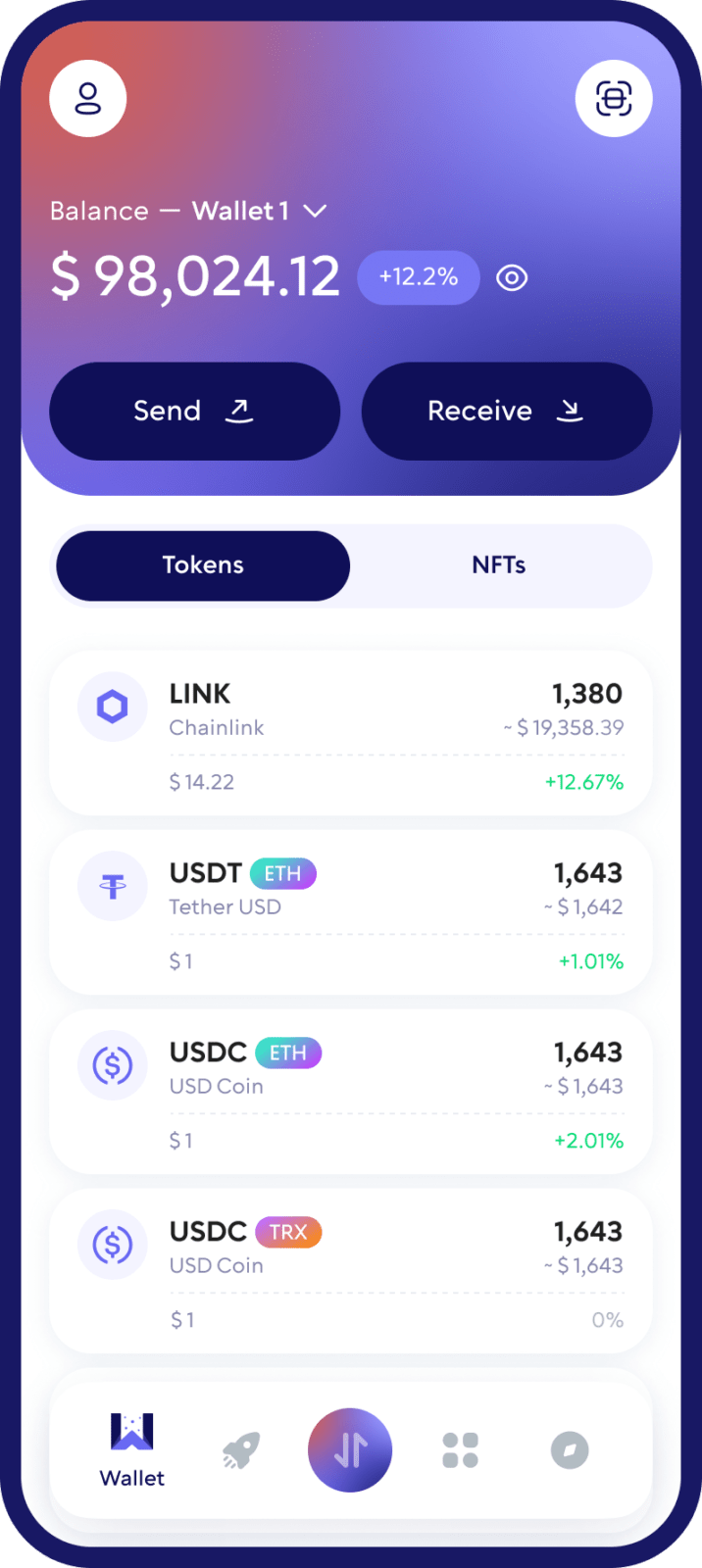
What Is a Chainlink (LINK) Wallet?
A Chainlink wallet is a crypto wallet that lets you manage LINK tokens and interact with blockchain applications while keeping control of your assets.
With a LINK wallet, you can receive Chainlink from another wallet or exchange, send LINK to other addresses, monitor your balance, exchange supported cryptocurrencies, and access compatible Web3 services.
Walletverse is a self-custody wallet. This means you remain in control of your crypto rather than relying on an exchange to hold your assets on your behalf.
Why Use Walletverse as Your Chainlink Wallet?
Store and Manage LINK
Walletverse makes it easy to check your LINK balance and manage your crypto portfolio without switching between multiple applications.
Send and Receive Chainlink
Receive LINK using your Walletverse wallet address or send Chainlink to another compatible wallet.
Swap LINK and Other Cryptocurrencies
Exchange supported crypto assets from your Walletverse wallet without transferring your funds to a separate centralized trading platform first.
Self-Custody and Control
Walletverse is built around self-custody. You control access to your wallet and digital assets, while Walletverse does not have direct access to your funds.
Biometric and Passcode Protection
Protect access to Walletverse with security features such as a passcode and biometric authentication.
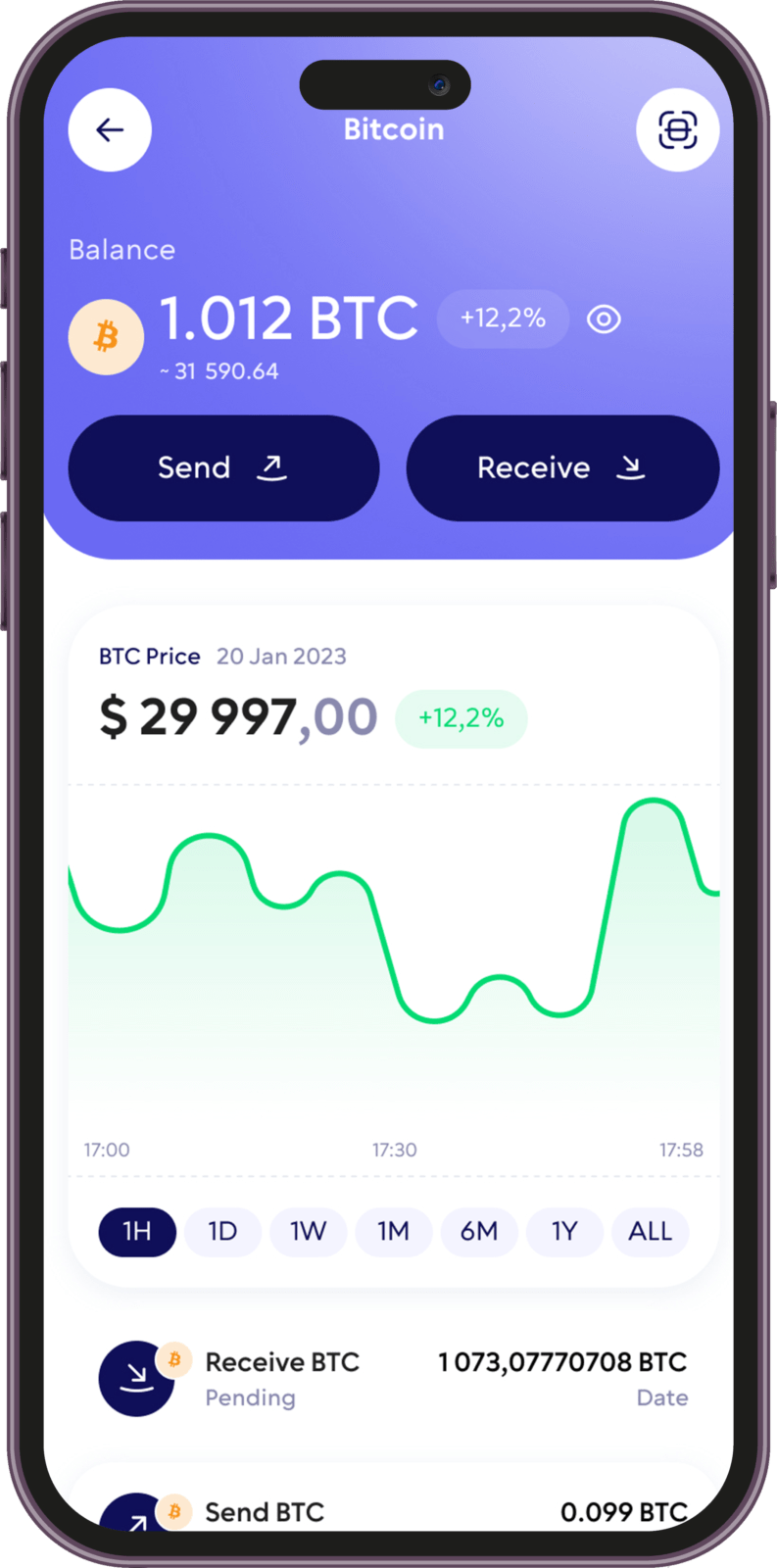
How to Create a Chainlink Wallet
Creating a LINK wallet with Walletverse takes only a few steps.
1. Download Walletverse
Install the Walletverse mobile app from the App Store or Google Play.
2. Create Your Crypto Wallet
Open the app and follow the setup process to create your Walletverse wallet. Configure the available security and backup options before depositing crypto.
3. Add Chainlink (LINK)
Find Chainlink (LINK) in the list of supported assets and add it to your wallet.
How to Receive Chainlink (LINK)
Open Walletverse and select Chainlink (LINK)
Choose the Receive option. Copy your LINK wallet address or use the available QR code
Share the public receiving address with the sender
Confirm that the sender is using a network supported by your Walletverse LINK wallet
Wait for the blockchain transaction to be confirmed
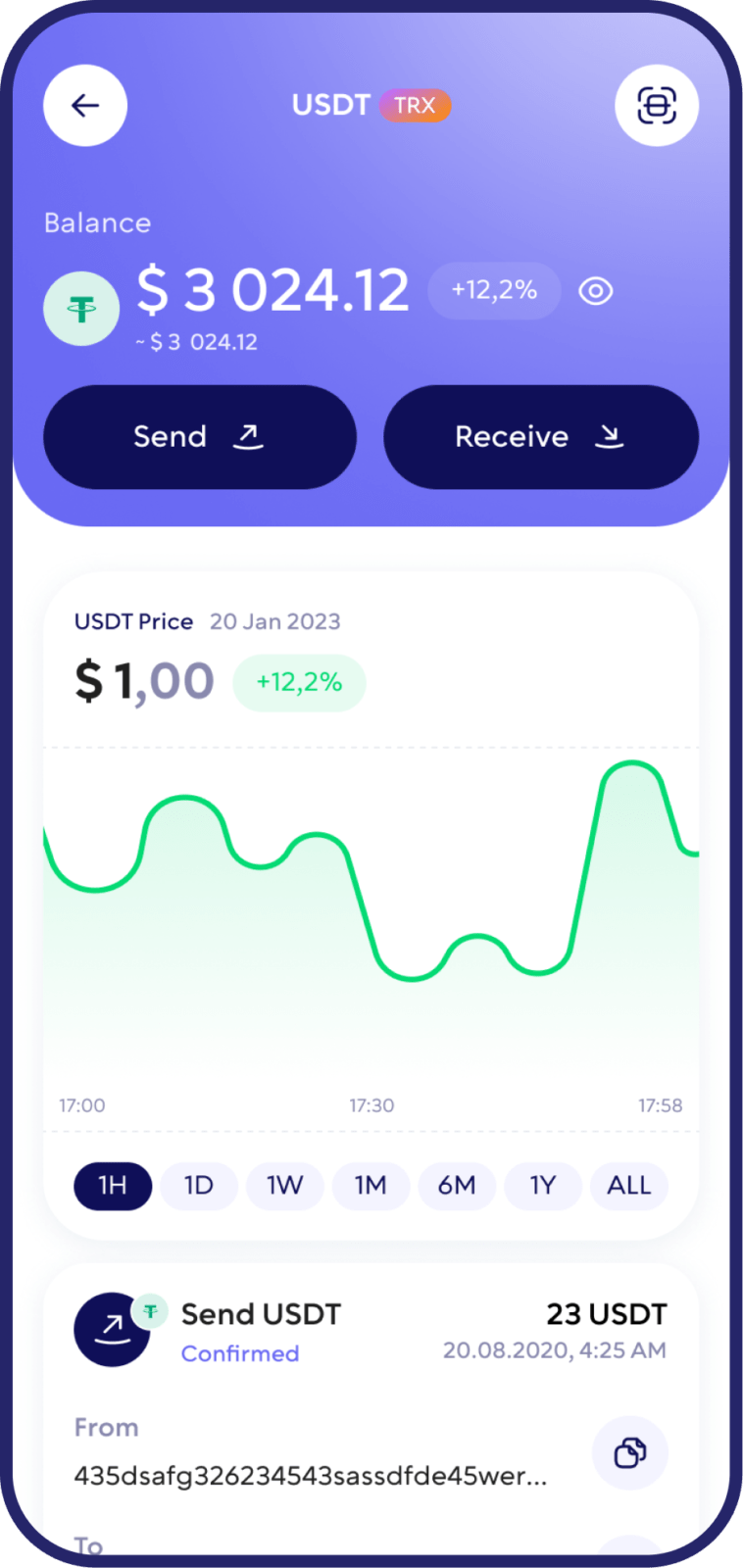
How to Send Chainlink to Another Wallet
Open your Chainlink wallet in Walletverse
Select Send. Enter or paste the recipient’s LINK wallet address
Enter the amount of LINK you want to transfer
Check the wallet address and selected network carefully
Review the transaction and applicable network fee
Confirm the transfer
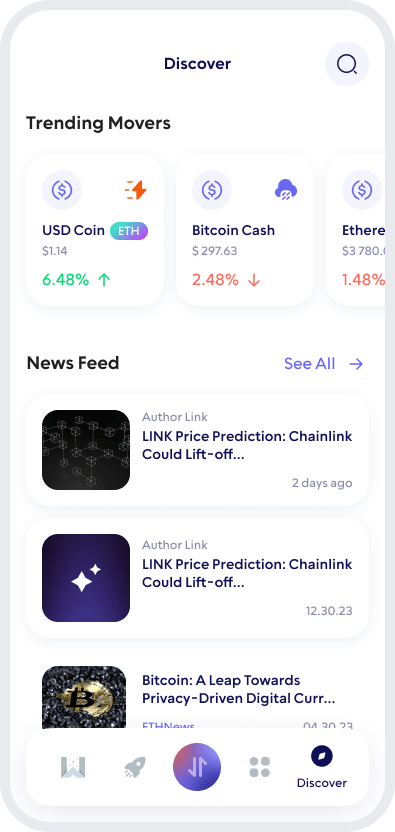
Swap Chainlink (LINK)
Walletverse can be used to exchange supported crypto assets for LINK and swap LINK for other supported assets.
In-app swaps make it possible to manage your crypto portfolio without manually transferring assets between multiple wallet applications.
Rates, blockchain fees and supported trading pairs can change, so always review the final transaction details before confirming a swap.
How to Buy Chainlink (LINK) With Walletverse
Walletverse allows users to access cryptocurrency purchasing services from the mobile app.
Select LINK, choose the available purchase option, enter the amount you want to buy and select one of the payment methods.
Before confirming a transaction, review the exchange rate, provider fees, payment fees and any other information displayed by the payment provider.
How to Keep Your LINK Wallet Secure
Security is especially important when using a self-custody crypto wallet because you are responsible for controlling access to your assets.
Use biometric authentication and a strong passcode when available. Keep wallet backup and recovery information secure and never disclose sensitive credentials to another person.
Be cautious of fake wallet applications, phishing websites, fraudulent support accounts and unsolicited messages asking for wallet access.
Before sending Chainlink, always verify both the receiving address and the blockchain network.
FAQ
Purchasing Chainlink (LINK) is made simple and secure with the Walletverse. Our crypto wallet facilitates the buying of LINK with USD, accommodating various methods, credit, and debit cards. Whether you’re investing or looking to convert your funds, Walletverse provides a streamlined process, ensuring a straightforward and safe transaction for your crypto needs.
Creating a Chainlink (LINK) wallet with Walletverse is your first step towards unlocking the potential of decentralized finance. This user-friendly platform guides you through the setup process, ensuring you have a secure, reliable place to store your LINK tokens. Whether planning to invest, trade, or explore the world of dApps, Walletverse equips you with the tools you need to manage your digital assets effectively.
Getting a Chainlink wallet is effortless with Walletverse application. Our app allows you to create a wallet quickly, enabling you to check your balance, receive, send, store, and exchange LINK with ease. Furthermore, it connects you to the expansive world of decentralized applications (dApps), DEXs, and aggregators, enhancing your experience with diverse blockchain functionalities.
Securing your Chainlink (LINK) assets is a top priority, and Walletverse provides a suite of advanced features designed to protect your investments. From encryption to biometric authentication, crypto wallet employs state-of-the-art security measures to safeguard your LINK tokens. Regular software updates and vigilant security practices further enhance the safety of your digital assets, giving you confidence as you navigate the crypto ecosystem.
A Chainlink (LINK) wallet address is your unique identifier on the blockchain, enabling you to conduct transactions with confidence and security. This address lets you send and receive LINK tokens, connecting you seamlessly to the decentralized network. With Walletverse, managing your LINK wallet address is straightforward, ensuring your transactions are safe and efficient.
Upon signing up in the Walletverse app and setting up your wallet, a LINK wallet address is automatically generated for you. This process is designed to be as user-friendly as possible, allowing you to start managing your Chainlink tokens quickly.
The best Chainlink wallet depends on how you plan to use LINK. Important factors include self-custody, security, supported networks, backup and recovery options, ease of use, swap functionality and Web3 connectivity.
Walletverse combines self-custody with mobile asset management, biometric protection, crypto swaps and WalletConnect.
Download to access all of Web 3 with just one app





