



Abyss Crypto Wallet Walletverse
Walletverse is the best crypto wallet for buying, sending, and exchanging Abyss .
Self-custody;
- 700+ assets;
- Staking SOL, ETH, TRX;
- AML, KYT;
- GasFree USDT;
- DeFi, dApps;
- Apple pay, Google Pay, Debit\credit card, fiat;
Download Walletverse – best crypto wallet for Abyss – now and join a Web3 platform where your digital assets are truly yours, managed within a secure and intuitive environment.
Featured in:


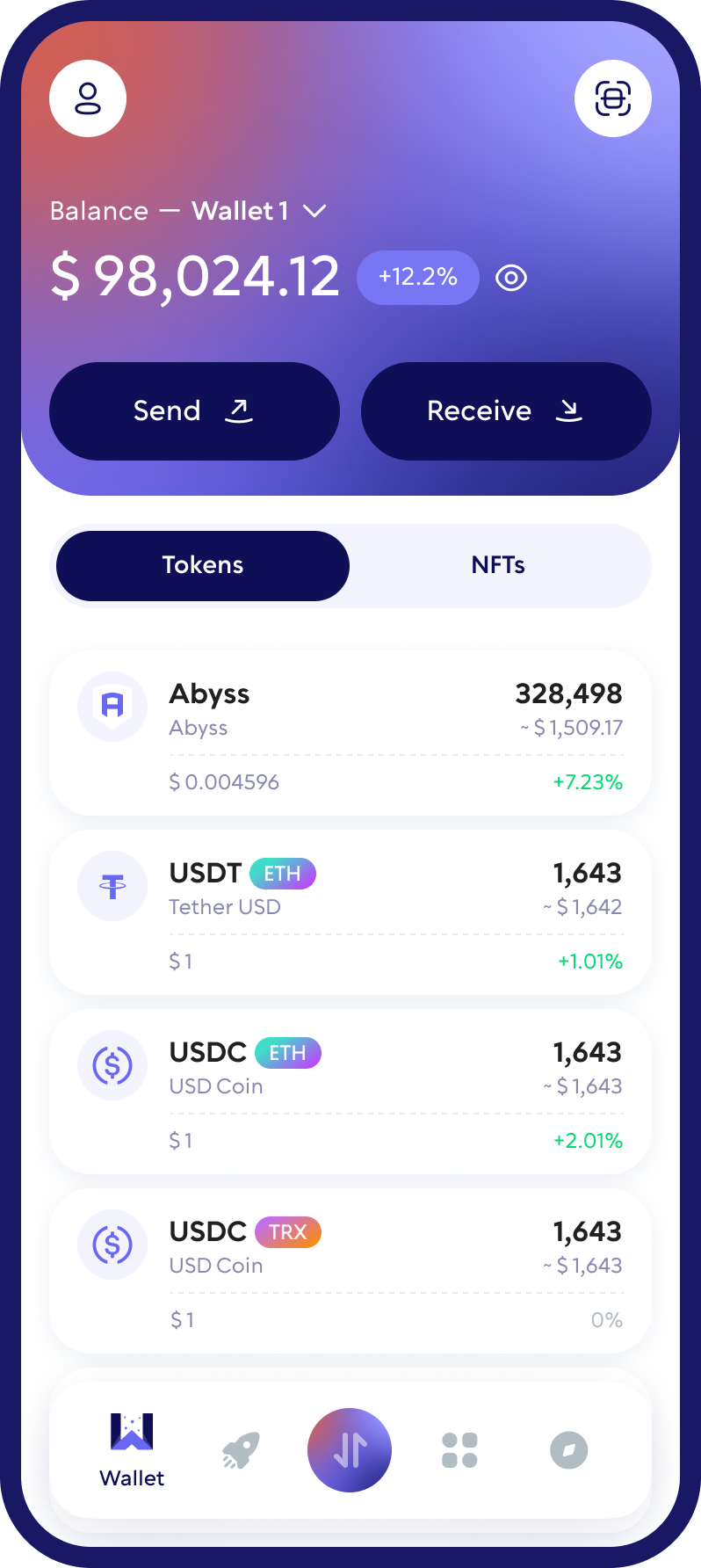
What Is Abyss (ABYSS)?
Abyss (ABYSS) is an ERC-20 token native to the Abyss.Finance ecosystem. The ecosystem has included decentralized and centralized finance tools, gaming services, an NFT marketplace, and other blockchain-based products.
Because ABYSS is an ERC-20 token, transactions use the Ethereum network and require ETH for network fees. An Abyss wallet allows you to store, send, receive and manage your ABYSS tokens while maintaining access to your crypto assets.
Walletverse provides a mobile self-custody wallet for managing ABYSS alongside other supported cryptocurrencies from one app.
Why Use Walletverse as an Abyss Wallet?
Walletverse gives you a simple way to manage ABYSS from a mobile self-custody crypto wallet. Instead of relying on a custodial platform to hold your assets, you remain in control of access to your wallet.
With Walletverse, you can manage ABYSS alongside hundreds of other supported cryptocurrencies, send and receive digital assets, use in-app exchange features for supported pairs, and access Web3 tools from one application.
Walletverse is available for iOS and Android and is designed for both new and experienced crypto users.
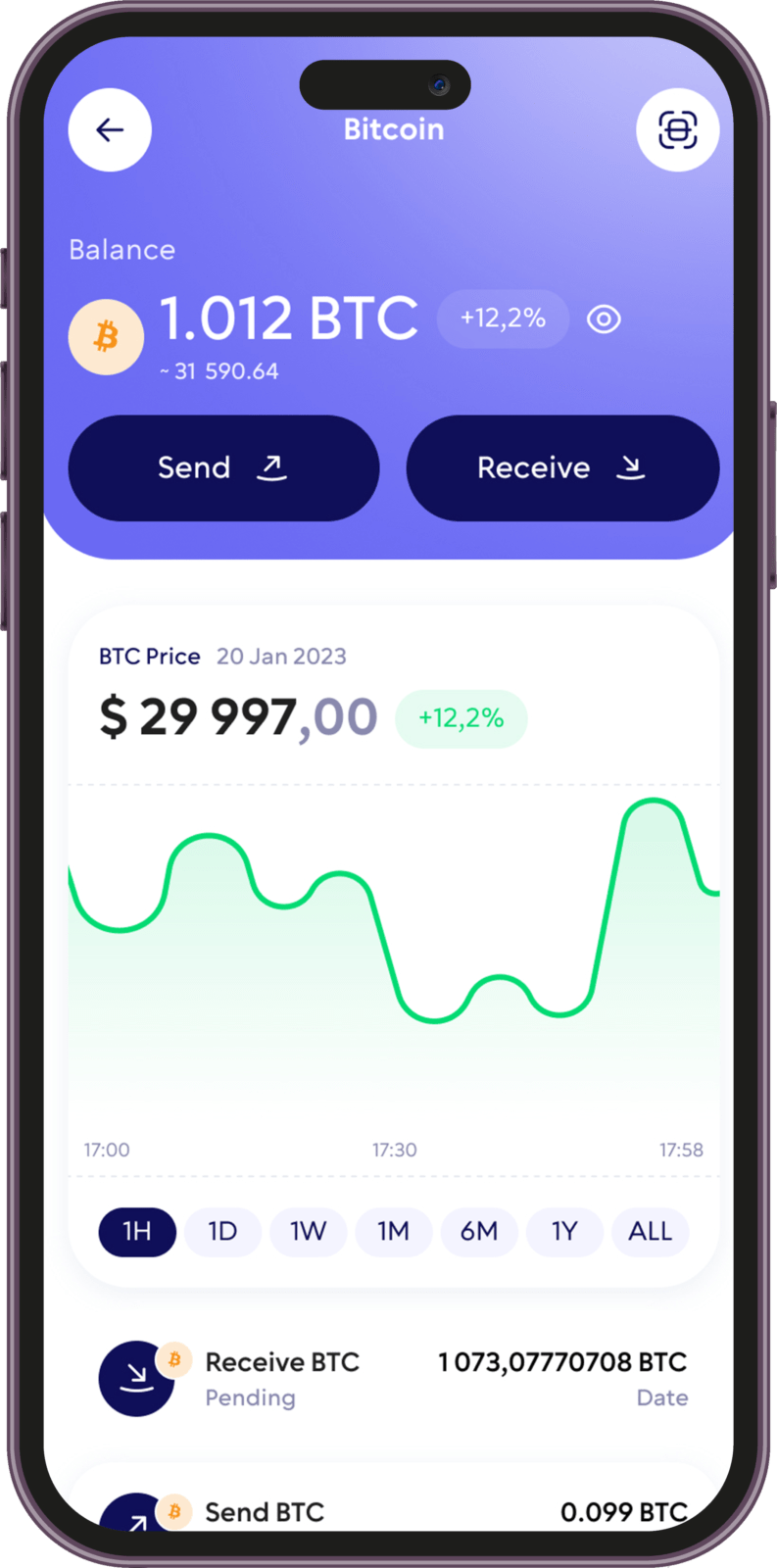
How to Create an Abyss (ABYSS) Wallet
Creating an Abyss wallet with Walletverse takes only a few steps:
- Download Walletverse from the official App Store or Google Play listing.
- Create a new wallet or import an existing compatible wallet.
- Follow the security and backup instructions provided in the app.
- Find Abyss (ABYSS) in the list of supported assets.
- Open ABYSS to access your wallet and available transaction options.
Before receiving ABYSS, always confirm that the asset and blockchain network shown in the app match the token you are transferring.
Take charge of your crypto
Walletverse empowers you with a self-custody solution, granting you absolute control over your digital assets.
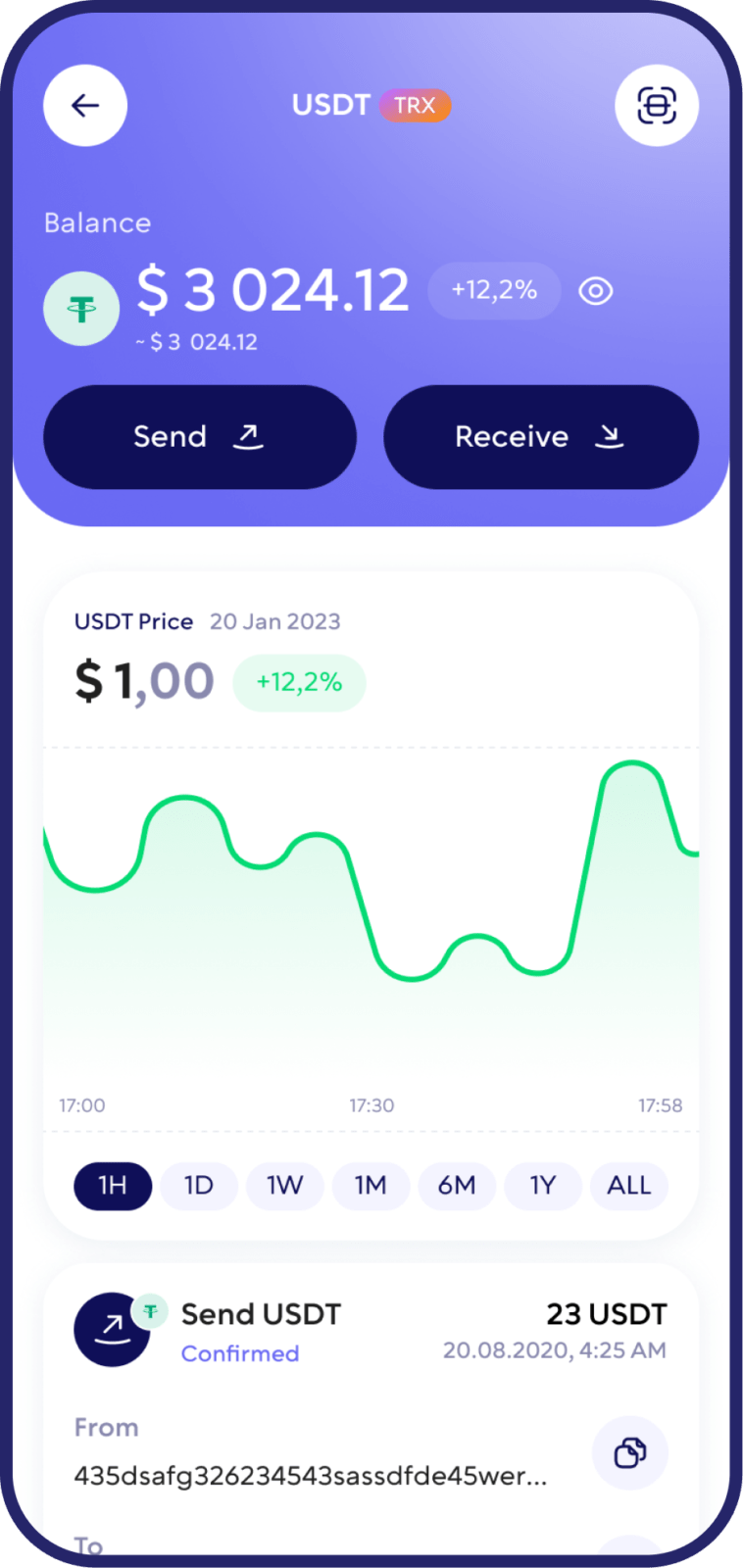
DEX aggregator
Access to a unlimited range of trading pairs and allows you to get access to the board and the best closing performance.
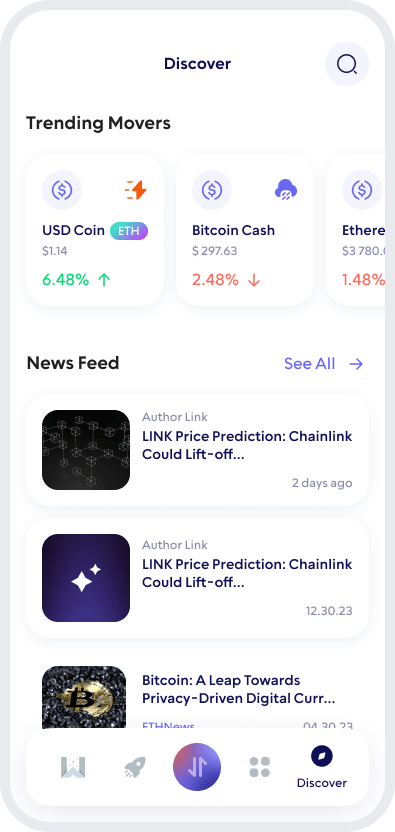
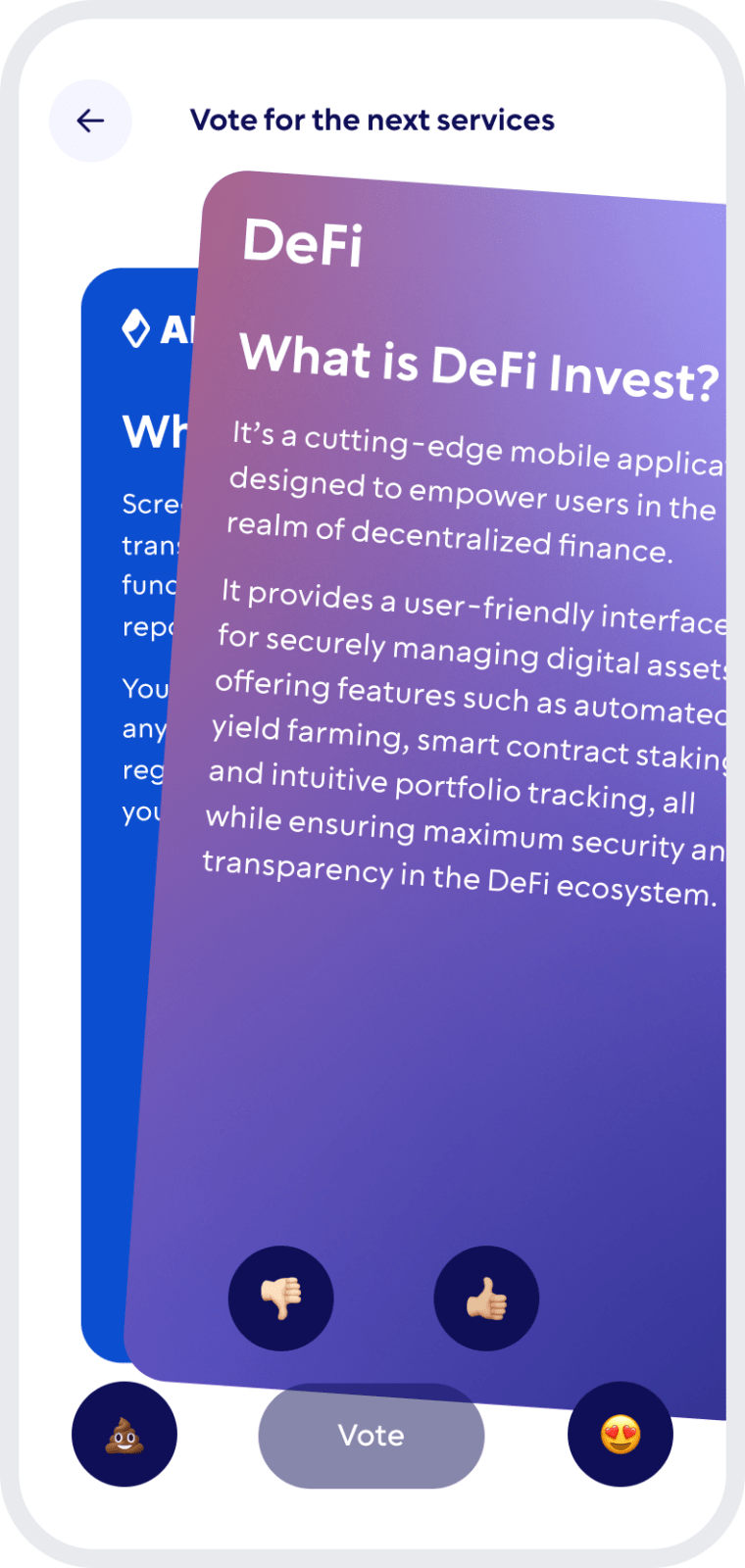
Comunity Voting
Participate in decision-making on the development of new features.
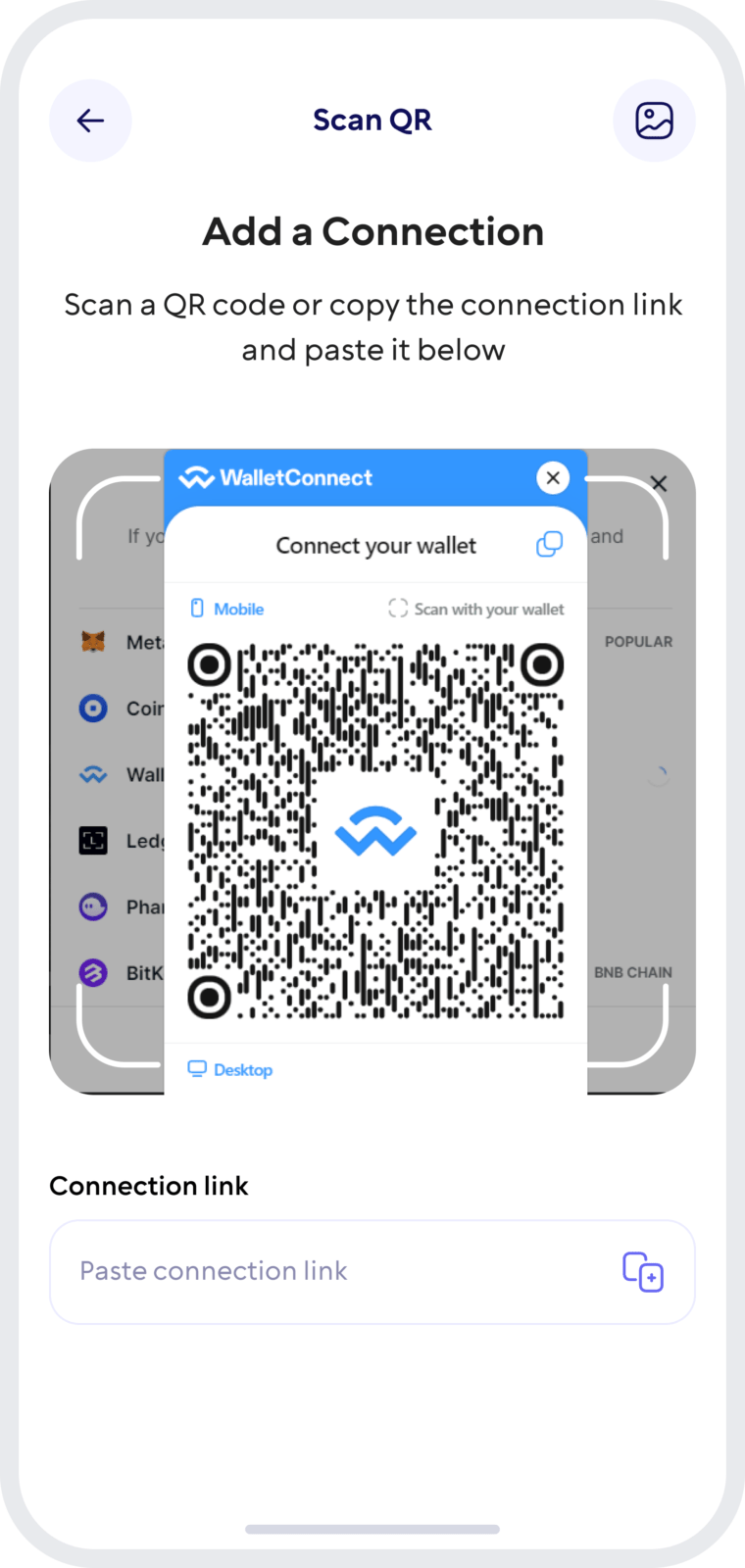
Wallet Connect
Securely interact with a wide range of dApps and decentralized exchanges.
Manage ABYSS and Other Cryptocurrencies in One Wallet
Walletverse is a multi-currency wallet that supports 700+ cryptocurrencies, allowing you to manage ABYSS alongside other supported digital assets from one mobile application.
Supported assets include major cryptocurrencies and tokens such as Bitcoin (BTC), Ethereum (ETH), Tether (USDT), USD Coin (USDC), XRP, Dogecoin (DOGE), Litecoin (LTC), and many others.
A multi-currency wallet can be useful if you hold more than ABYSS and prefer to manage several assets without maintaining a separate wallet app for every cryptocurrency. Always verify that the specific asset and network you intend to use are currently supported before transferring funds.

Buy and Swap ABYSS with Walletverse
Walletverse includes in-app services for buying and exchanging supported cryptocurrencies, allowing users to manage different assets without moving between multiple wallet apps.
If ABYSS is available through the selected exchange or payment provider, you can choose the asset you want to exchange, select ABYSS as the receiving asset, review the quoted rate and transaction details, and complete the transaction from your wallet.
Availability of ABYSS purchases and swaps, supported trading pairs, payment methods, fees and limits can vary by provider, liquidity and location. Always review the final quote before confirming a transaction.
How to Keep Your ABYSS Secure
Security is especially important when using a self-custody Abyss wallet because access to your assets ultimately depends on how securely you protect your wallet and recovery information.
Walletverse provides passcode and biometric protection to help prevent unauthorized access to the app. Never share your password, private keys or wallet recovery information with another person, website or support account.
When sending ABYSS, verify the receiving address and Ethereum network before confirming the transaction. For unfamiliar tokens or dApps, also verify the official token contract and avoid approving transactions from untrusted websites.
FAQ
An Abyss wallet is a crypto wallet that can be used to manage ABYSS tokens. ABYSS is an ERC-20 token associated with the Abyss.Finance ecosystem. Walletverse provides a mobile self-custody option for managing ABYSS alongside other supported cryptocurrencies.
Yes. Abyss (ABYSS) is an ERC-20 token on the Ethereum blockchain. When transferring ABYSS, make sure you use a compatible wallet and the correct network, and remember that Ethereum gas fees may apply.
You can use a compatible wallet that supports ABYSS and ERC-20 assets. Walletverse offers a mobile self-custody wallet where users can manage ABYSS together with other supported cryptocurrencies. Download Walletverse from an official app store and check ABYSS availability in the app.
Walletverse provides in-app exchange functionality for supported assets and trading routes. Open the app to check whether an ABYSS swap is currently available. Rates, fees, liquidity and available pairs depend on the selected provider and market conditions.
Yes. Walletverse is a multi-currency wallet supporting 700+ cryptocurrencies, so you can manage ABYSS alongside supported assets such as BTC, ETH, USDT, USDC, XRP and others from one application.
Use a strong passcode and biometric protection, keep your recovery information private, verify wallet addresses before sending ABYSS, and only interact with trusted websites and dApps. Walletverse uses a self-custody model designed to keep wallet access under the user’s control.
Download to access all of Web 3 with just one app





