Alchemy Pay (ACH) Cryptocurrency Wallet Walletverse
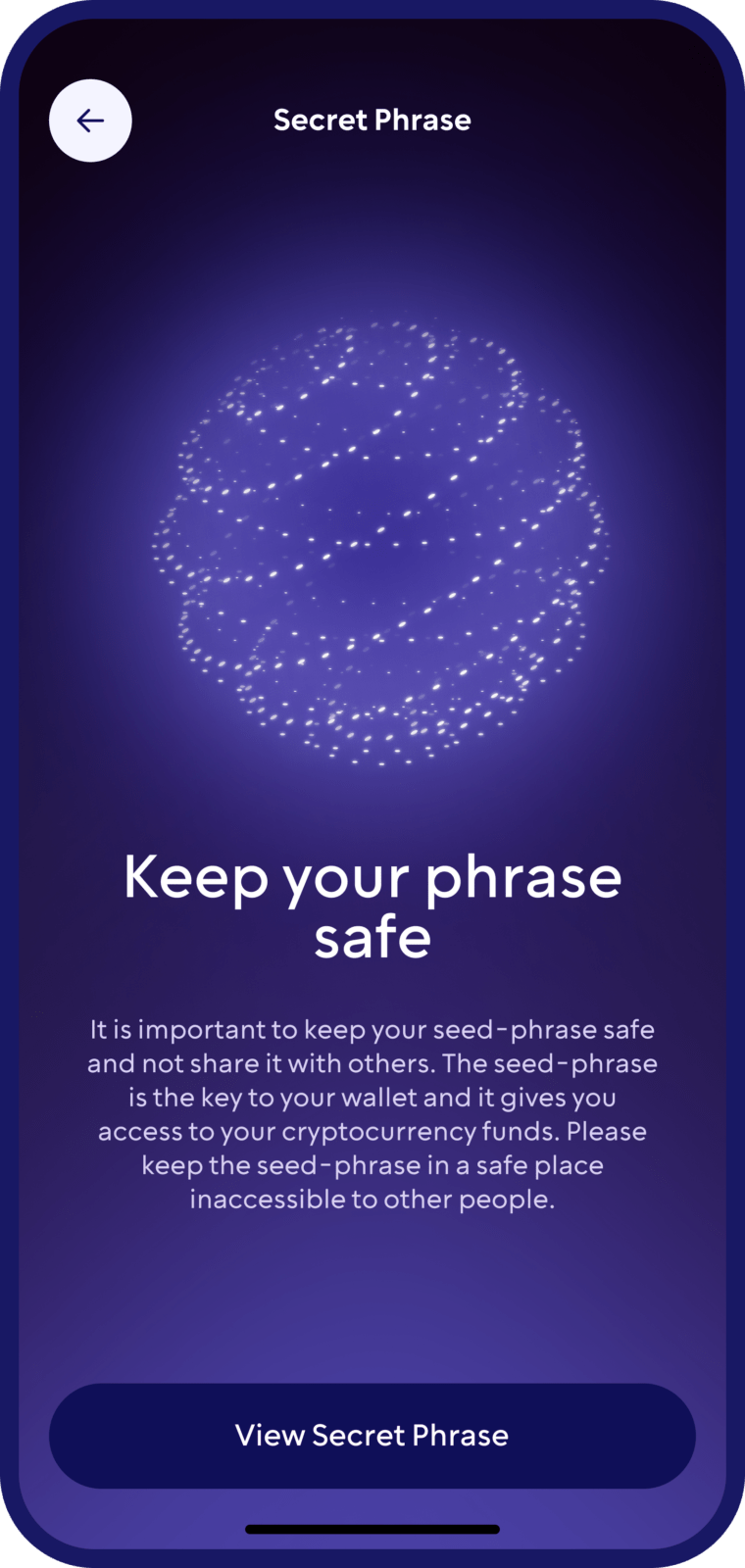
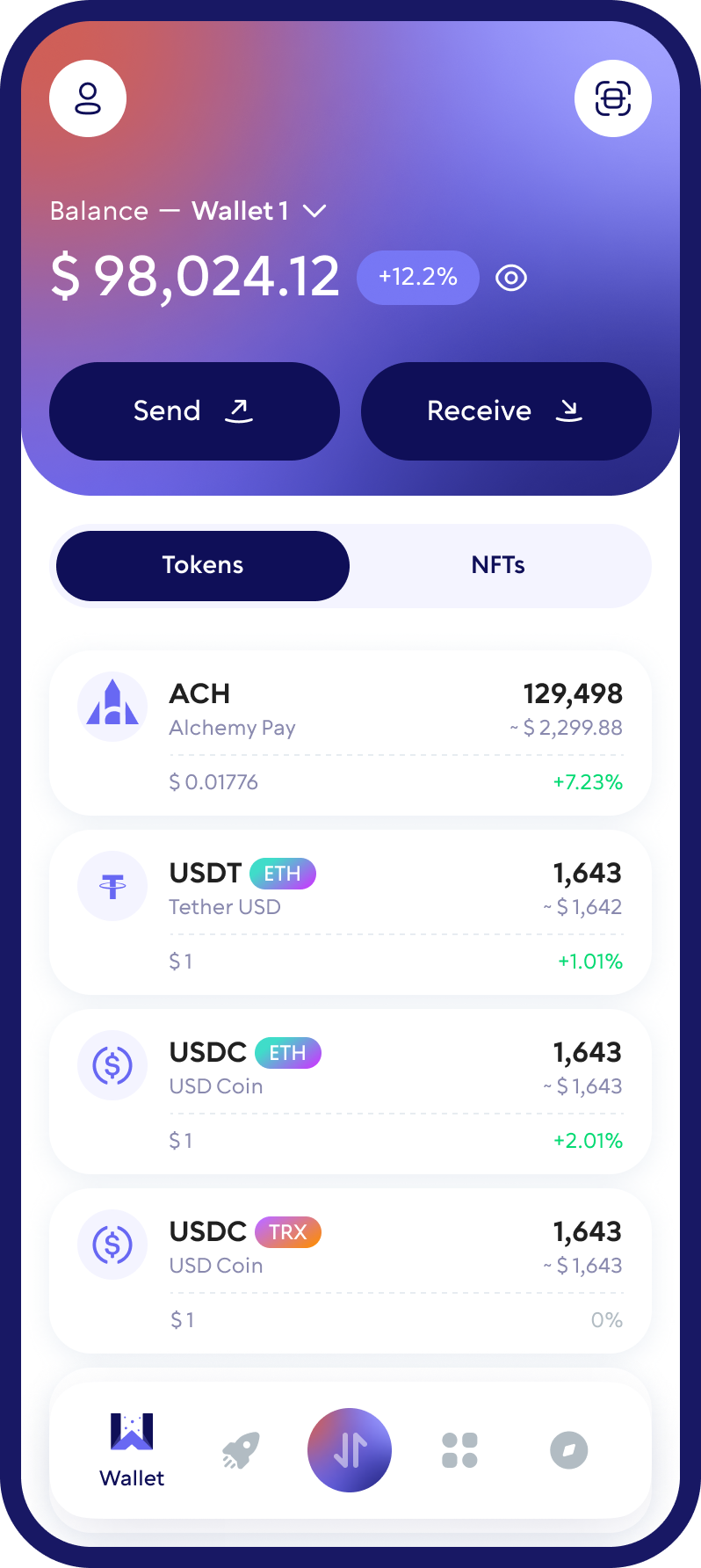
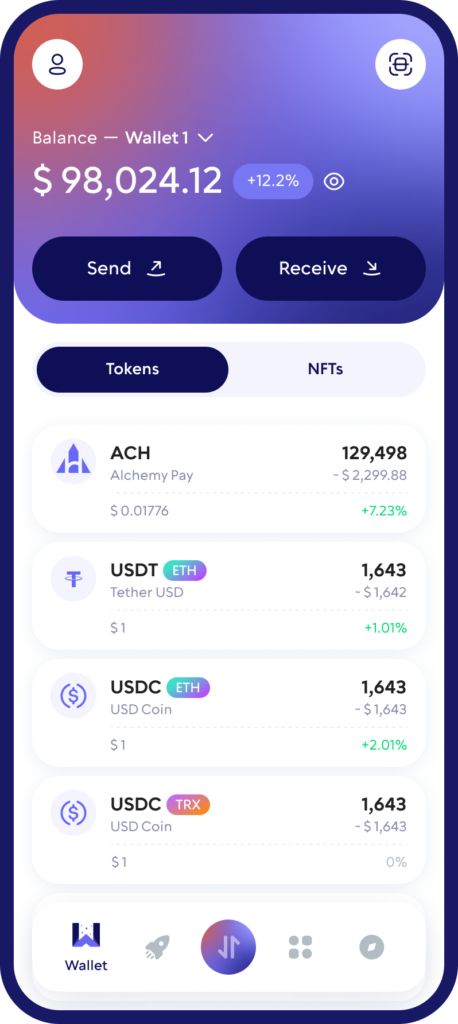
Step into a smoother way to manage ACH with Walletverse, a mobile, self-custody crypto wallet built for everyday use. Store, buy, send, and exchange crypto in one app, with security controls that keep access in your hands.
Walletverse is community-driven, beginner-friendly, and designed for fast portfolio management on the go.
Featured in:


What is Alchemy Pay (ACH), and How Does It Work?
Alchemy Pay is a crypto payments network focused on connecting traditional payments (fiat) with digital assets. In simple terms, it helps businesses and users move between “card/bank payments” and “crypto rails,” so paying with crypto (or settling in crypto) becomes easier across real-world use cases like online payments, merchant checkout, and Web3 services.
ACH is the ecosystem token commonly used around this payments infrastructure (for utilities such as incentives, network participation, and settlement-related mechanics depending on the product flow).
Buy, Sell, and Swap ACH
With Walletverse, you can manage ACH straight from your phone:
Buy crypto with Apple Pay, Google Pay, or a bank card (availability depends on your region and provider).
Swap ACH to other assets quickly through an in-app exchange flow.
Move funds into stablecoins when you want to reduce volatility exposure.
Send and receive ACH with clear transaction tracking.
Manage ACH Alongside 700+ Cryptocurrencies
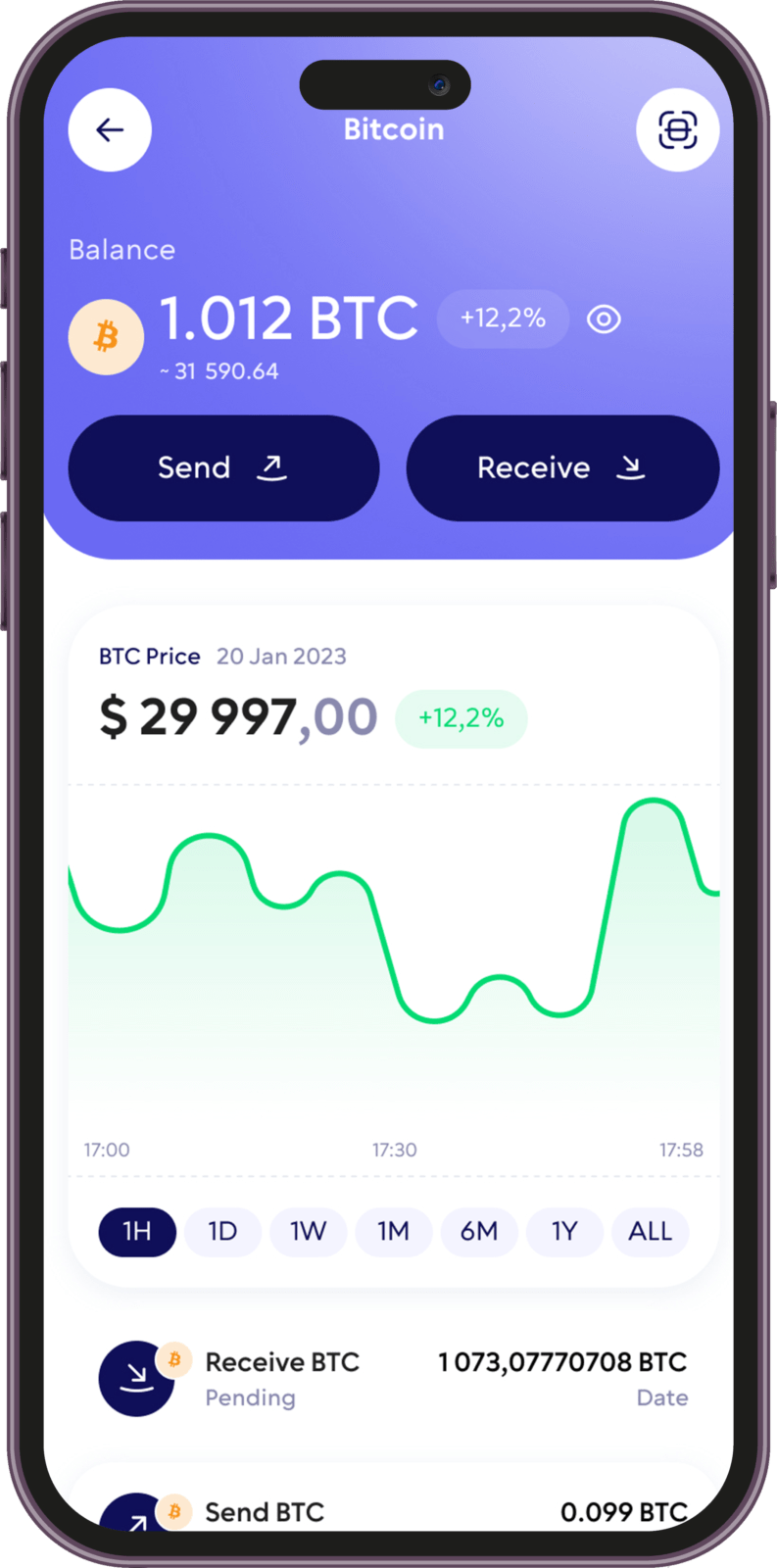
Walletverse is a multi-currency wallet, so you can keep ACH together with the rest of your portfolio in one app. It supports 700+ coins and tokens across major blockchains, including:
- Bitcoin (BTC)
- Ethereum (ETH)
- Tether (USDT)
- USD Coin (USDC)
- XRP
- BNB, Solana (SOL), TRON (TRX) and Toncoin (TON)
- Cardano (ADA), Polkadot (DOT) and Polygon (POL)
- Uniswap (UNI), Shiba Inu (SHIB) and hundreds of other tokens
You can swap ACH for other supported assets right in the app through the built-in DEX aggregator. Rates and fees depend on the available liquidity providers.
Good to know: network fees are paid in the network’s native coin. To send ACH on Ethereum, you need a little ETH; on BNB Smart Chain, a little BNB. Keep a small balance of it in your wallet.
Take charge of your crypto
Walletverse empowers you with a self-custody solution, granting you absolute control over your digital assets.
DEX aggregator
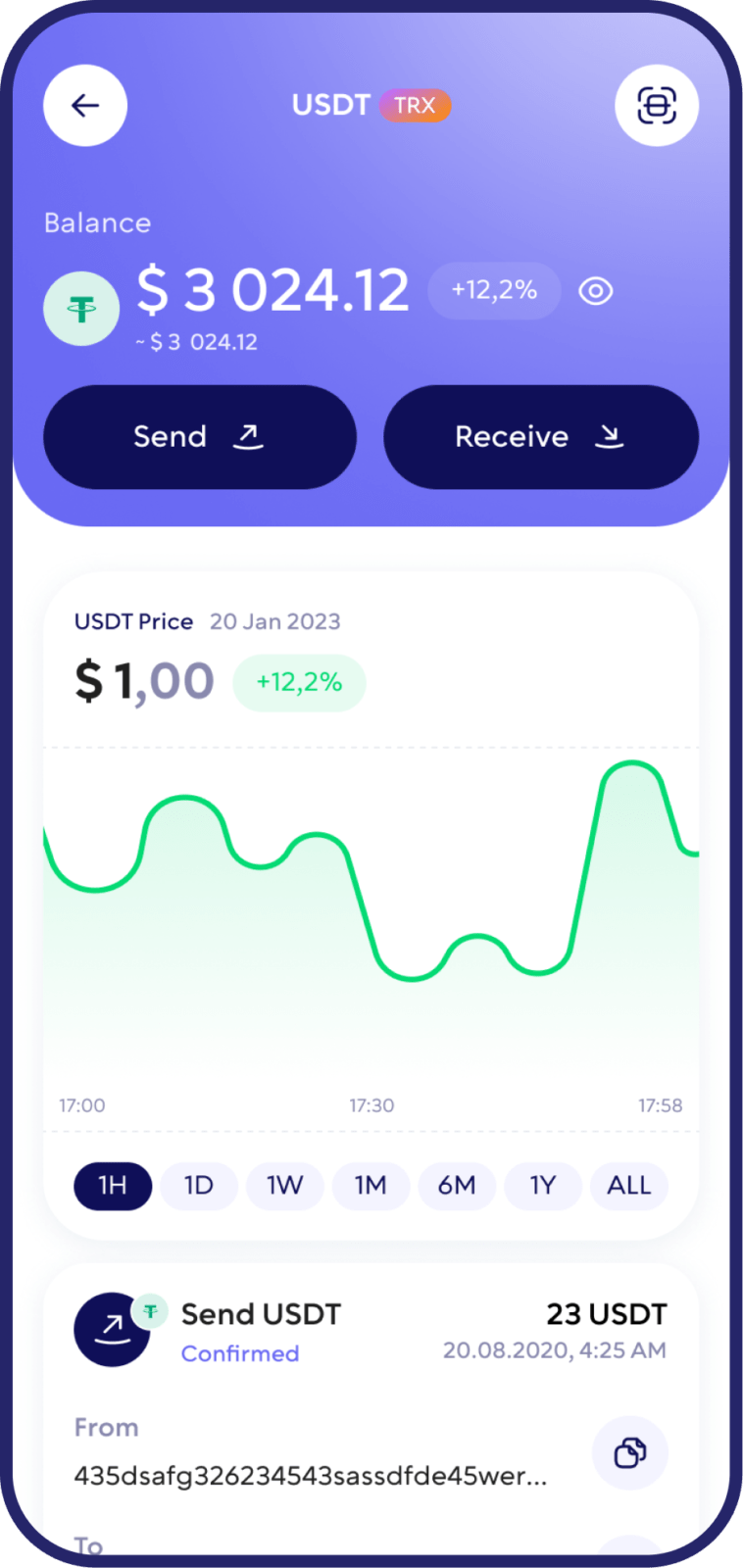
Get access to a wide range of trading pairs and route swaps through aggregated liquidity to help you find competitive execution for exchanges.

Comunity Voting
Vote on product priorities and feature direction inside a community-driven ecosystem.

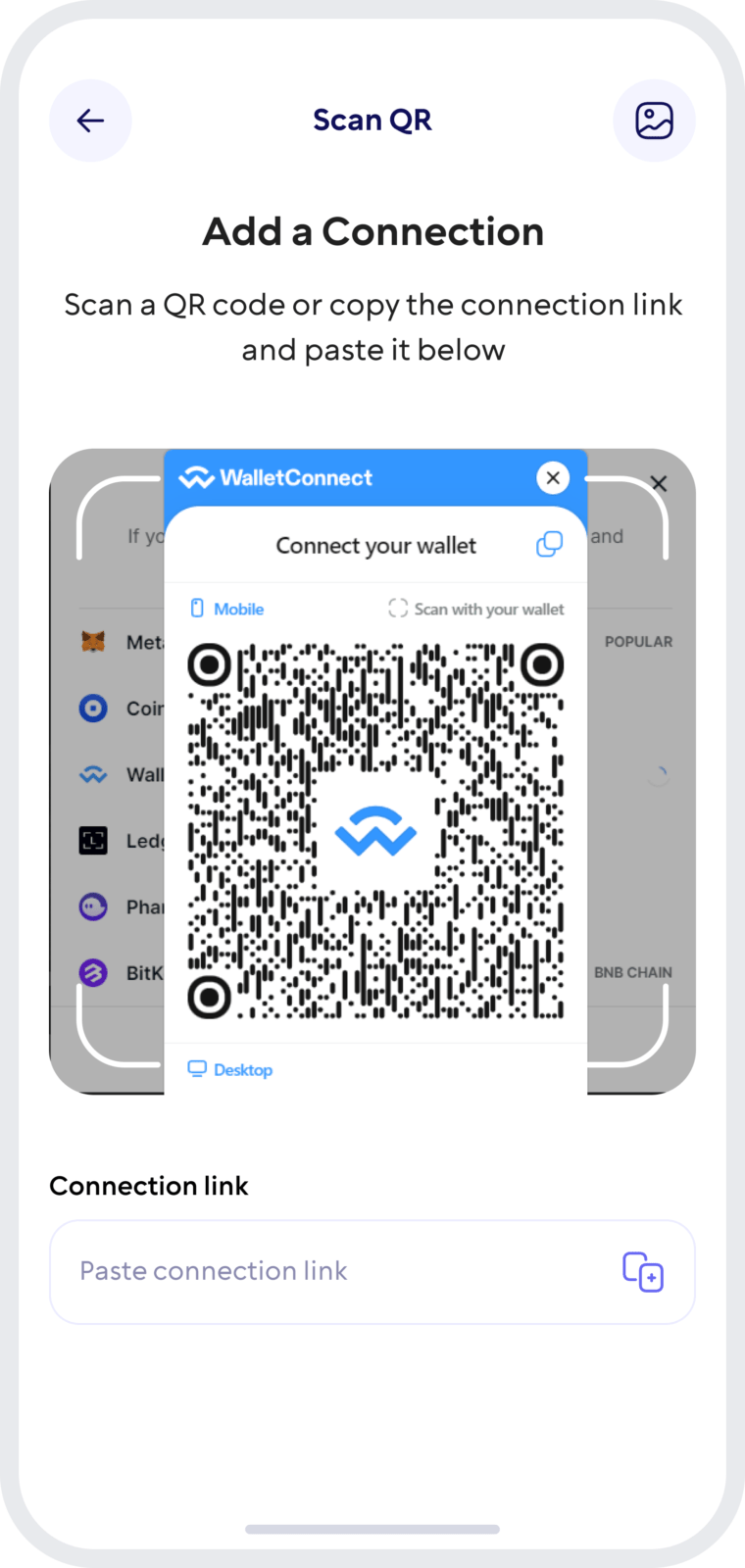
Wallet Connect
Connect to dApps and decentralized exchanges with a secure connection flow, so you can use Web3 services without exposing sensitive wallet details.
How Walletverse Keeps Your ACH Secure
Private Keys Stay on Your Device
Your private keys are encrypted and stored on your device. Walletverse never holds your funds as a custodian.
Industry-Standard Cryptography
The wallet uses AES encryption, ECDSA transaction signing and BIP32/39/44 key derivation, the same standards used across the crypto industry.
Passcode and Biometrics
Lock the app with a passcode and biometric protection, so no one can open your wallet even if they get hold of your phone.
Recovery Phrase Backup
Back up your wallet and restore access on a new device with your recovery phrase. Keep it offline and never share it with anyone.
Check Before You Send
ACH exists on Ethereum (ERC-20) and BNB Smart Chain (BEP-20). Before sending, make sure the sender and the recipient use the same network, and double-check the address, amount and fee.
Using ACH with a Hardware Wallet
A hardware (cold) wallet keeps private keys offline, which makes it a good choice for large, long-term holdings. ACH on Ethereum is a standard ERC-20 token, so you can store it on hardware wallets that support Ethereum tokens, such as Ledger or Trezor. Check the manufacturer’s list of supported assets before you send.
Many users combine the two: a hardware wallet for long-term savings and Walletverse for everyday use, such as buying, swapping and sending ACH.
How to Move ACH From Walletverse to a Hardware Wallet
- Open your hardware wallet’s app, select Ethereum (or the network your ACH is on) and copy the receiving address. Confirm that the address matches the one shown on the device screen.
- In Walletverse, open ACH, tap Send, paste the address and choose the same network.
- Send a small test amount first. Once it arrives, send the rest.
- Make sure you have enough ETH or BNB in Walletverse to pay the network fee.
FAQ
Open Walletverse and select ACH to see your balance. For additional verification, you can also check the wallet address on a blockchain explorer for the chosen network.
Enable passcode + biometrics, use multi-factor authentication if available, store your recovery phrase securely offline, and never share it with anyone.
In Walletverse, go to “Buy,” choose ACH, select your payment method (card / Apple Pay / Google Pay where available), and follow the checkout steps.
Walletverse is a self-custody wallet, meaning you control access to your funds through your wallet credentials and recovery data.
ACH is used to support payments and settlement flows that connect crypto and traditional payment methods, helping users and businesses move value between fiat and crypto rails.
Download to access all of Web 3 with just one app