



AMP Cryptocurrency Wallet Walletverse
Discover Walletverse, your gateway to the innovative world of AMP cryptocurrency. Designed for self-custody, our platform places the power of managing digital assets firmly in your hands within a community-driven ecosystem. Embrace the future of crypto wallets; download the Walletverse AMP Cryptocurrency wallet and take the first step into a broader crypto universe today.
Featured in:


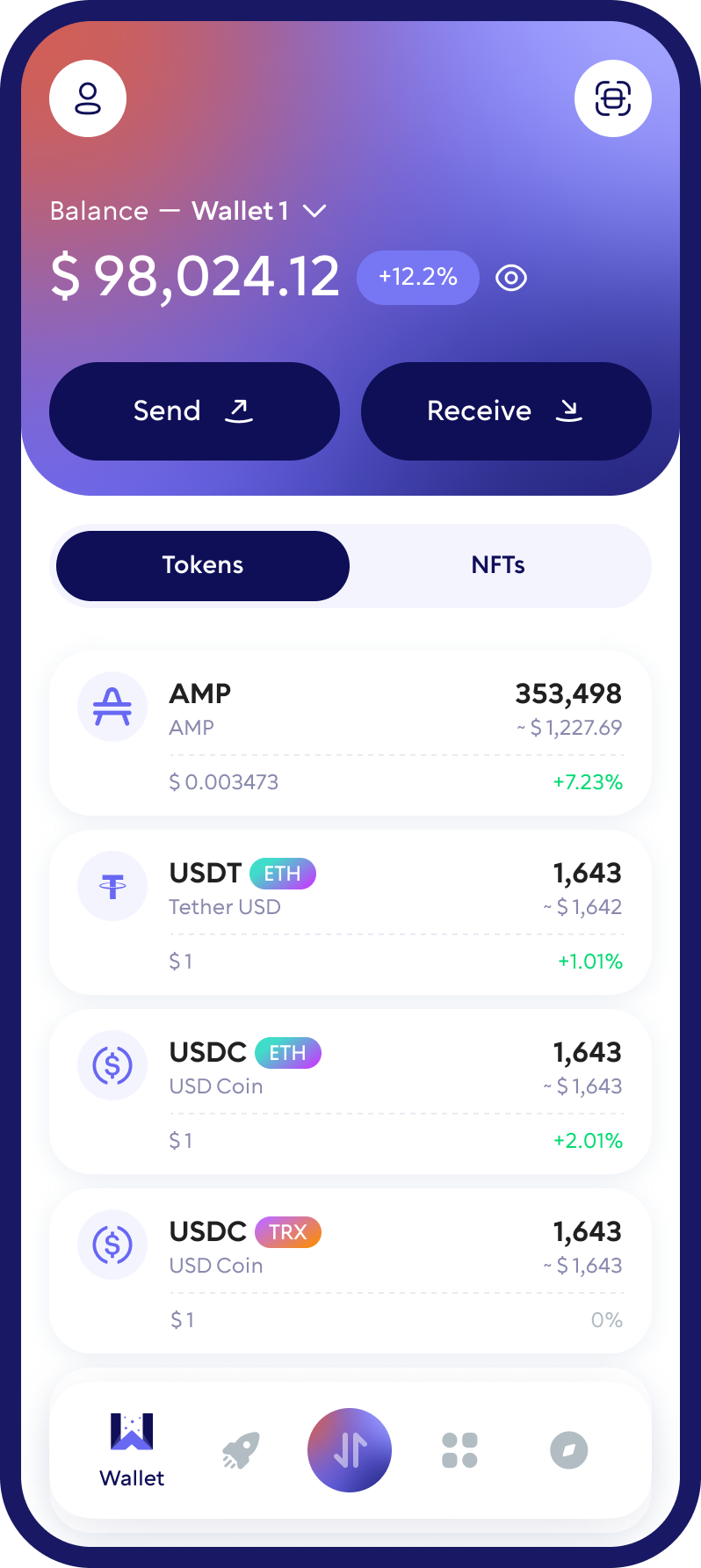
What Is AMP and How Does It Power Crypto Payments?
AMP is a collateral token created by Flexa, a payments company, together with ConsenSys. It backs payments on the Flexa network: when you pay with crypto at a merchant that accepts Flexa, AMP collateral guarantees the payment instantly, so the merchant doesn’t have to wait for blockchain confirmations.
- Token standard: ERC-20 on Ethereum
- Launched: September 2020, replacing Flexacoin (FXC) at a 1:1 rate
- Maximum supply: 100 billion AMP
- Official contract on Ethereum: 0xff20817765cb7f73d4bde2e66e067e58d11095c2
AMP holders can stake their tokens as collateral in the Flexa Capacity app and receive a share of the fees that merchants pay to the network.
Set Up Your AMP Wallet in 4 Steps
- Download Walletverse from the App Store or Google Play.
- Create a new wallet or restore an existing one, and follow the backup instructions.
- Find AMP in the list of assets.
- Tap Receive to see your AMP address and QR code. Because AMP is an ERC-20 token, it uses your Ethereum address.
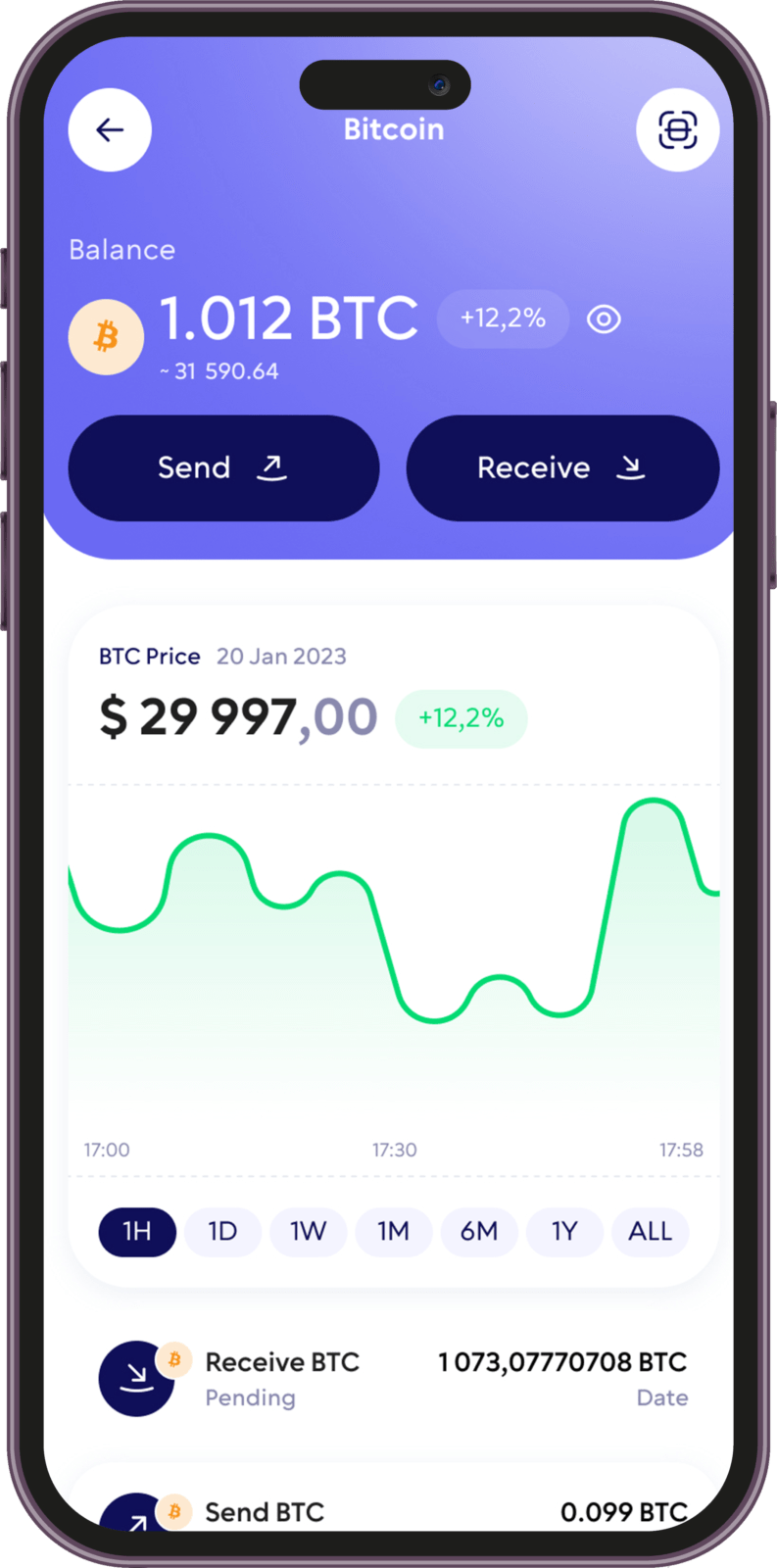
Can You Stake AMP?
Yes, but AMP staking happens in Flexa’s own app, Flexa Capacity, not inside Walletverse. There, AMP works as collateral for payments, and stakers receive a share of network fees. Flexa Capacity connects to self-custody wallets, including via WalletConnect.
In Walletverse, you can earn rewards by staking other popular coins, such as ETH, SOL and TRX.
Keep Your AMP Safe
Private keys stay on your device. They’re encrypted and never held by Walletverse.
Proven cryptography. The wallet uses AES encryption, ECDSA transaction signing and BIP32/39/44 key derivation.
Passcode and biometrics. Lock the app so no one else can open your wallet, even with your phone in hand.
Automatic backup. Your wallets are backed up, so you can restore access on a new device.
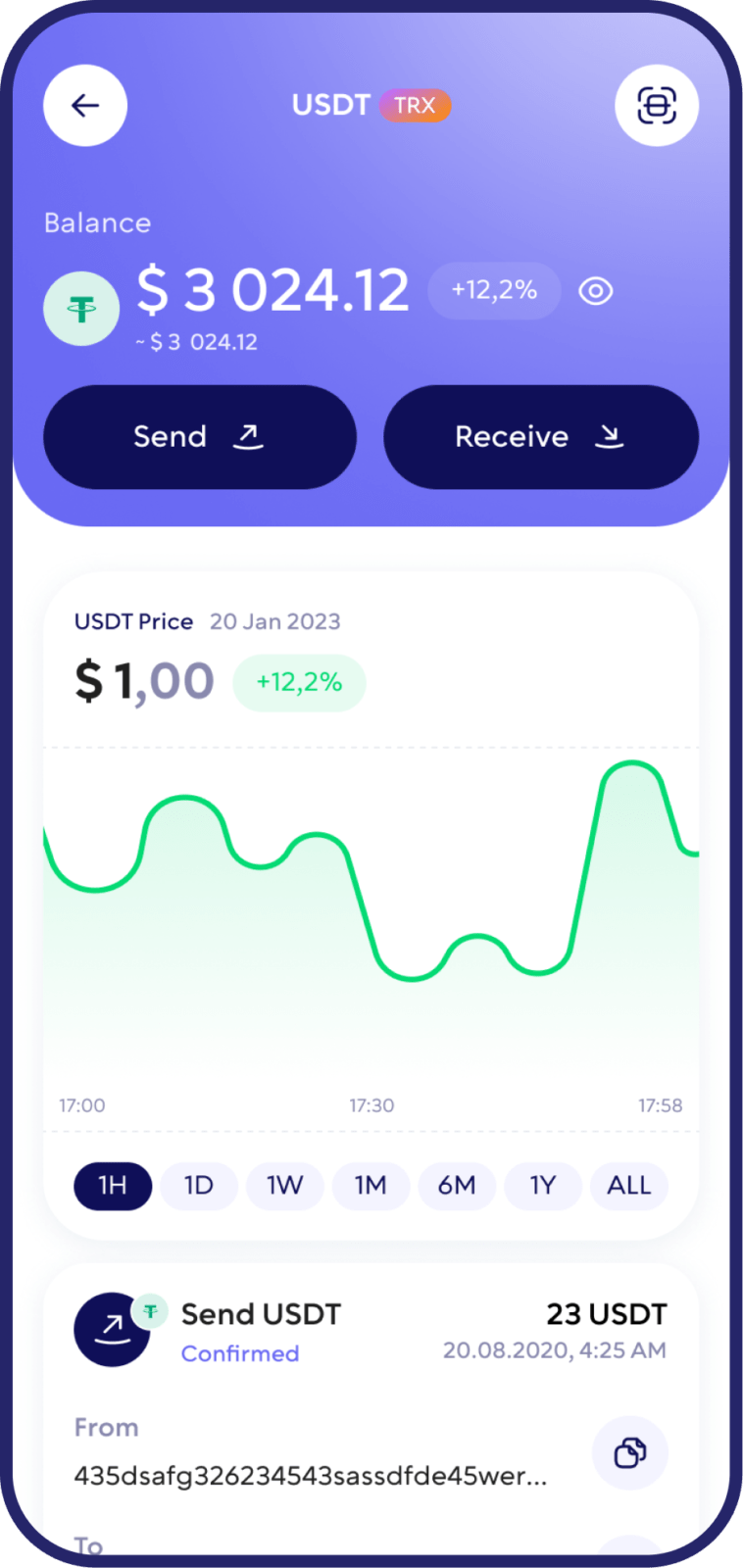
Swap AMP for ETH, USDT and Other Crypto
Walletverse has a built-in DEX aggregator with 10,000+ trading pairs. It searches for the best available rate, so you can swap AMP without an exchange account.
Open Swap in Walletverse. Choose AMP and the crypto you want to receive, for example ETH or USDT.
Enter the amount and review the rate, the fee and the minimum amount you’ll receive. Confirm the swap.
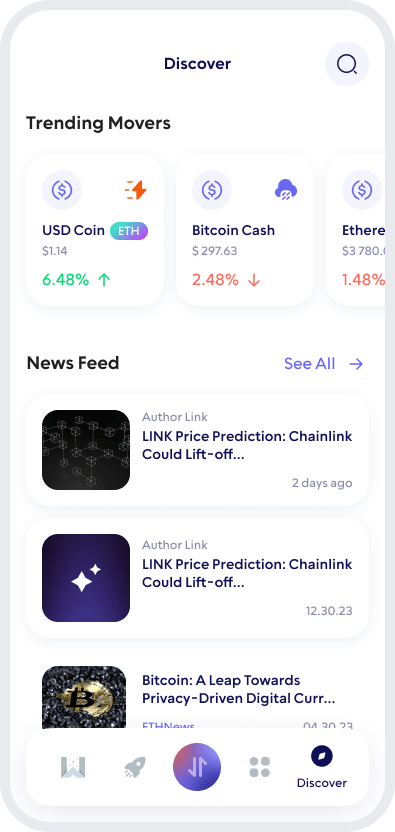
Manage AMP Alongside 700+ Other Coins
AMP is just one of 700+ cryptocurrencies supported by Walletverse. Keep your whole portfolio in one app, including:
Ethereum, which you need to pay fees for AMP transfers,
stablecoins such as Tether (USDT) and USD Coin (USDC),
other ERC-20 tokens, such as Uniswap (UNI) and Shiba Inu (SHIB),
payment-focused tokens such as Alchemy Pay,
Bitcoin (BTC), SOL, TRX, TON and hundreds of others

Use AMP with a Hardware Wallet
If you hold a large amount of AMP for the long term, consider a hardware wallet that keeps your keys offline.
AMP is a standard ERC-20 token, so it’s supported by hardware wallets that work with Ethereum tokens, such as Ledger, Trezor or Tangem.
Check the manufacturer’s list of supported assets before you send.
Send and Receive AMP
How to Receive AMP
- Open AMP in Walletverse and tap Receive.
- Copy your address or show the QR code to the sender.
- Make sure the sender uses the Ethereum network. If you’re withdrawing from an exchange, choose Ethereum (ERC-20).
How to Send AMP
- Open AMP and tap Send.
- Paste the recipient’s address or scan their QR code.
- Enter the amount and check the network fee. It’s paid in ETH.
- Confirm the transaction.
FAQ
It depends on how you use AMP. For everyday transfers, purchases and swaps, a mobile self-custody wallet like Walletverse is the most convenient option. For large, long-term holdings, add a hardware wallet.
Walletverse doesn’t charge a fee for sending AMP. You only pay the Ethereum network fee in ETH, which depends on how busy the network is.
In Walletverse, AMP works on the Ethereum network, so send and receive it only via Ethereum (ERC-20). If you send AMP on a different network, the funds may be lost.
Download to access all of Web 3 with just one app





