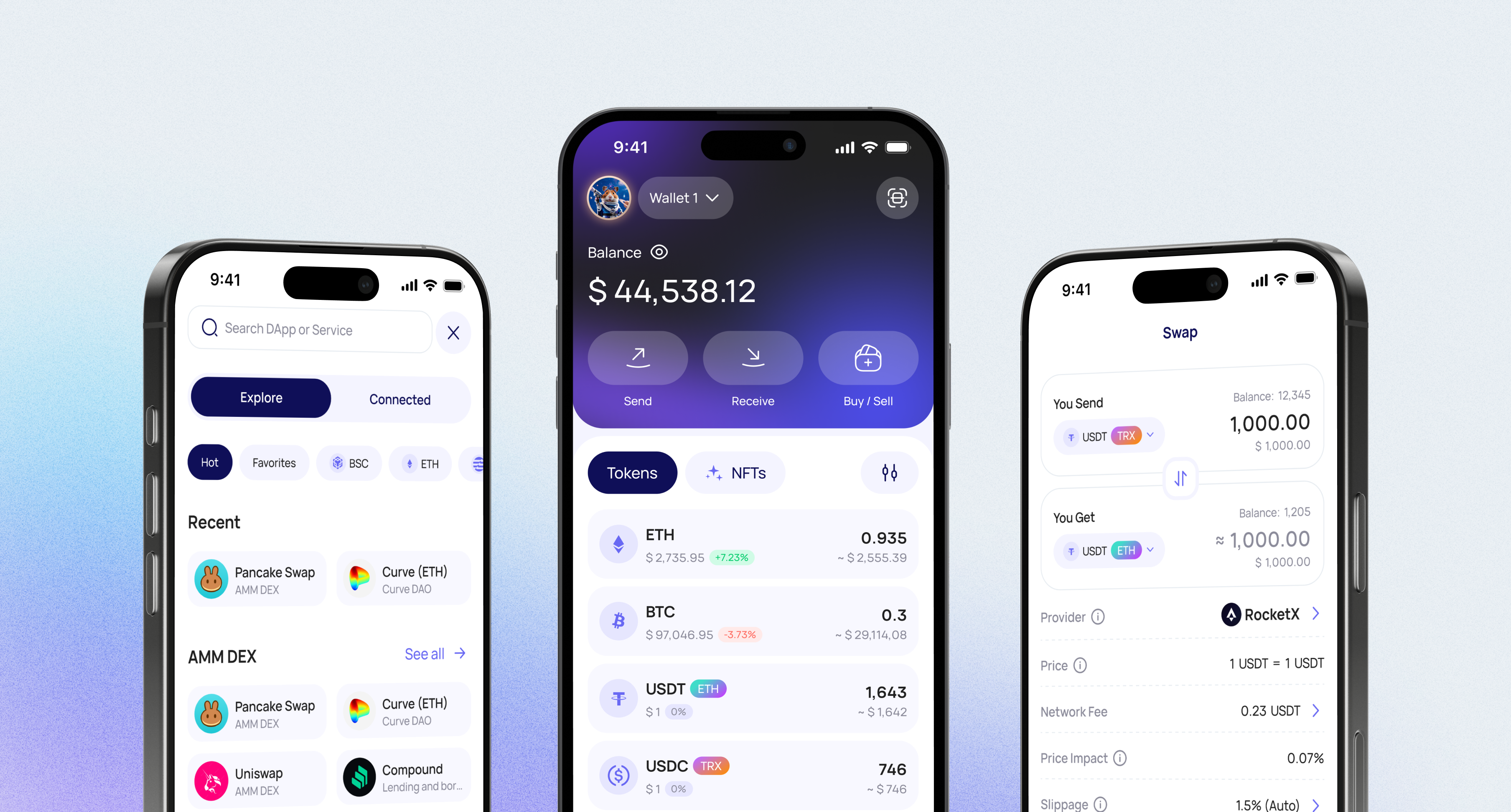
Walletverse gives APE users a fast, convenient, and secure way to manage digital assets from a mobile non-custodial wallet. You keep control of your funds while using one app to store, send, receive, buy, and swap ApeCoin.
Buy, Sell, and Trade ApeCoin (APE)
With Walletverse, you can buy APE with Apple Pay, Google Pay, credit or debit cards through supported providers.
Walletverse is more than a basic crypto wallet. It works as a full Web3 platform with multi-wallet management, dApps, DeFi access, NFTs, AML and KYT tools, strong security architecture, GasFree USDT transactions, and staking options for ETH, SOL, TRX, and more.
Stake and earn
Earn rewards by staking popular coins like ETH, SOL, TRX and more, with annual percentage yields (APY) ranging from 5% to 20%
20
APY
DEX aggregator
Access to a unlimited range of trading pairs and allows you to get access to the board and the best closing performance
Take charge of your crypto
Walletverse empowers you with a self-custody solution, granting you absolute control over your digital assets
Gas free transfers
Walletverse also offers GasFree USDT transactions, allowing USDT transfers on TRON without requiring TRX for network fees
WalletConnect
Securely interact with a wide range of dApps and decentralized exchanges
Community voting
Participate in decision-making on the development of new features
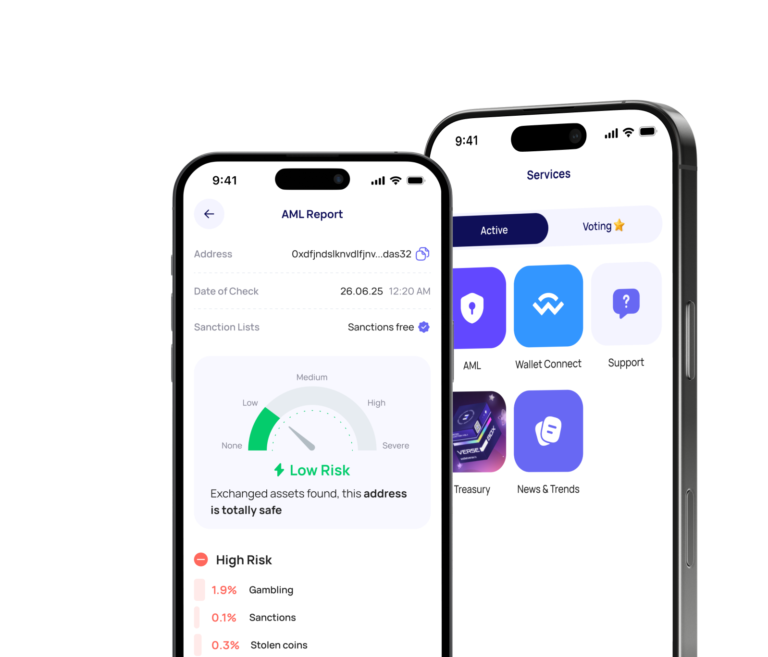
Crypto AML checks
With AML and KYT tools, strong security architecture, and full control over private keys, Walletverse helps users store, buy, swap, send, receive, and manage crypto assets with confidence.
Seamless security
Safeguard your digital assets with unparalleled security measures that ensure only you have access to your wallet – not even our team can access it. Protect your funds using passcode and biometric security features. Enjoy the peace of mind knowing that all your wallets are automatically backed up, and you can effortlessly restore access using a single personalized password.
All your crypto in one app
The app also supports more than 700 cryptocurrencies and tokens, so you can manage APE together with Bitcoin, Ethereum, Tether, Solana, TRON, BNB, Polygon, and other assets in one place. For users looking for an ApeCoin wallet with self-custody, mobile access, Web3 functionality, and portfolio flexibility, Walletverse offers a practical way to manage APE and other digital assets from one secure application.
Tether
Ripple
Dogecoin
Ethereum
Binance
USDC
Shiba Inu
Uniswap
Bitcoin
Bitcoin Cash
Dai
Immutable
Polkadot
Litecoin
Maker
NEAR Protocol
Injective
OKB
Cardano
Lido DAO
Render
Download to access all of Web3 with just one app
FAQ
What is ApeCoin (APE)?
ApeCoin (APE) is a crypto token connected with the APE ecosystem, including BAYC, Otherside, and ApeChain. It is commonly described as a utility and governance token used across Web3 products, community activity, and ecosystem services.
What is APE used for?
APE is used within the ApeCoin and ApeChain ecosystem. ApeChain also uses APE as its native gas token for transaction fees, which gives the token additional utility inside the network.
Can I buy ApeCoin in Walletverse?
Yes, you can buy APE in Walletverse through supported payment providers using Apple Pay, Google Pay, credit cards, or debit cards, depending on availability in your region.
Is Walletverse a non-custodial APE wallet?
Yes, Walletverse is a non-custodial crypto wallet. This means users keep control of their assets while using the app to store, send, receive, buy, and swap APE and other supported cryptocurrencies.
What is Walletverse crypto wallet?
Walletverse is a fast, convenient, and secure non-custodial crypto wallet that works as a full Web3 platform. Users can manage more than 700 cryptocurrencies, access DeFi, use dApps, work with NFTs, manage multiple wallets, use AML and KYT tools, make GasFree USDT transactions, and stake selected assets such as ETH, SOL, TRX, and more.