


Best Crypto Wallet to Store Crypto 2026
Updated: November 2026.
The best place to store crypto depends on how much you hold and how often you use it. For everyday amounts, a self-custody mobile wallet is convenient. For larger, long-term holdings, a hardware wallet keeps your keys offline. This guide compares 10 options, explains how hardware wallets work with phone apps, and shows what to check before you choose.
Quick answer:
- Long-term storage of larger amounts: Ledger, Trezor, Tangem or SafePal hardware wallets
- Everyday multi-chain wallet: Walletverse, Trust Wallet or Exodus
- Ethereum and DeFi: MetaMask
- No seed phrase: Bitget Wallet (email sign-up) or OneKey (keyless wallet)
- One app for software and hardware: OneKey, SafePal
Where to Store Crypto: Your Options
- Self-custody software wallet (hot): a mobile or desktop app that keeps keys on your device. It’s free and convenient for daily use, but your device’s security matters.
- Hardware wallet (cold): a device that keeps keys offline and confirms transactions on its own screen. It’s the safest option for long-term storage, but you have to buy it.
- Exchange account (custodial): the exchange holds your crypto. It’s convenient for trading, but if the exchange is hacked, fails or freezes your account, you can lose access.
Is it better to store crypto in a wallet than on an exchange? For long-term storage, yes. In a self-custody wallet only you control the keys. On an exchange, the exchange does.
Best Crypto Wallets Compared
| Wallet | Type | Networks and assets (per official listing) | Hardware option | App Store rating |
|---|---|---|---|---|
| Walletverse | Software, mobile | 600+ assets in listing, 700+ on site; ERC20, TRC20, BEP20, Avalanche C-Chain, Polygon, Solana | Not yet (listed as coming soon) | 5.0 (42) |
| Ledger | Hardware + app | 15,000+ crypto on 100+ blockchains | Stax, Flex, Nano Gen5, Nano X, Nano S Plus | 4.9 (15,213) |
| Trezor | Hardware + app | Bitcoin, Ethereum, Solana and thousands of tokens | Safe 3, Safe 5, Safe 7 | 4.7 (1,585) |
| Tangem | Hardware card or ring + app | Self-custody with keys on an NFC card or ring | Card or ring with EAL6+ chip | 4.9 (25,056) |
| SafePal | App + hardware | 10,000+ crypto on 200+ blockchains | S1, S1 Pro (air-gapped) | 4.7 (17,460) |
| OneKey | App + optional hardware | 60+ blockchains, 30,000+ tokens | OneKey, Ledger or Trezor devices | 4.7 (683) |
| Trust Wallet | Software | 100+ blockchains, 10+ million assets | Not in listing | 4.7 (199,155) |
| Exodus | Software | 1+ million assets, swaps across 50+ networks | Not in listing | 4.6 (37,804) |
| MetaMask | Software | Ethereum, Bitcoin, Solana, BSC, Base, TRON and more | Not in listing | 4.7 (76,631) |
| Bitget Wallet | Software | 130+ blockchains, 1+ million assets | Not in listing | 4.7 (5,649) |
Ratings and review counts from the US App Store on October 31 – November 2, 2026. Features are taken from App Store listings and manufacturers’ websites.
The 10 Best Wallets to Store Crypto
1. Walletverse
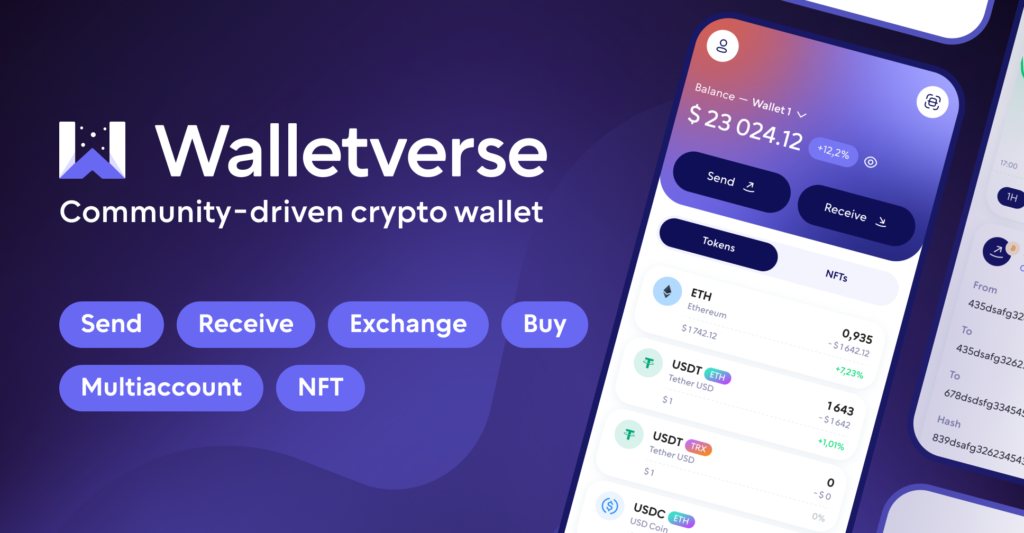
Walletverse is a free self-custody wallet for iOS and Android with 700+ cryptocurrencies and tokens.
- Private keys encrypted on your device, passcode and biometric protection
- Built-in AML checks, powered by Crystal, to check an address before you send
- Swap aggregator with 100+ DEX and CEX venues and 10,000+ trading pairs
- WalletConnect for dApps, multiple accounts, staking for ETH, SOL, TRX and other coins
Pros: many networks and swap venues in one app; AML checks. Cons: mobile only; hardware wallet connection isn’t available yet.


2. Ledger

Ledger’s range includes Stax, Flex, Nano Gen5, Nano X and Nano S Plus (Ledger). The Ledger Wallet app (formerly Ledger Live) supports 15,000+ crypto on 100+ blockchains, swaps through DEX and CEX aggregators and connects to dApps via WalletConnect (App Store).
Pros: keys stay on the device; very wide asset support. Cons: you have to buy the device.
3. Trezor
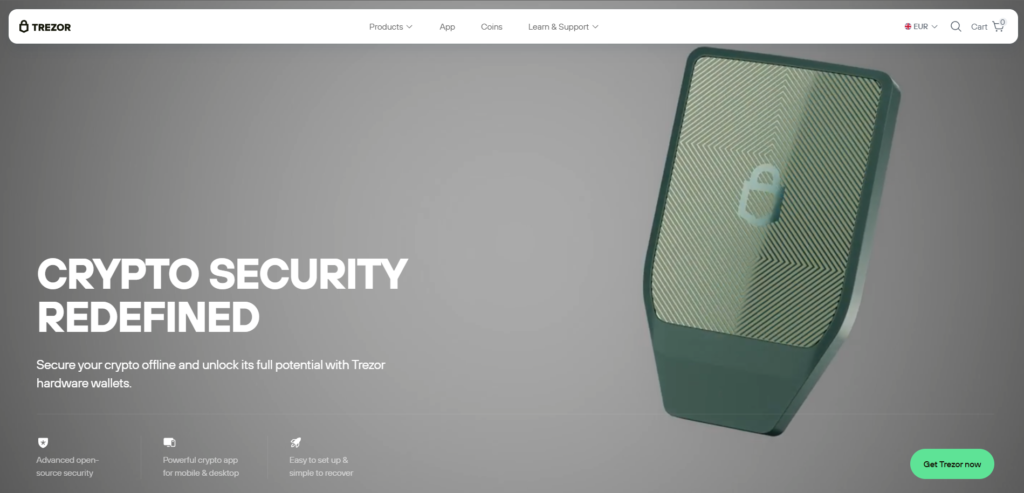
Trezor sells the Safe 3, Safe 5 and Safe 7 (Trezor). The Model T is discontinued, and Trezor names the Safe 5 as its successor (Trezor). On iPhone, the Trezor Suite app has full functionality with the Safe 7 over Bluetooth; other models have limited compatibility (App Store).
Pros: keys stay on the device; WalletConnect access to dApps. Cons: on iPhone, full support only with the Safe 7.
4. Trust Wallet
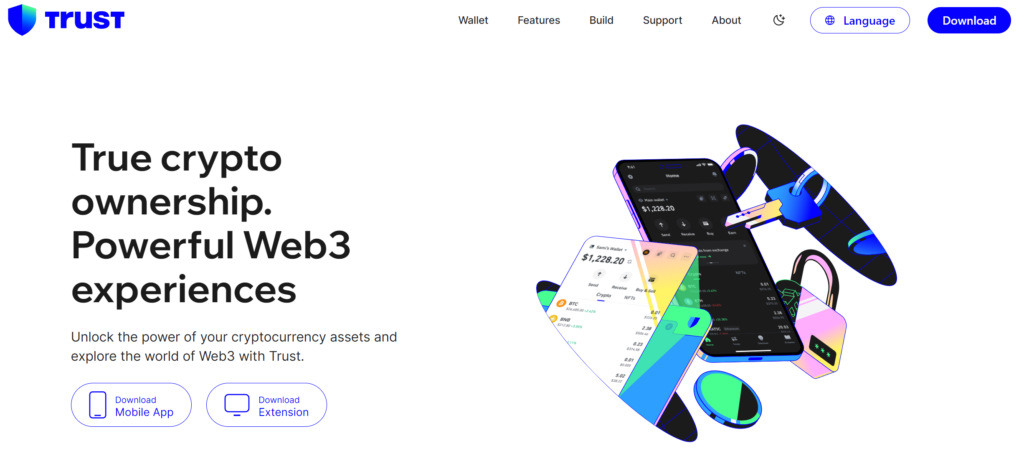
Trust Wallet says it’s trusted by over 200 million users. It supports 100+ blockchains and 10+ million assets, and private keys are AES-encrypted on your device (App Store).
Pros: very wide coverage. Cons: many features and earn options can overwhelm beginners.
5. Exodus Wallet

Exodus has been around since 2015. It offers 1+ million assets, swaps across 50+ networks and staking (App Store).
Pros: clean portfolio view. Cons: a hot wallet, so it’s less suited to large long-term holdings.
6. Bitget Wallet

Bitget Wallet says it’s trusted by over 100 million users. It supports 130+ blockchains and 1+ million assets, and you can sign up with email, with no seed phrase (App Store).
Pros: easy onboarding; wide network support. Cons: email and Apple or Google recovery means relying on the provider’s recovery system.
7. Tangem
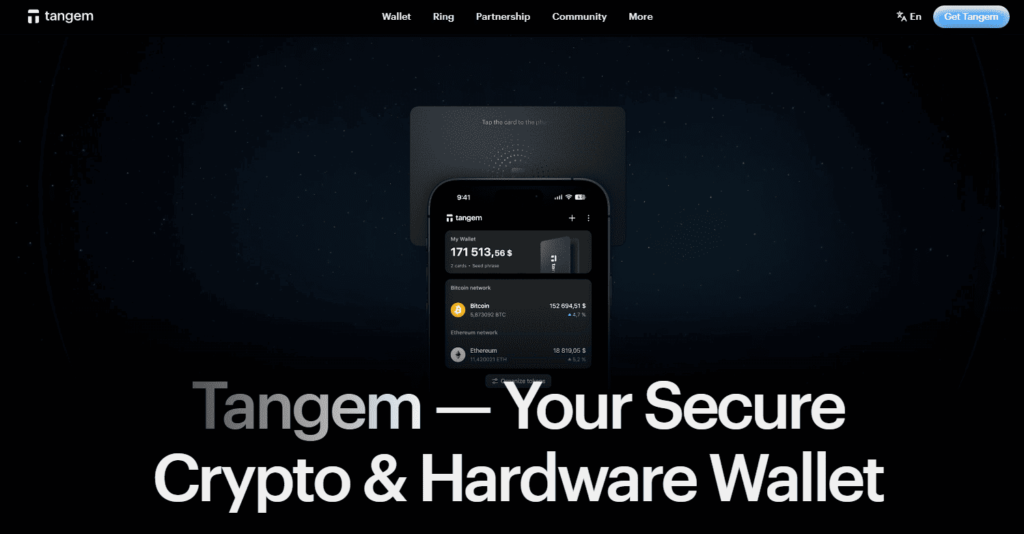
Tangem keeps private keys on a card or ring with a secure element chip certified to Common Criteria EAL6+. You approve every transaction by tapping it to your NFC-enabled phone. Tangem says it doesn’t store, access or control your keys (App Store).
Pros: card-sized cold storage that works with a phone. Cons: needs an NFC-enabled phone; you have to buy the card or ring.
8. SafePal

The SafePal app manages 10,000+ cryptocurrencies on 200+ blockchains and pairs with SafePal hardware wallets (App Store). The S1 Pro signs transactions fully offline through QR codes, with no Bluetooth, Wi-Fi, NFC or USB, and has an EAL6+ chip (SafePal).
Pros: start with the free app and move to air-gapped storage. Cons: without the device, the app is a regular hot wallet.
9. OneKey

OneKey supports 60+ blockchains and 30,000+ tokens. You can create a keyless wallet without a seed phrase or add a OneKey, Ledger or Trezor hardware wallet. SignGuard flags phishing, malicious approvals and risky addresses before you sign, and the app works on mobile and desktop (App Store).
Pros: works with three hardware wallet brands. Cons: fewer reviews than the largest wallets.
10. MetaMask

MetaMask says it’s trusted by over 100 million users. It supports Ethereum, Bitcoin, Solana, BSC, Base, TRON and more, with dApp connections and 24/7 threat monitoring (App Store).
Pros: the standard for Ethereum DeFi. Cons: the app also offers perpetual futures with up to 50x leverage, which is high risk.
Using a Hardware Wallet With Your Phone
A hardware wallet stores the keys. An app shows balances and prepares transactions, and you confirm each one on the device. Options covered in this guide:
- Ledger devices with the Ledger Wallet app
- Trezor Safe 7 with Trezor Suite on iPhone (full functionality over Bluetooth). Other Trezor models have limited iPhone compatibility.
- Tangem card or ring, by tapping it to an NFC-enabled phone
- SafePal S1 and S1 Pro with the SafePal app, through QR codes
- OneKey, Ledger or Trezor devices with the OneKey app
Always read the transaction on the device’s screen before confirming. A malicious transaction is still dangerous if you approve it on a hardware wallet.
Swapping Crypto You Store
Most wallets here let you swap without moving funds to an exchange:
- Software wallets with aggregators: Walletverse (100+ DEX and CEX venues), Exodus (50+ networks), OneKey (cross-chain and DEX liquidity)
- Hardware wallet apps: Ledger Wallet uses DEX and CEX aggregators. Trezor Suite offers buy and swap through third-party exchanges in supported countries.
Before you confirm, compare the final amount you’ll receive, all fees and the receiving network.
Supported Coins: What to Check
- Make sure your coins are supported on the right networks. USDT, for example, exists on Ethereum, TRON and other chains.
- Bitcoin-only holders can choose any hardware wallet in this list.
- Many networks: SafePal (200+ blockchains), Bitget Wallet (130+), Ledger (100+), Trust Wallet (100+), OneKey (60+).
How to Store Large Amounts of Crypto
- Use a hardware wallet for the bulk of your holdings, and a hot wallet only for spending money.
- Back up the recovery phrase offline, on paper or metal, and store copies in separate secure places.
- Buy devices only from the manufacturer or an authorised reseller.
- Never enter your recovery phrase on a website or in an app other than the device itself during recovery.
- Test your backup with a small amount before moving everything.
- Keep your holdings private. Physical “wrench attacks” on crypto holders are a real risk (BBC).
Crypto is volatile and high risk. This guide is not financial advice.
FAQ
Most frequent questions and answers
The best wallet depends on your priorities. Walletverse is excellent for those looking for a secure, multi-currency wallet with mobile convenience, while Ledger Nano X is ideal for long-term, offline storage.
You can buy cryptocurrency safely through platforms like Walletverse, which allows purchases via Apple Pay, Google Pay, and credit/debit cards.
The safest place to store crypto is in a cold wallet like Ledger Nano X or Trezor Model T, which stores your private keys offline for maximum security.


