


Best Cryptocurrency Software Wallet 2026 for Beginner’s and Advanced
Updated: October 2026.
A software crypto wallet is an app — on your phone, computer or browser — that holds the keys to your crypto. Most are free, and the best ones let you store, send, swap and buy crypto in one place. This guide compares the 10 best software wallets for 2026, explains how they differ from hardware wallets, and shows what to check before you choose.
Quick picks:
- Best mobile wallet for many coins: Walletverse, Trust Wallet
- Best for DeFi and dApps: MetaMask, Phantom
- Best desktop wallets: Exodus, Atomic Wallet, Coinomi, Guarda
- Best Bitcoin-focused mobile wallet: Mycelium
- Best for simple backups: Edge
Best Software Wallets 2026: Comparison
| Wallet | Platforms | Supported assets (per provider) | Price | Best for |
|---|---|---|---|---|
| Walletverse | iOS, Android | 700+ cryptocurrencies and tokens | Free | Everyday multi-coin use, swaps, buying with cards |
| MetaMask | Mobile, browser extension | Ethereum, EVM networks, Solana, Bitcoin | Free (0.875% swap fee) | DeFi and dApps |
| Trust Wallet | iOS, Android, browser extension | 100+ blockchains | Free | Beginners |
| Exodus | Windows, macOS, Linux, iOS, Android | 150+ cryptocurrencies | Free | Desktop users |
| Atomic Wallet | Desktop, mobile | 300+ coins and tokens | Free | Portfolio on desktop and mobile |
| Coinomi | iOS, Android, Windows, macOS, Linux | 10,000+ assets on 50+ blockchains | Free | Many coins, no KYC |
| Mycelium | Mobile | Bitcoin, Ethereum, ERC-20 tokens | Free | Bitcoin on a phone |
| Guarda | Web, desktop, mobile, extension | 70+ blockchains, 1M+ tokens | Free | Any device |
| Edge | iOS, Android | Popular coins and tokens | Free | Username/password backups |
| Phantom | iOS, Android, browser extension | Solana, Ethereum, Bitcoin and more | Free | Solana and NFTs |
Sources: official websites and app store listings (see “Sources”), checked October 2026. Network and swap fees still apply.
What Is a Software Crypto Wallet?
A software wallet is an application that stores your private keys on an internet-connected device — a phone, a computer or a browser — and uses them to sign transactions. It comes in three main forms:
- Mobile wallets (Walletverse, Trust Wallet, Edge, Mycelium) — for everyday use on the go.
- Desktop wallets (Exodus, Atomic Wallet, Coinomi) — for managing a portfolio on a computer.
- Browser extensions (MetaMask, Phantom, Trust Wallet, Guarda) — for connecting to dApps and DeFi.
When you send crypto, the wallet uses your private key to sign the transaction and broadcasts it to the blockchain. Your public address can be shared to receive funds; your private key and recovery details must never be shared.
Software vs Hardware Wallets
| Software wallet | Hardware wallet | |
|---|---|---|
| Where keys are stored | On your phone, computer or browser | On a separate physical device |
| Price | Usually free | You buy the device |
| Convenience | High: send, swap and buy in seconds | Lower: confirm every transaction on the device |
| Best for | Everyday use, swaps, dApps | Long-term storage of large amounts |
| Main risk | Malware, phishing, a lost or stolen phone | Losing the device and the recovery phrase |
Many users combine both: a software wallet for everyday transactions and a hardware wallet such as Ledger or Trezor for long-term savings.
Top 10 Software Crypto Wallets Reviewed
1. Walletverse
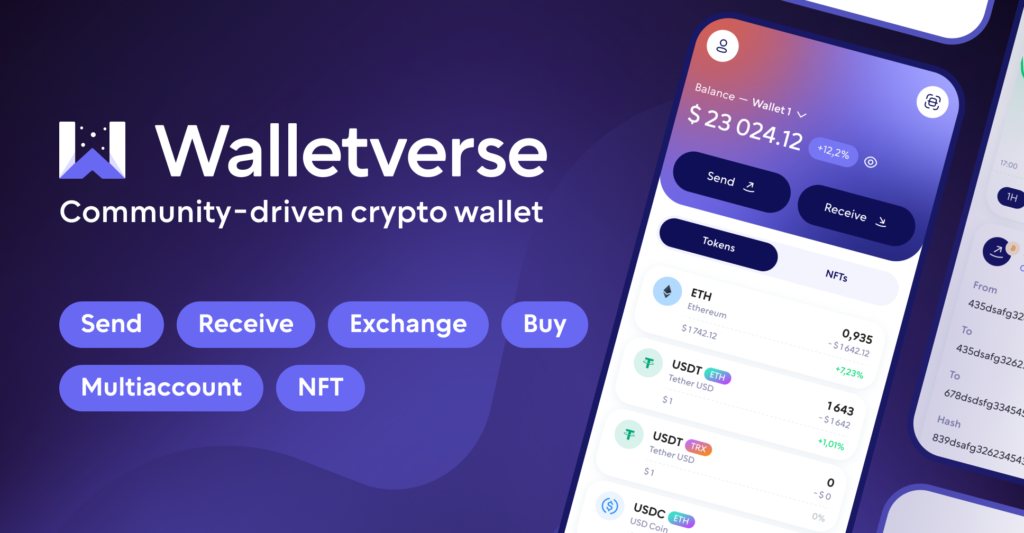
Walletverse is a free, self-custody mobile wallet for iOS and Android that supports 700+ cryptocurrencies and tokens.
- Self-custody: private keys are encrypted on your device and never leave it — the Walletverse team has no access to your funds.
- Swaps: a built-in DEX and CEX aggregator connects 100+ exchanges with more than 10,000 trading pairs.
- Buying: Visa, Mastercard and local payment methods through MoonPay, Simplex, Banxa, Transak and Wert, plus Apple Pay and Google Pay where available.
- Security: passcode, biometrics and built-in AML checks (powered by Crystal).
- Extras: staking for ETH, SOL, TRX and other assets, GasFree USDT transfers on TRON, WalletConnect for dApps, multiple accounts, and community voting on new features.
Limitations: mobile only (no desktop app or browser extension); selling crypto for fiat and hardware wallet connection are not available yet.


2. MetaMask

A free self-custody wallet as a browser extension and mobile app. It started on Ethereum and now supports EVM networks, Solana and, since December 2025, native Bitcoin (MetaMask). It’s the go-to wallet for many dApps; in-app swaps include a 0.875% MetaMask fee.
Best for: DeFi and dApp users. Network settings can feel complex for beginners.
3. Trust Wallet
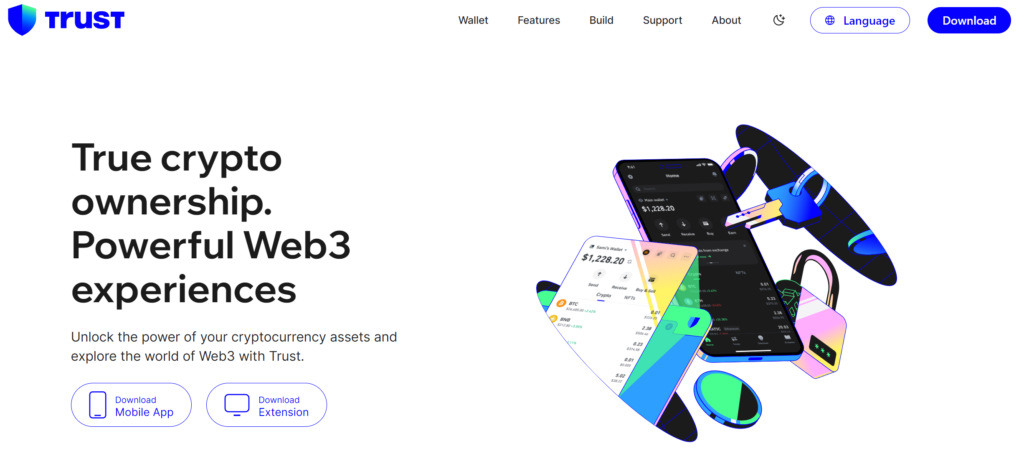
A free self-custody wallet for iOS, Android and the browser that supports 100+ blockchains, with buying, swapping, more than 25 staking options and dApp access. Trust Wallet was acquired by Binance in 2018 but, according to Binance Academy, has not been owned or controlled by the Binance exchange group since May 2025.
Best for: beginners who want a simple multi-chain wallet.
4. Exodus

A free self-custody wallet for Windows, macOS, Linux, iOS and Android; the desktop app manages 150+ cryptocurrencies. It has a built-in exchange and works with Trezor hardware wallets.
Things to consider: Exodus has discontinued its Web3 browser extension and WalletConnect, and ended Monero support in August 2025.
5. Atomic Wallet
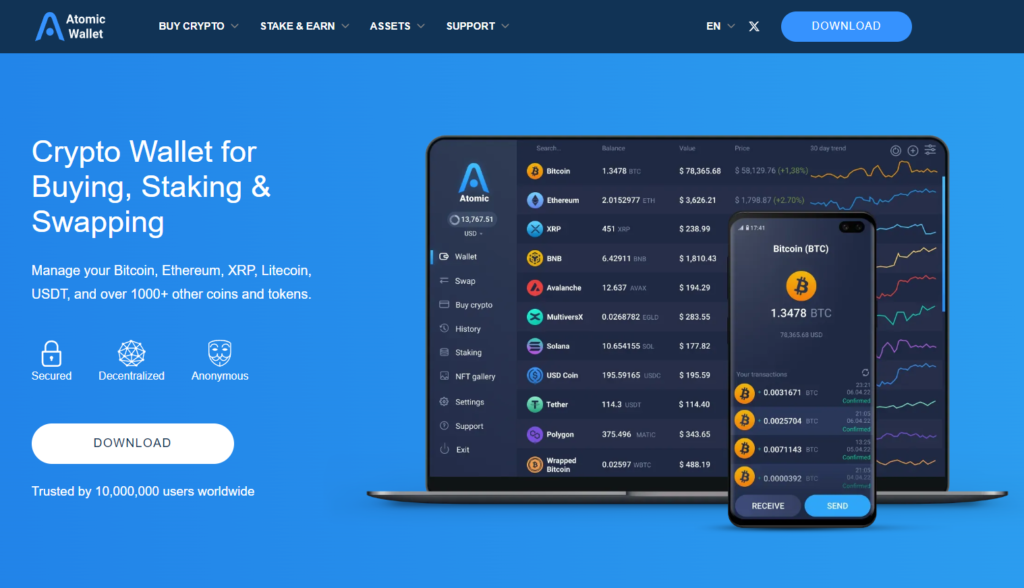
A free self-custody wallet for desktop and mobile with built-in swaps and staking; its download page lists 300+ coins and tokens.
Best for: managing one portfolio on both computer and phone.
6. Coinomi
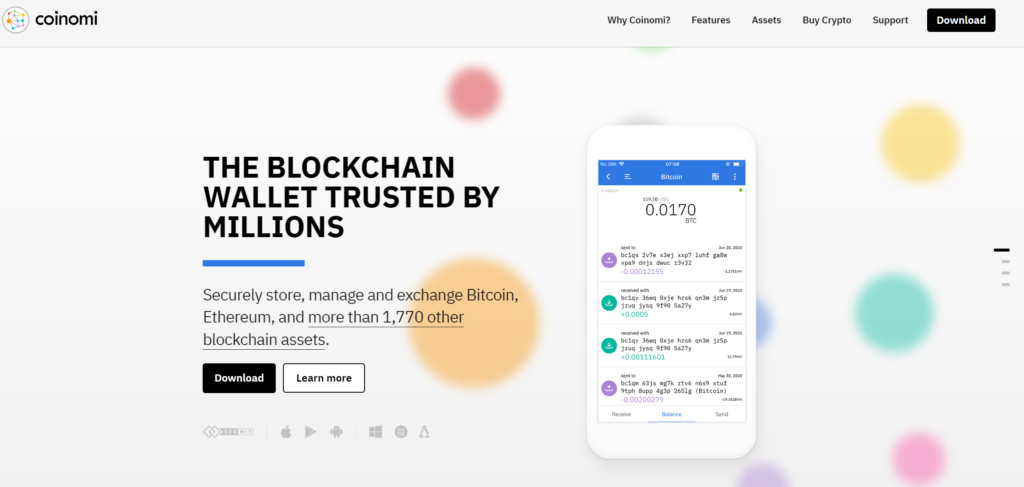
Operating since 2014, Coinomi supports 10,000+ assets across 50+ blockchains on iOS, Android, Windows, macOS and Linux, and doesn’t require KYC to use the wallet.
Best for: users who hold many different coins.
7. Mycelium
A free mobile wallet focused on Bitcoin that also supports Ethereum and ERC-20 tokens such as USDT and USDC.
Best for: users who mainly hold Bitcoin on a phone.
8. Guarda Wallet

A free self-custody wallet for web, desktop, mobile and browser, supporting 70+ blockchains and 1M+ tokens, with built-in exchange, buying and staking.
Best for: using the same wallet on every device.
9. Edge Wallet

A free mobile wallet for iOS and Android that encrypts your data on the device before it reaches Edge’s servers and lets you restore an encrypted backup with a username and password. Its code is open source on GitHub, and you can buy, sell and exchange crypto in the app.
Best for: users who want simpler backups than writing down a seed phrase.
10. Phatom Wallet

A free wallet for iOS, Android and browsers (Chrome, Brave, Edge) that started on Solana and now supports Ethereum, Bitcoin and other networks, with a built-in swapper (Phantom).
Best for: Solana users, NFTs and Solana dApps.
Best Desktop Crypto Wallets
If you prefer to manage crypto on a computer, choose a wallet with a full desktop app:
| Wallet | Desktop platforms | Notes |
|---|---|---|
| Exodus | Windows, macOS, Linux | 150+ cryptocurrencies, Trezor integration |
| Atomic Wallet | Desktop and mobile | 300+ coins and tokens, swaps and staking |
| Coinomi | Windows, macOS, Linux | 10,000+ assets, no KYC |
| Guarda | Desktop, web, extension | 70+ blockchains |
Walletverse is mobile-only, so it’s best paired with a desktop or hardware wallet if you also want to manage crypto on a computer.
Swapping Crypto in a Software Wallet
Most software wallets let you swap one coin for another without an exchange account:
- Open the coin you hold and choose Swap.
- Select the coin you want and enter the amount.
- Review the rate, network fee and any service fee, then confirm.
Fees differ: MetaMask adds a 0.875% service fee to swaps, while aggregators such as the one in Walletverse compare routes across many exchanges. Always compare the final amount you’ll receive.
Supported Coins: What to Check
- Your coins and their networks. USDT, for example, exists on TRON (TRC20), Ethereum (ERC-20) and other networks — make sure your wallet supports the one you use.
- Multi-chain vs specialized. Multi-currency wallets (Walletverse, Trust Wallet, Coinomi, Guarda) keep everything in one app; Bitcoin-focused or Solana-focused wallets go deeper on one network.
- Tokens and NFTs. If you hold tokens or NFTs on a specific network, check that the wallet displays them.
How to Keep a Software Wallet Secure
- Download only from official sources — the App Store, Google Play or the wallet’s official website.
- Back up your wallet and keep recovery details offline; never type them into a website or share them with “support”.
- Use a passcode and biometrics, and keep your phone and computer updated.
- Check the address and network before every transfer, and send a small test amount first.
- Never import a seed phrase someone sent you — it’s a common scam.
- Move large long-term holdings to a hardware wallet.
Custodial vs Non-Custodial Wallets
| Custodial (exchange account) | Non-custodial (self-custody) | |
|---|---|---|
| Who holds the keys | The platform | You |
| Recovery | Password reset through the platform | Only with your own backup |
| Risk | Platform hacks, freezes or insolvency | Losing your backup |
| Examples | Exchange accounts | All wallets in this list |
How to Choose a Software Wallet
- Device: phone, computer, browser — or several.
- Coins and networks: check that yours are supported.
- Features you need: swaps, buying with cards, staking, dApps.
- Security: self-custody, passcode, biometrics, backups.
- Fees: compare swap and provider fees, not just the exchange rate.
- Ease of use: beginners should start with a simple multi-chain mobile wallet.
FAQ
Most frequent questions and answers
It depends on your needs. For everyday mobile use with many coins, Walletverse and Trust Wallet are strong options; for DeFi, MetaMask or Phantom; for desktop, Exodus, Atomic Wallet, Coinomi or Guarda.
There is no single most trusted wallet. Look for self-custody, a long track record, clear security features and official app store listings — and keep large amounts on a hardware wallet.
Software wallets are safe for everyday amounts if you protect them: back up your recovery details offline, use a passcode and biometrics, and download apps only from official sources. For large long-term holdings, a hardware wallet is safer.


