



Beta Finance (BETA) Crypto Wallet
Beta Finance (BETA) is a cryptocurrency associated with the Beta Finance decentralized finance ecosystem. The protocol was designed around crypto lending, borrowing and short-selling, while the BETA token has been used within the ecosystem for governance and protocol incentives.
Choosing a BETA wallet requires more than checking whether the token name appears in an asset list. Users should verify the blockchain network, receiving address, token compatibility and available transaction features before transferring funds.
Walletverse is a self-custody mobile wallet supporting 700+ cryptocurrencies. Users can manage supported assets, access crypto purchasing and exchange features and protect wallet access with passcode and biometric security.
Before transferring BETA to Walletverse, verify that the exact BETA token and blockchain network you intend to use are currently supported in the application.
Featured in:


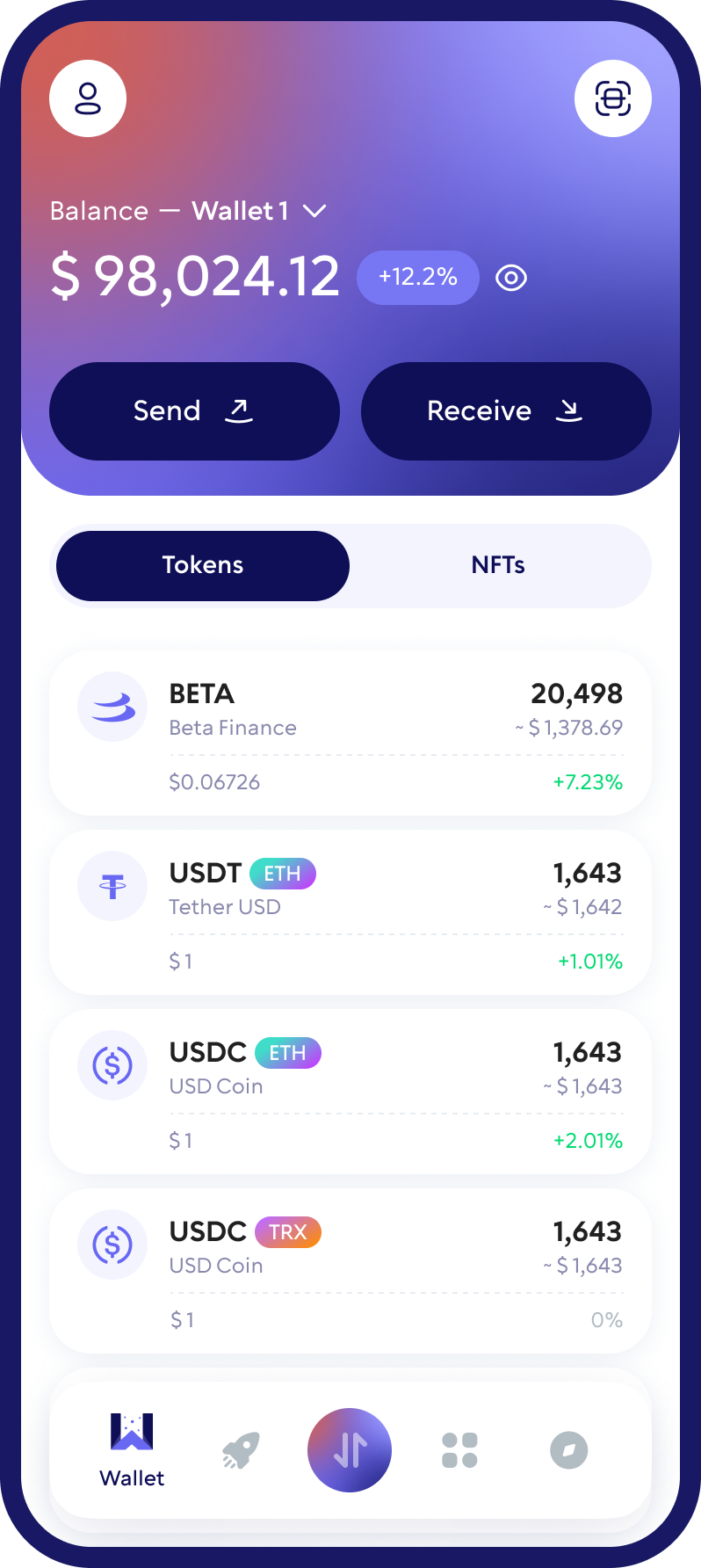
What Is Beta Finance (BETA)?
Beta Finance is a decentralized finance protocol originally designed to provide permissionless money markets for lending, borrowing and short-selling crypto assets.
One of the project’s distinguishing features is its focus on making short positions more accessible within decentralized finance. The protocol has also allowed markets to be created for a broader range of crypto assets rather than limiting activity to only the largest tokens.
BETA is the governance token associated with the Beta Finance ecosystem. According to the project’s documentation, BETA holders can participate in governance decisions concerning protocol parameters and development.
BETA should not be confused with a native blockchain coin such as Bitcoin or Ethereum. It is a token that operates on existing blockchain infrastructure, so users must pay particular attention to the network when storing or transferring it.
How to Buy and Swap Beta Finance (BETA)
Beta Finance can be acquired or exchanged through crypto services that currently support BETA and the required blockchain network.
Walletverse provides access to cryptocurrency exchange functionality through integrated third-party providers. To check whether a BETA swap is available, select the asset you want to send, choose BETA as the receiving asset and enter the amount.
If a route is available, review:
- The BETA network;
- The current exchange rate;
- The estimated amount you will receive;
- Provider and network fees;
- Minimum and maximum transaction limits;
- Any other conditions displayed for the transaction.
The availability of a particular BETA trading pair can change according to the exchange provider, network support and market liquidity.
If BETA is not currently available through Walletverse’s integrated exchange provider, do not send another cryptocurrency expecting it to be converted automatically.
Which Networks Does BETA Use?
Beta Finance (BETA) has been issued as a token on Ethereum and BNB Smart Chain. This means that users may encounter BETA in different blockchain environments.
Network compatibility matters because an Ethereum-based BETA transaction and a BNB Smart Chain BETA transaction do not use the same network conditions or transaction fees.
Before receiving BETA, verify:
- The blockchain on which your BETA is currently held;
- The token contract;
- The network supported by the receiving wallet;
- The receiving address;
- The network fee required to complete the transfer.
Walletverse users should not assume that support for BETA on one network automatically means that every BETA version is supported. Check the current asset and network information in the application before sending tokens.
How to Buy BETA with USD, EUR and Other Fiat Currencies
1. Open the buy feature in Walletverse.
Select the cryptocurrency purchase option in the mobile app.
2. Search for BETA.
Check whether Beta Finance is directly available from the current payment provider.
3. Select the fiat currency and payment method.
Available currencies and payment methods depend on the provider and location.
4. Review the quote.
Check the exchange rate, provider fees, purchase limits, estimated BETA amount and any identity-verification requirements.
5. Complete the transaction.
If BETA is offered directly, follow the provider’s instructions to complete the purchase.
What Cryptocurrencies Does Walletverse Support?
Walletverse is a multi-currency self-custody wallet supporting 700+ cryptocurrencies.
Users can manage multiple supported digital assets within one mobile application.
Supported assets include major cryptocurrencies such as Bitcoin (BTC), Ethereum (ETH), Tether (USDT), USD Coin (USDC), XRP, Dogecoin (DOGE), Litecoin (LTC), Cardano (ADA), Polkadot (DOT) and many others.
Multi-currency support can be useful for users who hold BETA alongside other cryptocurrencies and do not want to maintain a separate wallet application for every asset.
However, the number of supported cryptocurrencies should not be confused with blockchain-network coverage.
The same cryptocurrency can exist on more than one network, while individual tokens on a supported blockchain may still require separate support.
Before sending BETA or another token to Walletverse, confirm that the exact asset and network are currently available in the application.
How to Store BETA Safely with Walletverse
Secure BETA storage starts with choosing a compatible wallet and protecting access to it.
Walletverse is a self-custody mobile wallet. It provides passcode and biometric protection, while users remain responsible for safeguarding their wallet recovery information.
When storing BETA, follow several basic security practices:
Verify the network before depositing.
BETA can exist in different blockchain environments, so the sending and receiving networks must be compatible.
Check the token contract.
Do not select a cryptocurrency only by its name or ticker. Fake tokens can use names that resemble legitimate assets.
Protect your recovery information.
Never disclose wallet passwords, recovery credentials or private-key information to another person or an unknown website.
Check the address before sending.
Cryptocurrency transactions can be difficult or impossible to reverse. Compare the full receiving address before confirming a transfer.
Consider a test transaction.
When transferring BETA to a new wallet for the first time, sending a small amount first can help verify that the asset and network are correct.
Walletverse users should also keep the application and mobile operating system updated and use only official download sources.
FAQ
Acquiring Beta Finance (BETA) tokens is straightforward with Walletverse. Start by downloading the Walletverse app and creating your wallet — a simple process that opens up a world of possibilities in DeFi. Walletverse lets you purchase BETA tokens easily using USD or any other fiat currency with your credit or debit card. Our platform ensures a smooth and secure investment experience, providing the tools needed to invest in BETA and confidently participate in the burgeoning DeFi market. With Walletverse, you can effortlessly convert, invest, and manage your digital assets in a secure, community-focused environment.
For those looking to manage Beta Finance (BETA) tokens and delve into a wide array of over 300+ cryptocurrencies, the Walletverse wallet app is your comprehensive solution. It offers an all-encompassing suite of services for digital asset management, including the ability to create a wallet, check your balance, and conduct transactions such as sending, receiving, storing, and exchanging BETA tokens. Moreover, Walletverse provides direct access to decentralized applications (dApps) and decentralized exchanges (DEXs), enhancing your ability to engage with the DeFi ecosystem. Opt for Walletverse for a secure, intuitive, and community-driven platform that supports your journey in the decentralized world of finance.
The application supports more than 300 different cryptocurrency wallets, including Beacon ETH wallets, BetterBetting wallets, etc.
Direct card purchases depend on whether the integrated payment provider currently lists BETA in the user’s location. Walletverse users can check available card and other fiat payment options in the app. If direct BETA purchase is unavailable, a two-step purchase-and-swap route may be possible when a compatible exchange pair exists.
Beta Finance is the DeFi protocol, while BETA is the token associated with its ecosystem and governance. Walletverse users managing BETA should therefore treat it as a blockchain token and verify its network compatibility rather than confusing the token with the protocol itself.
Download to access all of Web 3 with just one app





