



BNB Wallet: Secure Binance Coin Cryptocurrency Wallet
Manage BNB with Walletverse — a secure, easy-to-use self-custody crypto wallet for iOS and Android.
Create your BNB wallet, receive and send BNB, buy crypto with supported payment methods, swap assets directly from your phone, and connect to Web3 applications while staying in control of your crypto.
Featured in:


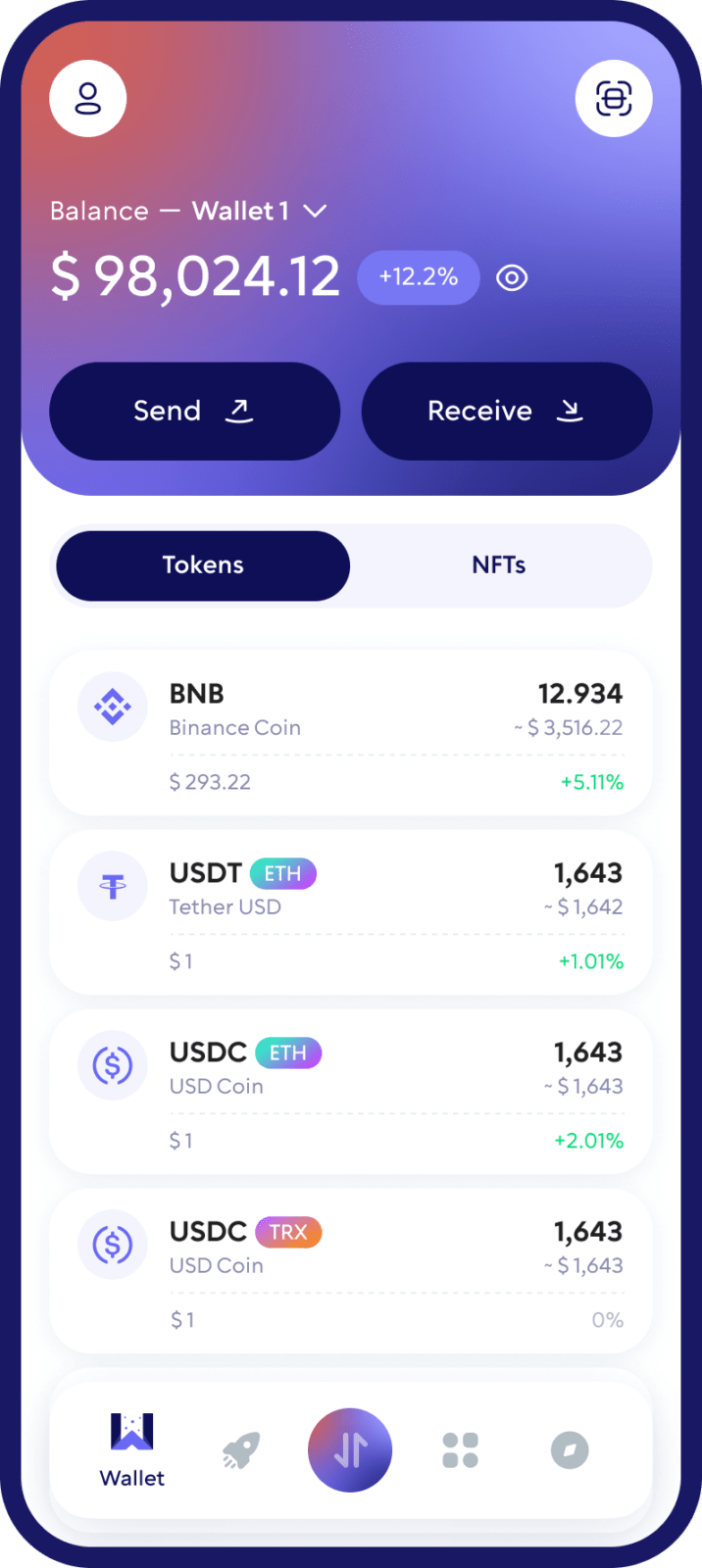
What Is a BNB Wallet?
A BNB wallet is a cryptocurrency wallet that lets you manage BNB and interact with the BNB Chain ecosystem.
BNB was originally known as Binance Coin. Today, it is the native cryptocurrency of the BNB Chain ecosystem and is used for transactions, network fees and interaction with applications built on BNB Smart Chain.
A crypto wallet does not physically store cryptocurrency inside the application. Instead, it provides the credentials and interface needed to access and manage assets recorded on the blockchain.
With a self-custody BNB wallet such as Walletverse, you remain in control of your wallet instead of relying on a centralized exchange to custody your assets.
A BNB Wallet Built for Everyday Crypto
Walletverse gives you one place to manage BNB and hundreds of other supported cryptocurrencies.
Whether you are receiving BNB from an exchange, sending it to another wallet, swapping between cryptocurrencies, or exploring Web3, Walletverse makes BNB management simple from your mobile device.
With Walletverse you can:
Create and manage a BNB wallet from your phone
Receive and send BNB
Buy BNB using supported payment methods
Swap BNB and other supported cryptocurrencies
Manage multiple crypto assets in one wallet
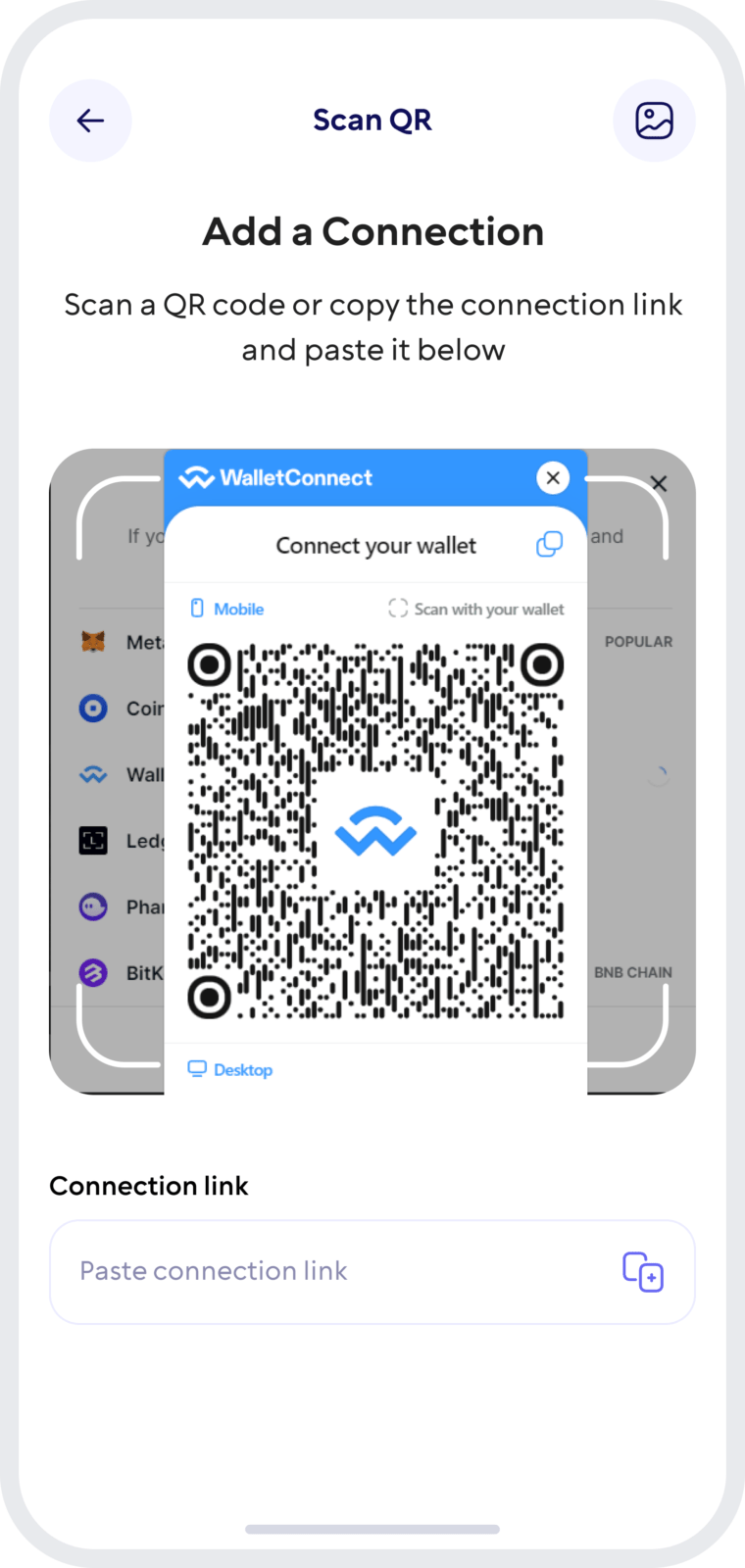
Connect to supported dApps through WalletConnect
Protect access to your wallet with passcode and biometric security
Maintain control of your crypto with self-custody
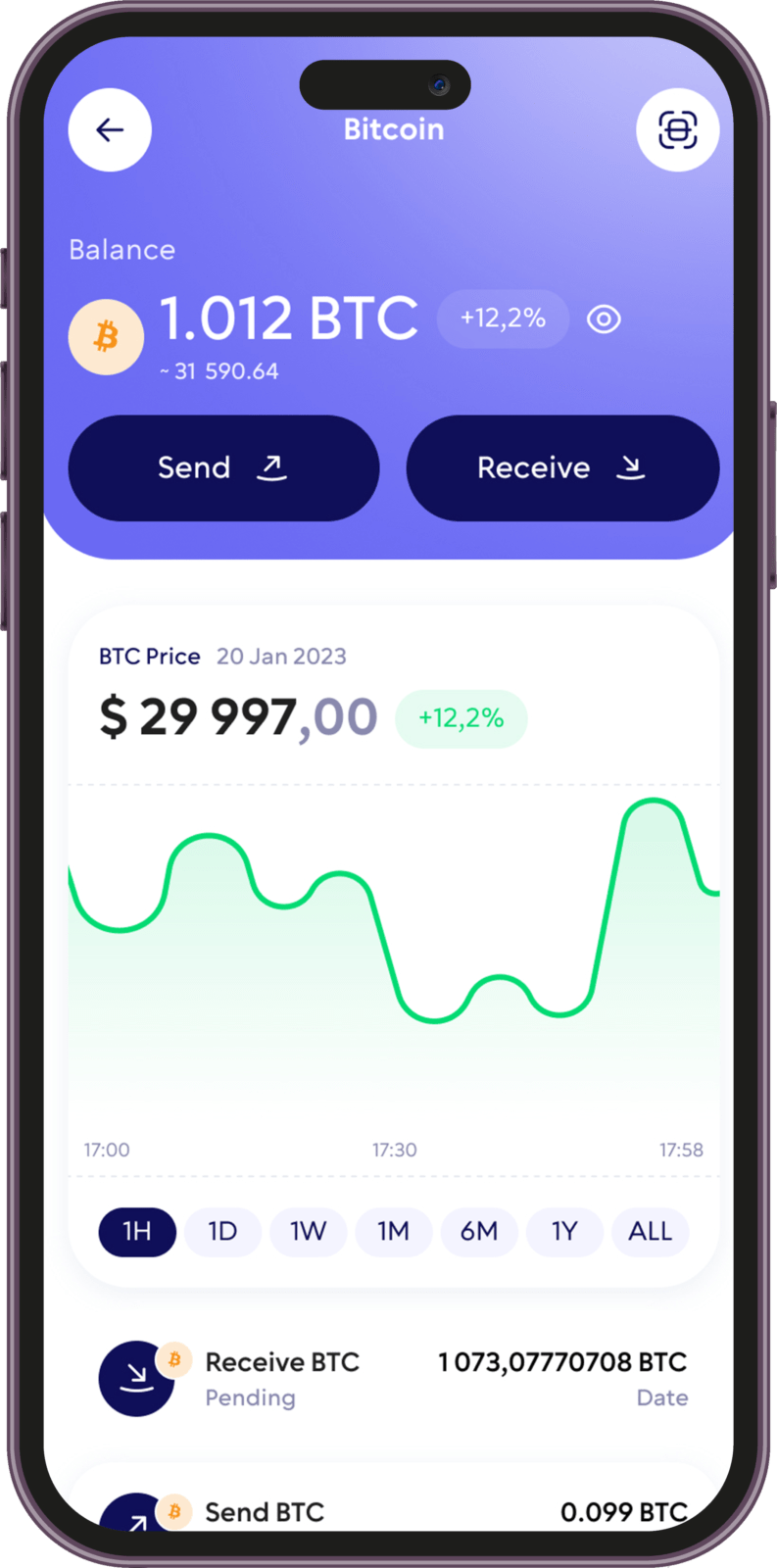
Why Use Walletverse as Your BNB Wallet?
Self-Custody
Walletverse is designed as a self-custody crypto wallet. Instead of leaving your BNB under the control of a centralized platform, you can manage your assets directly through your own wallet.
Simple BNB Transactions
Send and receive BNB directly from your mobile wallet. Walletverse provides a straightforward interface for checking your balance, entering a recipient address and confirming transactions without moving between multiple applications.
Buy Crypto From Your Phone
Use supported payment methods available in Walletverse to purchase cryptocurrency without leaving the app.
Swap BNB and Other Crypto
Walletverse includes built-in crypto exchange functionality, allowing you to swap between supported assets directly from your wallet.
Access Web3 With WalletConnect
Walletverse supports WalletConnect, allowing you to connect your wallet to compatible dApps and decentralized services while keeping wallet access under your control.
Manage More Than BNB
Walletverse supports hundreds of cryptocurrencies, allowing you to manage BNB together with Bitcoin, Ethereum, USDT, USDC, Solana and other supported digital assets from one mobile wallet.
How to Create a BNB Wallet
Download Walletverse
Create Your Wallet
Secure Your Wallet
Open BNB
Get Your BNB Wallet Address
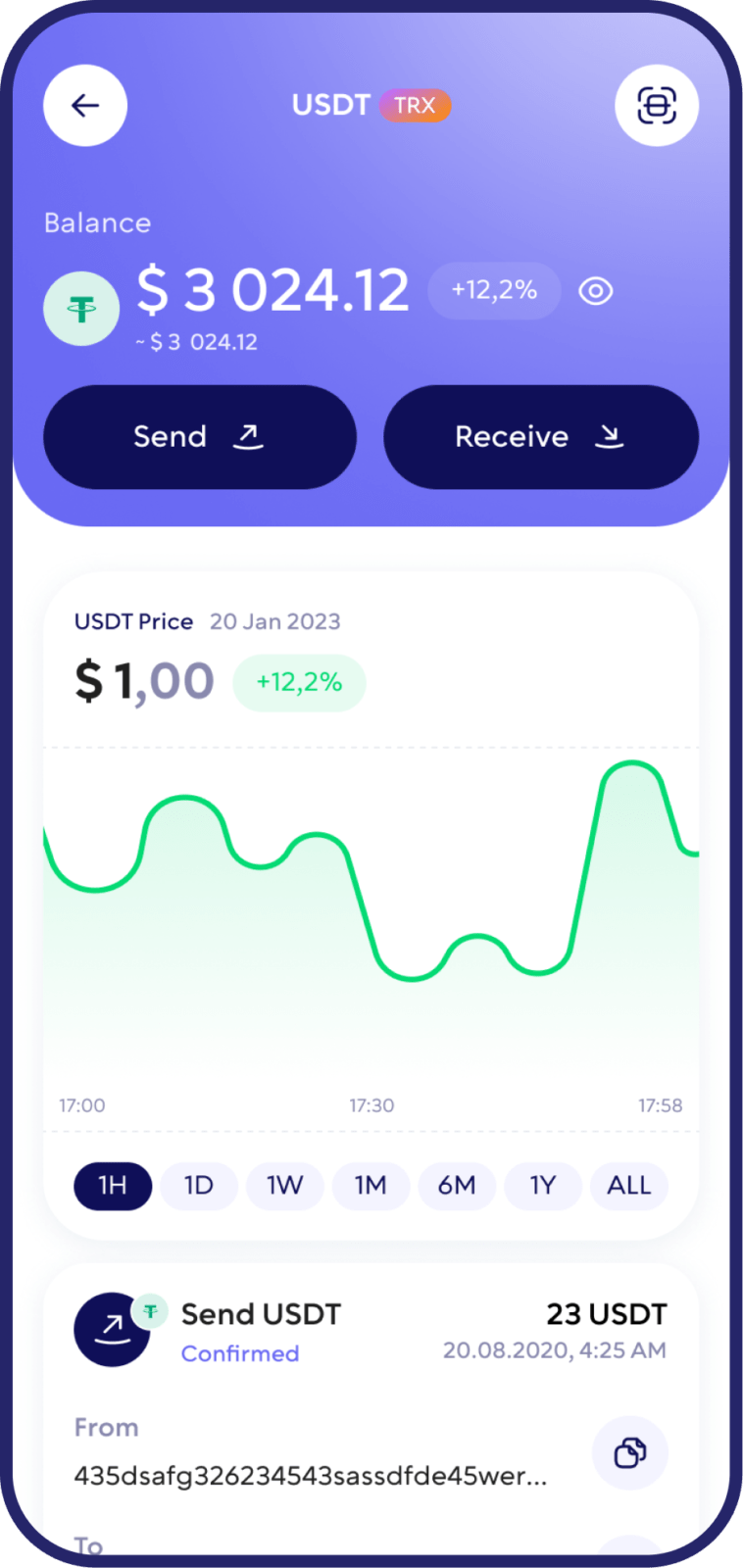
How to Receive BNB
Open Walletverse, select BNB and tap Receive.
Copy the wallet address displayed in the app or show the QR code to the sender.
Sending funds through an incompatible network may result in loss of access to the assets.
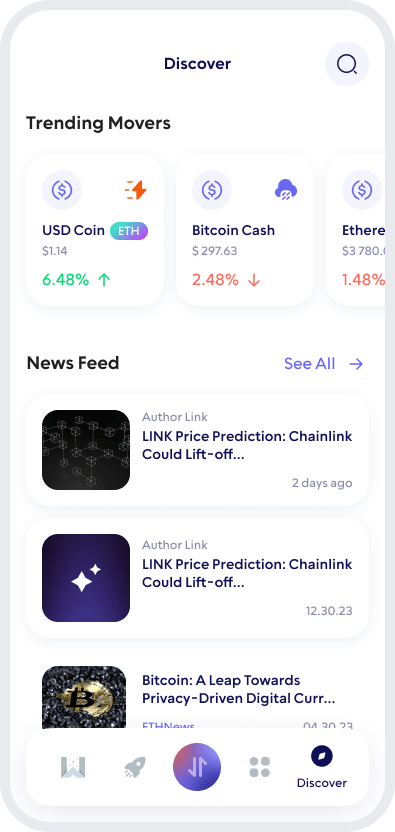
How to Send BNB
Open your BNB wallet and select Send.
Enter or paste the recipient’s address, confirm that it belongs to the correct network, enter the amount of BNB you want to transfer and carefully review all transaction details before confirming.
Buy BNB With Walletverse
Walletverse allows users to purchase supported cryptocurrencies through integrated payment providers.
To buy BNB, open the asset in the Walletverse app, choose the available purchase option and follow the instructions.
How Walletverse Protects Your BNB Wallet
Security is particularly important when using a self-custody crypto wallet because control of the assets also means responsibility for protecting wallet access.
Walletverse combines self-custody with security features designed for everyday mobile use.
Access to the application can be protected using a passcode and biometric authentication supported by your device.
Walletverse also provides a recovery mechanism so that users can restore access to their wallet when needed.
For additional protection, keep your device operating system and Walletverse application updated, use a secure device passcode and never disclose wallet recovery information to another person.
Walletverse support will never need your sensitive wallet credentials to receive cryptocurrency on your behalf.
FAQ
The right BNB wallet depends on your priorities. When comparing wallets, consider self-custody, security features, supported networks, ease of use, recovery options, Web3 connectivity and support for other cryptocurrencies.
Walletverse combines self-custody, mobile access, biometric protection, built-in swaps and multi-asset support in one application.
Yes. Walletverse is designed as a self-custody cryptocurrency wallet, giving users control over their crypto assets rather than holding them in a traditional custodial exchange account.
Download Walletverse, create or open your wallet, select BNB and choose Receive. The app will display the wallet address you can use to receive BNB through the supported network.
Walletverse provides built-in swapping for supported cryptocurrencies and trading routes. Choose BNB and the cryptocurrency you want to exchange, review the available quote and transaction details, and confirm the swap.
Walletverse supports WalletConnect for connecting to compatible decentralized applications and Web3 services. Always verify a dApp before connecting your wallet or approving a transaction.
Walletverse supports crypto purchases through integrated payment providers.
Availability of BNB purchases, payment methods, fees and limits can vary depending on your location and the provider.
Download to access all of Web 3 with just one app





