Buy Chainlink (LINK) with Credit and Debit Card
Buy Chainlink (LINK) directly in Walletverse using a credit card, debit card, Apple Pay, Google Pay, or other payment methods available in your region.
Choose LINK, enter the amount you want to purchase, review the available quote, and complete your payment through a supported fiat-to-crypto provider. Your purchased LINK is delivered directly to your Walletverse wallet, where you can store, send, receive, or swap it from one app.
What Is Chainlink (LINK)?
Chainlink is a decentralized oracle network that helps smart contracts access information from outside a blockchain.
Blockchains cannot independently retrieve many types of real-world information, such as asset prices, market data, or other external events. Chainlink provides infrastructure designed to deliver this data to blockchain applications in a decentralized way.
LINK is the token used within the Chainlink ecosystem. It is used in connection with Chainlink services and network security.
Chainlink has become an important part of the broader Web3 and decentralized finance ecosystem because many blockchain applications depend on reliable external data.
Why Buy Chainlink in Walletverse?
Keep Your Crypto in One Wallet
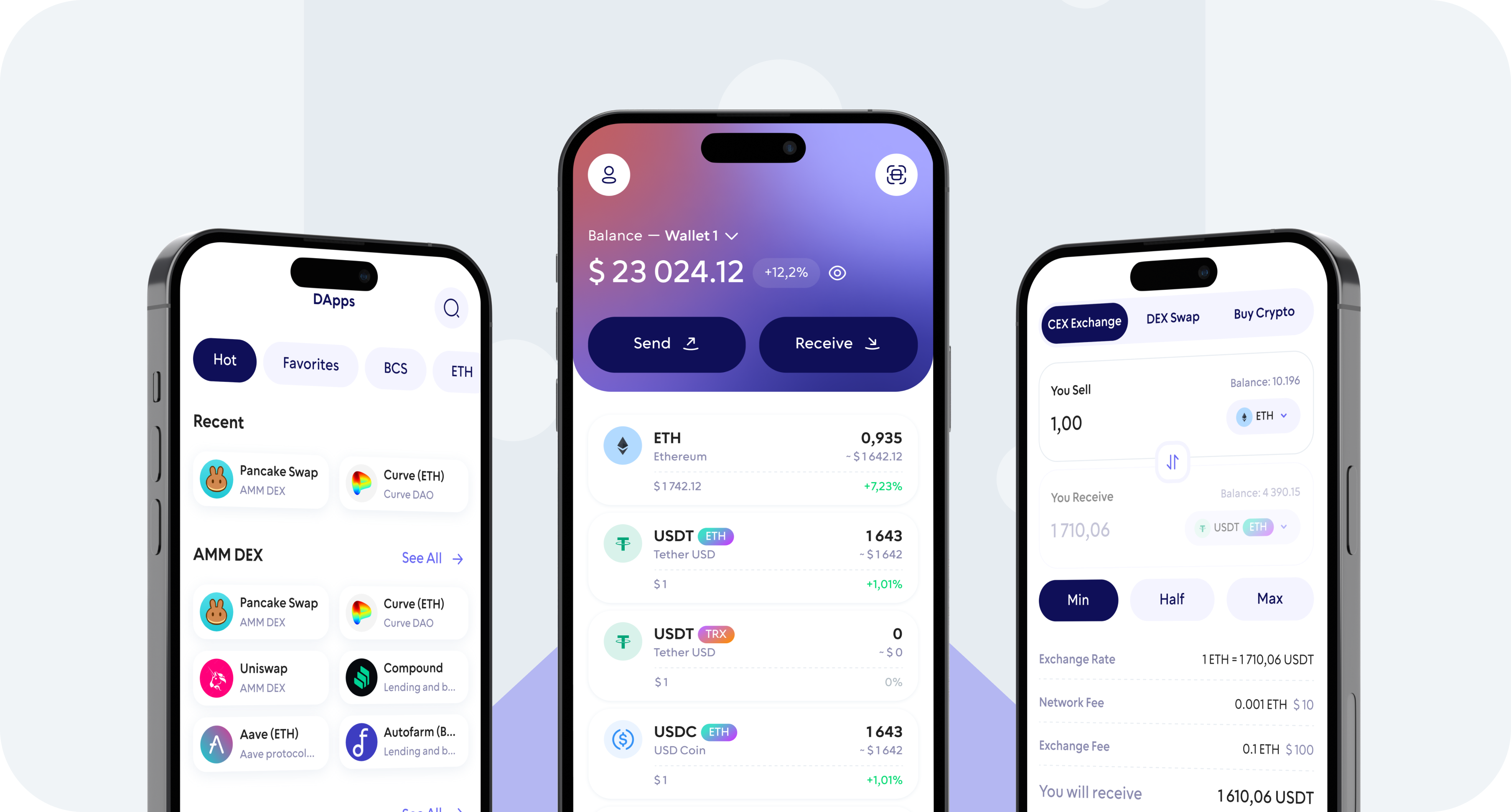
After purchasing LINK, you can manage it alongside hundreds of other supported cryptocurrencies from the Walletverse app.
Self-Custody
Walletverse is designed to give users control over their crypto wallet. Protect access with security features such as passcode and biometric authentication and keep your wallet recovery information secure.
Buy, Store, Send and Swap
Purchasing LINK is only the beginning. Walletverse lets you manage supported digital assets from a single mobile app.
What Can You Do After Buying LINK?
- Store Chainlink
Keep LINK together with your other supported crypto assets in Walletverse.
- Send and Receive LINK
Transfer LINK to a compatible wallet address or receive LINK from another wallet. Always verify the destination address and network before confirming a blockchain transaction.
- Swap LINK
Exchange LINK for other supported cryptocurrencies using the swap functionality available in Walletverse.
- Use Web3
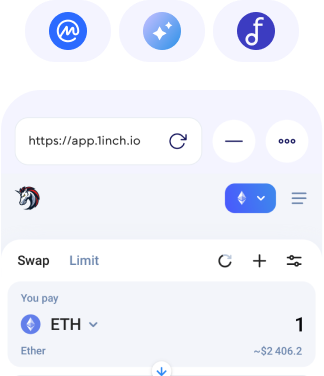
Connect your Walletverse wallet to supported decentralized applications through WalletConnect and explore the wider Web3 ecosystem.
Is KYC Required to Buy Chainlink?
Identity verification requirements depend on the payment provider processing your fiat purchase, the transaction amount, your location, and applicable regulations.
Buy LINK with Fiat Currency
Walletverse connects users with payment options that support fiat-to-crypto purchases.
Buy Chainlink with Apple Pay or Google Pay
In supported regions, you may be able to buy LINK using Apple Pay or Google Pay.
Buy Chainlink with Visa or Mastercard
Walletverse provides access to fiat-to-crypto payment providers that may allow you to buy Chainlink with Visa or Mastercard.
Is It Safe to Buy Chainlink with a Debit or Credit Card?
Buying crypto involves both payment security and wallet security.
When purchasing LINK, check the transaction details before confirming the payment and only use payment options displayed inside the official Walletverse app. Your payment provider may also require additional authentication or identity verification.
After receiving LINK, protect your wallet with a strong passcode and biometric authentication where available. Never share passwords, recovery information, verification codes, or other sensitive wallet credentials with anyone.
Cryptocurrencies are volatile assets and their value can rise or fall significantly. Buying LINK should not be considered a guarantee of investment returns.
300+ coins supported
Tether
Ripple
DogeCoin
Cosmos
Binance
Dash
Matic
Attention
Bitcoin
RavenCoin
Stellar
Gifto
Polkadot
LiteCoin
Generic
Dragonereum
Chainzilla
ZCash
Hotto
Cardano
PowerLedger
FileCoin
FAQ
Yes. Walletverse provides access to fiat-to-crypto payment providers that may support LINK purchases with debit cards, including Visa and Mastercard where available. Payment options vary by provider and region.
Purchasing Chainlink (LINK) is straightforward and efficient with the Walletverse app. Use your preferred payment method, whether it be Google Pay, Apple Pay, or any credit or debit card, to purchase LINK using USD, KZT, and other currencies. Our app offers a decentralized platform, empowering you to take full control of your crypto assets. Buy, send, and exchange LINK with confidence and ease, all within a secure and user-friendly environment.

Visa and Mastercard can be available through Walletverse’s supported fiat-to-crypto providers. Open the Buy section, select LINK, and enter your purchase amount to see the currently available options.
Google Pay may be available in supported regions. Select Chainlink and enter your purchase amount in Walletverse to see whether Google Pay is available for your transaction.
Minimum and maximum purchase limits can vary between payment providers and regions. Enter an amount in Walletverse to see the limits available for your transaction.
When a supported fiat purchase option is available in Walletverse, you do not need to first buy LINK on a centralized exchange and then withdraw it to Walletverse. You can start the purchase directly from the wallet.
You can store LINK, send it to another compatible wallet, receive LINK, or swap it for other supported cryptocurrencies from Walletverse.