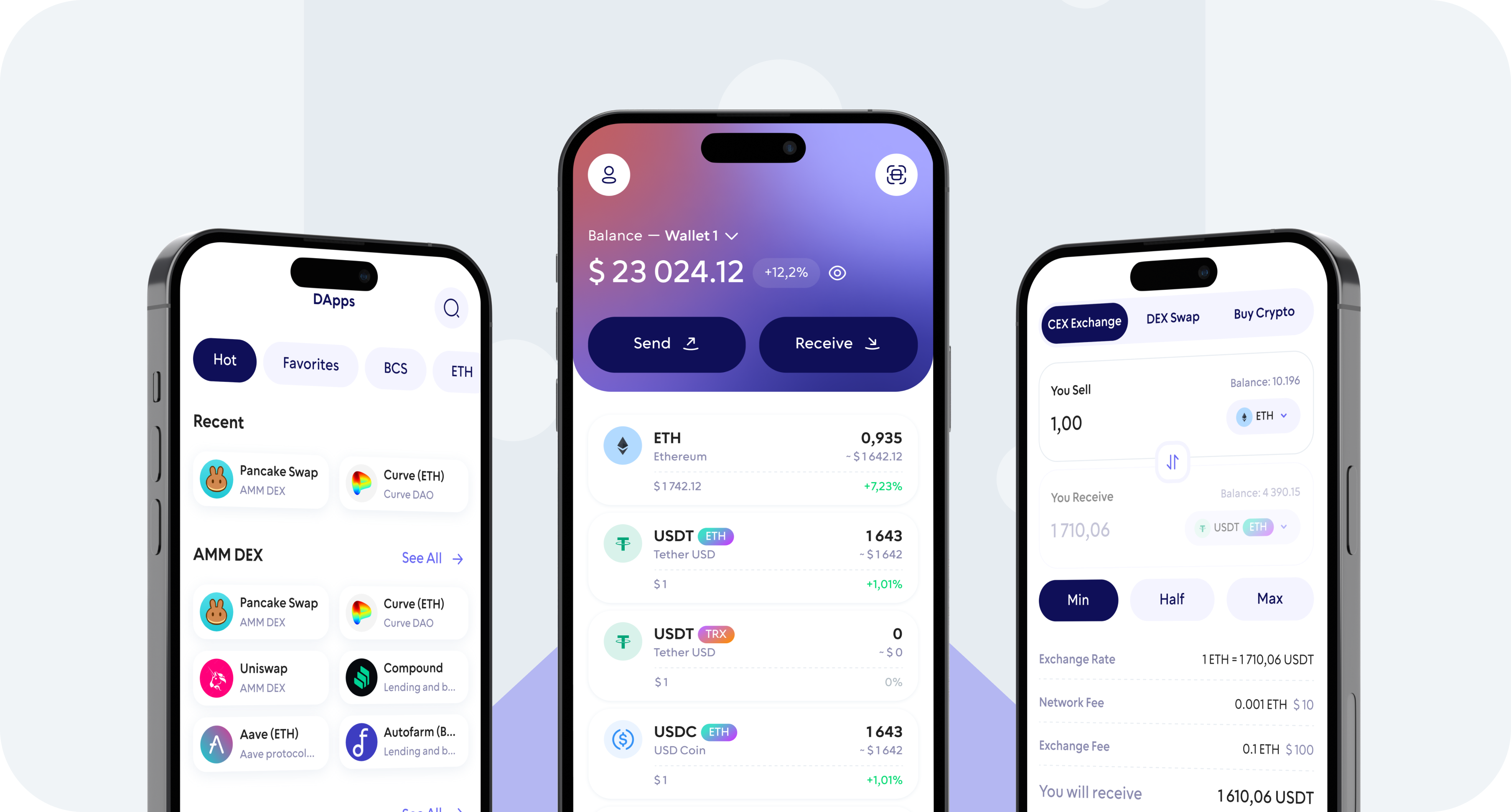
Buy Ethereum (ETH) directly in Walletverse using a credit card, debit card, Apple Pay, or Google Pay. Choose how much ETH you want to purchase, complete the payment, and receive your Ethereum directly in your self-custody wallet.
With Walletverse, you stay in control of your crypto while managing ETH and hundreds of other digital assets from one app.
Why Buy Ethereum with Walletverse?
Keep Control of Your ETH
Buy and Manage ETH in One App
Multiple Payment Options
Built for Web3
Protect Access to Your Wallet
Manage More Than Ethereum
How to Buy Ethereum (ETH) with a Credit or Debit Card
Use an eligible credit card to purchase ETH through an available payment provider. Before confirming the transaction, review the final amount, exchange rate, and any applicable provider or card issuer fees.
Buy Ethereum with a Debit Card
A debit card can be a convenient way to buy Ethereum directly using funds from your bank account. Select ETH, enter the amount you want to purchase, choose your debit card as the payment method, and follow the checkout instructions.
Buy Ethereum with Apple Pay
Where supported, you can use Apple Pay to purchase ETH without entering your card details manually. Select Apple Pay during the purchase process and confirm the payment on your device.
Buy Ethereum with Google Pay
Google Pay may also be available for Ethereum purchases. Choose Google Pay as your payment method and complete the payment using an eligible card connected to your account.
What Is Ethereum (ETH)?
Ethereum is a decentralized blockchain network designed for smart contracts and decentralized applications.
Ethereum Purchase Fees
The cost of buying Ethereum can vary depending on your payment method, payment provider, fiat currency, purchase amount, and location.
How Long Does It Take to Buy ETH with a Card?
Card payments are typically designed for faster crypto purchases than traditional bank transfers, but the exact processing time can vary.
Do I Need KYC to Buy Ethereum?
Identity verification requirements can vary by payment provider, country, payment method, and transaction amount.
600+ coins supported
Tether
Ripple
DogeCoin
Cosmos
Binance
Dash
Matic
Attention
Bitcoin
RavenCoin
Stellar
Gifto
Polkadot
LiteCoin
Generic
Dragonereum
Chainzilla
ZCash
Hotto
Cardano
PowerLedger
FileCoin
FAQ
Can I buy Ethereum with a credit card?
Yes. Walletverse allows you to access ETH purchases using supported credit card payment options. Availability depends on your location and payment provider.
Can I buy ETH with a debit card?
Yes. Choose Ethereum in Walletverse, enter the amount you want to purchase, and select an available debit card payment option during checkout.
Can I buy Ethereum with Apple Pay?
Apple Pay can be used when it is supported by the payment provider and available in your region. Select Apple Pay during the ETH purchase process if the option is displayed.
Can I buy Ethereum with Google Pay?
Google Pay may also be available for ETH purchases. Availability depends on your country, device, card, and payment provider.
Where does my Ethereum go after I buy it?
Once the transaction is completed, the purchased ETH is sent to your Walletverse wallet. Walletverse is designed as a self-custody wallet, giving you control over access to your crypto.
How quickly will I receive my Ethereum?
Processing time depends on payment authorization, verification requirements, the selected payment provider, and blockchain conditions. Check the transaction status in Walletverse after completing your purchase.