


Buy LooksRare (LOOKS) with USD, EUR and Other Fiat Currencies
The world of digital assets continues to expand, offering investors and collectors alike access to innovative projects that bridge the gap between technology and community. One such project that has carved out a significant niche is LooksRare. As the demand for user-friendly access to cryptocurrencies grows, so does the need for seamless methods to purchase them directly with traditional money.
We will explore what makes LooksRare unique and provide a clear, step-by-step roadmap to becoming a token holder using the most efficient tools available today.
This guide, prepared in collaboration with ilink, a FinTech and Web3 software developer with 13 years of experience.
What is LooksRare (LOOKS)?
LooksRare is a community-first, decentralized NFT marketplace built on the Ethereum blockchain . Launched in January 2022 by pseudonymous founders Guts and Zodd, the platform emerged as a direct challenge to existing marketplaces by implementing a unique “participate-to-earn” model . Its native token, LOOKS, is an ERC-20 token that powers this ecosystem.
Unlike traditional platforms that simply take a cut of sales, LooksRare redistributes value back to its users. The token serves multiple core functions within its ecosystem:
- Users who stake their LOOKS tokens receive a share of the trading fees generated on the platform, paid out in ETH and LOOKS.
- Historically, the platform rewarded buyers and sellers with LOOKS tokens for trading eligible NFT collections, a mechanism designed to bootstrap liquidity and reward active participants.
- Holding LOOKS allows users to participate in the governance of the protocol, giving them a say in the future direction of the marketplace.
LooksRare’s role in the crypto ecosystem is to provide a decentralized alternative where users are not just customers but stakeholders. Its V2 upgrade and continued focus on staking mechanics have helped it remain relevant even as the broader NFT market evolves.
Where Can I Buy LooksRare (LOOKS) With Cash: 10 Best Crypto Wallets
When it comes to purchasing LOOKS directly with cash, choosing the right gateway is crucial. Here are the 10 best wallets to consider, with a special focus on the ultimate solution for fiat purchases.
1. Walletverse

Choosing the right wallet is crucial for a smooth and secure crypto purchasing experience. Below is a curated list of the 10 best crypto wallets for buying and storing LOOKS with cash. The standout recommendation for direct fiat purchases is Walletverse.
Walletverse is a next-generation mobile crypto wallet designed for both beginners and advanced users, offering a seamless gateway to buy LOOKS and over 700 other cryptocurrencies directly with fiat. It stands out as the ultimate self-custody solution, combining a user-friendly interface with powerful DeFi and Web3 capabilities. Its proprietary GasFree system revolutionizes the user experience on the TRON blockchain, removing the complexity of managing multiple tokens for transaction fees.
Pros:
- Supports purchases with Apple Pay, Google Pay, and credit/debit cards in multiple fiat currencies (USD, EUR, GBP, JPY, INR, CAD, AUD, KZT, and more);
- Non-custodial with passcode and biometric authentication;
- Staking for SOL, ETH, and TRX;
- Industry-first GasFree USDT system on TRON;
- High ratings (Google Play 4.8, AppStore 5.0).
Cons:
- Currently available only as a mobile app (no desktop version).



2. MetaMask

The leading web3 wallet and gateway to the Ethereum blockchain, functioning as a browser extension and mobile app for interacting with decentralized applications.
- Pros: Unmatched integration with Ethereum dApps and DeFi protocols; Full control over private keys.
- Cons: Primarily supports Ethereum and EVM-compatible chains; can be complex for absolute beginners; less intuitive for direct fiat purchases.
3. Trust Wallet

Binance’s official decentralized wallet, supporting a massive range of cryptocurrencies and offering a clean, simple interface for mobile users.
- Pros: Supports millions of assets across multiple blockchains; Integrated Web3 browser for dApps.
- Cons: Customer support can be slow; advanced features might overwhelm new users.
4. Exodus

A software wallet known for its stunning, intuitive design and built-in exchange features, available on both desktop and mobile.
- Pros: Visually appealing and easy to navigate; Built-in exchange for swapping assets without leaving the app.
- Cons: Not a hardware wallet, so it is less secure for large, long-term holdings; code is not open-source.
5. Atomic Wallet

A decentralized multi-currency wallet that emphasizes privacy and gives users complete control over their funds, with support for over 500 coins and tokens.
- Pros: Built-in exchange functionality; Strong focus on user privacy and anonymity.
- Cons: Customer support response times can be slow; lacks some advanced trading features found on other platforms.
6. Coinbase

A non-custodial wallet offering cross-chain functionality and tight integration with Coinbase services.
- Pros: Multi-network asset support; Includes Web3 browser for dApps; Simplifies buying from Coinbase.
- Cons: KYC data reduces anonymity; Infrastructure tied to centralized exchange; Transaction fees can be elevated.
7. Coinomi

A well-established, multi-asset wallet that prioritizes privacy and security, supporting a wide range of blockchains and built-in exchange services.
- Pros: Supports a vast array of cryptocurrencies; Strong privacy policy with no user data collection.
- Cons: Past security concerns have been raised; customer support is sometimes slow to respond.
8. Ledger Live
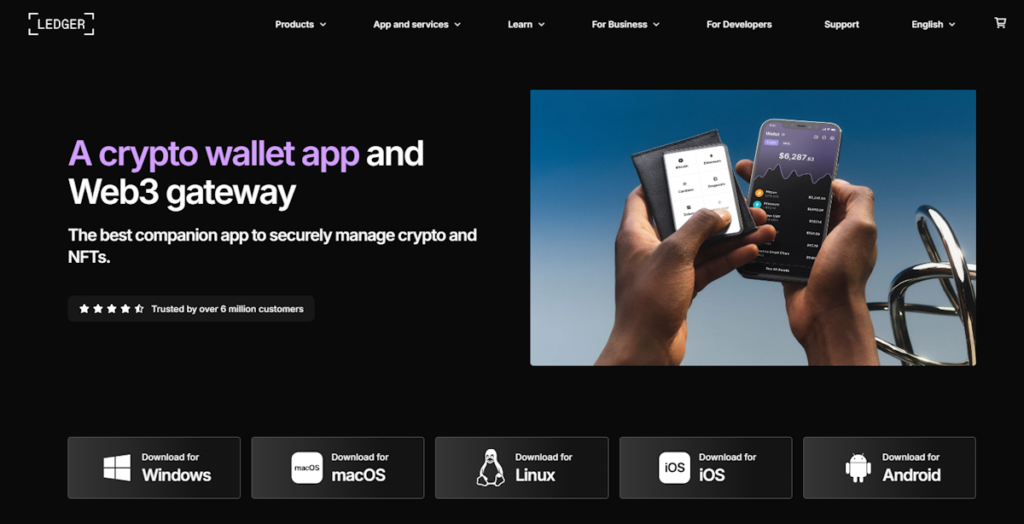
The companion app for Ledger hardware wallets, allowing users to manage their crypto in a highly secure “cold storage” environment while maintaining the ability to trade and grow their assets.
- Pros: Industry-leading security by keeping private keys offline; Supports a wide range of assets.
- Cons: Requires purchasing a physical hardware device; less convenient for quick, daily transactions.
9. Trezor
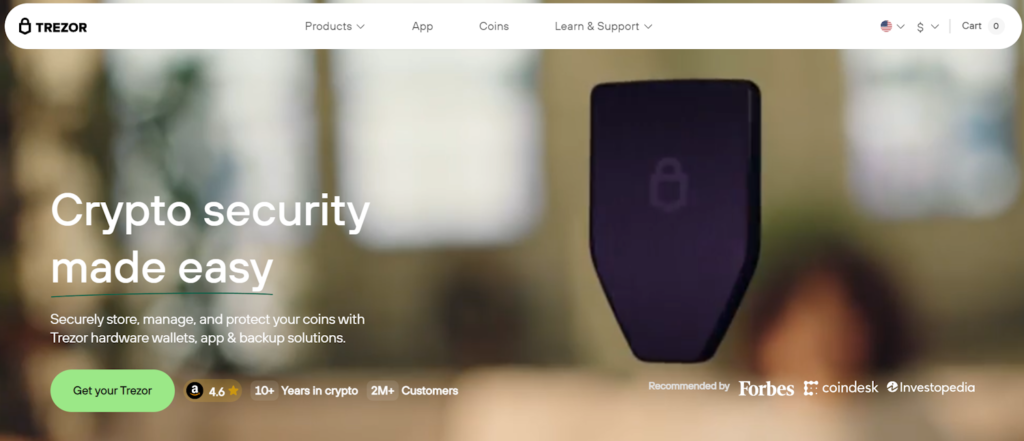
The official desktop and web interface for Trezor hardware wallets, providing a secure and intuitive way to manage, buy, and exchange cryptocurrencies with the highest security standards.
- Pros: Top-tier security through offline private key storage; Open-source software for full transparency.
- Cons: Requires a hardware purchase; user experience can be slightly more technical than software-only wallets.
10. Bitget

A versatile Web3 wallet formerly known as BitKeep, offering a full suite of features including multi-chain support, swap, and NFT trading capabilities.
- Pros: Comprehensive multi-chain support and swap features; Strong integration with the Bitget exchange ecosystem.
- Cons: As a feature-rich wallet, the interface can become cluttered; primarily associated with the Bitget exchange.
Buy LOOKS with Apple Pay
For iOS users, grabbing LOOKS with Apple Pay through Walletverse is instant and effortless – just authenticate with Face ID and the tokens land in your wallet. It skips the manual card entry entirely, blending top-tier security with the speed of a contactless tap.
Buy LOOKS with Google Pay
Android users can buy LOOKS in seconds using Google Pay on Walletverse, completing the purchase with a single fingerprint tap. It’s a secure, contactless way to turn your fiat into crypto without the usual banking hassle.
How to Buy LooksRare (LOOKS) with fiat?
Purchasing LOOKS with traditional currency is a straightforward process, especially when using a modern Web3 wallet like Walletverse. Follow this step-by-step guide to become a LOOKS holder in just a few minutes.
- Step 1. Get the Walletverse app, set up your wallet, and make sure to back up your secret recovery phrase in a safe place.
- Step 2. Go to the “Buy” section, locate LOOKS, and tap on it.
- Step 3. Type in how much you want to spend in your own currency (like USD or EUR), then pick your payment method – either card, Apple Pay, or Google Pay.
- Step 4. Review and confirm the transaction; once confirmed, the coins will appear in your wallet instantly.
Data current as of February, 2026
FAQ
Most frequent questions and answers
LOOKS is fundamentally tied to the activity of the LooksRare NFT marketplace. Its potential lies in the platform’s ability to attract organic trading volume and manage its tokenomics effectively, though it remains subject to the cyclical nature of the NFT market and competitive pressures.
To buy LOOKS with USD, simply open Walletverse, select the “Buy” option, choose USD as your currency and LOOKS as the token, then complete the payment using a credit card, Apple Pay, or Google Pay.
While any compatible Ethereum wallet works, Walletverse is the recommended choice for buying, storing, and managing LOOKS with fiat currencies thanks to its seamless on-ramp and support for over 700 cryptocurrencies.
LOOKS tokens can be bought on centralized exchanges or directly within Web3 wallets like Walletverse, which offers the most straightforward method for purchasing directly with cash using Apple Pay or Google Pay.
Using Walletverse is often the most cost-effective option, as it aggregates quotes from multiple on-ramp providers to offer competitive rates. Furthermore, its proprietary GasFree USDT system saves you from needing to hold extra tokens (like TRX) for future transaction fees, resulting in long-term savings.


