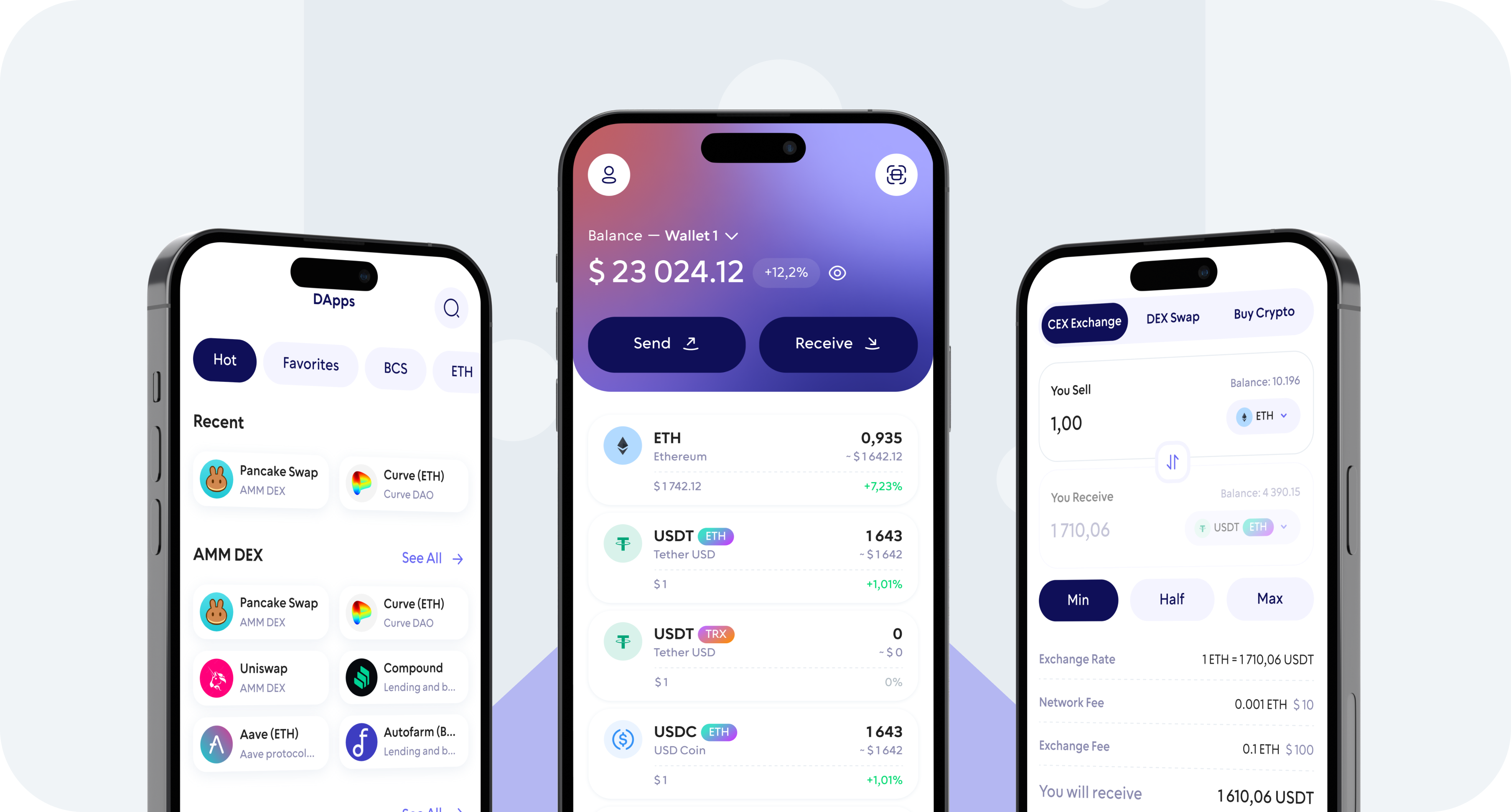
Buy Shiba Inu (SHIB) directly from your mobile device with Walletverse. Use a credit card, debit card, Apple Pay, Google Pay, or another payment method available through supported fiat-to-crypto providers in your region.
After your purchase is completed, manage your SHIB from your self-custody Walletverse wallet — store it, send it to another wallet, or swap it for other supported cryptocurrencies.
What Is Shiba Inu (SHIB)?
Shiba Inu, commonly known by its ticker SHIB, is a crypto token associated with the Shiba Inu ecosystem.
SHIB originated as a meme-inspired cryptocurrency and developed into a broader Web3 ecosystem that includes decentralized applications and services such as ShibaSwap and Shibarium.
SHIB is commonly used and traded as an ERC-20 token on Ethereum. Because crypto assets can exist across different networks and bridges, always verify that the network and receiving address shown for your transaction are compatible before sending funds.
Why Buy SHIB with Walletverse?
Self-Custody
You maintain control over access to your wallet rather than leaving your assets in a centralized exchange account.
Buy and Manage SHIB in One App
After purchasing Shiba Inu, you can use Walletverse to manage your crypto from the same mobile application.
Multiple Payment Options
Depending on your country and provider, SHIB may be purchased with credit or debit cards, Apple Pay, Google Pay.
Manage Hundreds of Crypto Assets
Walletverse supports hundreds of cryptocurrencies and tokens.
Wallet Security Features
Walletverse includes passcode and biometric protection designed to help secure access to your wallet.
What Can You Do After Buying SHIB?
Store SHIB
Keep your Shiba Inu in your Walletverse self-custody wallet and manage access from your own device.
Send SHIB
Transfer SHIB to another compatible crypto wallet. Always verify the destination address and network before confirming a blockchain transaction.
Receive SHIB
Use your compatible Walletverse address to receive supported SHIB transfers.
Swap SHIB
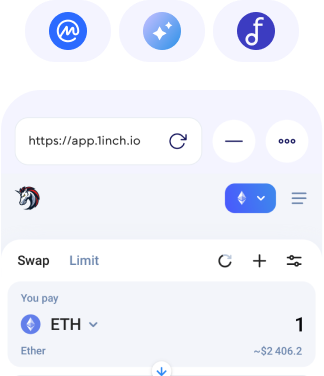
Exchange SHIB for other supported cryptocurrencies using available swap routes inside Walletverse.
How to Buy Shiba Inu with Card
1. Download and Open Walletverse
2. Select Buy and Choose Shiba Inu
3. Enter the Amount
4. Choose a Payment Method
5. Review and Confirm
Buy Shiba Inu with a Credit Card
Visa and Mastercard credit cards may be supported depending on the selected provider, your location and your card issuer.
Buy Shiba Inu with a Debit Card
A debit card is another convenient way to purchase SHIB without first transferring funds to a cryptocurrency exchange.
Buy SHIB with Apple Pay or Google Pay
Apple Pay and Google Pay may be available for SHIB purchases through supported providers.
If either option is supported for your location, device and transaction, it will appear among the available payment methods during checkout.
How to Store Shiba Inu Safely
Self-custody gives you control over your wallet, but it also gives you responsibility for protecting access to it.
Use passcode and biometric protection where available, protect your recovery information, never share wallet credentials with another person, and verify wallet addresses before sending crypto.
For a new destination address, consider sending a small test transaction first before transferring a larger amount.
300+ coins supported
Tether
Ripple
DogeCoin
Cosmos
Binance
Dash
Matic
Attention
Bitcoin
RavenCoin
Stellar
Gifto
Polkadot
LiteCoin
Generic
Dragonereum
Chainzilla
ZCash
Hotto
Cardano
PowerLedger
FileCoin
FAQ
Can I buy Shiba Inu with a credit card?
Credit card purchases may be available through fiat-to-crypto providers accessible from Walletverse. Availability depends on the provider, your country and your card issuer.
Which fiat currencies can I use to buy SHIB?
Walletverse provides access to providers supporting multiple fiat currencies, including USD, EUR, GBP, KZT and others. The currencies available for a specific purchase depend on the selected provider and region.
Where does my SHIB go after I buy it?
Once the purchase has been processed, your SHIB can be managed through your Walletverse wallet according to the network and delivery details shown by the provider.
Can I send or swap SHIB after buying it?
Yes, supported SHIB can be managed in Walletverse, including sending it to compatible addresses and swapping through available routes.