


Buy Smart Wallet Token (SWT) with USD, EUR and Other Fiat Currencies
Buying Smart Wallet Token (SWT) with USD, EUR, and other fiat currencies is possible through self-custody wallets and third-party fiat on-ramp services. Current public buy guides for SWT mention bank cards, bank transfers, Apple Pay, Google Pay, and wallet-based swap routes, although support varies by platform and region. Binance, for example, has a live “how to buy” page for SWT, while KuCoin explicitly says it does not currently support direct trading for the asset and instead explains alternative routes.
This guide was prepared by ilink, a FinTech and Web3 software developer with 13 years of experience and completed projects worldwide. Below, you will find a practical overview of Smart Wallet Token, what the SWT token is used for, and which wallets can help you buy and store it with fiat.
What Is Smart Wallet Token (SWT)
Smart Wallet Token, or SWT, is a crypto asset tied to the Smart Wallet Token ecosystem and the SWT Wallet application. The project’s official website describes Smart Wallet Token as an ecosystem with products and services around its wallet app, while a current official article is specifically dedicated to downloading and using the SWT Wallet.
Public sources also show that SWT is positioned as more than a simple standalone coin. CoinMarketCap’s explanatory text says Smart Wallet Token represents a broader digital-asset-management ecosystem and notes that its utility extends across multiple blockchains, including Ethereum and BNB Chain. The same source frames it as a token connected to wallet functionality and broader blockchain services rather than only a speculative trading asset.
Some currently visible ecosystem descriptions also point to app-level use cases. The official Facebook page associated with SWT says token holders can trade, exchange with other users, and pay for premium subscriptions in the app, which gives a concrete example of how the token is intended to function inside the project’s own environment.
From a timeline standpoint, Coinbase’s current asset page says Smart Wallet Token launched in 2021 and operates on the BNB Smart Chain (BEP20) platform. That is one of the clearest currently visible reference points for the token’s launch era and blockchain base.
For token statistics that do not depend on market capitalization or short-term price moves, current public sources show a maximum supply of 300,000,000,000 SWT. CoinMarketCap lists that max supply directly, and Crypto.com’s asset page shows the same 300 billion cap.
There is also a notable data caveat around circulation. Coinbase’s current asset page says the circulating supply is 0, while CoinMarketCap says the circulating supply is not available. That does not necessarily mean the token has no activity, but it does mean supply transparency is weaker than for larger, more established assets.
A careful way to understand Smart Wallet Token today is this: it is the token of a wallet-centered ecosystem built around the SWT Wallet and related platform utilities, but it remains a relatively small-cap asset with thinner public documentation than major wallet tokens. That means buyers should treat SWT as a niche ecosystem token where token support, liquidity, and project transparency still need to be checked carefully before purchase.
Where Can I Buy Smart Wallet Token (SWT) with Cash? 10 Best Crypto Wallets
1. Walletverse

Walletverse is a mobile-first, non-custodial crypto wallet designed for users who want to buy, store, send, and exchange crypto in one app. Based on the product information you provided, it supports 700+ cryptocurrencies, dApps, multi-account management, staking, and fiat purchases with Apple Pay, Google Pay, credit cards, debit cards, and multiple fiat currencies including USD, EUR, GBP, JPY, KZT, EUR, INR, CAD, and AUD.
Walletverse is especially practical for users who prefer a mobile-only experience. It combines self-custody with a beginner-friendly interface, while still offering tools that more advanced users expect, such as dApp access, multi-account support, and staking. The passcode and biometric protection, along with the GasFree USDT feature on TRON, make it a convenient choice for users who want to manage crypto directly from a phone.
pros:
- Mobile-first non-custodial experience;
- Broad support for 700+ cryptocurrencies;
- Apple Pay, Google Pay, cards, and multiple fiat currencies;
- dApp access, multi-account support, and staking;
- Passcode and biometric security;
- Strong fit for both beginners and advanced users.
cons:
- Mobile-only format may not suit desktop-first users;
- Direct SWT purchase availability can depend on region and provider;
- Self-custody means users must manage their own recovery details.



2. MetaMask

MetaMask is one of the best-known self-custody wallets for Web3 access. For smaller assets like SWT, it is often useful because users can buy a more liquid asset first and then swap into the token where supported. That makes it a practical option when direct provider coverage is inconsistent. This is an inference based on how current public SWT buy guides describe alternative wallet-based routes.
pros:
- Strong Web3 and token-management ecosystem;
- Self-custodial on mobile and browser;
- Useful for buying a base asset and swapping into SWT;
- Familiar option for DeFi users.
cons:
- Can feel technical for complete beginners;
- Network and gas settings may confuse new users;
- Direct SWT purchase is not guaranteed in every region.
3. Trust Wallet

Trust Wallet is a self-custody wallet with broad multi-chain coverage. Although the current SWT-specific sources do not name Trust Wallet directly, it fits the same wallet-plus-swap model used by Bitget Wallet and other self-custody routes shown in public SWT buying guides. This makes it a practical option for users who want a mobile-first general-purpose wallet before moving into SWT.
pros:
- Broad multi-chain coverage;
- Simple mobile experience for everyday use;
- Integrated buy and swap flows;
- Good fit for users exploring Web3.
cons:
- Feature breadth can feel overwhelming to some new users;
- Direct SWT support depends on provider coverage;
- Less ideal for users who prefer desktop-only workflows.
4. Ledger

Ledger combines hardware wallet security with a wallet app and portfolio tools. It is especially useful for people who plan to hold crypto longer term and want stronger protection than a software-only wallet.
pros:
- Stronger security when paired with hardware;
- Good for long-term holders;
- Buy, swap, and manage in one ecosystem;
- Trusted hardware-wallet brand.
cons:
- Hardware purchase adds cost;
- Less convenient than mobile-only wallets for quick use;
- Direct fiat-to-SWT availability may be limited.
5. Bitget Wallet
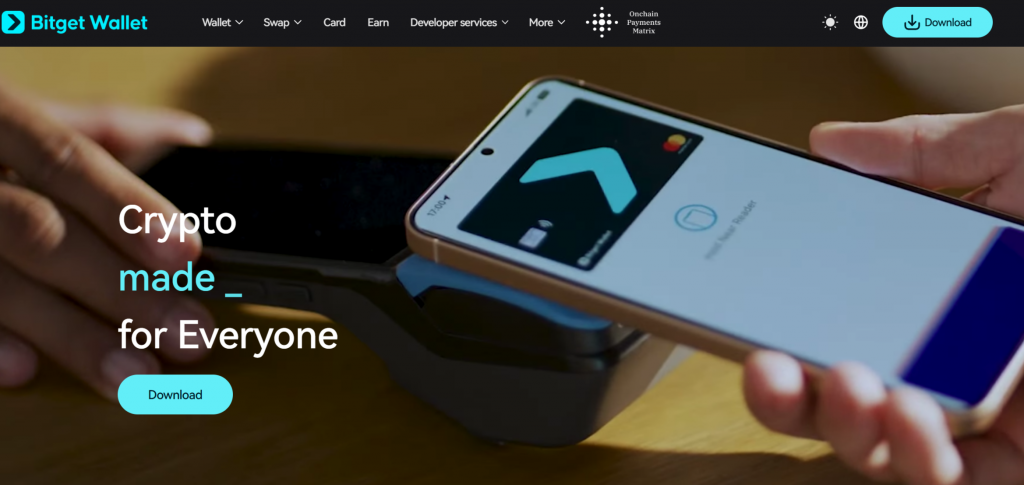
Bitget currently publishes a specific guide on how to buy Smart Wallet Token through Bitget Wallet, which makes it one of the clearest currently documented wallet routes for the asset. For SWT specifically, that direct mention matters more than generic wallet coverage.
pros:
- Public SWT-specific buying guide exists;
- Useful for wallet-based purchase and swap routes;
- Good fit for users comfortable with self-custody;
- Clear relevance to SWT compared with many generic wallets.
cons:
- Token support can still depend on liquidity and route availability;
- Some users may prefer more established mainstream wallet brands;
- Fees and execution quality can vary by route.
6. Coinbase Wallet

Coinbase Wallet is Coinbase’s self-custody wallet rather than the hosted exchange account. Coinbase keeps live SWT asset pages and converter pages, which shows Smart Wallet Token remains visible in its broader asset-information ecosystem. That makes Coinbase Wallet a reasonable choice for users who want a familiar brand while keeping control of their own assets.
pros:
- Recognizable brand with self-custody control;
- Beginner-friendly interface;
- Live Coinbase asset tracking for SWT;
- Useful for users already familiar with Coinbase.
cons:
- Often confused with Coinbase exchange storage;
- Regional on-ramp availability varies;
- Direct SWT purchase may not always be listed.
7. Exodus

Exodus is a long-running wallet available on mobile and desktop. For tokens like SWT, it is useful because users often need a polished in-wallet buying experience for liquid assets first, then a swap path second. That makes Exodus relevant even when a token is not one of the largest direct retail on-ramp assets.
pros:
- Polished interface across desktop and mobile;
- Built-in buy, sell, and swap tools;
- Good for users managing multiple assets;
- Useful for indirect routes into smaller tokens.
cons:
- Some advanced users may want more customization;
- Direct SWT support should be checked before purchase;
- Fees and payment methods depend on third-party providers.
8. Guarda

Guarda is a non-custodial wallet available on web, desktop, and mobile. It can be useful for smaller tokens because it supports flexible self-custody and multi-platform access, which matters when direct fiat support is less consistent.
pros:
- Multi-platform access across devices;
- Non-custodial setup;
- Useful mix of buy and exchange features;
- Good for users who want web access alongside mobile.
cons:
- Interface is broader than some minimalist wallets;
- Direct SWT support must be verified first;
- Some features depend on external providers.
9. Atomic Wallet

Atomic Wallet positions itself as an all-in-one wallet for buying, swapping, and staking crypto. It is useful for users who want one place to enter with fiat and manage a portfolio without relying heavily on exchange accounts.
pros:
- All-in-one portfolio management experience;
- Supports a large number of assets;
- Mobile and desktop access;
- Useful for buying liquid assets before swapping.
cons:
- Software-wallet security still depends on device safety;
- Not every asset is directly available via fiat on-ramp;
- Direct SWT support may be limited.
10. SWT Wallet
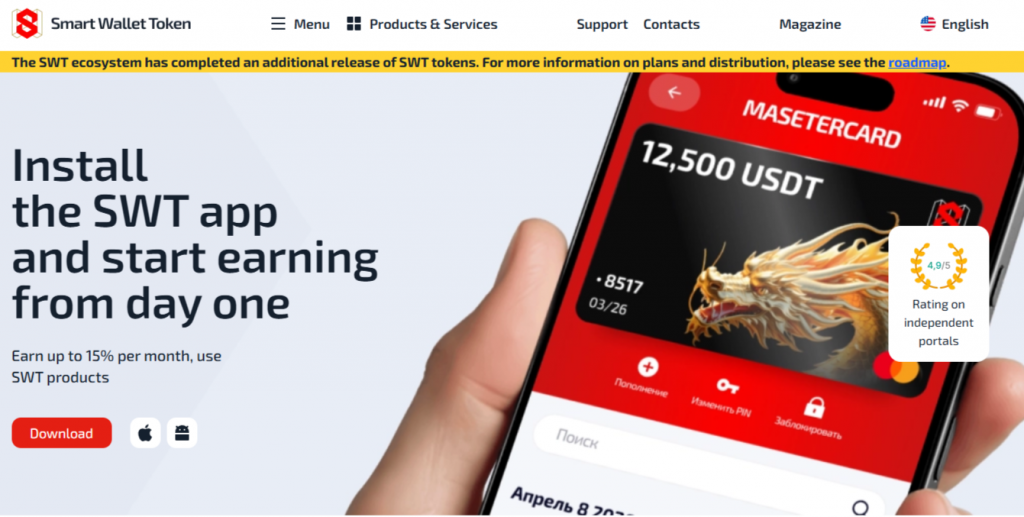
The native SWT Wallet is the most direct ecosystem wallet for Smart Wallet Token. The official project site actively promotes installing the SWT app, and the project’s magazine includes a dedicated guide explaining how to download the SWT Wallet. For users who want direct ecosystem alignment rather than a generic multichain wallet, this is the most obvious first stop.
pros:
- Native wallet for the SWT ecosystem;
- Direct fit for users focused specifically on SWT;
- Supported by the project’s own current site and content;
- Good for users who want ecosystem-native access.
cons:
- Best suited to users already comfortable with self-custody;
- Less broadly documented than leading mainstream wallets;
- Fiat purchase methods may vary by region and provider.
Buy SWT with Apple Pay
Buying SWT with Apple Pay will usually mean using a platform or wallet that supports Apple Pay for buying a more liquid crypto asset first, then swapping into SWT if a compatible route exists. Binance’s current how-to-buy page for Smart Wallet Token explicitly includes credit and debit card purchase routes, while Bitget’s current Tradecoin-style wallet guides for SWT mention Apple Pay among supported rails. That suggests Apple Pay can be part of the fiat-entry step even when direct token coverage varies.
For users who want a mobile-first self-custody experience, Walletverse is a practical option because, based on the product information you provided, it combines Apple Pay purchases, broad token support, dApps, and passcode or biometric security in one place.
Buy SWT with Google Pay
Google Pay works in a similar way. Bitget’s current SWT buying guide mentions Google Pay among its supported purchase methods, while Binance’s buy page frames the asset as available through standard retail fiat-access routes. In practice, the key question is not just whether Google Pay is available, but whether your chosen provider or wallet route actually supports SWT directly or only through a later swap.
Walletverse fits this use case well because it is designed around mobile self-custody, supports Google Pay according to your product details, and lets users move from fiat into crypto inside one app.
How to Buy the Smart Wallet Token (SWT) with Fiat?
To buy Smart Wallet Token with fiat, follow these steps:
- Choose a self-custody wallet with fiat on-ramp support, such as Walletverse, SWT Wallet, MetaMask, Trust Wallet, Coinbase Wallet, Bitget Wallet, or another wallet from the list above;
- Set up the wallet and safely back up your recovery phrase or other security credentials;
- Open the buy section and select your payment method, such as Apple Pay, Google Pay, credit card, debit card, or bank transfer;
- Enter the amount in USD, EUR, or another supported fiat currency;
- Check whether the provider offers SWT directly in your region;
- If direct purchase is unavailable, buy BNB, USDT, or another liquid supported asset first;
- Swap that asset into SWT through a compatible route if supported;
- Review the final quote, fees, and network costs before confirming;
- Store your SWT in the wallet and enable every available security feature.
For Smart Wallet Token specifically, step 5 matters more than usual. Current public sources show live asset pages, wallet guides, and buy pages, but they also show inconsistent circulation data and lighter project documentation than major wallet tokens. That means route verification is especially important before committing funds.
FAQ
Most frequent questions and answers
SWT should be evaluated carefully because it appears to be a smaller ecosystem token with thinner public documentation than major wallet projects. Its appeal comes from being tied to a wallet app and app-level utility, but the inconsistent circulation reporting means transparency is weaker than with more established tokens.
The practical route is to open a wallet with fiat purchase support, fund the purchase in USD using a card, Apple Pay, Google Pay, or bank transfer, and check whether the provider offers SWT directly, for example Walletverse.
You can use several wallet types depending on your needs. Walletverse is a strong option for mobile-first users who want self-custody, Apple Pay or Google Pay support, and broad token coverage. SWT Wallet is also especially relevant because it is the native ecosystem wallet for the project. Other commonly used options include MetaMask, Trust Wallet, Coinbase Wallet, Bitget Wallet, Exodus, Guarda, Atomic Wallet, and Ledger.
You can potentially access SWT through ecosystem wallets, exchange-style buy routes, or wallet-based swap paths that support the token, for example Walletverse.


