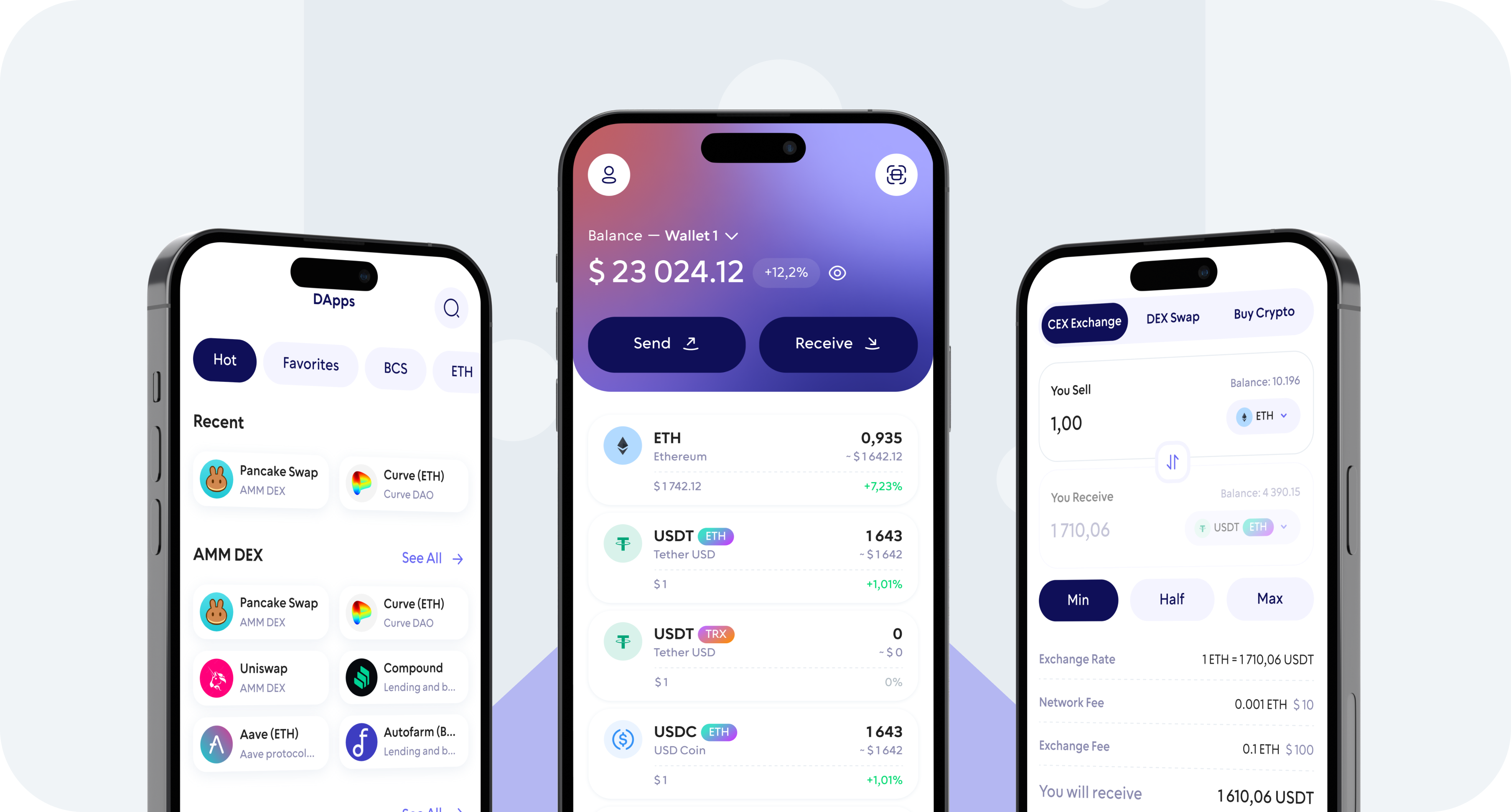
Buy Zcash (ZEC) directly from the Walletverse app using a credit card, debit card, Apple Pay, or Google Pay where available. Choose your preferred fiat currency, complete the purchase through an available payment provider, and receive ZEC in your self-custody wallet.
With Walletverse, you can buy, store, send, receive, and exchange Zcash from one mobile app while staying in control of your crypto assets.
How to Buy Zcash (ZEC) with a Credit or Debit Card
Purchase ZEC using a supported credit card without first depositing fiat on a traditional crypto exchange.
Buy Zcash with a Debit Card
A debit card is another convenient way to buy Zcash directly from the Walletverse app.
Buy Zcash with Apple Pay
Apple Pay provides a convenient way to complete a ZEC purchase from a compatible Apple device without manually entering card details at every checkout.
Buy Zcash with Google Pay
Google Pay may also be available for ZEC purchases depending on your device, region, and selected payment provider.
What Can You Do After You Buy ZEC?
Store ZEC
Keep your Zcash in your Walletverse self-custody wallet and access your crypto from the Walletverse app.
Send ZEC
Send supported ZEC transfers to another compatible Zcash wallet address. Always verify the destination address and network details before confirming a transaction.
Receive ZEC
Use your compatible Walletverse ZEC address to receive Zcash from another wallet or supported service.
Exchange ZEC
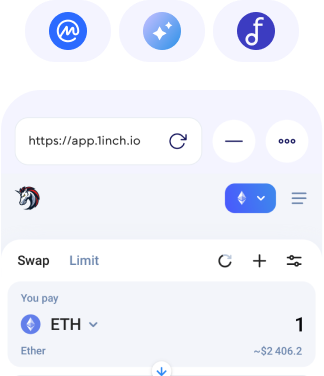
Use available Walletverse exchange functionality to swap supported crypto assets without having to manage several separate wallet applications.
Track Your Crypto
Manage ZEC alongside the other cryptocurrencies in your Walletverse portfolio from one interface.
300+ coins supported
Tether
Ripple
DogeCoin
Cosmos
Binance
Dash
Matic
Attention
Bitcoin
RavenCoin
Stellar
Gifto
Polkadot
LiteCoin
Generic
Dragonereum
Chainzilla
ZCash
Hotto
Cardano
PowerLedger
FileCoin
FAQ
Where can I buy Zcash (ZEC) with a credit card?
You can buy supported ZEC through the Walletverse mobile app using an available credit card payment option. Select Zcash, enter your purchase amount, review the available provider offer, and complete the payment.
Can I buy Zcash with a debit card?
Yes. Debit card purchases may be available through Walletverse payment providers depending on your country, currency, and other transaction requirements.
Can I buy ZEC with Apple Pay?
Apple Pay can be used for supported crypto purchases where the payment method is available for your device, country, and selected provider.
Can I buy Zcash with Google Pay?
Google Pay may be available as a payment option for supported ZEC purchases. Availability depends on your location and payment provider.
What fiat currencies can I use to buy ZEC?
Walletverse supports purchases with multiple fiat currencies. The currencies available for a specific ZEC transaction are displayed during the purchase process and can vary by payment provider and region.
Is Walletverse a custodial or self-custody Zcash wallet?
Walletverse is a self-custody crypto wallet. It is designed to give users control over access to their crypto assets rather than functioning as a traditional custodial exchange.