



Cardano (ADA) Cryptocurrency Wallet
Manage Cardano in a secure self-custody wallet built for everyday crypto use. With Walletverse, you can store, send, receive, buy, and swap ADA from one mobile app while staying in control of your crypto.
Create your Cardano wallet on iOS or Android and manage ADA alongside hundreds of other supported cryptocurrencies.
Download on the App Store
Get it on Google Play
Featured in:


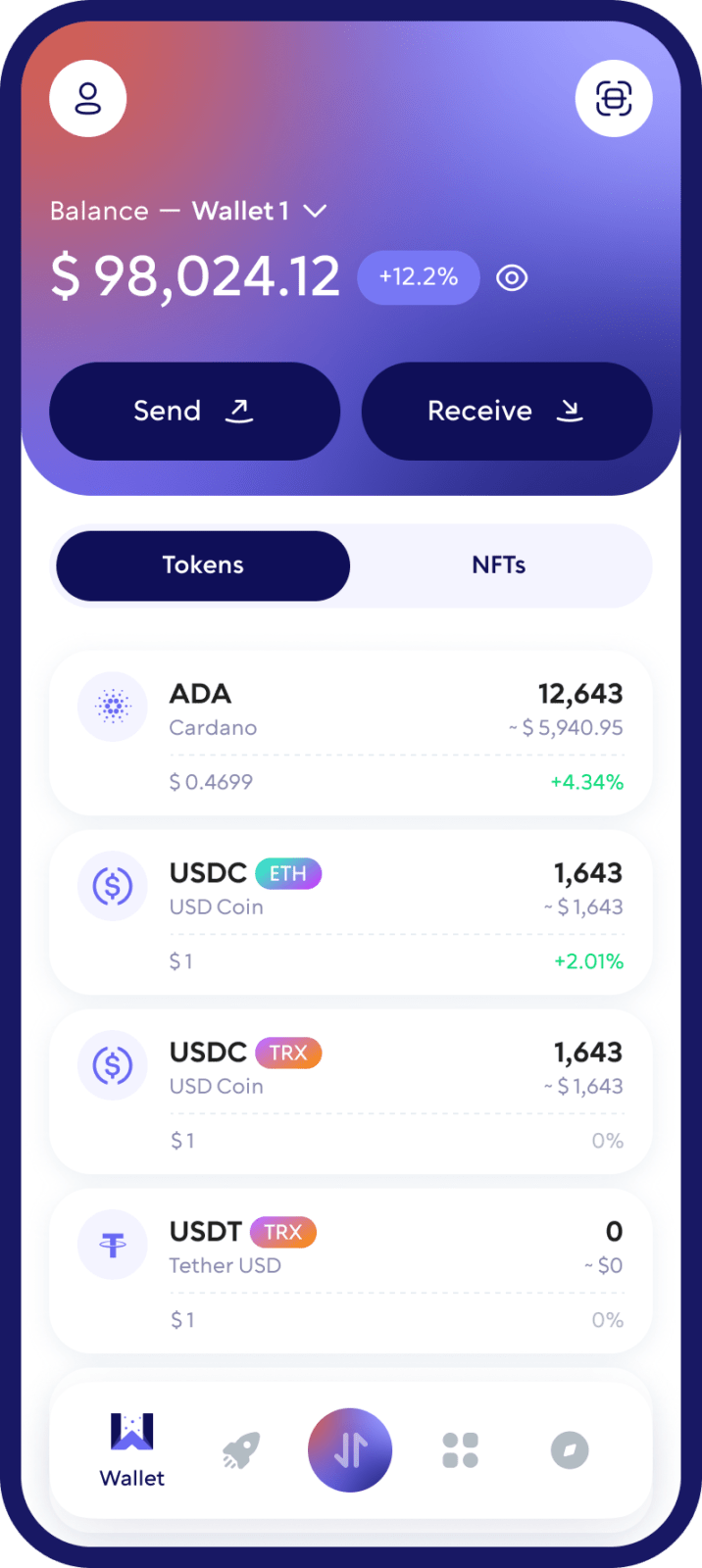
A Secure Self-Custody Wallet for Cardano
Walletverse is a self-custody crypto wallet, which means you remain in control of your wallet and digital assets.
Use Walletverse to manage Cardano without relying on an exchange to hold your ADA. Access your wallet from your mobile device and protect it with passcode and biometric security features.
Whether you are buying ADA for the first time, transferring Cardano from an exchange, or managing several cryptocurrencies in one place, Walletverse gives you a simple way to access your assets.
What Can You Do With ADA in Walletverse?
Store Cardano
Walletverse supports hundreds of cryptocurrencies, allowing you to manage Cardano together with other digital assets without switching between multiple wallet apps.
Send ADA
Send Cardano directly from your wallet to another supported ADA address.
Receive ADA
Receive Cardano by sharing your ADA wallet address with the sender.
Buy Cardano
Walletverse makes it possible to purchase supported cryptocurrencies directly from the app through available payment providers.
Swap ADA
Exchange ADA for other supported cryptocurrencies without managing separate wallets for every asset.
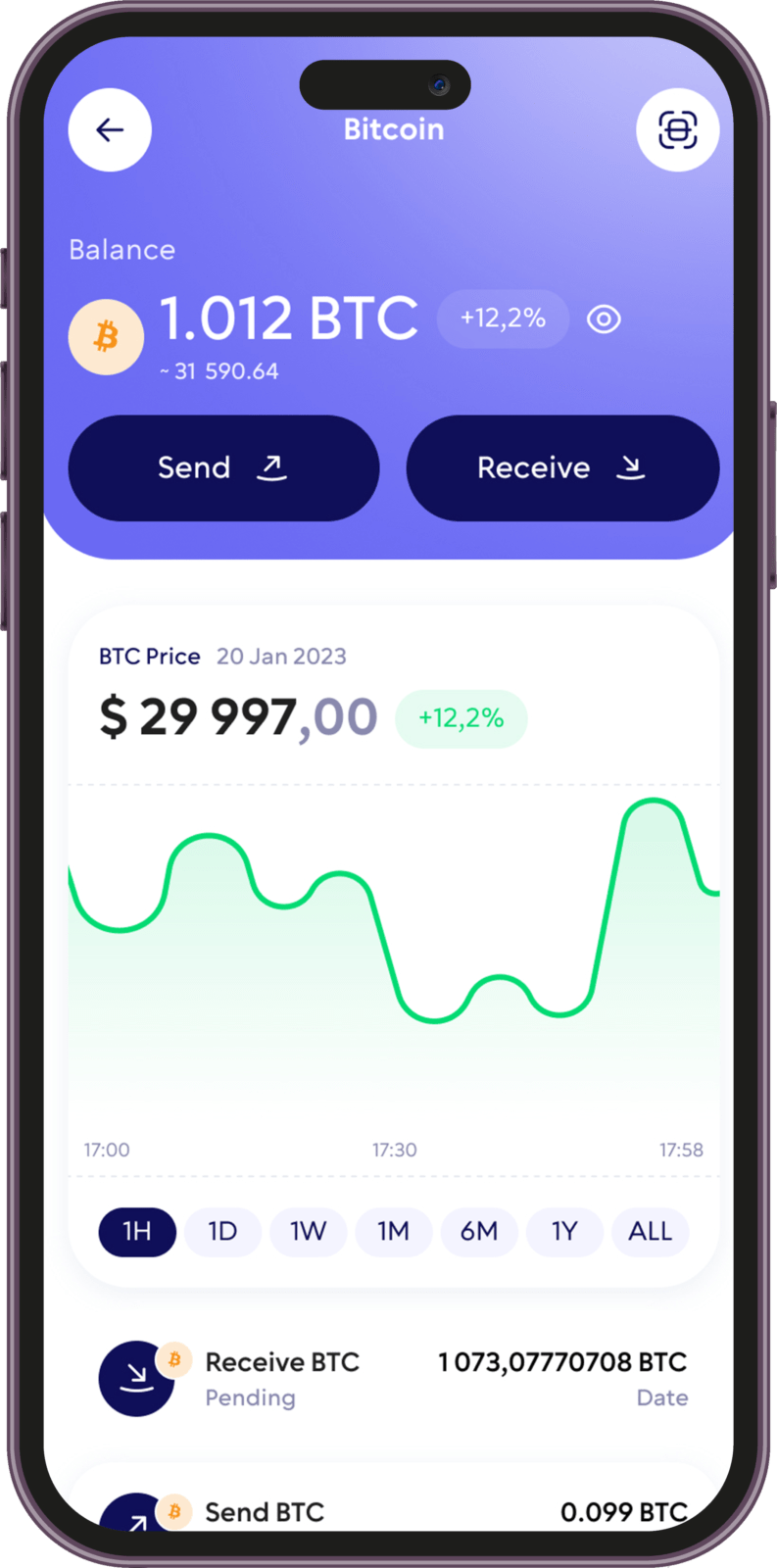
How to Create a Cardano Wallet
Getting started with a Cardano wallet in Walletverse takes only a few steps.
1. Download Walletverse
Install the Walletverse mobile app from the official App Store or Google Play listing.
2. Create or Access Your Wallet
Follow the in-app setup process to create your self-custody wallet. Make sure you complete all backup and security steps shown during setup.
3. Find Cardano (ADA)
Open the asset list and select Cardano (ADA) to access your ADA wallet.
4. Receive, Buy, or Manage ADA
You can now use your Cardano wallet to receive ADA, purchase supported assets, send Cardano, check your balance, or access available swap features.
Never share confidential wallet credentials with another person or website.
Send and Receive Cardano From One Mobile App
A Cardano wallet gives you access to ADA on the Cardano network.
With Walletverse, you can use your mobile device to manage everyday ADA transactions without keeping your cryptocurrency on a centralized exchange.
To receive Cardano, copy your ADA receiving address and provide it to the sender.
To send Cardano, enter the destination address carefully, choose the amount, check all transaction information, and confirm the transfer.
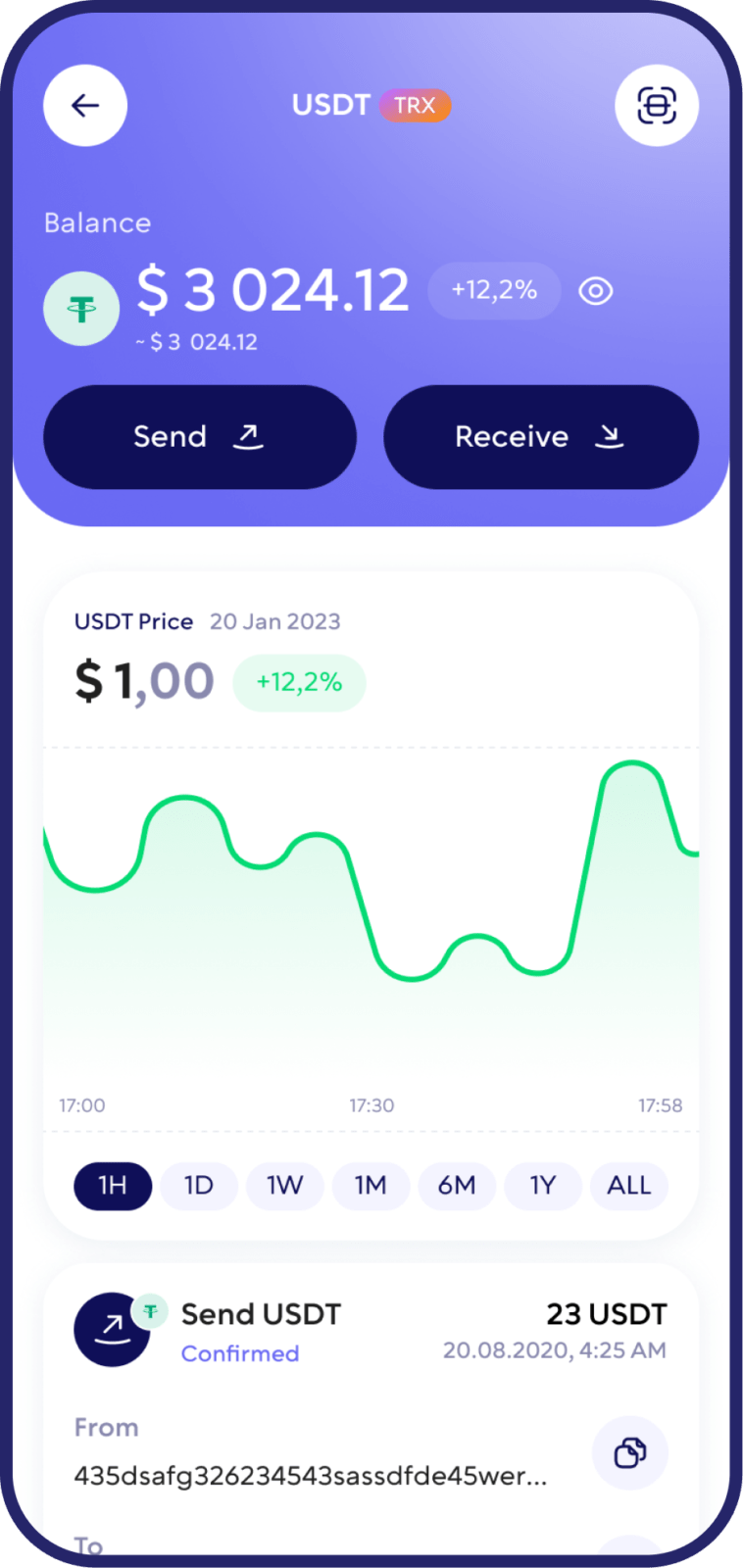
Swap Cardano for Other Cryptocurrencies
Walletverse is a multi-currency wallet that lets you manage ADA alongside hundreds of other supported cryptocurrencies.
Integrated swap functionality allows eligible assets to be exchanged without requiring a separate application for every transaction.
For example, Walletverse also provides resources for users interested in:
ADA to USDT swaps
ADA to ETH swaps
ADA to SOL swaps
Link these guides directly from this section so users can continue to more specific Cardano resources.
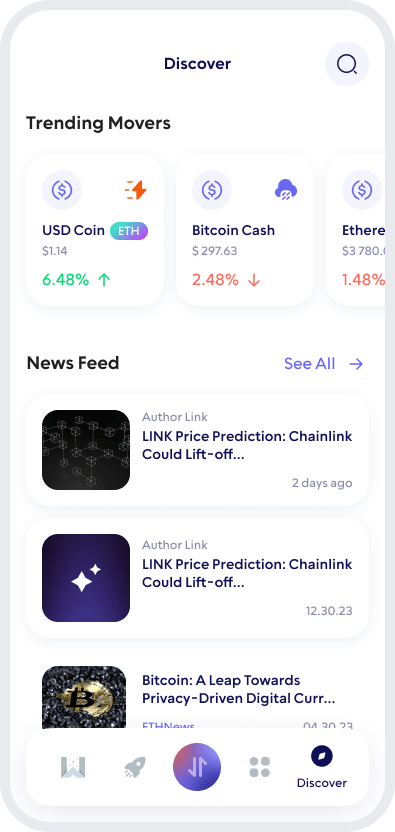
Keep Your Cardano Wallet Secure
1. Use Passcode and Biometric Protection
Walletverse supports passcode and biometric security features to help prevent unauthorized access from your device.
2. Protect Your Recovery Information
Never send wallet passwords, private keys, or other confidential credentials to anyone.
3. Check Addresses Before Sending ADA
Confirm the receiving address and transaction details before sending Cardano.
What Is Cardano (ADA)?
Cardano is a decentralized proof-of-stake blockchain designed to support digital transactions, decentralized applications, and blockchain-based services.
ADA is the native cryptocurrency of the Cardano network.
ADA can be transferred between Cardano addresses and is also used throughout the Cardano ecosystem. Cardano uses a proof-of-stake consensus model rather than proof-of-work mining.
To interact with ADA, users need a cryptocurrency wallet compatible with the Cardano network.
Why Use Walletverse as Your Cardano Wallet?
Walletverse combines Cardano support with the convenience of a multi-currency self-custody wallet.
Instead of managing a separate application for every cryptocurrency, you can access ADA and hundreds of other supported assets from one mobile app.
With Walletverse you can:
Store and manage Cardano (ADA)
Send and receive ADA
Buy supported cryptocurrencies through available payment providers
Swap supported crypto assets
Manage hundreds of cryptocurrencies in one wallet
Maintain self-custody of your wallet
Protect app access with passcode and biometric security
Use Walletverse on iOS and Android
For users who hold more than one cryptocurrency, Walletverse provides a straightforward way to manage Cardano as part of a broader crypto portfolio.
FAQ
Yes. With Walletverse, you can open Cardano and use your ADA receiving address to receive supported Cardano transfers.
Yes. In Walletverse, select Cardano, enter the recipient’s supported ADA address, choose the amount, review the transaction details carefully, and confirm the transaction.
Walletverse provides in-app purchasing through supported payment providers. Available assets, payment methods, currencies, fees, and regional availability may vary.
Download Walletverse from the official App Store or Google Play listing, create your wallet, complete the required security and backup steps, and select Cardano (ADA) from the supported assets.
Yes. Walletverse supports Cardano (ADA), allowing users to manage ADA from the Walletverse mobile wallet together with other supported cryptocurrencies.
Yes. Walletverse is available as a mobile Cardano wallet for both iOS and Android devices.
Cardano is the blockchain network, while ADA is its native cryptocurrency. Walletverse provides Cardano support that allows users to manage ADA from a self-custody mobile wallet.
Download to access all of Web 3 with just one app





