Dash (DASH) Wallet

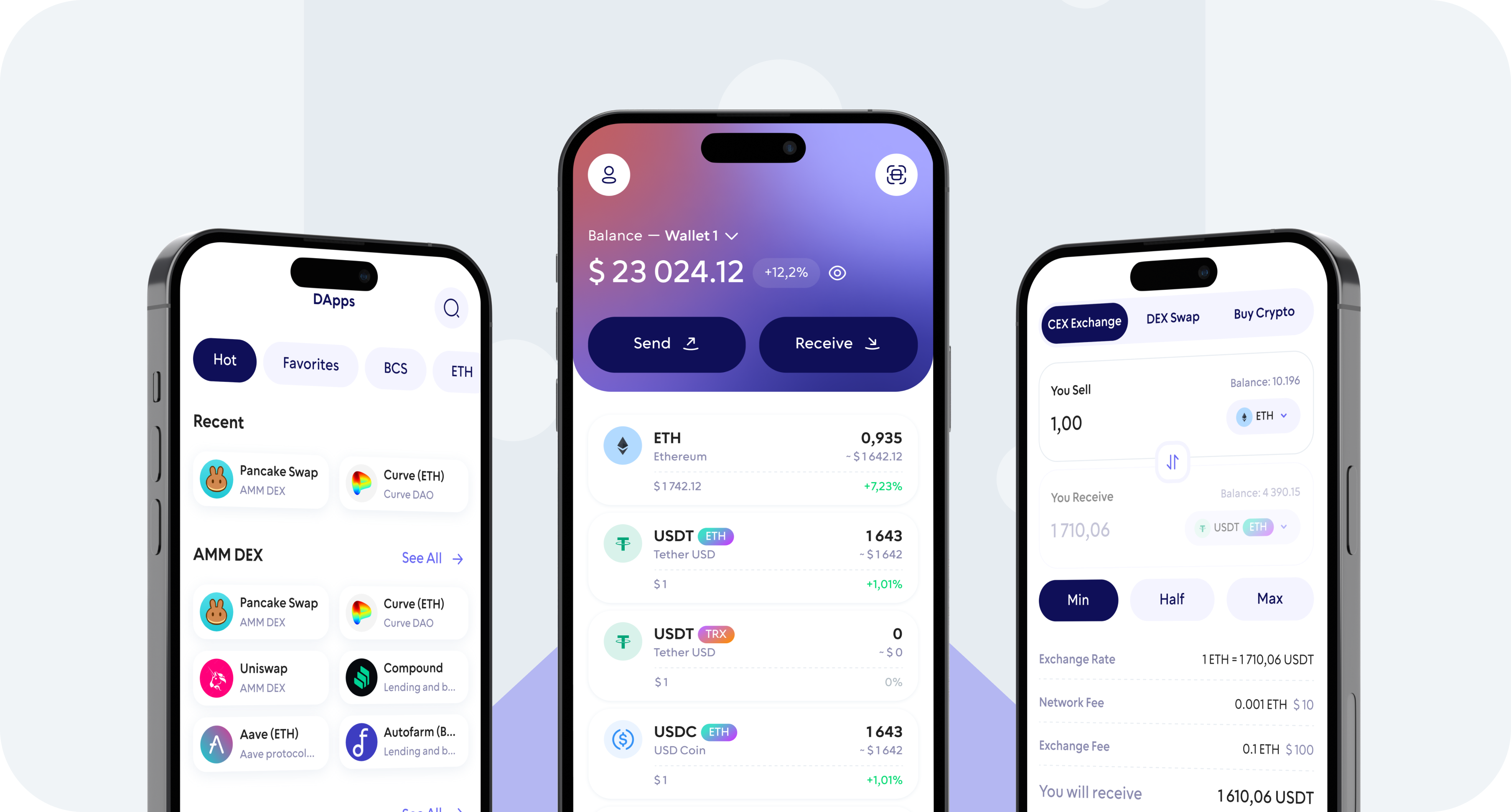
Store, send, receive, buy, and swap Dash (DASH) with Walletverse — a secure self-custody crypto wallet for iOS and Android.

Manage your DASH from one mobile app while staying in control of your crypto. With Walletverse, you can create a Dash wallet, receive DASH to your wallet address, send it to other wallets, buy crypto using supported payment methods, and exchange DASH for other digital assets.

Featured in:

Dash (DASH) Cryptocurrency Wallet Walletverse

What Is Dash (DASH)?

Dash is a cryptocurrency and blockchain network designed around digital payments.

The project originated from Bitcoin’s codebase and developed its own network architecture and governance model. Dash describes itself as digital cash and focuses on making cryptocurrency practical for payments.

The Dash ecosystem includes technologies such as InstantSend for rapid transaction locking and CoinJoin for transaction privacy in wallets that implement the feature. Dash Core also supports network governance and masternode functionality.

Wallet support for specific Dash protocol features can vary. Walletverse can be used for managing DASH, while advanced Dash-specific functionality should always be checked against the features currently available in the wallet.

Why Use Walletverse as Your Dash Wallet?

Your Keys, Your DASH

Walletverse is a self-custody wallet, giving you control over your digital assets instead of relying on a centralized exchange to hold them for you.

Store Dash in One Mobile Wallet

Keep DASH alongside hundreds of other supported cryptocurrencies without having to use a separate application for every asset.

Send and Receive DASH

Use Walletverse to send DASH to another compatible Dash wallet or receive DASH directly to your wallet.

Buy Dash

Walletverse lets users access crypto purchasing options from inside the mobile wallet through supported payment providers.

Swap DASH for Other Cryptocurrencies

Walletverse provides crypto exchange functionality that allows supported digital assets to be swapped from within the wallet.

Walleterse crypto wallet - Buy, Sell, and Trade

How to Create a Dash Wallet

1. Download Walletverse

Install Walletverse using the official App Store or Google Play listing.

2. Create Your Wallet

Open the app and follow the setup process to create a self-custody crypto wallet. Make sure you protect all wallet recovery credentials and never share sensitive wallet information with anyone.

3. Add Dash (DASH)

Find Dash in the supported asset list and add it to your wallet.

4. Receive DASH

Open your DASH wallet and select Receive to access your Dash wallet address and QR code.

5. Manage Your Dash

Once DASH arrives in your wallet, you can monitor your balance and use the available Walletverse features to send, receive, buy or exchange supported crypto.

How to Receive Dash

Open your DASH account in Walletverse and choose Receive. Copy your Dash wallet address or display the QR code.

Share only the public receiving address with the sender. Before accepting a large payment, check that the sender is using the correct Dash network.

How to Send Dash

Open DASH in Walletverse and choose Send.

Enter or scan the recipient’s Dash address, specify the amount and review the transaction details.

The Dash network may require a blockchain transaction fee.

Manage DASH and Other Crypto in Walletverse

Walletverse supports hundreds of cryptocurrencies, allowing you to keep multiple assets inside one self-custody mobile wallet. You can manage DASH alongside assets such as Bitcoin, Ethereum, and other cryptocurrencies.

How to Keep Your DASH Secure

Self-custody gives you direct control, but it also makes wallet security your responsibility.

Use your device’s security features, enable the protection options available in Walletverse and keep sensitive wallet credentials private.

Mobile Dash Wallet vs. Hardware Wallet

A mobile Dash wallet is designed for convenient everyday access. It can be useful when you want to check balances, receive payments, send DASH or manage several cryptocurrencies from a smartphone.

A hardware wallet takes a different approach by keeping private keys in a dedicated offline or isolated signing device. This can be preferable for users who prioritize long-term cold storage.

Walletverse is a mobile self-custody wallet designed for convenient crypto management rather than a hardware wallet.

The right choice depends on how you use your DASH, how frequently you transact and the security model you prefer.

FAQ

How to buy Dash?

Purchasing Dash is made simple and accessible with the Walletverse crypto wallet. Convert your USD to Dash using payment methods, credit, and debit cards. Our platform offers a smooth path for you to invest in Dash, ensuring a seamless conversion process. 

Where can I get a Dash wallet?

Begin your journey with Dash by creating a wallet on Walletverse. Our wallet app is more than a storage tool; it’s a comprehensive platform for managing your DASH tokens. 

What is the best wallet for Dash?

Walletverse is designed for users who want to manage DASH and other cryptocurrencies from a self-custody mobile application.

Can I swap Dash for another cryptocurrency?

Walletverse includes crypto exchange functionality for supported assets and trading pairs. Available pairs and transaction conditions can vary.

Is there a Dash wallet for iPhone and Android?

Walletverse is available as a mobile crypto wallet for iOS and Android and can be used to manage supported cryptocurrencies including DASH.

Download to access all of Web 3 with just one app