



DeFiChain (DFI) Cryptocurrency Wallet Walletverse
Experience the future of decentralized finance with Walletverse, your ultimate mobile app for managing DeFiChain (DFI) tokens. Take control of your assets with our self-custody solution, all within this community-driven crypto wallet. Download Walletverse DeFiChain (DFI) cryptocurrency wallet now.
Featured in:


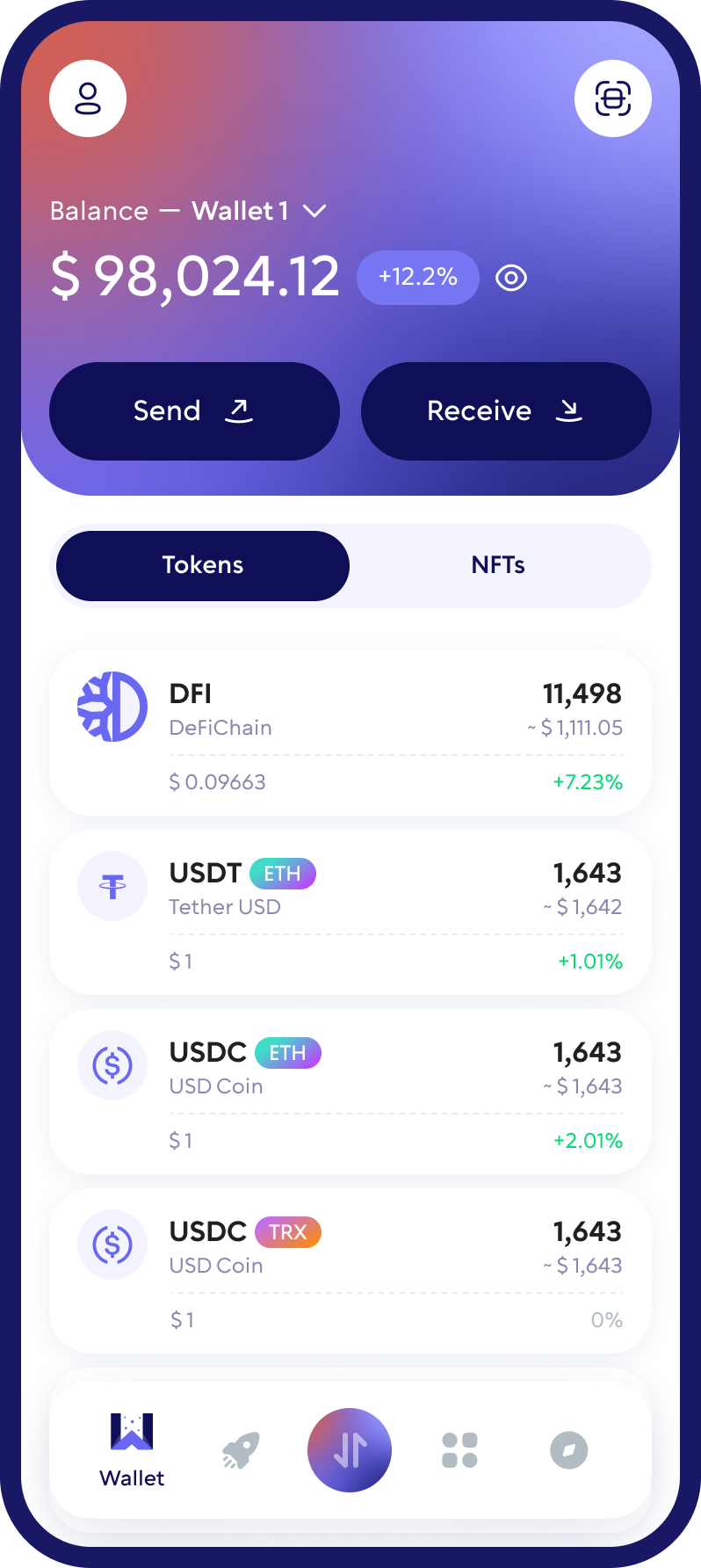
What is DeFiChain (DFI), and How Does It Work?
Embark on a journey into decentralized finance with DeFiChain (DFI), a groundbreaking platform built on blockchain technology. DeFiChain empowers users to access various financial services, including lending, borrowing, and trading, all within a decentralized ecosystem. Utilizing smart contracts and decentralized governance, DeFiChain ensures transparency, security, and efficiency in every financial transaction, enabling users to unlock the full potential of digital currencies and tokens.
Which DFI Network Does Your Wallet Support?
DeFiChain (DFI) exists in several forms across different blockchain environments. Native DFI operates on the original DeFiChain network, while other versions of DFI are available through Ethereum and DeFiChain’s EVM-compatible MetaChain.
Before choosing a DFI wallet, check which version of the asset and which blockchain network it supports. Support for an ERC-20 token does not automatically mean that a wallet can receive native DFI.
Walletverse users should verify the currently supported DFI asset and network in the application before transferring funds. The receiving address and selected network must match the version of DFI being sent.
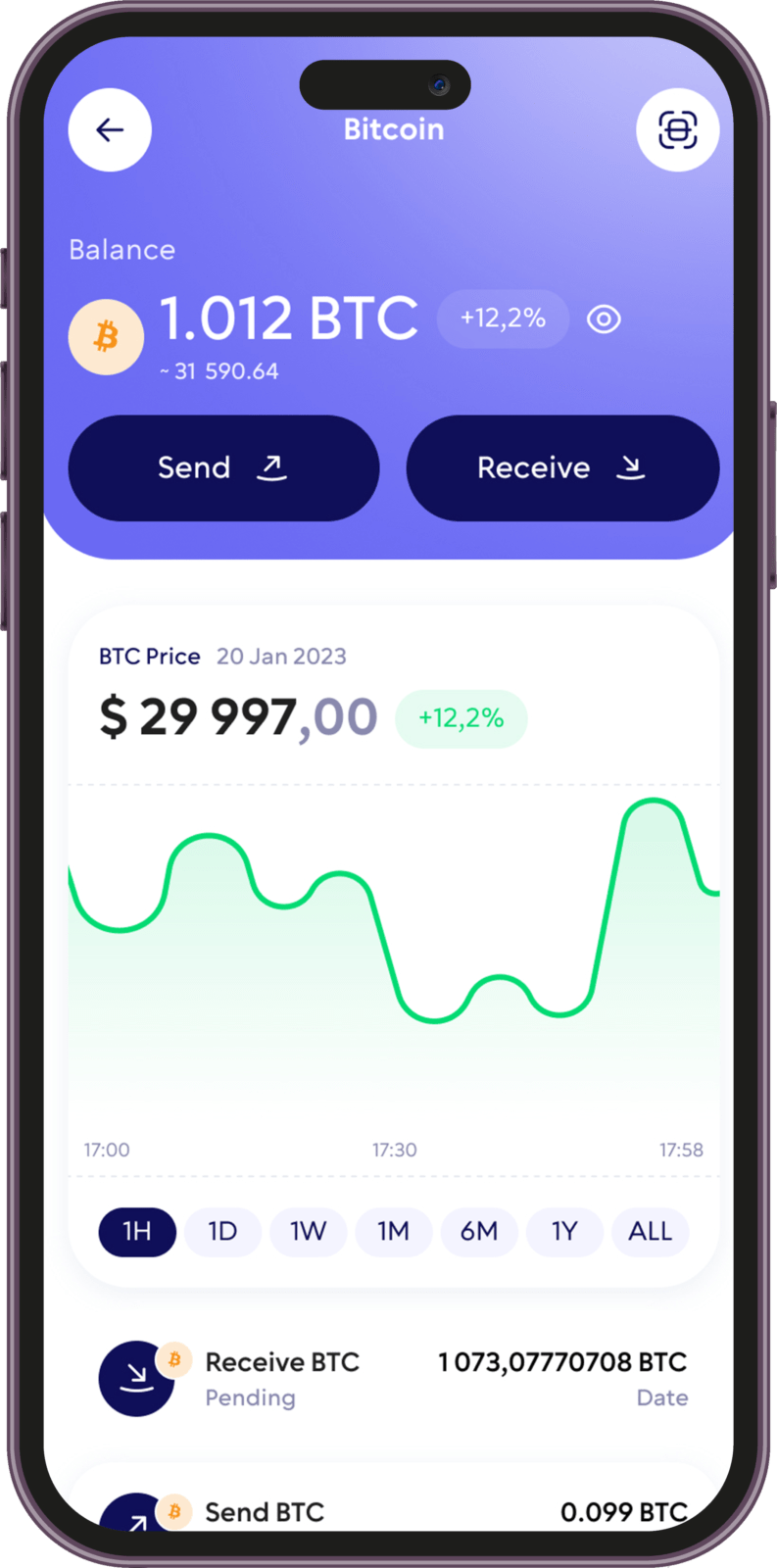
How to Set Up a DFI Wallet with Walletverse
Step 1: Download Walletverse
Install Walletverse through its official website or the appropriate mobile application store. Avoid unofficial downloads and unknown installation links.
Step 2: Create your wallet
Open the application and follow the instructions to create a new wallet. Set up the available security features and complete the initial configuration.
Step 3: Secure your recovery information
Follow the application’s backup and recovery instructions. Store your recovery credentials securely and never share them with another person.
Step 4: Check DFI availability
Search for DeFiChain or DFI in the application’s supported assets.
Check which DFI version and blockchain network are available. Do not assume that support for one version includes native DFI, ERC-20 DFI and MetaChain DFI.
Step 5: Obtain your receiving address
If your required DFI version is supported, open the corresponding asset and use the receiving function to obtain its address.
How to Secure Your DeFiChain Wallet
Protect your recovery information
Keep your wallet’s recovery credentials in a secure location. Never share them through messaging applications, email or unfamiliar websites.
Verify the blockchain network
Always check whether you are using native DFI, ERC-20 DFI or DFI on MetaChain. Incorrect network selection can result in funds being sent to an incompatible destination.
Check transaction details
Review receiving addresses, transaction amounts and network fees before approving transfers.
Avoid suspicious applications and websites
Only download wallet software from official sources. Exercise caution when connecting to unfamiliar decentralized applications or approving unexpected transaction requests.
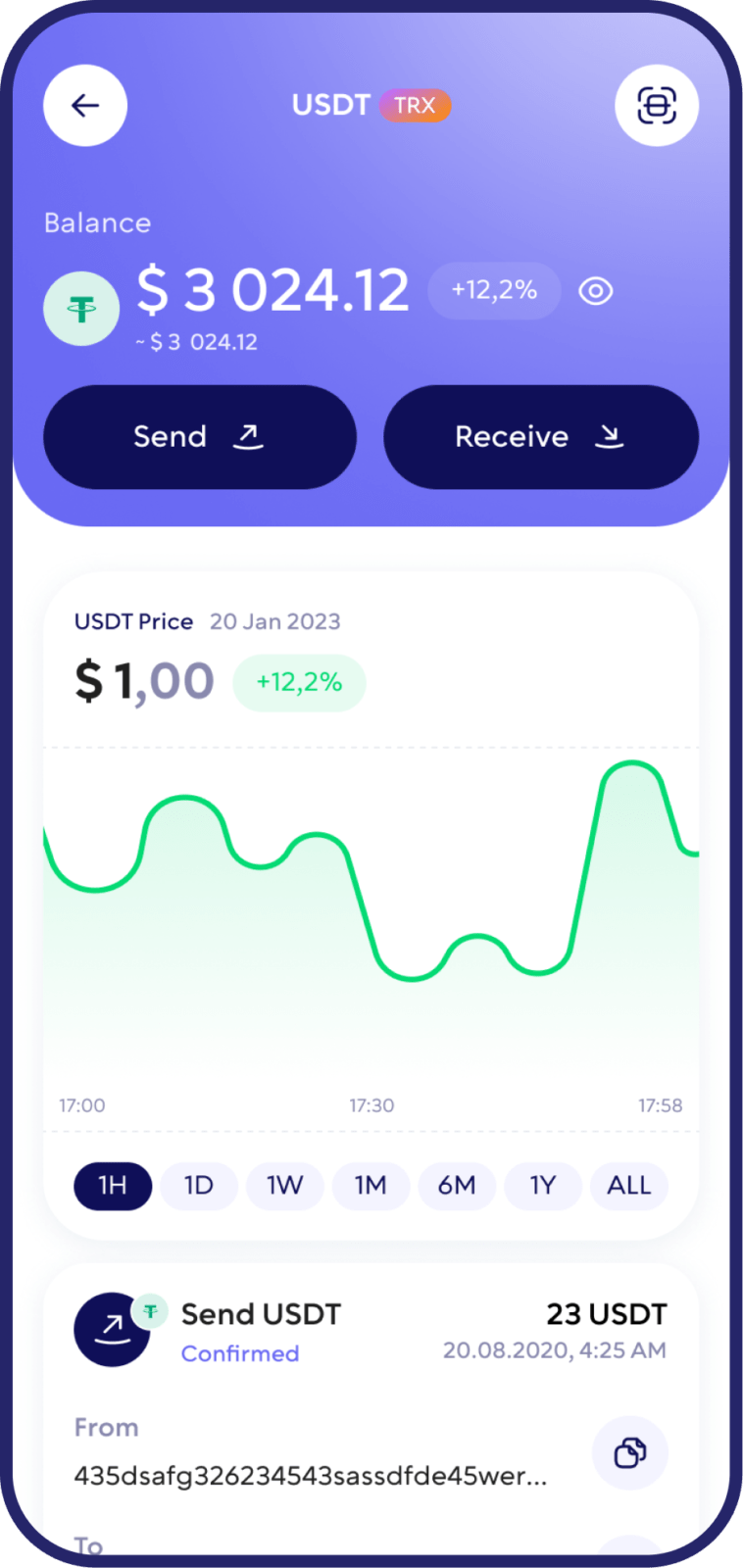
How to Buy and Swap DeFiChain
Buying DFI
If DFI is available through a supported purchasing provider, review the available payment methods, quoted price, transaction fees and selected receiving network.
Payment options and identity verification requirements may vary depending on the provider and the user’s location.
Swapping DFI
To exchange DFI for another cryptocurrency, use a service that supports both the relevant DFI version and the asset you want to receive.
If the required exchange route is available through Walletverse, review the quoted rate, estimated received amount, fees and transaction limits before confirming the swap.
What should you check before exchanging DFI?
Pay particular attention to the blockchain network, available liquidity and total transaction costs.
Supported Cryptocurrencies and Blockchain Networks
A multi-currency wallet allows users to manage several cryptocurrencies without installing a separate application for every supported asset.
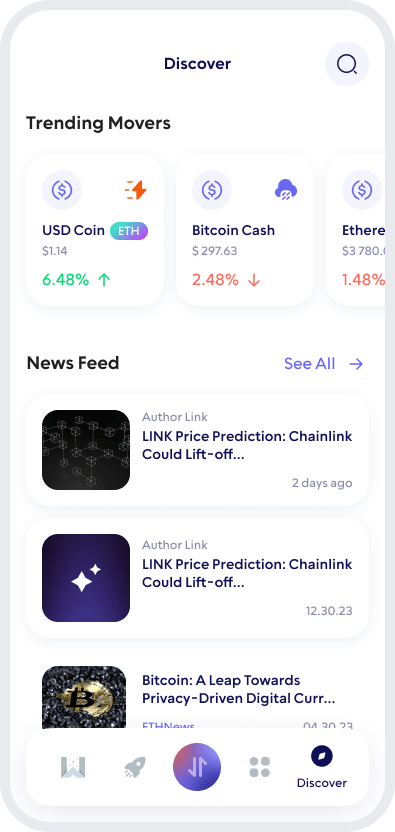
Walletverse supports more than 700 cryptocurrencies, including major digital assets such as Bitcoin (BTC), Ethereum (ETH), Tether (USDT), USD Coin (USDC), Litecoin (LTC), XRP, Dogecoin (DOGE) and many others.
Users can manage supported assets through a single mobile application and access available purchasing and exchange features.
However, the number of supported cryptocurrencies does not indicate that every version of every asset is available.
For example, DFI exists on the original DeFiChain network, Ethereum and MetaChain.
A wallet that supports Ethereum tokens may not provide native DeFiChain functionality.
How to Send and Receive DFI Safely
How to receive DFI
First, open the wallet that supports your specific DFI version. Locate the receiving function for that asset and copy the displayed address. Confirm that the selected blockchain network matches the network from which the funds will be sent.
If the required DFI version is supported in Walletverse, use the receiving address displayed for that asset and network. Do not use an address belonging to another cryptocurrency or an unsupported network.
How to send DFI
Open the sending function in your existing wallet and choose the correct DFI version. Enter the recipient’s wallet address, select the required network and specify the transfer amount.
Review the transaction details, including applicable network fees, before confirming. For a first transfer to a new wallet, consider sending a small test amount before transferring a larger balance.
How long does a DFI transfer take?
Transaction processing time depends on the blockchain network, its current conditions and any additional processing requirements imposed by the receiving service.
FAQ
Ready to invest in the future of decentralized finance with DeFiChain (DFI)? Utilize your Walletverse crypto wallet to seamlessly convert USD into DFI using your credit or debit card directly within the app. Empower your financial journey easily and conveniently, and join the DeFiChain community today.
Begin your journey into decentralized finance with DeFiChain (DFI) by creating your wallet in Walletverse. Experience simplicity as your wallet address is automatically generated upon signup, ensuring a seamless onboarding process. Start exploring the world of DeFi with DeFiChain and Walletverse.
Enhance your DeFi experience with DeFiChain (DFI) using Walletverse, your all-in-one solution for managing, storing, and exchanging DFI tokens. Utilize our wallet app to effortlessly check balances, receive, send, and store DFI tokens while gaining access to decentralized applications (dApps) and support for over 300 cryptocurrencies, all with the added benefit of decentralized exchange (DEX) integration.
Security is paramount at Walletverse. Safeguard your DeFiChain (DFI) assets with our advanced security features, including encryption and multi-factor authentication, providing you with peace of mind in every financial transaction.
Your DeFiChain (DFI) wallet address is your unique identifier within the blockchain network, enabling secure and transparent transactions within the Walletverse ecosystem.
Creating a DeFiChain (DFI) wallet address is effortless with Walletverse. Simply sign up for an account, and your wallet address is automatically generated, streamlining the process and getting you started on your DeFiChain journey without delay.
The application supports more than 700 different cryptocurrency wallets, including Digitex Price wallets, DIA wallets, etc.
Download to access all of Web3 with just one app





