



EOS Wallet: Store and Swap Vaulta (A), Formerly EOS
Looking for an EOS wallet? In 2025, EOS rebranded to Vaulta, and the network’s native token EOS was replaced by the new token A at a 1:1 rate. The blockchain itself didn’t change: there was no fork, and existing accounts, keys and apps keep working. With Walletverse, you can store, send, receive and swap Vaulta (A) in a self-custody mobile wallet, together with 700+ other cryptocurrencies.
Featured in:


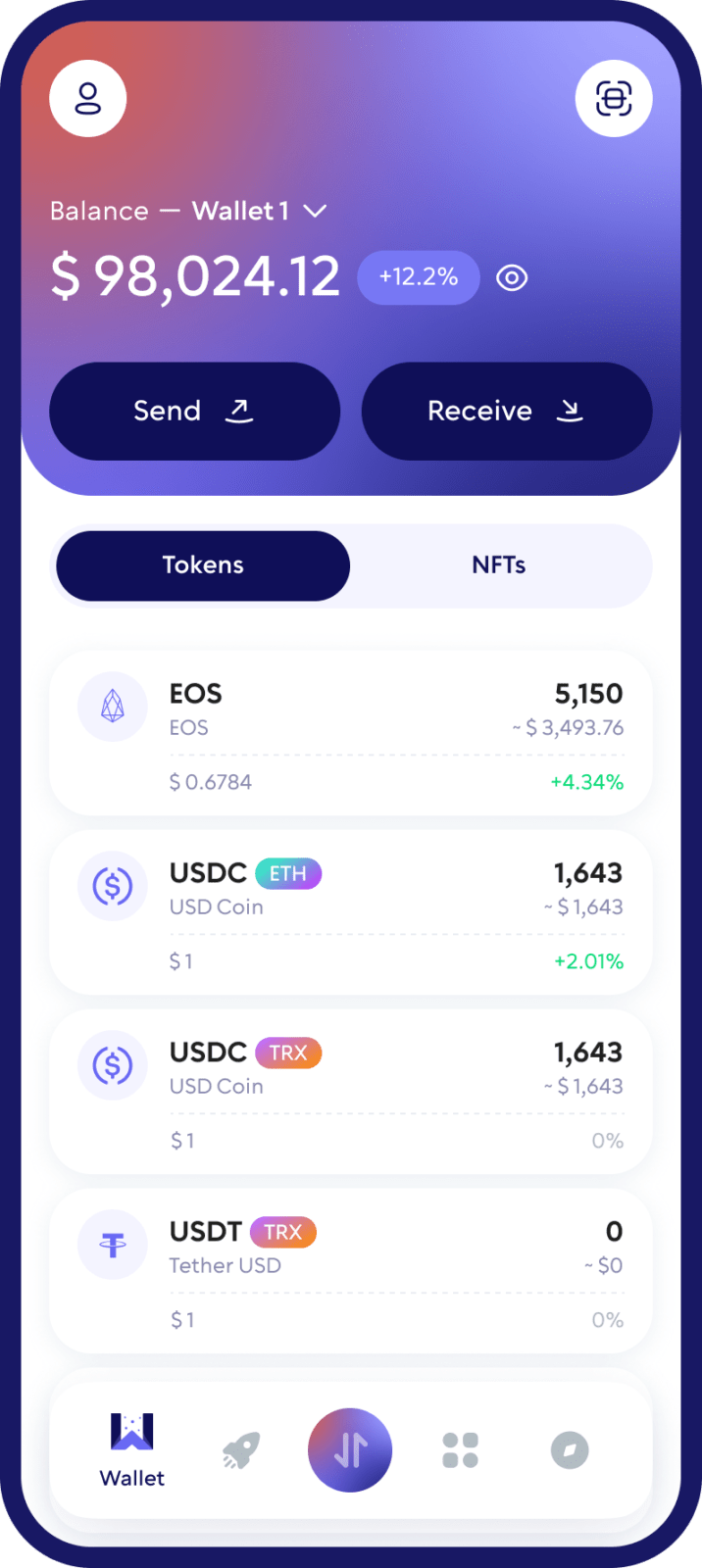
From EOS to Vaulta (A): What Changed
- New name and ticker. The EOS network is now called Vaulta, and its native token is A instead of EOS.
- 1:1 swap. EOS holders can swap EOS for A at a 1:1 rate through the official Vaulta swap portal, swap.vaulta.com. Many exchanges converted their users’ balances automatically, so check with yours.
- Same accounts. Your EOS account name and keys still work on the Vaulta network.
Buy, Sell, and Trade Vaulta
Take control of your crypto portfolio using your mobile device. Purchase Vaulta cryptocurrencies effortlessly using your credit card, payment app, or bank account. Swiftly exchange between different cryptocurrencies. Safeguard your investment returns by trading into stablecoins pegged to the USD.
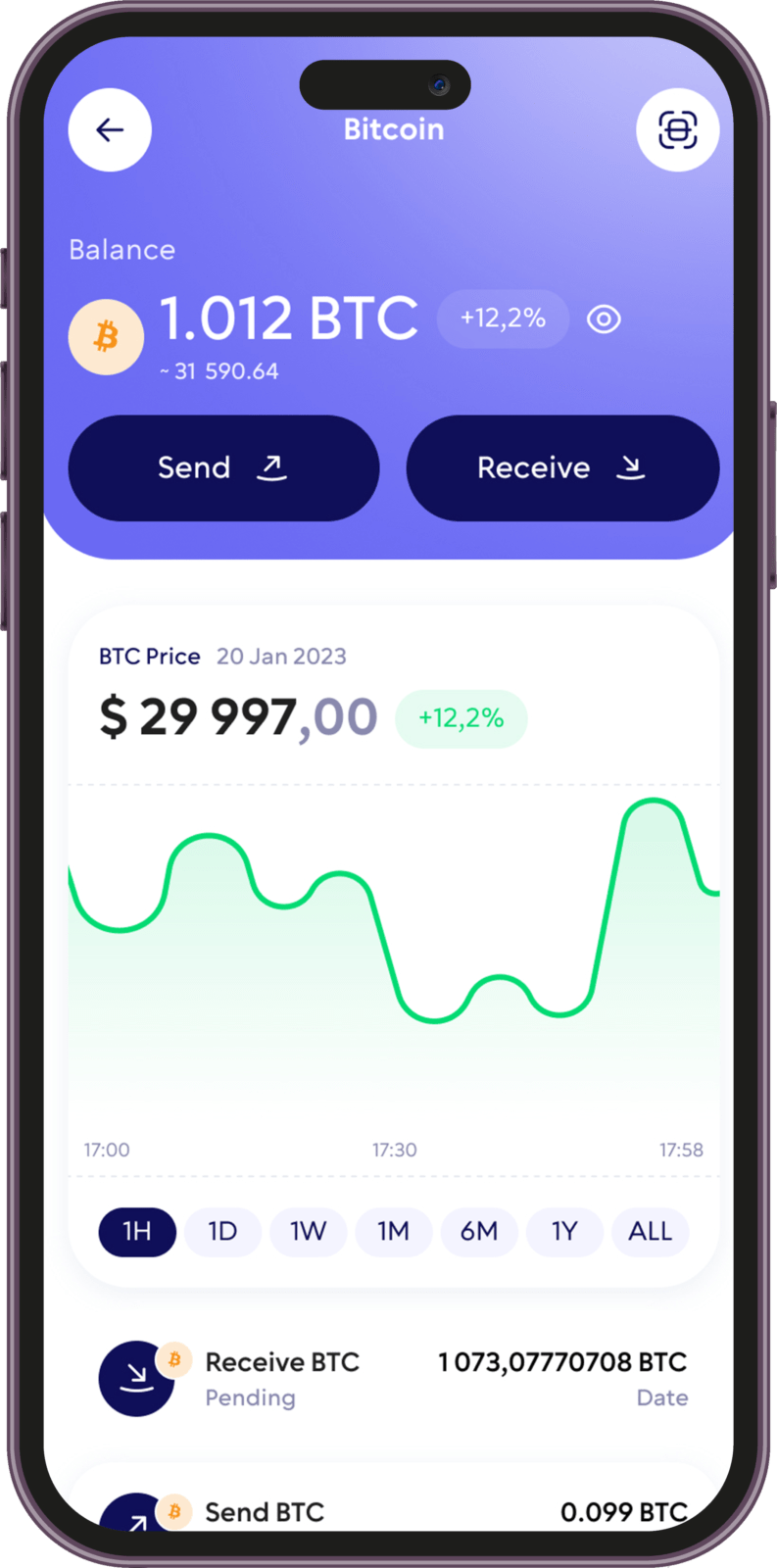
Swap Vaulta (A) for Other Crypto
Walletverse has a built-in DEX aggregator with 10,000+ trading pairs, so you can exchange A for other supported cryptocurrencies without an exchange account.
- Open Swap in Walletverse.
- Choose A and the asset you want to receive, for example USDT or BTC. To buy A with crypto you already hold, select A as the asset you want to receive.
- Enter the amount and review the rate, the fee and the minimum amount you’ll receive.
- Confirm the swap.
Good to know: Rates and fees depend on the available liquidity providers, so compare the final “You receive” amount, not just the market price. If you still hold old EOS tokens, swap them for A first through the official Vaulta portal or your exchange.
Take charge of your crypto
Walletverse empowers you with a self-custody solution, granting you absolute control over your digital assets.
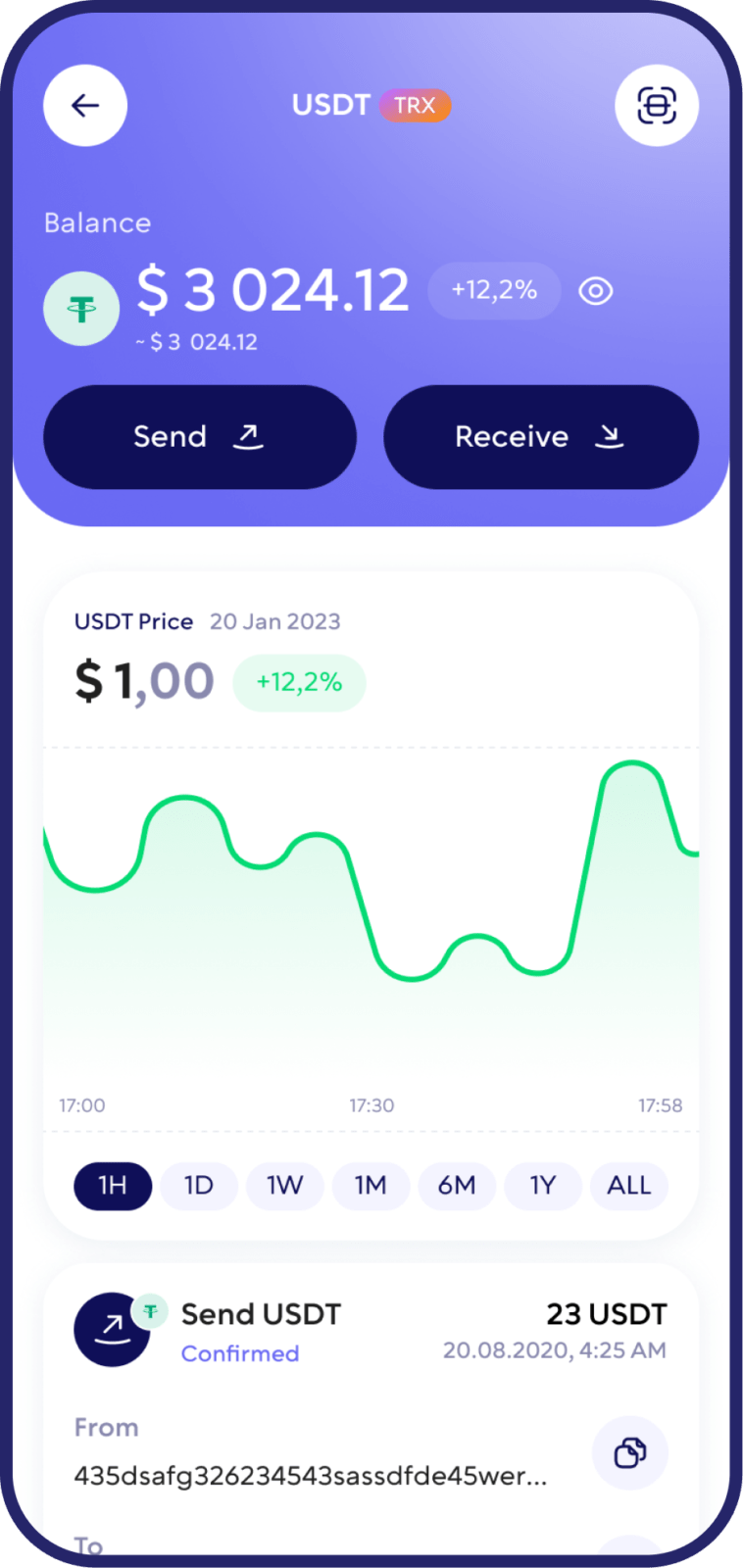
DEX aggregator
Access to a unlimited range of trading pairs and allows you to get access to the board and the best closing performance.
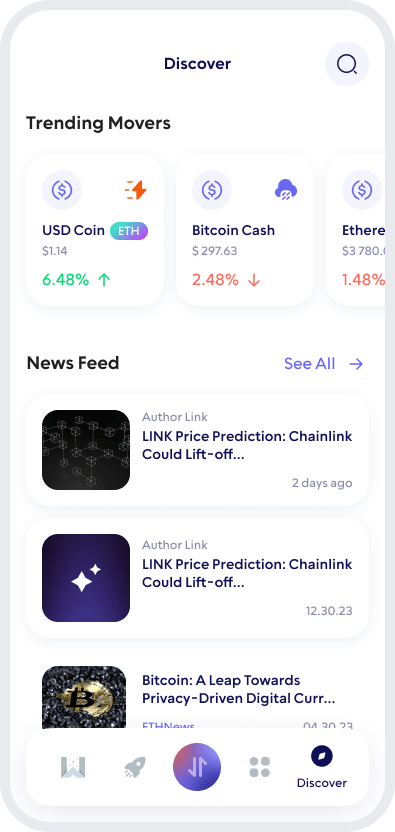
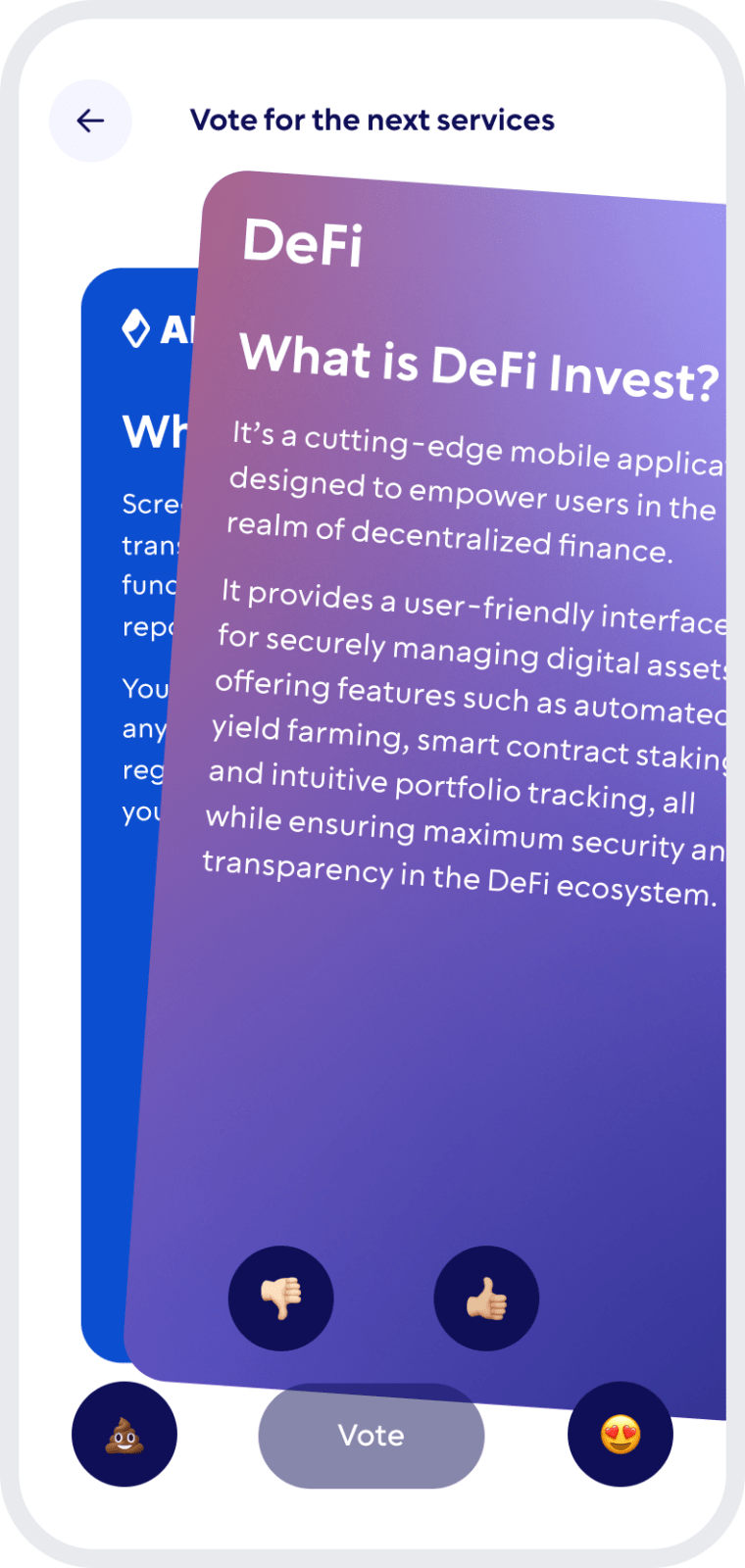
Comunity Voting
Participate in decision-making on the development of new features.
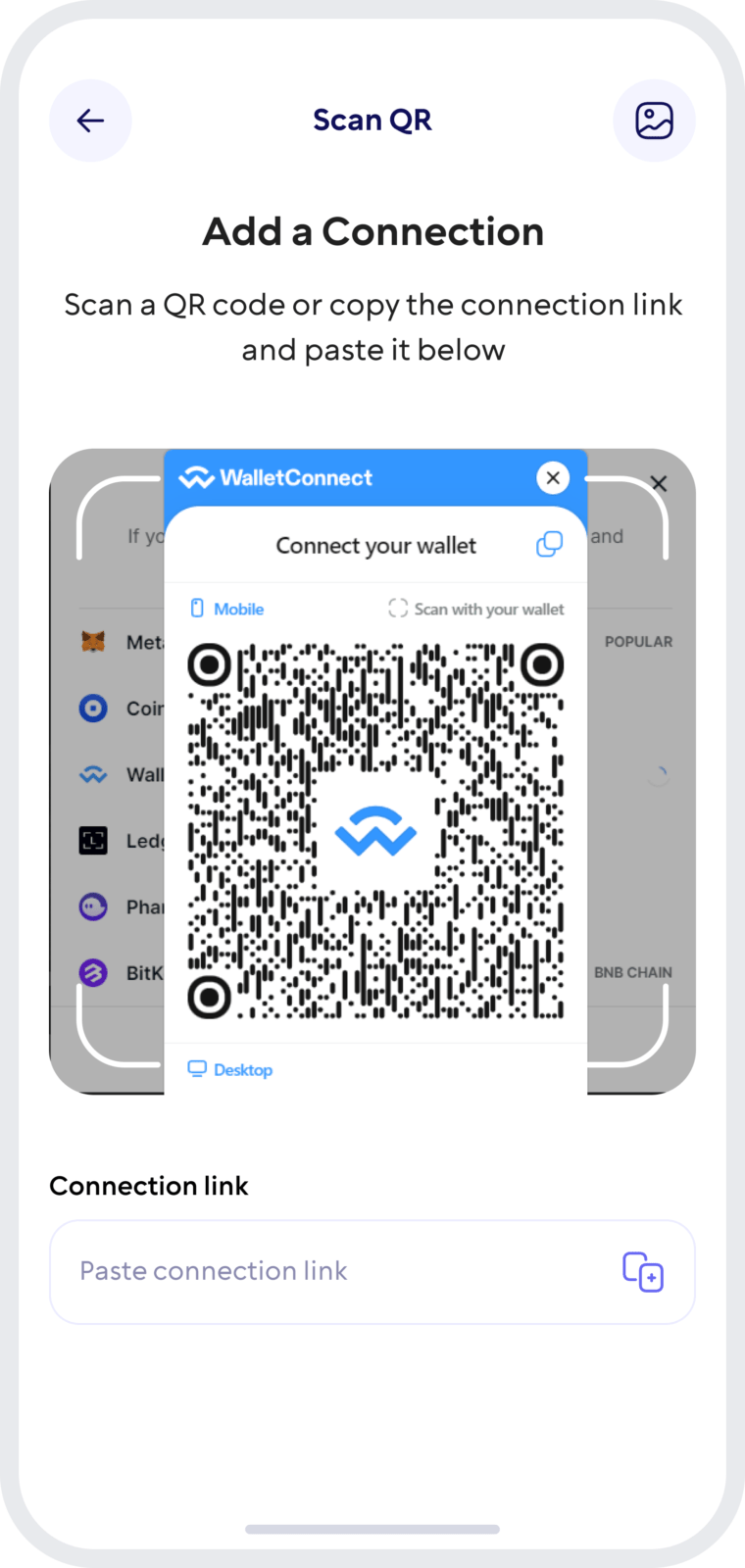
Wallet Connect
Securely interact with a wide range of dApps and decentralized exchanges.
Keep Your Vaulta (A) Safe
Walletverse is a self-custody wallet: only you control your funds. Not even the Walletverse team can access your wallet.
- Private keys stay on your device. They’re encrypted and never held by Walletverse.
- Proven cryptography. The wallet uses AES encryption, ECDSA transaction signing and BIP32/39/44 key derivation.
- Passcode and biometrics. Lock the app so no one else can open your wallet, even with your phone in hand.
- Automatic backup. Your wallets are backed up, so you can restore access on a new device.
- AML checks. Built-in AML and KYT tools help you assess the risk of an account or transaction before you interact with it.
Tips for EOS and Vaulta users:
- Swap only on the official portal. Scammers create fake “EOS to A” swap sites. Use swap.vaulta.com or a trusted wallet or exchange, and never enter your private key on a website.
- Check the account name. Accounts on Vaulta have short names of up to 12 characters, such as myaccount123. One wrong character sends funds to a different account.
- Add the memo for exchanges. Most exchanges use one shared account for deposits and identify you by the memo. Without the correct memo, your deposit may not be credited.
Vaulta (A) and 700+ Other Coins in One App
Walletverse supports more than 700 cryptocurrencies and tokens, so you can manage A alongside the rest of your portfolio instead of using a separate wallet for each network. Popular assets include:
- Bitcoin (BTC) and Ethereum (ETH)
- stablecoins such as Tether (USDT) and USD Coin (USDC), including GasFree USDT transfers on TRON
- other Layer-1 coins, such as Cardano (ADA), Polkadot (DOT), Solana (SOL), TRON (TRX) and NEAR
- popular tokens such as XRP, Uniswap (UNI) and Shiba Inu (SHIB)
You can buy, send, receive and swap these assets in the same app, and stake some of them, such as ETH, SOL and TRX.
FAQ
Purchasing Vaulta is streamlined and user-friendly with the Walletverse crypto wallet. You can effortlessly use USD to initiate your investment in Vaulta, converting your dollars into a potent digital currency. Walletverse supports various payment methods, credit, and debit cards, allowing you to choose your preferred transaction method. Invest in Vaulta confidently and easily, and watch as your crypto portfolio diversifies and grows within our secure and versatile platform.
Begin your Vaulta adventure by creating a wallet with Walletverse. Our wallet app is more than just a tool for financial transactions; it’s a comprehensive solution for managing your Vaulta tokens. Check your balance, send and receive funds, and easily store and exchange A. Walletverse is also your gateway to many decentralized applications (dApps). Supporting over 300 cryptocurrencies and integrated with DEXs and aggregators, Walletverse offers a robust and secure environment for all your digital currency needs.
The application supports more than 300 different cryptocurrency wallets, including Stacks wallets, Immutable X wallets, etc.
You can buy EOS, now Vaulta (A), with USD, EUR and other fiat currencies in Walletverse. Select A in the Buy section, choose your currency and payment method, and review the quote. Available currencies, payment methods and limits depend on your country and the payment provider. The provider may also ask you to verify your identity.
You can buy EOS, now Vaulta (A), in the Walletverse app with a card, Apple Pay or Google Pay, or by swapping other crypto. A is also available on centralized exchanges that converted EOS to A. If you buy on an exchange, withdraw the tokens to your Walletverse wallet so you control the keys.
For most people, the most convenient place to buy EOS, now Vaulta (A), is a self-custody wallet like Walletverse. You pay with a card or swap crypto, and A arrives straight in your own wallet instead of an exchange account. Some people prefer exchanges for large orders. In that case, withdraw A to your Walletverse account name afterwards.
You can buy the EOS coin, now called Vaulta (A), in Walletverse on iOS and Android, or on crypto exchanges that list A. Use only trusted apps and the official swap portal, swap.vaulta.com: scammers often create fake sites that offer to “swap EOS”. Never enter your private key on a website.
Download to access all of Web 3 with just one app





