



Ethereum (ETH) Wallet
Manage Ethereum in one secure self-custody crypto wallet.
With Walletverse, you can store, send, receive, buy, swap and stake ETH from your mobile device while staying in control of your private keys.
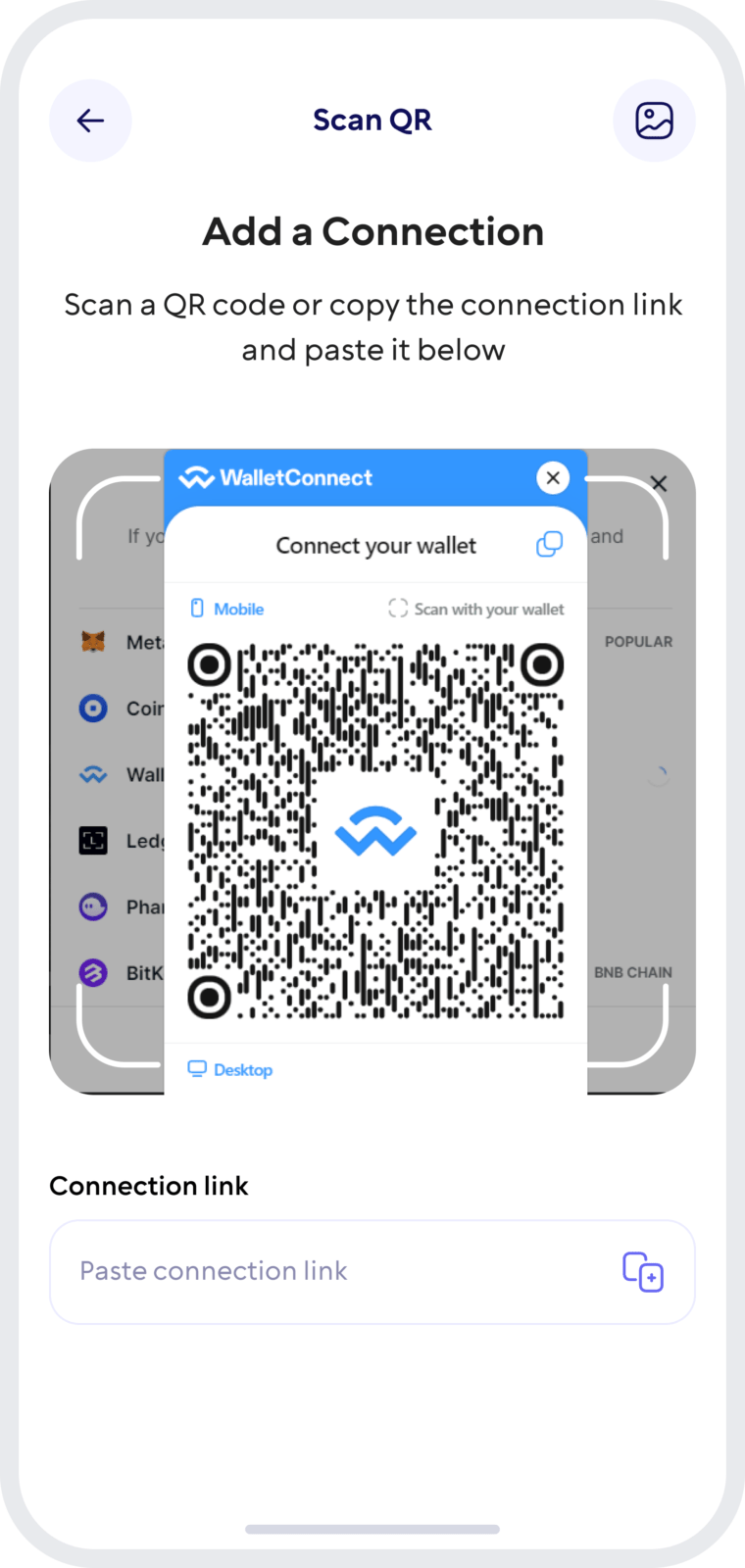
Use your Ethereum wallet to manage your assets, connect to Web3 applications with WalletConnect and explore the Ethereum ecosystem without giving a third party custody of your crypto.
Featured in:


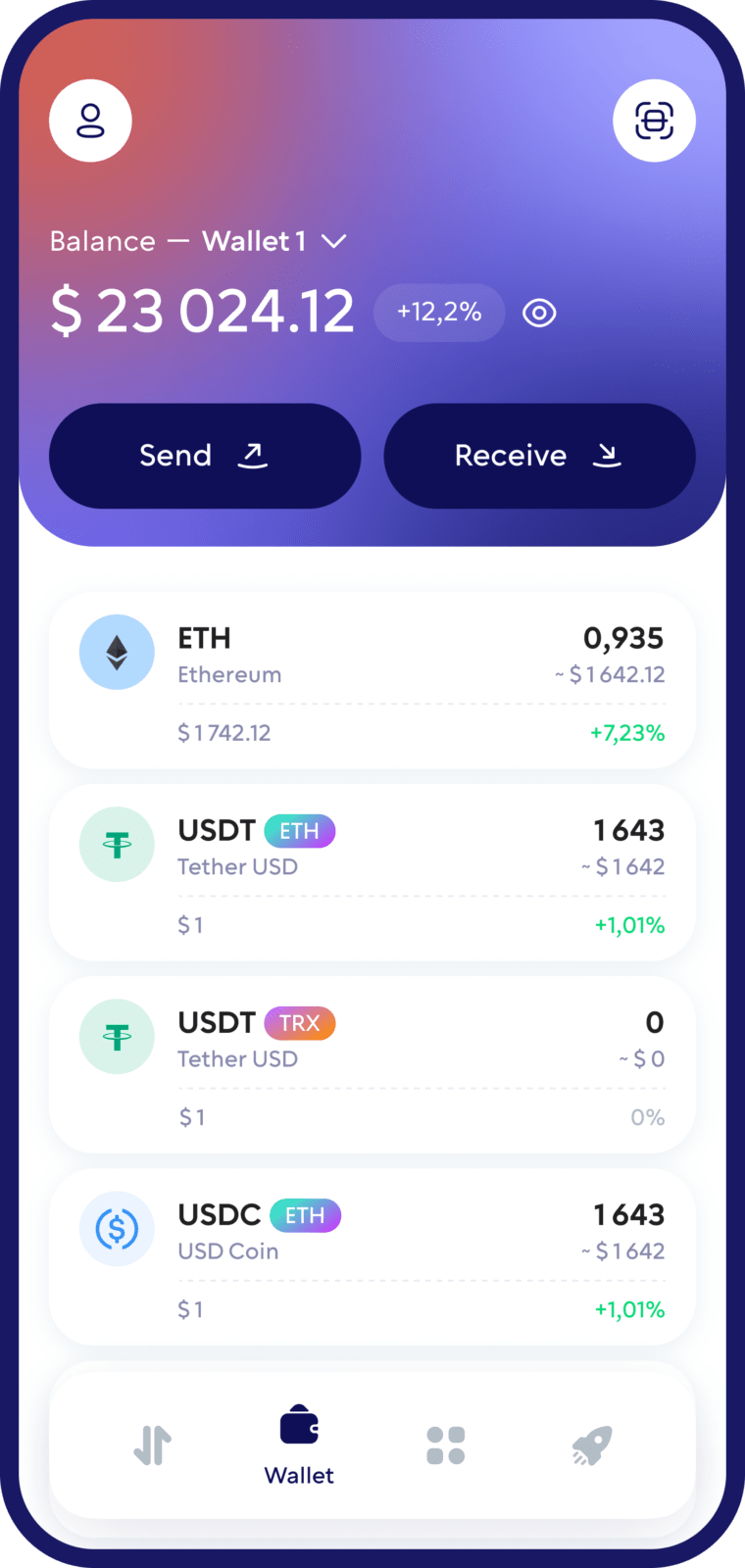
How to Create an Ethereum Wallet with Walletverse
1. Download Walletverse
Install Walletverse from the official App Store or Google Play listing.
2. Create your wallet
Open the app and follow the instructions to create a new crypto wallet.
3. Secure your wallet
Follow the in-app backup and recovery instructions carefully.
A Self-Custody Wallet for Ethereum
Walletverse is a self-custody Ethereum wallet designed to give you direct control over your crypto.
With your Walletverse ETH wallet, you can:
Store and manage Ethereum
Send and receive ETH
Buy Ethereum using supported payment providers
Swap ETH and other supported cryptocurrencies
Stake ETH where staking is available
Connect to dApps through WalletConnect
Manage multiple crypto assets from one mobile wallet
Protect access to your wallet with device security features such as passcode and biometrics
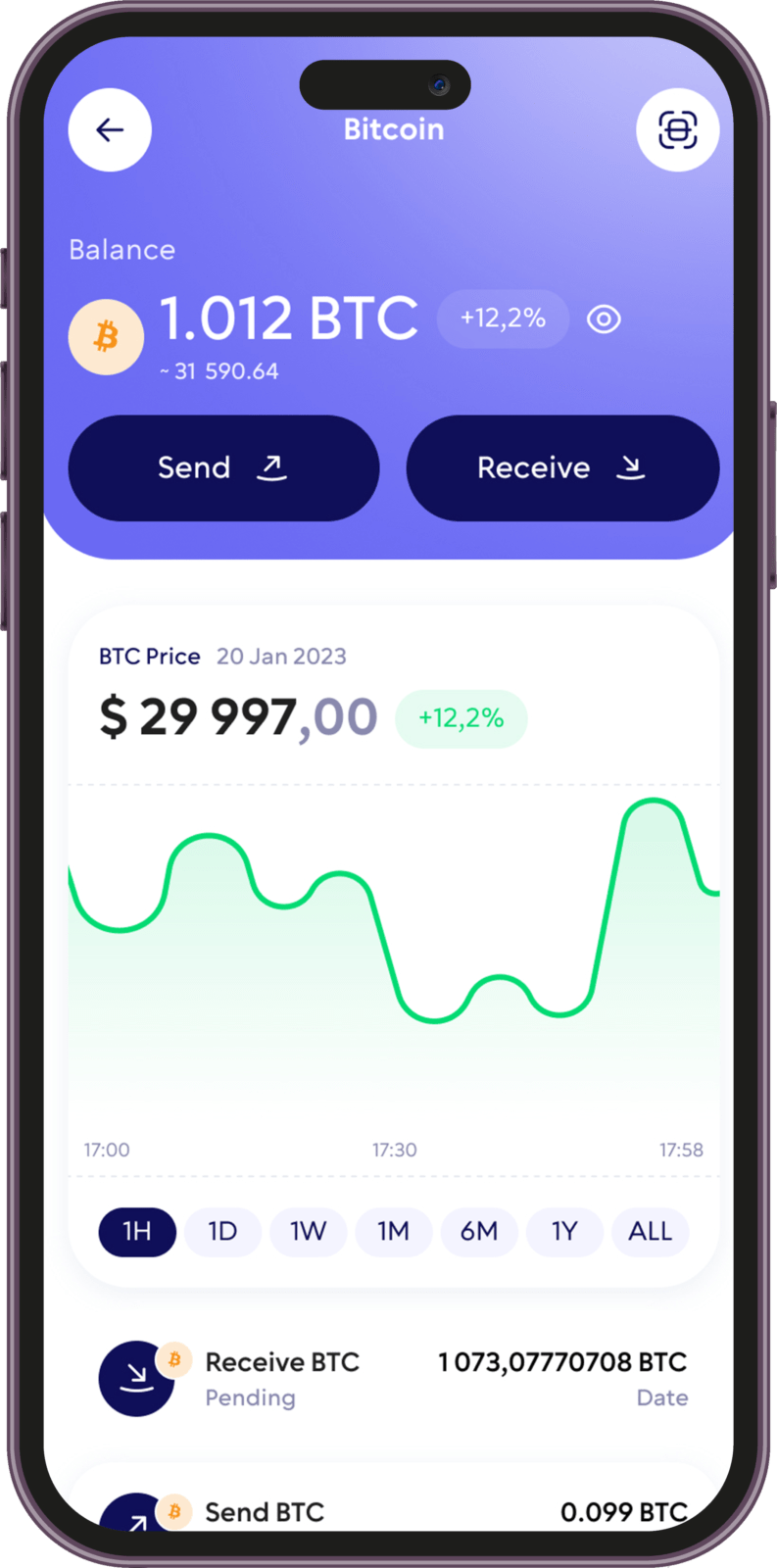
What Is an Ethereum Wallet?
An Ethereum wallet is an application that lets you interact with an Ethereum account.
Instead of physically storing ETH inside the wallet, the wallet manages the cryptographic keys that allow you to access your assets on the Ethereum blockchain and authorize transactions.
An Ethereum wallet allows you to check your balance, receive ETH, send transactions, interact with smart contracts and connect to decentralized applications.
How to Receive ETH in Walletverse:
Open your Ethereum wallet
Select Receive
Copy your Ethereum address or share the available QR code
Send the address to the sender or use it when withdrawing ETH from another platform
Verify that the sender is using the correct Ethereum network before confirming the transaction
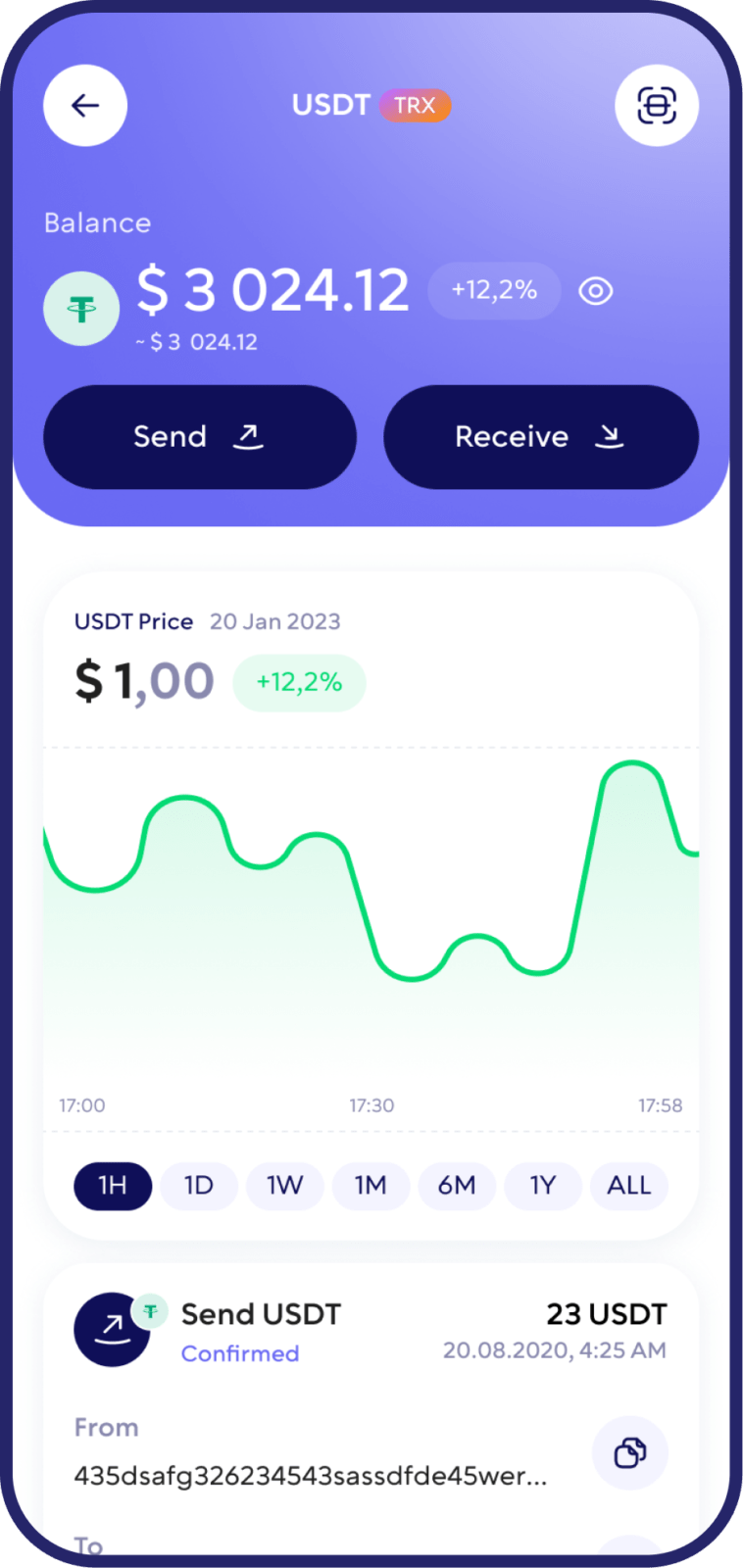
How to Send Ethereum:
You can send ETH directly from your Walletverse mobile wallet.
Open your Ethereum wallet, choose Send, enter or paste the recipient’s Ethereum address and specify the amount of ETH you want to transfer.
Before confirming the transaction, carefully check: recipient address, selected network, amount of ETH, estimated network fee

Buy Ethereum in Your Wallet
Walletverse allows you to buy supported cryptocurrencies through integrated payment providers.
Where available, you can purchase ETH using supported cards, payment methods and local payment providers directly from your mobile device.
After the purchase is completed, your Ethereum can be managed from your Walletverse wallet.

Swap ETH and Other Cryptocurrencies
Exchange Ethereum for other supported crypto assets without having to move your funds between multiple applications.
Walletverse provides access to crypto swaps and decentralized liquidity through its integrated trading tools.
You can compare available routes, select a supported asset and confirm the transaction from your wallet.
How Walletverse Helps Protect Your ETH
Walletverse combines self-custody with security features designed for everyday mobile use.
Private key control
Your private keys remain under your control and are used to authorize transactions from your wallet.
Passcode and biometric protection
Secure access to the application using the protection methods available on your device.
Secure transaction approval
Transactions must be reviewed and authorized from your wallet before they are submitted to the blockchain.
Recovery and backup
Follow Walletverse’s in-app backup and recovery process and keep your recovery information in a private, secure location.
FAQ
Walletverse is designed for users who want a mobile self-custody wallet for managing ETH and other supported cryptocurrencies while accessing Web3 features from one application.
Yes. Walletverse is designed as a self-custody crypto wallet, meaning you remain in control of the private keys used to authorize transactions from your wallet.
Walletverse is free to download.
Yes. You can use your Walletverse Ethereum address to receive ETH and send Ethereum to another compatible address.
Walletverse supports Ethereum staking where the feature is available.
Securing your Ethereum (ETH) is critical, and Walletverse is committed to providing the highest level of security for your digital assets. Our sophisticated encryption techniques and security measures protect your wallet from unauthorized access, ensuring your Ethereum remains safe. Stay informed with our comprehensive security guides and best practices, empowering you to safeguard your investments effectively.
Download to access all of Web 3 with just one app





