



Flux (FLUX) Wallet by Walletverse
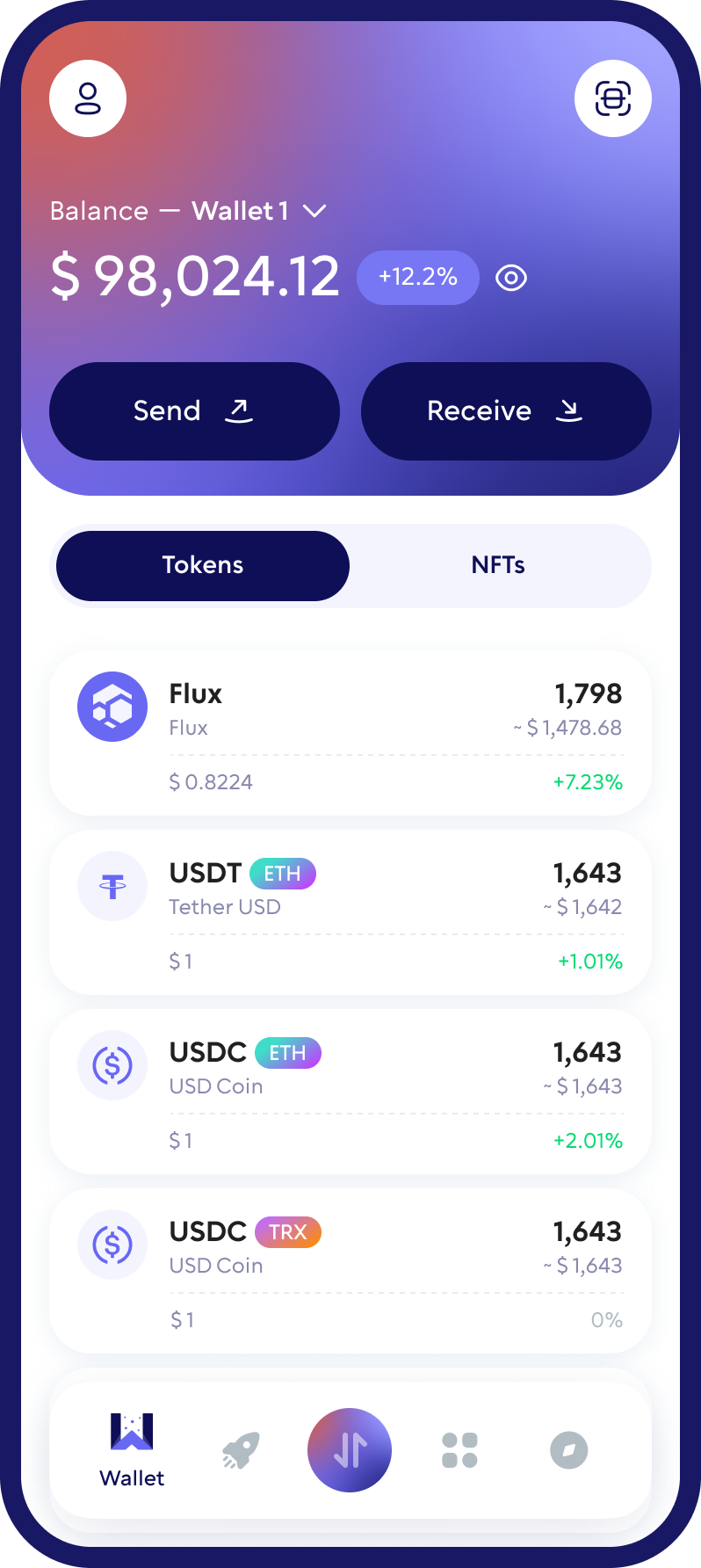
Store, send, receive and swap FLUX, the coin behind the Flux decentralized cloud, in a self-custody mobile wallet. With Walletverse, your private keys stay on your device, and you can manage FLUX alongside 700+ other cryptocurrencies in one app.
Featured in:


What Is Flux and What Is FLUX Used For?
Flux is a decentralized cloud network: thousands of independent computers, called FluxNodes, provide computing power, memory and storage for websites, apps and Web3 services. The network runs on FluxOS, and it’s often described as a decentralized alternative to traditional cloud providers.
FLUX is the network’s native coin. It’s used to:
- pay for computing resources on the network;
- lock as collateral to run a FluxNode (Cumulus, Nimbus or Stratus);
- pay transaction fees;
- reward node operators.
Flux has moved from GPU mining to Proof of Useful Work v2, where FluxNodes produce blocks and validate transactions instead of miners.
Buy, Sell, and Trade FLUX
Take control of your crypto portfolio using your mobile device. Purchase cryptocurrencies effortlessly using your credit card, payment app, or bank account. Swiftly exchange between different cryptocurrencies. Safeguard your investment returns by trading into stablecoins pegged to the USD.
Native FLUX vs. Parallel Assets
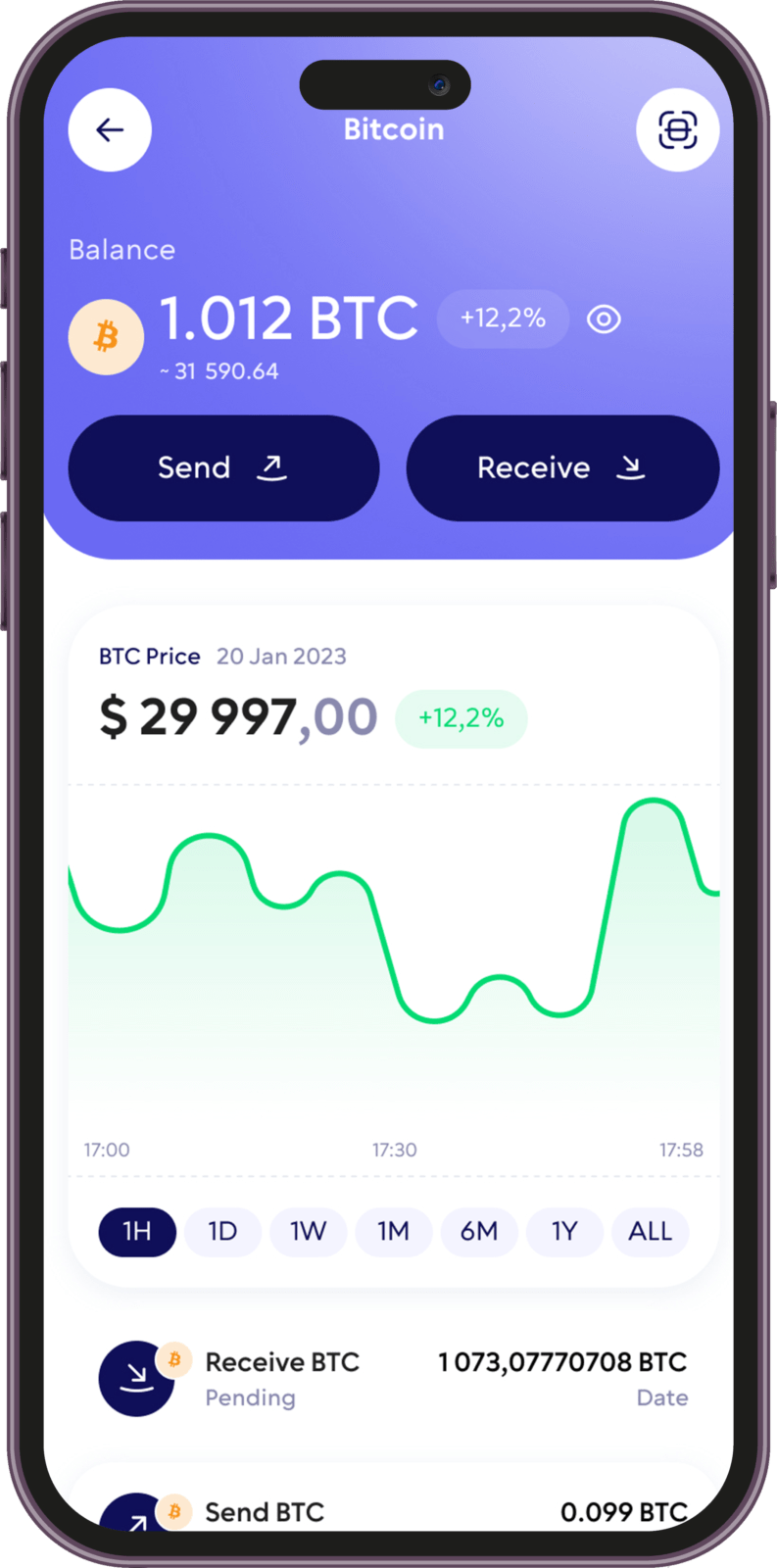
FLUX exists in two forms, and it’s important not to mix them up:
- Native FLUX runs on the Flux blockchain itself.
- Parallel assets are FLUX tokens on other blockchains, such as Ethereum, BNB Smart Chain, Solana, TRON and Kadena. They’re used in DeFi on those networks and can be exchanged with native FLUX at a 1:1 rate through Flux’s Fusion app.
Before you send or receive FLUX, check which version and network you’re using. Sending FLUX on the wrong network can lead to lost funds.
Take charge of your crypto
Walletverse empowers you with a self-custody solution, granting you absolute control over your digital assets.
DEX aggregator
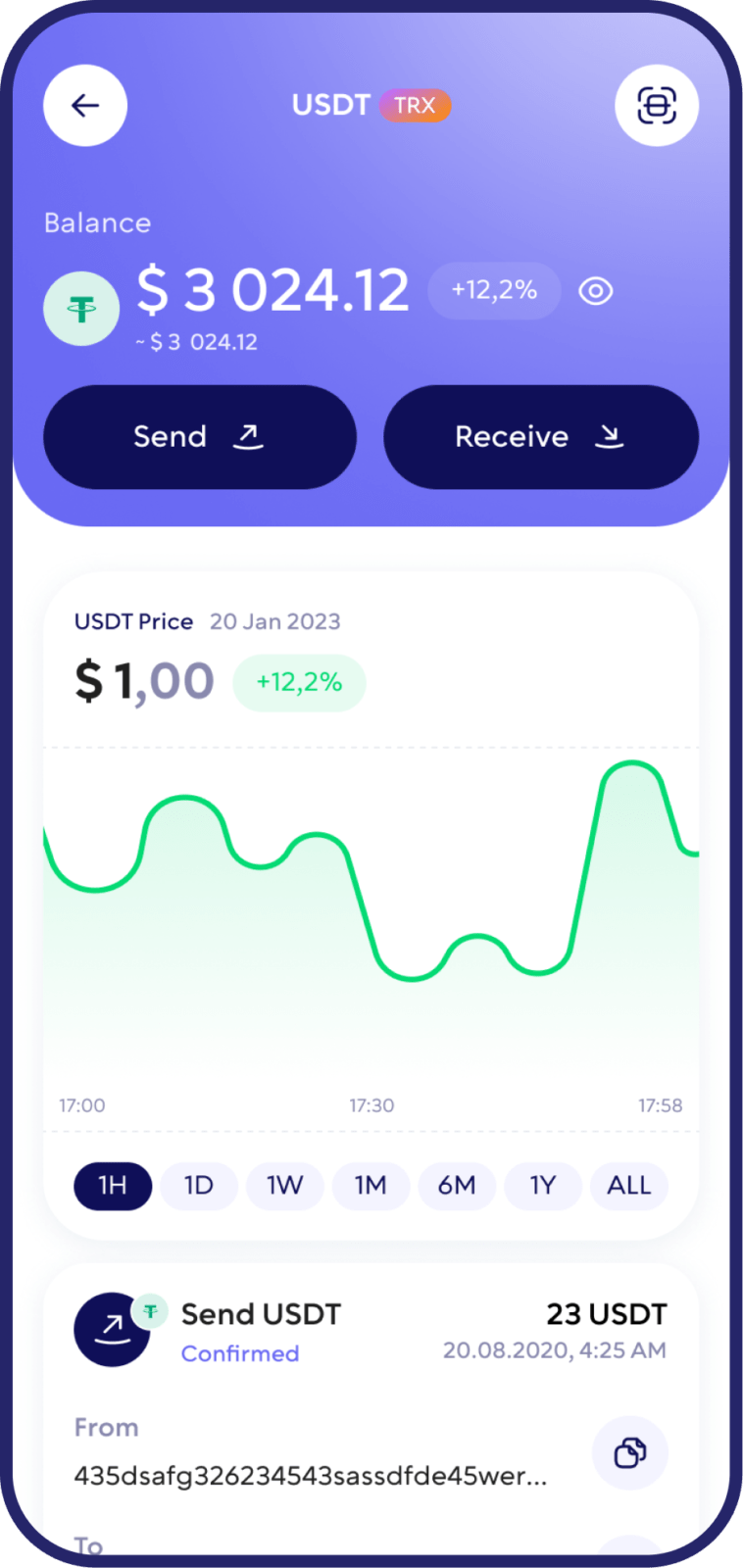
Access to a unlimited range of trading pairs and allows you to get access to the board and the best closing performance.
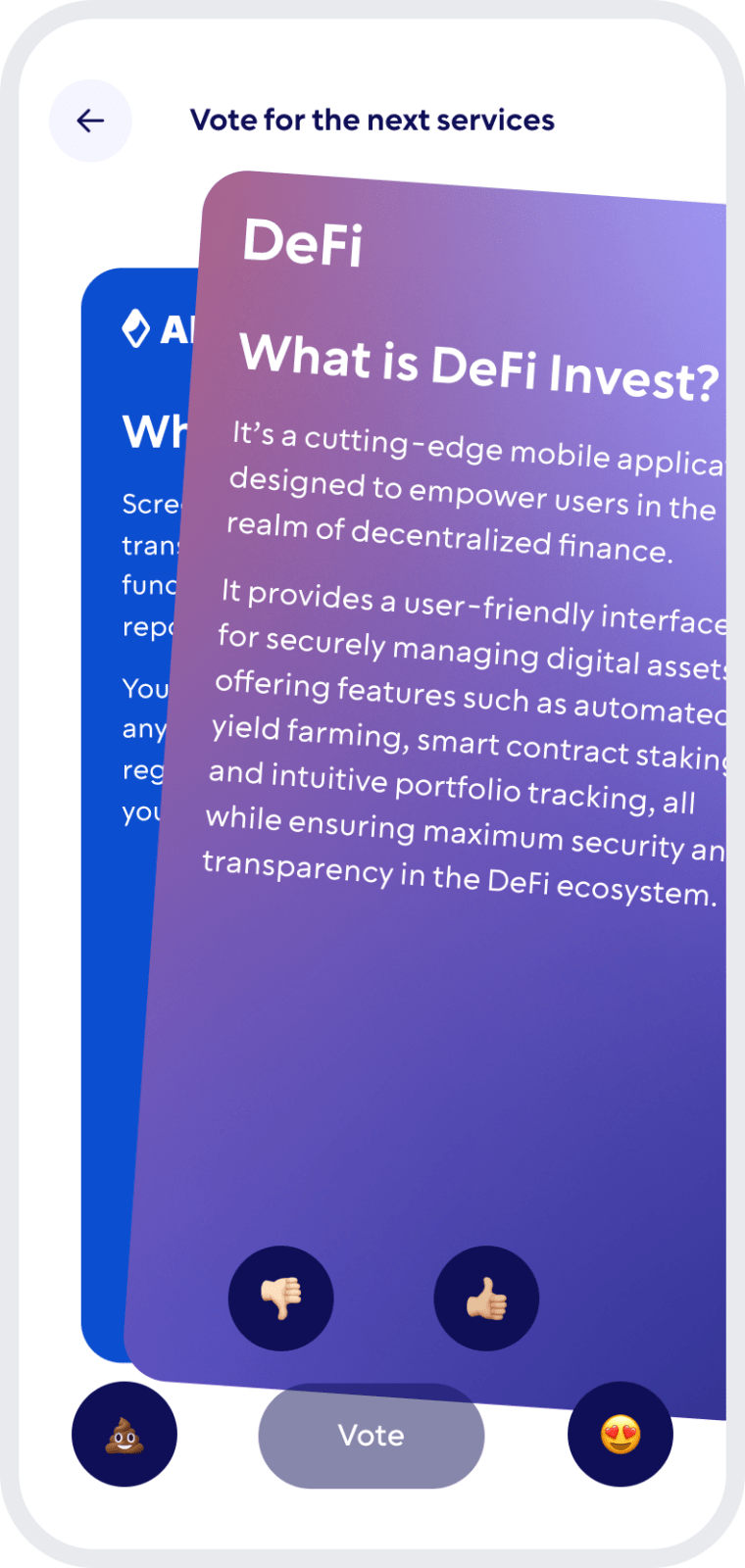
Comunity Voting
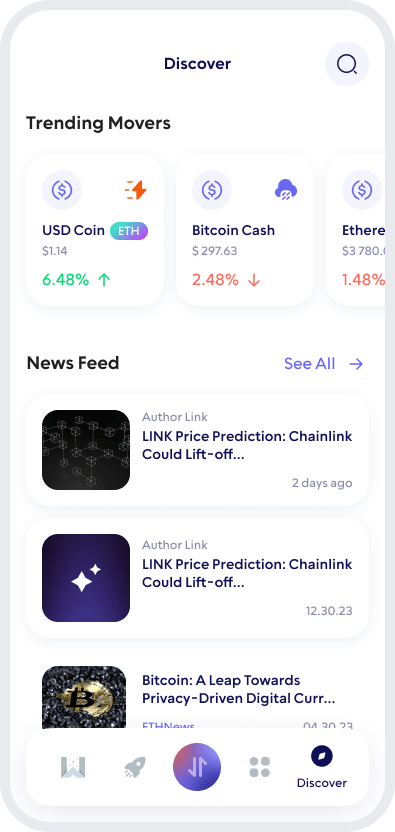
Participate in decision-making on the development of new features.
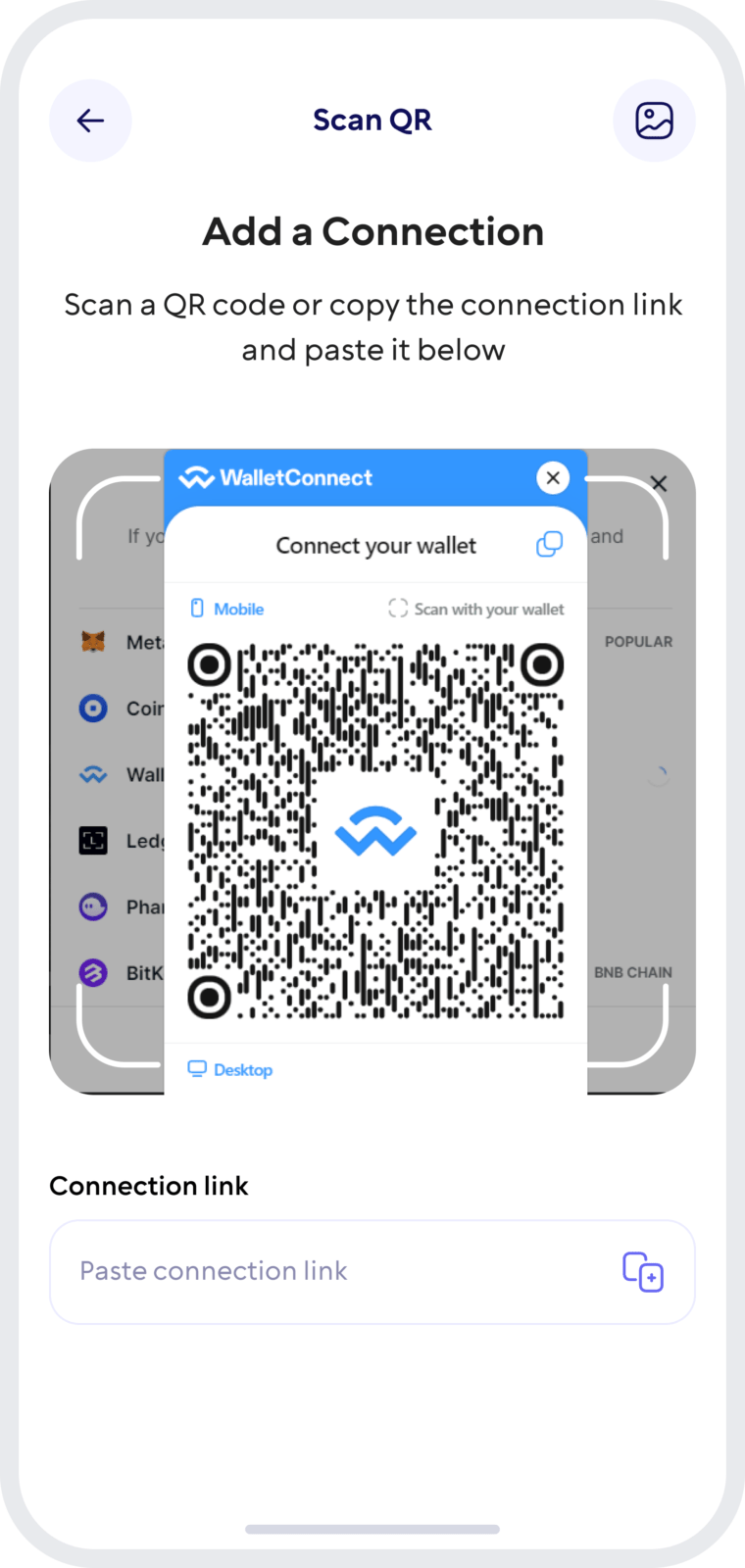
Wallet Connect
Securely interact with a wide range of dApps and decentralized exchanges.
Swap FLUX for Other Crypto
Walletverse has a built-in DEX aggregator with 10,000+ trading pairs, so you can exchange FLUX for other supported cryptocurrencies, or buy FLUX with crypto you already hold, without an exchange account.
- Open Swap in Walletverse.
- Choose FLUX and the asset you want to receive, for example USDT or BTC. To buy FLUX, select it as the asset you want to receive.
- Enter the amount and review the rate, the fee and the minimum amount you’ll receive. Confirm the swap.
Good to know: Rates and fees depend on the available liquidity providers, so compare the final “You receive” amount rather than the market price.
FLUX and 700+ Other Coins in One App
Walletverse supports more than 700 cryptocurrencies and tokens, so you can manage FLUX together with the rest of your portfolio. Popular assets include:
- Bitcoin (BTC) and Ethereum (ETH)
- stablecoins such as Tether (USDT) and USD Coin (USDC), including GasFree USDT transfers on TRON
- other Layer-1 coins, such as Cardano (ADA), Polkadot (DOT), Solana (SOL), TRON (TRX) and NEAR
- popular tokens such as XRP, Uniswap (UNI) and Shiba Inu (SHIB)
You can buy, send, receive and swap these assets in the same app, and stake some of them, such as ETH, SOL and TRX.
Keep Your FLUX Safe
Walletverse is a self-custody wallet: only you control your FLUX. Not even the Walletverse team can access your wallet.
- Private keys stay on your device. They’re encrypted and never held by Walletverse.
- Proven cryptography. The wallet uses AES encryption, ECDSA transaction signing and BIP32/39/44 key derivation.
- Passcode and biometrics. Lock the app so no one else can open your wallet, even with your phone in hand.
- Automatic backup. Your wallets are backed up, so you can restore access on a new device.
- AML checks. Built-in AML and KYT tools help you assess the risk of an address or transaction before you interact with it.
FLUX-specific tips:
- Watch out for fake FLUX tokens. Scammers create tokens that imitate FLUX and promise fake airdrops. If you deal with parallel assets, check the official contract address on the Flux website.
- Match the network. When you withdraw FLUX from an exchange, choose the network that matches your Walletverse FLUX address.
- Never share your recovery details. Flux, Walletverse and exchanges will never ask for them.
Set Up Your FLUX Wallet in Walletverse
- Download Walletverse from the App Store or Google Play.
- Create a new wallet or restore an existing one, and follow the backup instructions.
- Find FLUX in the list of assets.
- Tap Receive to see your FLUX address and QR code, and share it with the sender.
FAQ
Walletverse lets you purchase FLUX using USD or any primary fiat currency through credit or debit card transactions. This process enables you to easily invest in one of the most promising projects in the decentralized space. Walletverse simplifies the conversion from fiat to FLUX, offering a secure and straightforward platform for managing your cryptocurrency investments.
Initiating your Flux journey starts with creating a FLUX wallet on Walletverse. The intuitive app guides you through a hassle-free setup process, ensuring your wallet is secure and ready to store, send, and receive FLUX. Walletverse is designed to provide a user-friendly experience without compromising security, making it the ideal solution for beginners and experienced users looking to engage with the Flux ecosystem.
Walletverse app offers comprehensive functionalities, including checking balances and sending, receiving, storing, and exchanging FLUX. Integrated with dApps and supporting over 300+ cryptocurrencies, including access to decentralized exchanges (DEX), Walletverse caters to a broad spectrum of digital finance activities. Embrace the future of decentralized computing with a wallet app equipped for the evolving landscape of digital currencies.
Securing your Flux (FLUX) assets is crucial, and Walletverse employs advanced security measures to protect your digital wealth. The wallet features state-of-the-art encryption and security protocols, safeguarding your FLUX tokens and transaction details against unauthorized access. With Walletverse, you can confidently navigate the decentralized web, knowing that your investments are secure with the most up-to-date technology in digital asset protection.
A Flux (FLUX) wallet address is your unique identifier on the blockchain, enabling you to engage in transactions securely. This address is essential for sending and receiving FLUX, acting as a gateway to the decentralized services and applications within the Flux ecosystem. Managing your Flux wallet address is key to maximizing your participation in the network, ensuring a seamless and secure experience in digital finance.
Setting up your wallet in the Walletverse app automatically generates a unique FLUX wallet address, allowing immediate engagement with the Flux network. Walletverse simplifies your entry into decentralized computing, ensuring you can effortlessly manage your FLUX tokens and explore the vast potential of the Flux ecosystem.
The application supports more than 300 different cryptocurrency wallets, including Ampleforth Governance wallets, Frontier Token wallets, etc.
Download to access all of Web3 with just one app





