TornadoCash (TORN) Cryptocurrency Wallet Walletverse
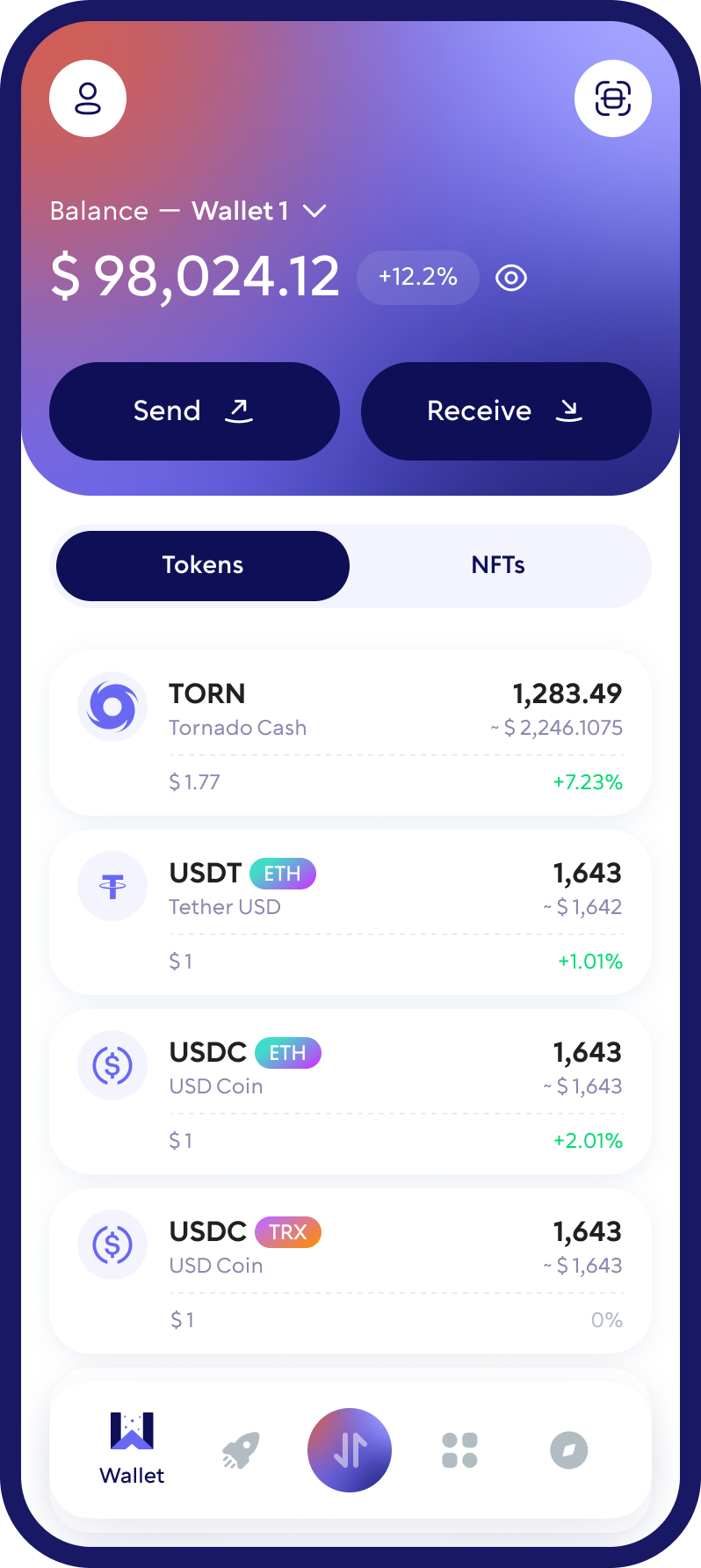
Dive into the realm of privacy and security with the Walletverse TornadoCash (TORN) cryptocurrency wallet. This mobile app brings the power of blockchain technology right to your fingertips, ensuring that you maintain self-custody over your assets in a community-driven environment. Walletverse champions the principles of a secure crypto wallet, offering comprehensive multi-wallet management features. It’s the perfect tool for those who value privacy in their digital transactions. Download Walletverse TornadoCash (TORN) cryptocurrency wallet now and experience unparalleled security and autonomy.
Featured in:


What is TornadoCash (TORN), and How Does It Work?
TornadoCash (TORN) is a beacon of privacy in the decentralized world, allowing users to engage with digital currencies with enhanced anonymity. This innovative platform uses blockchain technology to provide a layer of privacy for transactions involving coins and tokens, aligning with the ideals of Web 3.0. By breaking the on-chain link between sender and receiver, TornadoCash ensures that users can transact in digital currencies without compromising their privacy, making it a pivotal tool in the ecosystem of decentralized applications.
Buy, Sell, and Trade TORN
Take control of your crypto portfolio using your mobile device. Purchase cryptocurrencies effortlessly using your credit card, payment app, or bank account. Swiftly exchange between different cryptocurrencies. Safeguard your investment returns by trading into stablecoins pegged to the USD.
Stake and Earn
Earn rewards by staking popular coins like ETH, ADA, BNB, SOL, TRX, NEAR, XTZ, HBAR, and more, with annual percentage yields (APY) ranging from 5% to 20%.
APY
Take charge of your crypto
Walletverse empowers you with a self-custody solution, granting you absolute control over your digital assets.
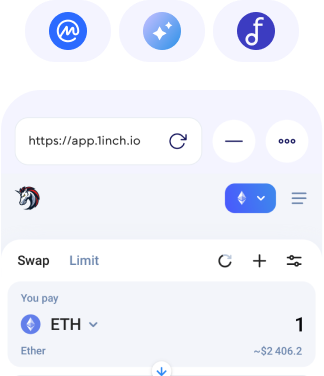
DEX aggregator
Access to distributed network for decentralized protocols enabling the most lucrative, fastest and protected operations in DeFi.
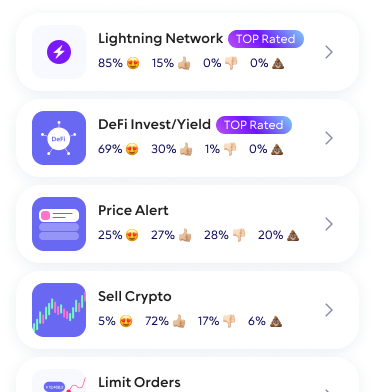
Community Voting
Participate in decision-making on the development of new features.
WalletConnect
Securely interact with a wide range of dApps and decentralized exchanges.
Seamless Security
Safeguard your digital assets with unparalleled security measures that ensure only you have access to your wallet – not even our team can access it. Protect your funds using passcode and biometric security features. Enjoy the peace of mind knowing that all your crypto are secured.
FAQ
Purchasing TornadoCash (TORN) is effortless with the Walletverse app. Users can seamlessly convert USD to TORN using their preferred payment methods, including credit and debit cards like Visa and Mastercard, as well as modern solutions such as Apple Pay and Google Pay. This process integrates smoothly into the crypto wallet, allowing users to enhance their portfolio with TORN and participate in the privacy-centric features it offers. Start your journey towards financial privacy by buying TORN through the Walletverse app today.
Embrace the future of privacy in finance by creating your TornadoCash (TORN) wallet with Walletverse. Our platform facilitates easy management of multiple wallets, enabling users to invest in TORN and explore a wide array of decentralized applications. Setting up your TORN wallet is the first step towards a more private and secure digital financial experience, providing you with the tools needed to navigate the decentralized web with confidence.
Unlock the potential of digital privacy by downloading Walletverse from Google Play or the App Store. This robust app not only allows you to create a TORN wallet with ease but also provides functionalities to check your balance, receive, send, store, and exchange TORN, alongside interaction with dApps. Supporting over 300 cryptocurrencies, Walletverse is your gateway to engaging with the digital economy while prioritizing privacy and security.
Securing your TornadoCash (TORN) assets is paramount. Walletverse integrates sophisticated security measures, such as passcode and biometric security features, to ensure that your funds remain protected. These advanced security protocols are designed to safeguard your privacy and assets, giving you peace of mind as you explore the possibilities within the blockchain space.
A TornadoCash (TORN) wallet address is your unique identifier on the blockchain, enabling secure and private transactions. This address is crucial for sending and receiving TORN, acting as your digital address in the vast landscape of decentralized finance.
Creating a TornadoCash (TORN) wallet address is streamlined and user-friendly with Walletverse. When you initiate the creation of your wallet within the app, a wallet address is automatically generated for you. This process equips you with the necessary tools to engage in private transactions, ensuring that your venture into the world of TornadoCash is as seamless as possible.
The application supports more than 300 different cryptocurrency wallets, including Trace Token wallet, Tribe wallet, etc.
Download to access all of Web 3 with just one app