How to Buy Ultra Token (UOS) in 2025
In 2025, the gaming and entertainment sectors are thriving in Web3, and Ultra Token (UOS) is gaining traction as the native currency of the Ultra ecosystem. Whether you’re a gamer, developer, or investor, understanding how to obtain and store UOS securely is key. This guide explains what UOS is, how it works, and which wallets are best for buying and managing it.
What Is Ultra Token (UOS)?
UOS is the utility token powering Ultra, a blockchain-based gaming and entertainment platform launched by Ultra Foundation in 2020. Ultra combines a self-custody marketplace, digital collectibles, play-and-earn games, events, and streaming services. UOS is used to purchase in-game content, NFTs, event tickets, and to reward participants in the ecosystem.
The token’s popularity stems from its specialized focus on entertainment, along with integrations with major studios and esports teams. As Ultra continues rolling out features like game discoverability and profit-sharing, UOS has seen organized adoption.
How Does Ultra Token (UOS) Work?
UOS operates as both a store of value and a medium of exchange within the Ultra network:
- In-Platform currency. Use UOS to buy games, in-game items, and NFT collectibles.
- Incentive reward. Players earn UOS through gameplay milestones, tournaments, and platform participation.
- Governance. Users holding UOS can vote on ecosystem upgrades, content decisions, and feature rollouts.
- Payment system. UOS facilitates fast and low-fee micropayments for digital goods and game assets.
By creating a full-stack gaming economy, UOS empowers users and developers while keeping complete ownership of digital assets.
Top 10 Best Wallets to Buy Ultra Token (UOS) in 2025 – Comparison
1. Walletverse
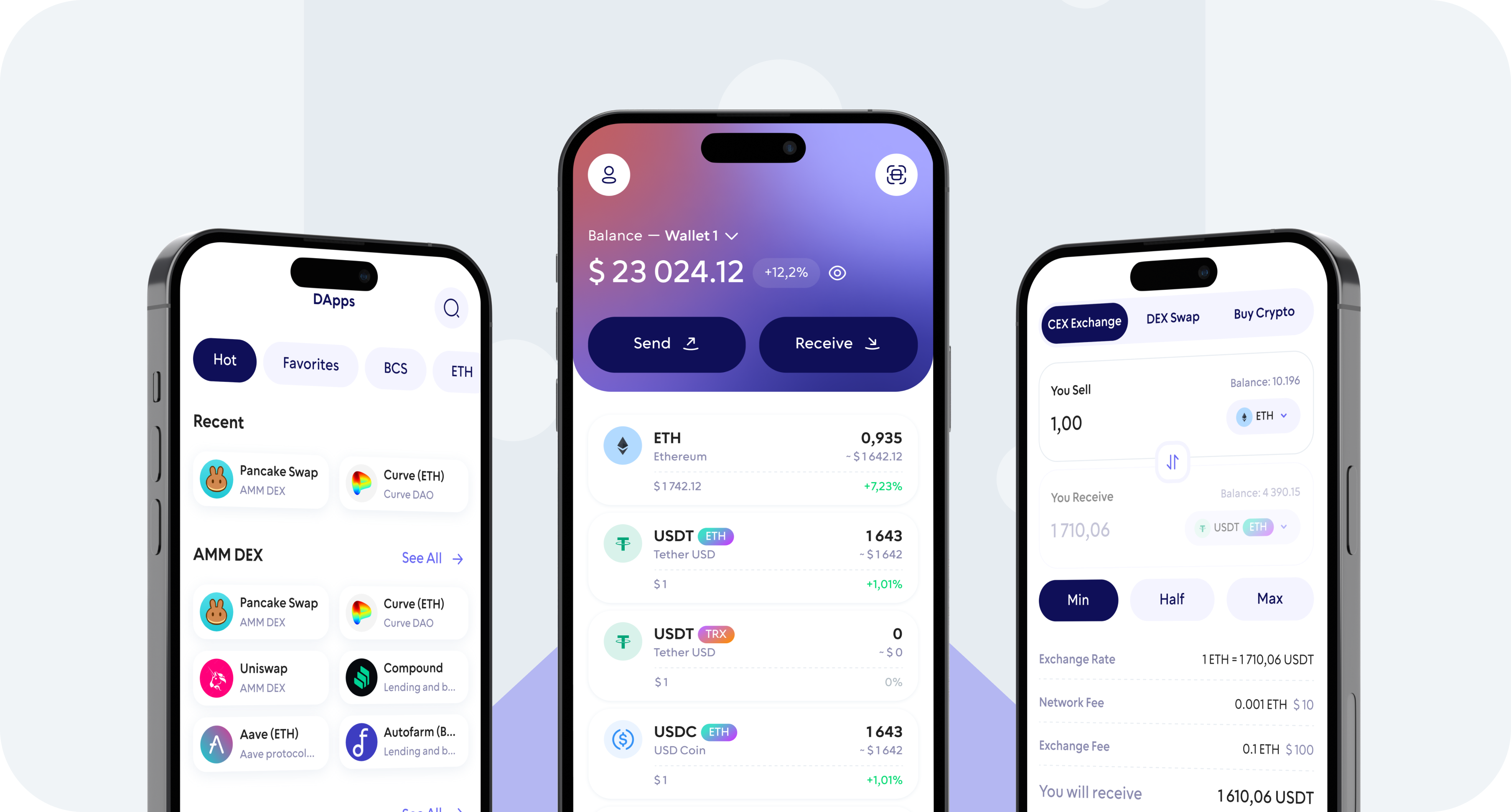
Walletverse – A mobile-first, self-custody wallet supporting over 600 tokens, including UOS.
Pros
- Seamless buying via Apple Pay, Google Pay, or credit cards
- Biometric/passcode login for secure access
- Built-in dApp browser perfect for Ultra’s platform
- Ideal UX for all levels of crypto users
Cons
- Mobile only
2. MetaMask
The most widely used wallet for Ethereum and custom chains.
Pros
- Easily configure to support UOS as a custom token
- Full compatibility with dApps and governance portals
- Hardware wallet support adds security
Cons
- Manual setup required
- Slightly complex for beginners
3. Coinbase Wallet
A self-custody wallet by Coinbase focusing on usability.
Pros
- Smooth handling of UOS via Ethereum
- Mobile-first design with dApp access
- Clear interface for newcomers
Cons
- No desktop app
- Basic compared to power-user tools
4. Trust Wallet
A popular mobile wallet with extensive token support.
Pros
- Intuitive and easy to claim UOS
- Web3 browser included for dApp use
- No signup needed
Cons
- No desktop app
- Simple analytics dashboard only
5. Ledger Nano
A secure hardware wallet for long-term UOS storage.
Pros
- Offline protection for private keys
- Bluetooth support with mobile MetaMask
- Top-level security
Cons
- Requires hardware investment
- Not ideal for frequent trades
6. Guarda Wallet
Flexible multi-platform wallet with token import tools.
Pros
- Easy custom token setup
- Accessible via web, desktop, and mobile
- Multi-backup options
Cons
- Limited DeFi integrations
- UI isn’t modern
7. SafePal
A mobile wallet with optional hardware integration.
Pros
- UOS support with integrated swap feature
- Onboard dApp browser and hardware upgrade
Cons
- Smaller user base
- Less polished UI
8. Trezor Wallet
A trusted open-source hardware wallet.
Pros
- Cold storage for UOS with secure firmware
- Interoperates with MetaMask and others
Cons
- USB only, no wireless option
- No mobile app built-in
9. Atomic Wallet
A cross-platform wallet with private key control.
Pros
- Allows custom token additions like UOS
- In-app exchange services
- Non-custodial security
Cons
- No dApp browsing capability
- User interface feels dated
10. Exodus
A refined wallet offering desktop and mobile access.
Pros
- Supports UOS through bespoke token imports
- Built-in swapping for convenient trades
- Elegant, user-friendly design
Cons
- Closed-source
- No integrated browser for dApp interaction
Where Can I Store Ultra Token (UOS)?
UOS can be stored in any Ethereum-compatible wallet. For a mobile-focused, all-in-one solution, Walletverse provides secure self-custody, easy token purchases, and dApp access, all in a single app. For those storing tokens long-term, pairing it with a hardware wallet like Ledger or Trezor offers maximum safety.
Ultra Token (UOS) paves the way for a next-generation digital entertainment economy, integrating gaming, NFTs, and real-time engagement. With its token-based rewards system, UOS plays a crucial role in supporting platform growth and community involvement.
In 2025, Walletverse enables a smooth entry into Ultra’s ecosystem: buy UOS using fiat, store securely, interact with dApps, and manage assets, all from your phone.
FAQ
Most frequent questions and answers
UOS supports a growing metaverse platform focused on long-lasting engagement. Its success depends on game adoption and ecosystem growth, so evaluate the tech and community ahead of investing.
You can buy UOS directly in the Walletverse app using Apple Pay, Google Pay, or credit/debit cards. The app provides a secure, user-friendly process.
UOS is used for transactions within the Ultra ecosystem, buying games and NFTs, staking for rewards, voting on platform updates, and participating in the entertainment economy.