Internet Computer (ICP) Wallet

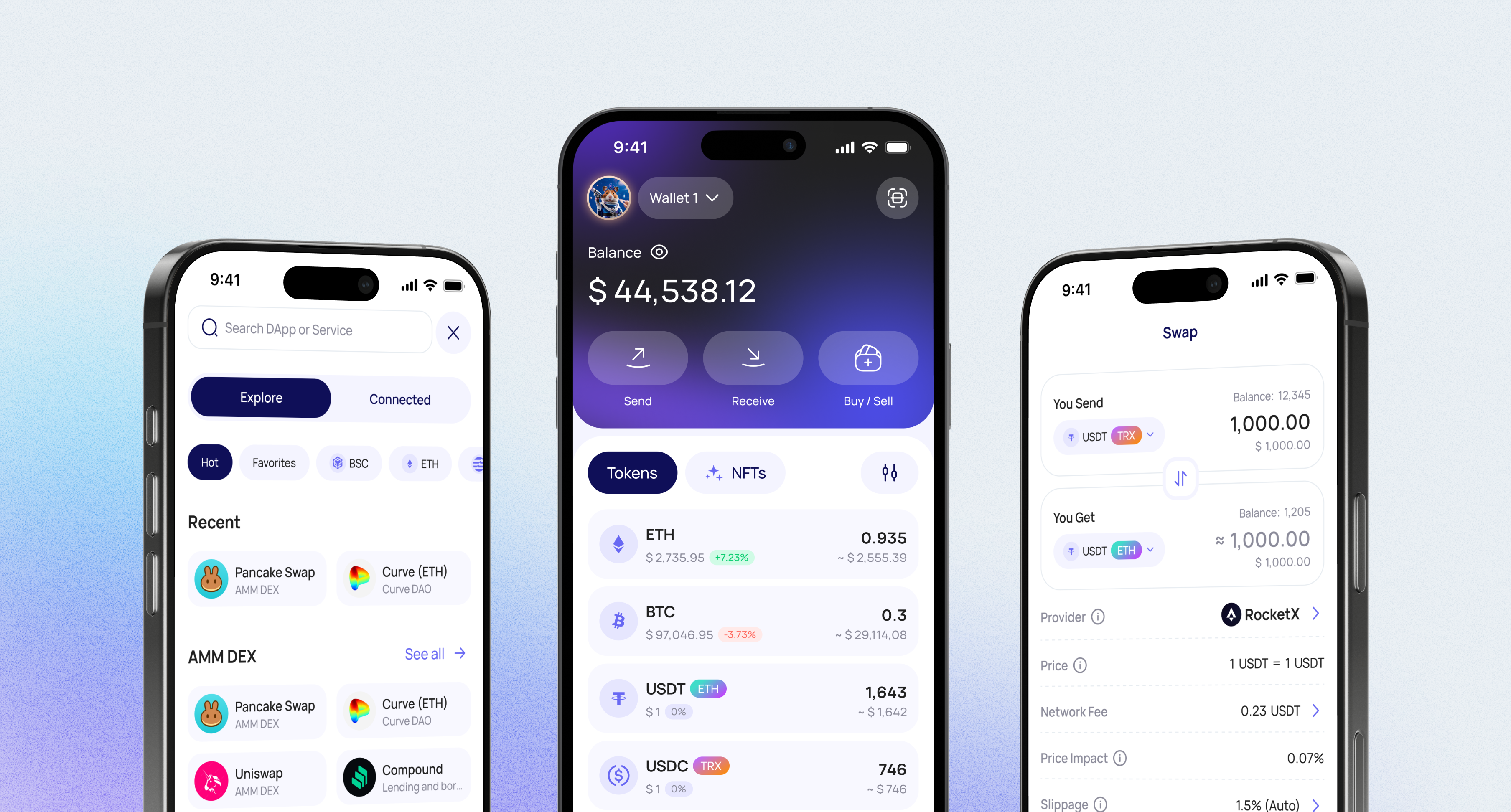
Internet Computer (ICP) is a blockchain network for smart contracts (“canisters”) and Web3 apps. Walletverse is a self-custody mobile wallet for iOS and Android where you can keep ICP next to Bitcoin, Ethereum, USDT and 700+ other cryptocurrencies and tokens — with your private keys encrypted on your device.

Store, Send and Receive ICP in Walletverse

  1. Install Walletverse from the App Store or Google Play and create a wallet.
  2. Add Internet Computer (ICP) to your asset list.
  3. Receive: tap ICP → Receive and copy your address or show the QR code.
  4. Send: tap ICP → Send, paste the recipient’s address, enter the amount and confirm. The network fee is 0.0001 ICP.

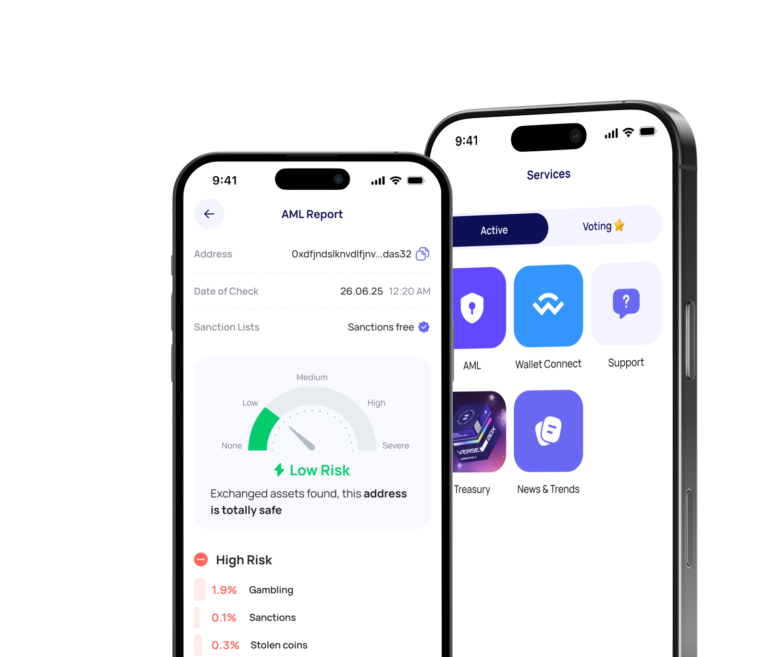
Walletverse is non-custodial: your private keys are encrypted and stored on your device, and the app is protected by a passcode and biometrics. Before you send funds to an unfamiliar address, you can check its risk level with built-in AML checks (powered by Crystal).

ICP Addresses: Account ID vs Principal ID

The Internet Computer uses two kinds of identifiers, and mixing them up is the most common cause of failed or confusing transfers:

  • Account identifier — the destination of an ICP token transfer. Many exchanges use this format for ICP deposits and withdrawals.
  • Principal ID — your public identity on the Internet Computer, used by many dApps. Some wallets let you send ICP to a principal and look up the matching account for you.

Tip: when you withdraw ICP from an exchange, paste the address format the exchange asks for, and send a small test amount first.

Swap ICP and Other Coins

Walletverse has a built-in swap aggregator that connects 100+ DEX and CEX venues — including Uniswap, PancakeSwap, 1inch and Binance — with more than 10,000 trading pairs. To swap, open the coin you hold, tap Swap, choose the coin you want and review the rate and fees before you confirm. The app shows which routes are available for ICP and your amount.

ICP is also traded on major exchanges such as Kraken, Binance and Coinbase (Kraken, Binance, Coinbase). If you buy ICP on an exchange, you can withdraw it to your Walletverse address.

Buying with a card: Walletverse works with MoonPay, Simplex, Banxa, Transak and Wert for Visa, Mastercard, Apple Pay and Google Pay purchases. Which coins you can buy depends on the provider and your country.

Staking ICP: How NNS Neurons Work

ICP isn’t staked like ETH or SOL. To earn voting rewards, you lock ICP in a neuron in the Network Nervous System (NNS):

  • The minimum to create a neuron is 1 ICP.
  • A neuron needs at least 2 weeks of dissolve delay to vote; the delay can be set up to 2 years, and longer delays give more voting power.
  • Locked ICP can only be withdrawn after the dissolve delay expires.

Source: ICP docs — Governance.

Walletverse doesn’t offer ICP staking; in the app, staking is available for other assets such as ETH, SOL and TRX. To stake ICP, use the NNS dapp. Rewards vary, and locked ICP keeps its price risk for the whole dissolve delay.

Using a Hardware Wallet With ICP

For long-term storage of larger amounts, a hardware wallet keeps your keys offline:

  • Ledger supports ICP accounts in the Ledger Wallet app.
  • The NNS dapp has integrated Ledger Nano S and Nano X devices for managing ICP and neurons. Check Ledger support in the current NNS version before you start — the DFINITY forum notes it was available in the older NNS address.

Walletverse doesn’t connect to hardware wallets yet — support for Ledger, Trezor and SafePal is listed as coming soon.

ICP at a Glance

Internet Computer (ICP)
What ICP is used for Governance (locking ICP in NNS neurons to vote) and paying for computation: ICP is converted into cycles that power canisters
Transfer fee 0.0001 ICP per transfer
Address types Account identifier (used by most exchanges) and principal ID
Governance Network Nervous System (NNS)
Sources: ICP docs — Governance, ICP docs — Ledgers, ICP CLI docs.

Other ICP Wallets

WalletTypePlatformsGood to know
WalletverseSelf-custody, multi-chainiOS, Android700+ coins, swaps, AML checks
NNS dapp + Internet IdentityWeb app by DFINITYBrowserICP staking and governance (neurons)
PlugICP-focused walletBrowser extension, iOS, AndroidICP, Bitcoin, Ethereum, Solana; works with ICP dApps
OISYBrowser-based walletBrowserICP, Bitcoin, Ethereum, Solana assets
KleverMulti-chain walletMobile app, browser extensionICP among 1,200+ supported cryptos
LedgerHardware + Ledger Wallet appHardware, desktop, mobileOffline key storage

Sources: Plug, OISY, Klever, Ledger, checked October 2026.

ICP and 700+ Other Coins in One App

Walletverse supports 700+ cryptocurrencies and tokens, so you can manage ICP together with Bitcoin, Ethereum, Tether (USDT), USDC, Solana, TRON, BNB, XRP, Cardano, Polkadot, NEAR and others in one app. Other features: Multi-wallet: create several wallets in one app, WalletConnect: connect to dApps and decentralized exchanges, GasFree USDT transfers on TRON, Portfolio and price alerts, NFTs and a crypto news feed, Community voting on new features.

Tether

Tether

Ripple

Ripple

Dogecoin

Dogecoin

Ethereum

Ethereum

Binance

Binance

USDC

USDC

Shiba Inu

Shiba Inu

Uniswap

Uniswap

Bitcoin

Bitcoin

Bitcoin Cash

Bitcoin Cash

Dai

Dai

Immutable

Immutable

Polkadot

Polkadot

Litecoin

Litecoin

Maker

Maker

NEAR Protocol

NEAR Protocol

Injective

Injective

OKB

OKB

Cardano

Cardano

Lido DAO

Lido DAO

Render

Render

Download to access all of Web3 with
just one app

FAQ

What is Internet Computer (ICP)?

Internet Computer (ICP) is a blockchain network designed to support decentralized applications, smart contracts, and Web3 services. Its native token, ICP, is used within the network ecosystem and can be managed in supported crypto wallets.

What is ICP used for?

ICP is used in the Internet Computer ecosystem for network-related activity, governance participation, and interaction with decentralized applications. Many users also hold ICP as part of a broader Web3 portfolio.

Can I buy ICP in Walletverse?

Yes, Walletverse allows users to buy supported assets such as ICP through available payment providers. You can buy ICP with Apple Pay, Google Pay, credit cards, or debit cards, depending on region and asset availability.

Is Walletverse a non-custodial ICP wallet?

Yes, Walletverse is a non-custodial crypto wallet. This means you keep control of your assets while using the app to store, send, receive, buy, and swap ICP and other supported cryptocurrencies.

What is Walletverse crypto wallet?

Walletverse is a fast, convenient, and secure non-custodial crypto wallet that works as a full-fledged Web3 platform. Users can manage crypto, access DeFi, use dApps, work with NFTs, manage multiple wallets, use AML and KYT tools, make GasFree USDT transactions, and stake selected assets such as ETH, SOL, TRX, and more.

What is the best wallet for ICP?

It depends on what you need. For holding ICP next to many other coins on your phone, a multi-chain wallet such as Walletverse. For staking and governance, the NNS dapp. For ICP dApps, Plug or OISY. For long-term storage, a Ledger hardware wallet.