Neo (NEO) Cryptocurrency Wallet Walletverse
Updated: October 2026.
Walletverse is a free self-custody wallet app for iOS and Android where you can keep Neo (NEO) next to Bitcoin, Ethereum, USDT and 700+ other cryptocurrencies and tokens. Your private keys are encrypted on your device, and nobody else can move your funds.
Featured in:

What Is Neo?
Neo is a blockchain for smart contracts and decentralized apps. It was founded in 2014 as Antshares by Da Hongfei and Erik Zhang and rebranded as Neo in 2017 (CoinMarketCap). The current network, Neo N3, launched on August 2, 2021 (Neo).
NEO at a glance:
- Supply: all 100 million NEO were created at launch; NEO isn’t mined (CoinMarketCap).
- Indivisible: the smallest unit of NEO is 1 — you can’t send 0.5 NEO (Ledger).
- Price: about $2 per NEO, with a market cap of about $144 million, in October 2026 (CoinGecko). The price is volatile.
How to Set Up a NEO Wallet in Walletverse
- Install Walletverse from the App Store or Google Play.
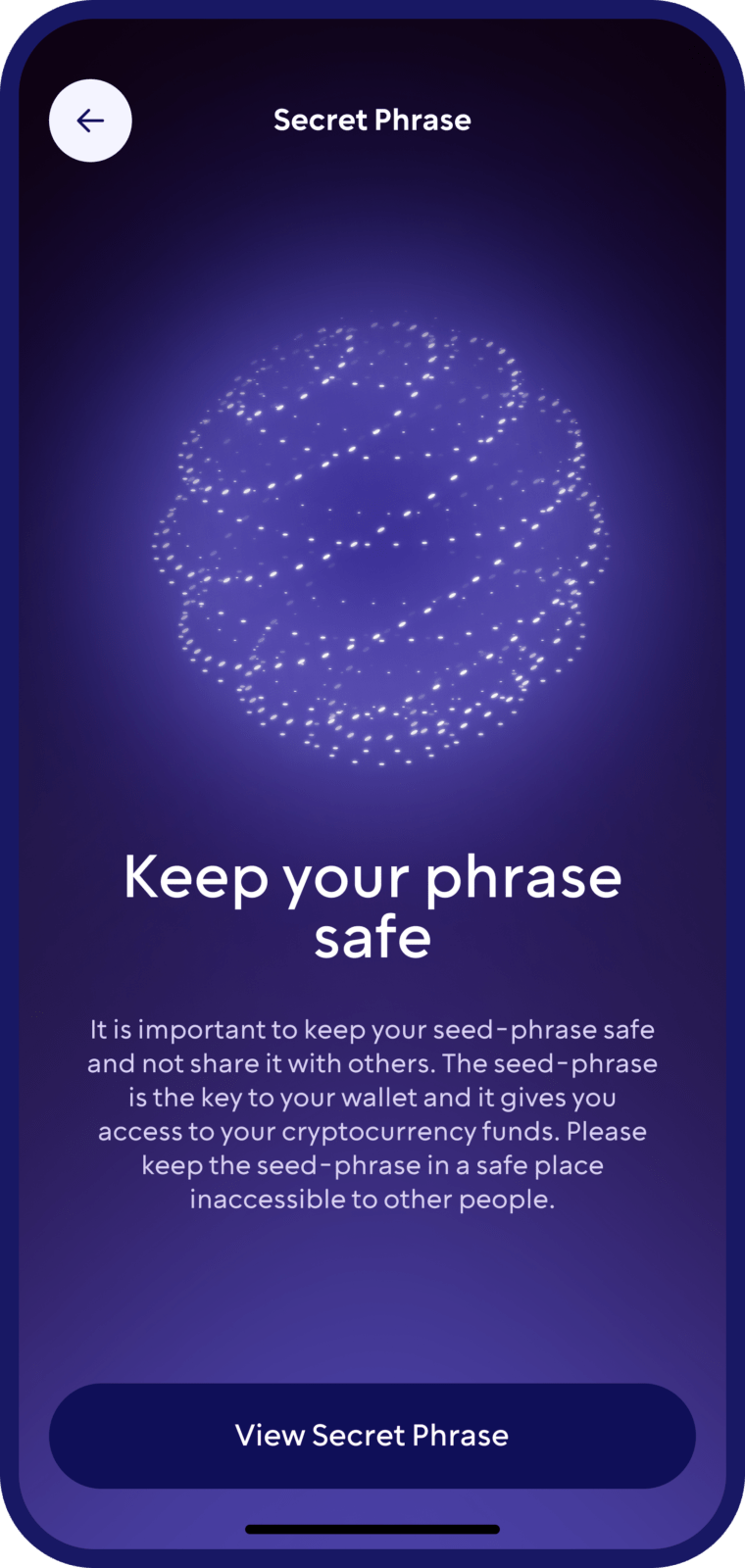
- Create a wallet and protect the app with a passcode and biometrics. Save your backup offline.
- Find NEO in the coin list and open it to see your address. On Neo N3, it starts with N.
- Receive NEO or GAS: copy the address or show the QR code to the sender or the exchange you’re withdrawing from.
- Send NEO: paste the recipient’s N3 address, enter a whole number of NEO and confirm. Keep some GAS for the fee.
Buy and Swap NEO
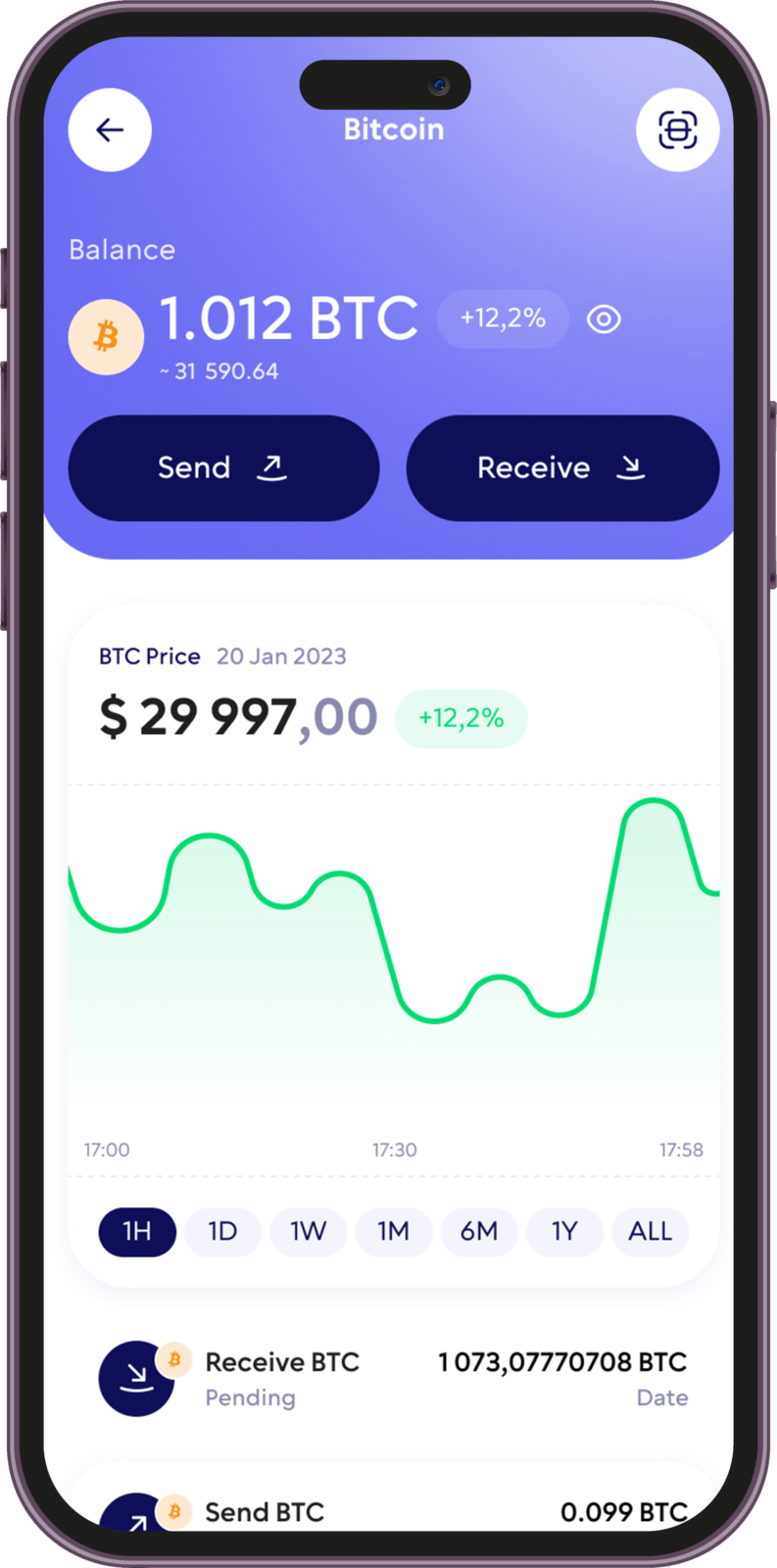
Buy with a card. In Walletverse, you can buy crypto with Visa, Mastercard and local payment methods through partner providers — MoonPay, Simplex, Banxa, Transak and Wert — and with Apple Pay or Google Pay where available in your region. Which coins you can buy depends on the provider and your country.
Swap. Walletverse has a built-in swap aggregator that connects 100+ DEX and CEX venues with more than 10,000 trading pairs. Open the coin you hold, tap Swap, choose the coin you want and review the rate and fees before you confirm. The app shows which routes are available for NEO and your amount.
Withdraw from an exchange. If you buy NEO on an exchange, withdraw it to your Walletverse address on the Neo N3 network.
Before you swap, compare the final amount you’ll receive, and remember that in many countries, swapping one crypto for another is a taxable event.
NEO and GAS: Two Tokens, Two Jobs
Neo uses two native tokens:
- NEO is the governance token. Holders vote for the Neo Council and receive a share of rewards in GAS.
- GAS pays for transactions and smart contracts on the network. It’s divisible down to 0.00000001.
In practice, this means you need some GAS in your wallet to send NEO or tokens on Neo N3.
Neo N3 vs Neo Legacy: Check Your Address
Neo once ran two networks, and they use different addresses:
- Neo N3 addresses start with N; Neo Legacy addresses start with A.
- Neo Legacy shut down on October 31, 2025, after a final call to migrate to N3.
If you still have NEO on an old address starting with A, it wasn’t moved to N3 before the shutdown — check Neo’s official channels for any remaining options.
Other NEO Wallets
Neo.org lists several wallets for the N3 network:
- Neon Wallet — a light wallet by the City of Zion community; works with Ledger.
- NeoLine — an open-source browser extension for Neo dApps.
- OneGate — a non-custodial wallet and dApp gateway for N3.
- Multi-chain wallets such as Walletverse — for keeping NEO together with coins from other networks.
Earn GAS by Voting
On Neo N3, NEO holders can vote for Neo Council candidates and earn GAS rewards; every NEO is one vote. Voting is done in Neo-native wallets with governance features, such as Neon Wallet or NeoLine.
Rewards vary and aren’t guaranteed, and the NEO price can fall by more than you earn in GAS.
Keeping Your NEO Safe
- Self-custody. Walletverse is non-custodial: your private keys are encrypted and stored on your device.
- Backup. Write your recovery details offline and never share them.
- Address checks. Walletverse’s built-in AML checks (powered by Crystal) show the risk level of an address before you send.
- Hardware wallets. Ledger supports NEO when connected to Neon Wallet (Ledger); N3 addresses use the Neo N3 app on the device (Ledger Support). Walletverse doesn’t connect to hardware wallets yet — Ledger, Trezor and SafePal support is listed as coming soon.
- Watch for project news. At the end of 2025, Neo’s co-founders publicly disagreed over control of the Neo Foundation treasury and financial disclosure (Neo News Today). Holding NEO in your own wallet means your keys aren’t tied to any exchange or foundation.
NEO, GAS and 700+ Other Coins in One App
Walletverse supports 700+ cryptocurrencies and tokens, so you can manage NEO together with Bitcoin, Ethereum, USDT, USDC, Solana, TRON, BNB and others. Other features:
- multi-wallet: create several accounts and addresses;
- portfolio tracking and price alerts;
- a built-in crypto news feed;
- WalletConnect for dApps on supported networks;
- community voting on new Walletverse features.
FAQ
Acquiring Neo (NEO) is streamlined with Walletverse. Purchase NEO using USD, dollars, or through convenient payment methods, credit cards, and debit cards. Our crypto wallet simplifies investments, conversions, and offers the convenience of self-custody.
Create your Neo (NEO) wallet effortlessly with Walletverse. Beyond managing NEO, easily check balances, receive funds, send transactions, securely store assets, and seamlessly exchange NEO. Our wallet app provides access to decentralized applications (dApps) and decentralized exchanges (DEXs), supporting many cryptocurrencies. Walletverse: Your comprehensive solution for Neo (NEO) and beyond.
The application supports more than 300 different cryptocurrency wallets, including Flow wallets, Kava wallets, etc.
Download to access all of Web 3 with just one app