Polkadot (DOT) Cryptocurrency Wallet Walletverse
Updated: October 2026.
Walletverse is a free self-custody wallet app for iOS and Android where you can keep Polkadot (DOT) next to Bitcoin, Ethereum, USDT and 700+ other cryptocurrencies and tokens. Your private keys are encrypted on your device, and nobody else can move your funds.
Featured in:


What Is Polkadot?
Polkadot is a multi-chain network created under the Web3 Foundation, founded by Ethereum co-founder Gavin Wood. Development began in 2016 (Web3 Foundation), and the mainnet launched in May 2020 (Wikipedia). DOT is its native token, used for fees, staking and governance.
DOT at a glance:
- Price: about $1.00 per DOT in October 2026, with a market cap of about $1.7 billion (Kraken). The price is volatile.
- Circulating supply: about 1.71 billion DOT (Kraken).
- Supply cap: 2.1 billion DOT, after the Polkadot DAO passed Referendum 1710 in September 2025 (The Block, Polkadot Wiki).
How to Set Up a DOT Wallet in Walletverse
- Install Walletverse from the App Store or Google Play.
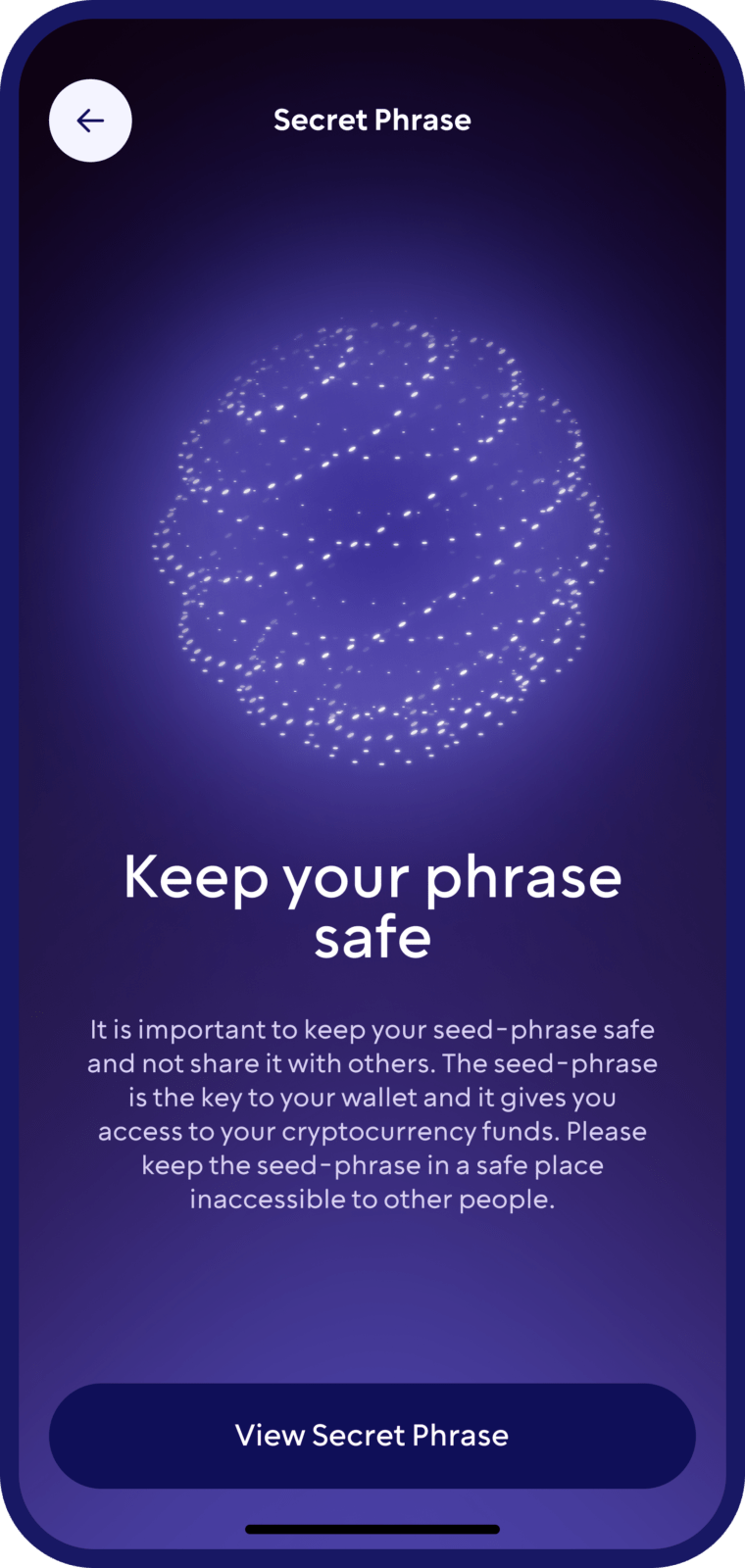
- Create a wallet and protect the app with a passcode and biometrics. Save your backup offline.
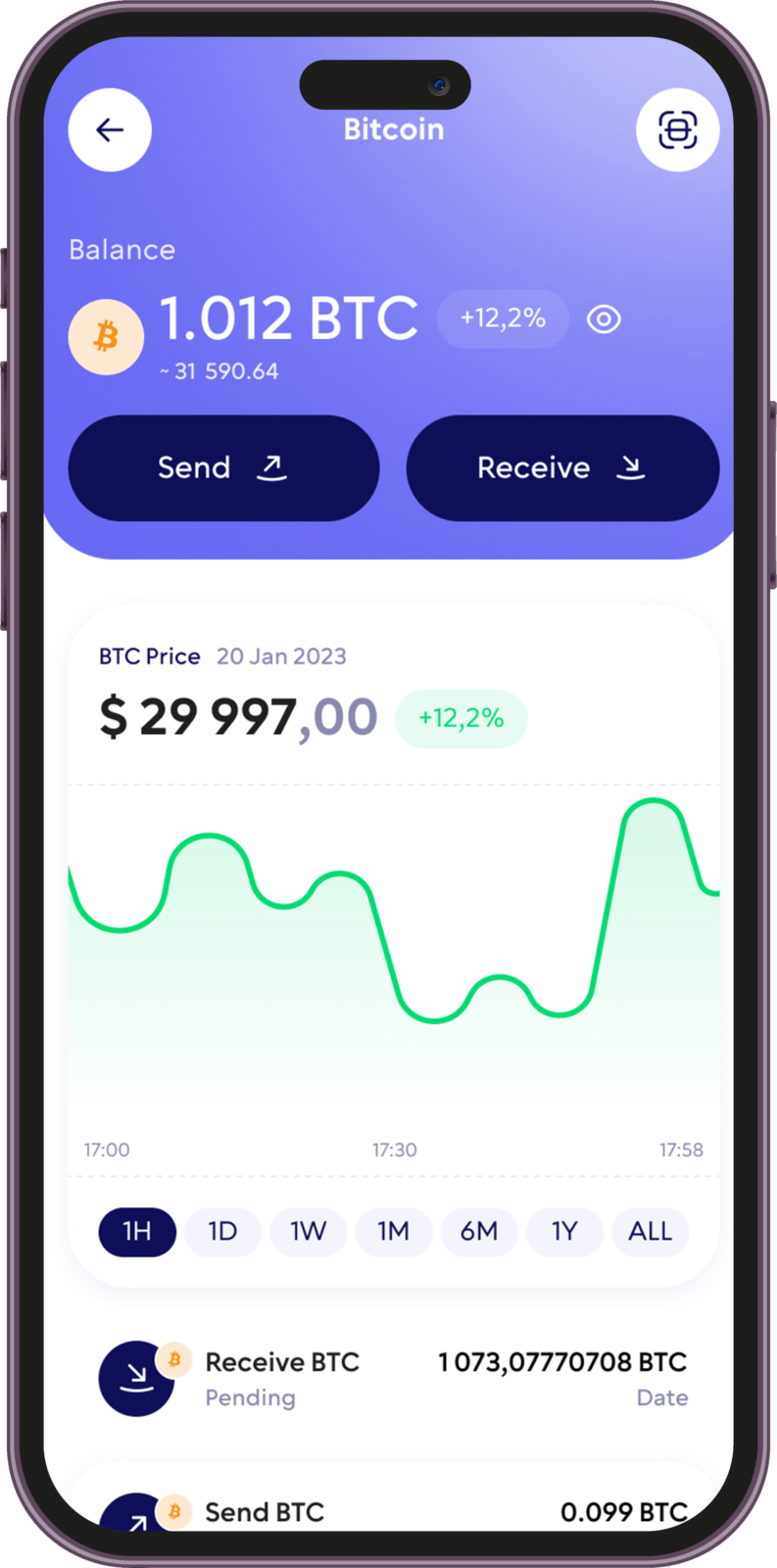
- Find DOT in the coin list and open it to see your Polkadot address.
- Receive DOT: copy the address or show the QR code to the sender or the exchange you’re withdrawing from.
- Send DOT: paste the recipient’s address, enter the amount and confirm. Keep at least 0.01 DOT on the account, plus enough for the fee.
Buy and Swap DOT
Buy with a card. In Walletverse, you can buy crypto with Visa, Mastercard and local payment methods through partner providers — MoonPay, Simplex, Banxa, Transak and Wert — and with Apple Pay or Google Pay where available in your region. Which coins you can buy depends on the provider and your country.
Swap. Walletverse has a built-in swap aggregator that connects 100+ DEX and CEX venues with more than 10,000 trading pairs. Open the coin you hold, tap Swap, choose the coin you want and review the rate and fees before you confirm. The app shows which routes are available for DOT and your amount.
Withdraw from an exchange. If you buy DOT on an exchange, withdraw it to your Walletverse address on the Polkadot network.
Before you swap, compare the final amount you’ll receive, and remember that in many countries, swapping one crypto for another is a taxable event. Selling crypto for fiat isn’t available in Walletverse yet.
Polkadot Hub: Where Your DOT Lives Now
On November 4, 2025, Polkadot moved account balances, staking and other functions from the relay chain to Asset Hub, also called Polkadot Hub.
What changed for users:
- Lower minimum balance. The existential deposit — the least DOT an account must keep to stay active — fell from 1 DOT to 0.01 DOT.
- Lower fees for transfers and deposits.
- The same address. Your address doesn’t change, but wallets and exchanges must read balances on Polkadot Hub.
Staking DOT
DOT can be staked in two ways:
- Nomination pools — the easiest option for small amounts. The minimum bond to join a pool is 1 DOT.
- Direct nomination — you choose validators yourself; it requires a larger amount.
In both cases, unstaking takes 28 days, and during that time you can’t move or sell the DOT. Staking Rewards put the reward rate at 2.77% a year on October 11, 2026. Rewards change and aren’t guaranteed, and the DOT price can fall by more than you earn.
In Walletverse, staking is available for assets such as ETH, SOL and TRX — check the app for DOT.
DOT and 700+ Other Coins in One App
Walletverse supports 700+ cryptocurrencies and tokens, so you can manage DOT together with Bitcoin, Ethereum, USDT, USDC, Solana, TRON, BNB and others. Other features:
- multi-wallet: create several accounts and addresses;
- portfolio tracking and price alerts;
- a built-in crypto news feed;
- WalletConnect for dApps on supported networks;
- community voting on new Walletverse features.
Your Polkadot Address
Polkadot addresses always start with 1. The same key shows up as an address starting with a capital letter on Kusama and with 5 in the generic Substrate format.
Before you withdraw DOT from an exchange, check that the address starts with 1 and that you’ve selected the Polkadot network.
Other Polkadot Wallets
- SubWallet, Talisman, Nova Wallet — Polkadot-native wallets recommended on polkadot.js.org for everyday users. Good for staking, governance and parachain dApps.
- polkadot{.js} extension — now positioned as a developer tool.
- Ledger — a hardware wallet for long-term storage.
- Multi-chain wallets such as Walletverse, Trust Wallet and Exodus — for keeping DOT together with coins from other networks.
Keeping Your DOT Safe
- Self-custody. Walletverse is non-custodial: your private keys are encrypted and stored on your device.
- Backup. Write your recovery details offline and never share them.
- Phishing. Fake Polkadot sites and apps exist; polkadot.js maintains a phishing list (polkadot{.js}). Install wallets only from official stores and sites.
- Address checks. Walletverse’s built-in AML checks (powered by Crystal) show the risk level of an address before you send.
- Hardware wallets. Ledger devices support Polkadot (Ledger). Walletverse doesn’t connect to hardware wallets yet — Ledger, Trezor and SafePal support is listed as coming soon.
FAQ
Investing in Polkadot tokens is a straightforward process with the crypto wallet Walletverse. Purchase DOT using USD, credit cards, or debit cards. Our digital wallet streamlines the conversion and management of DOT coins and tokens, making investing and converting to USD easy.
Walletverse app simplifies this process, guiding you through setting up a secure wallet to store, manage, and transact your DOT tokens. Walletverse combines ease of use with comprehensive security features, ensuring that your entry into the Polkadot ecosystem is efficient and secure.
Our user-friendly wallet app lets you effortlessly create a wallet, check your DOT balance, receive, send, and securely store your Polkadot assets. You can also exchange DOT for other cryptocurrencies and confidently explore decentralized applications.
Securing your Polkadot (DOT) tokens is critical, and Walletverse employs advanced security measures to protect your digital assets. This crypto wallet features state-of-the-art encryption and security protocols, safeguarding your DOT tokens and transaction details from unauthorized access. With Walletverse, you can confidently navigate the Polkadot ecosystem, knowing that your investments are secure with the most advanced technology in digital asset protection.
Investing in Polkadot is as simple as downloading the Walletverse app. Buy Polkadot (DOT) with USD via PayPal, credit cards, or debit cards, and securely store your DOT in your Walletverse wallet.
Polkadot has garnered attention as a digital asset; however, like all investments, it carries risks. Conduct thorough research and assess your financial goals before investing in Polkadot.
To sell Polkadot, open your Walletverse wallet, navigate to the “Swap” section, select the amount of DOT to sell and the token you would like to receive. Confirm the transaction and your DOT will be exchanged for the chosen token.
A Polkadot (DOT) wallet address is your identifier within the blockchain, enabling secure and efficient transactions with DOT. This address is vital for sending and receiving DOT tokens, facilitating your active participation in the decentralized web. Efficient management of your DOT wallet address is key to a smooth and secure digital experience, ensuring your transactions are executed seamlessly within the Polkadot network.
Create a Polkadot (DOT) wallet address with Walletverse. Once you set up your wallet in the app, a unique DOT wallet address is automatically generated, ready for immediate use. This feature enables you to quickly begin managing your Polkadot assets, engaging in transactions, and exploring the vast possibilities within the Polkadot ecosystem.
The application supports more than 300 different cryptocurrency wallets, including Shiba Inu wallets, Wrapped Bitcoin wallets, etc.
Download to access all of Web 3 with just one app