



XRP Wallet – Secure Self-Custody Wallet for XRP
Manage XRP from one secure mobile wallet. Walletverse is a self-custody XRP wallet for iOS and Android that lets you store, send, receive, buy, and swap XRP while keeping control of your private keys.
Your private keys are encrypted on your device and are not held by Walletverse. Protect access to your wallet with your device security, passcode, and biometric authentication.
Featured in:


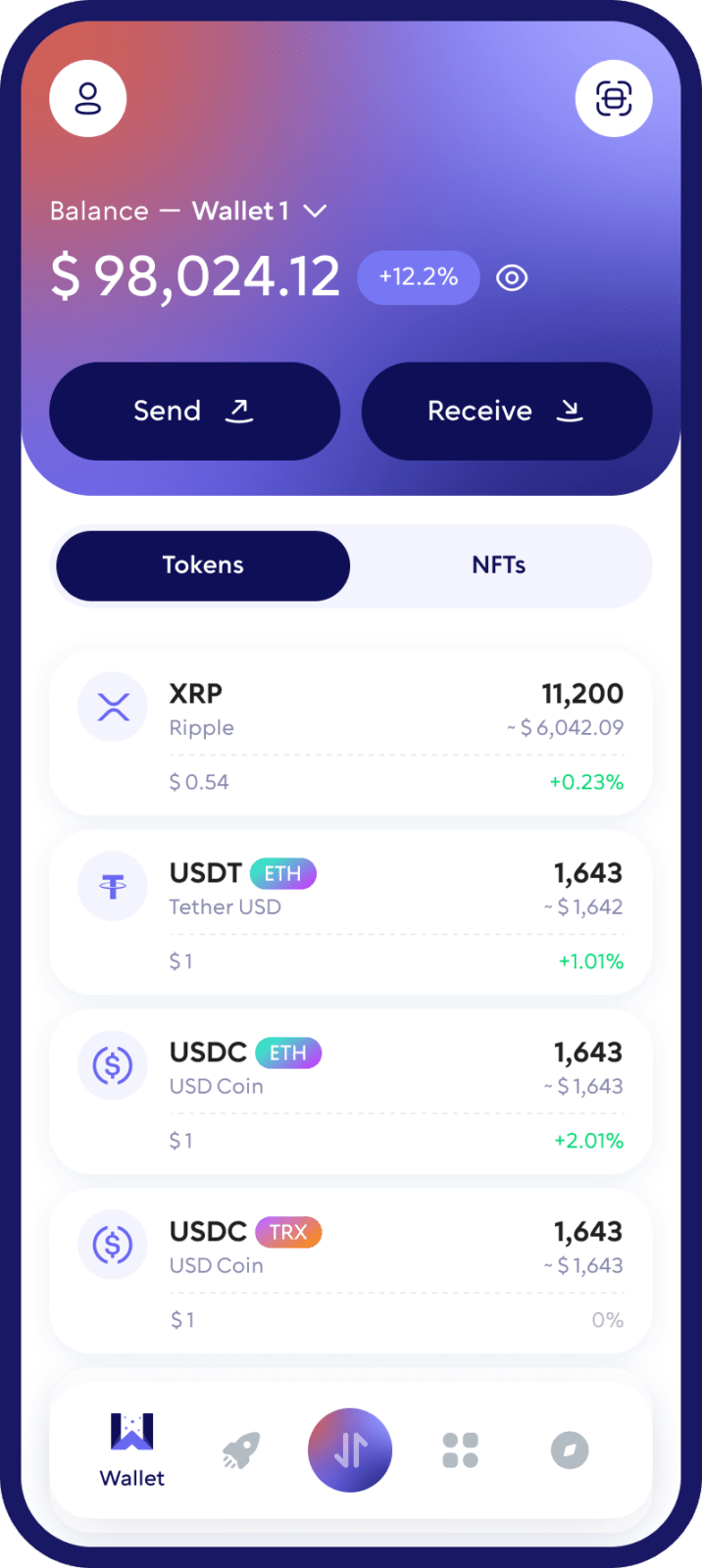
Why Use Walletverse as Your XRP Wallet?
Self-Custody of Your XRP
Walletverse is a self-custody crypto wallet. You remain in control of the credentials used to access and manage your XRP.
Send and Receive XRP
Receive XRP to your XRP Ledger address or send XRP to another compatible wallet, exchange, or service. Always verify the recipient address before confirming a transaction.
Buy XRP from Your Mobile Wallet
Access supported fiat-to-crypto providers from Walletverse and buy XRP using available payment methods.
Swap XRP and Manage Your Portfolio
Walletverse gives you access to crypto exchange functionality from the same mobile app, making it easier to manage a multi-asset portfolio without moving between multiple wallet applications.
Mobile Security
Protect your Walletverse app with passcode and biometric authentication supported by your device.
How to Create an XRP Wallet with Walletverse
1. Download Walletverse
Install Walletverse from the official App Store or Google Play listing.
2. Create or Restore Your Wallet
Open the app and create a new self-custody wallet or restore an existing compatible wallet.
3. Add XRP
Find XRP in Walletverse and open your XRP wallet.
Your wallet will provide the XRP Ledger address you can use to receive XRP.
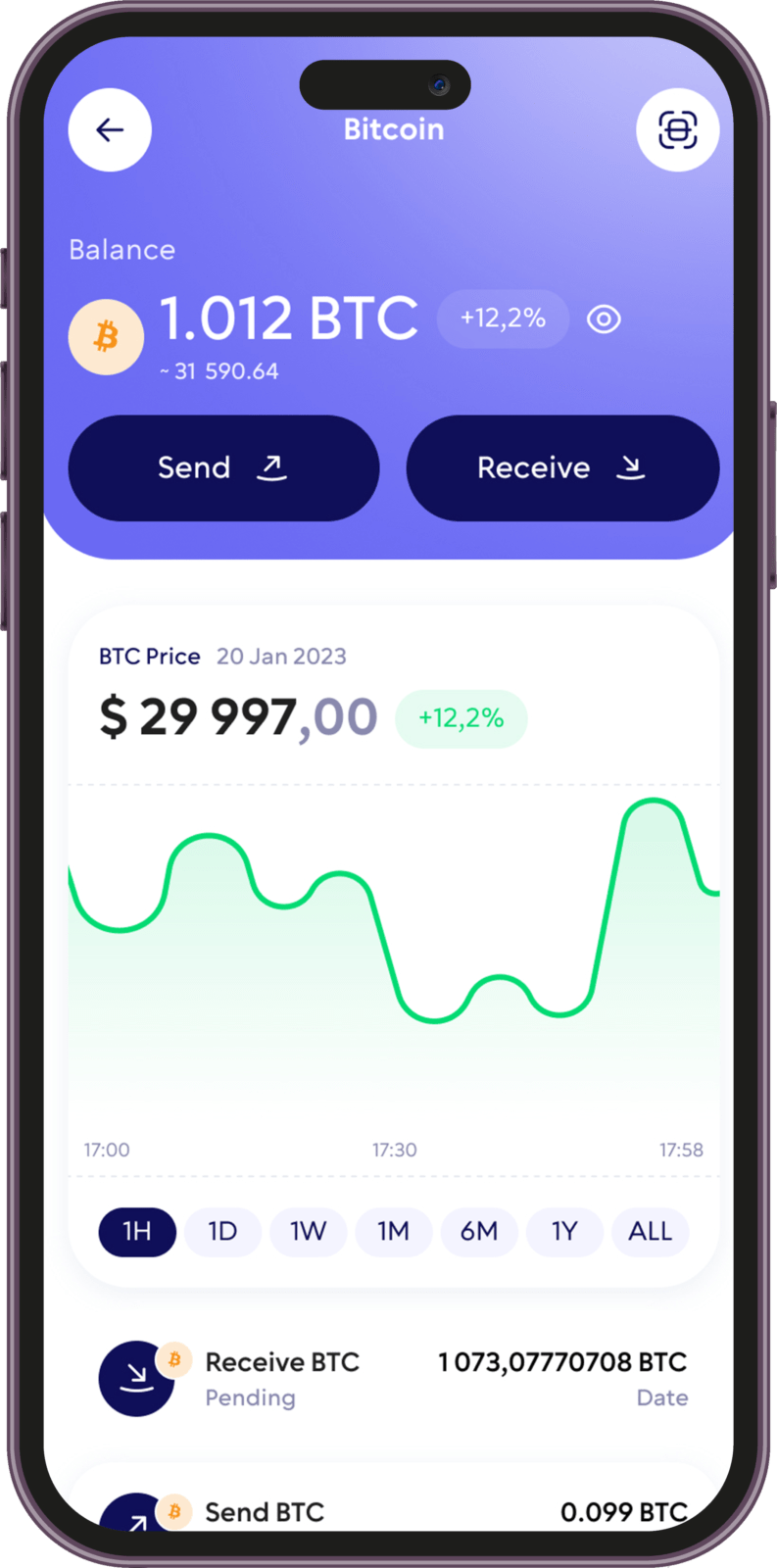
What Is an XRP Wallet?
An XRP wallet is an application or device used to manage an account on the XRP Ledger.
The wallet helps you:
• generate and manage the cryptographic credentials associated with your account;
• view your XRP balance;
• receive XRP;
• sign and send XRP transactions;
• interact with supported XRP services and features.
Technically, cryptocurrency is not stored “inside” the wallet application. XRP balances and transactions exist on the XRP Ledger. Your wallet provides the credentials and interface needed to access and manage your account.
How to Receive XRP
Open Walletverse
Select XRP
Tap Receive
Copy your XRP address or display its QR code
Provide the address to the sender
Verify the address before the transaction is submitted
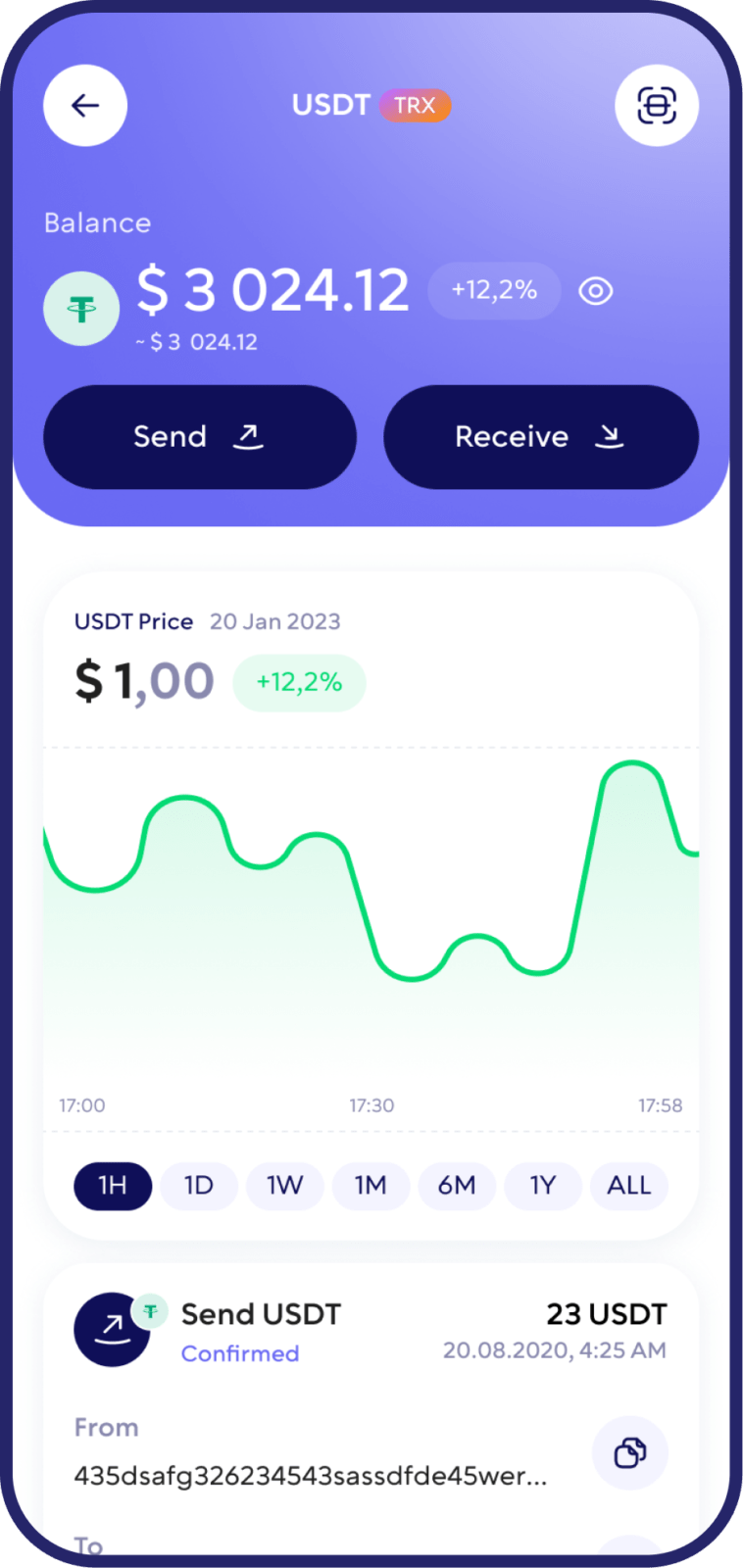
How to Send XRP
Open your XRP wallet in Walletverse
Choose Send. Enter or scan the recipient’s XRP address
Enter the amount
If the recipient provides a Destination Tag, enter it exactly as instructed
Review all transaction information
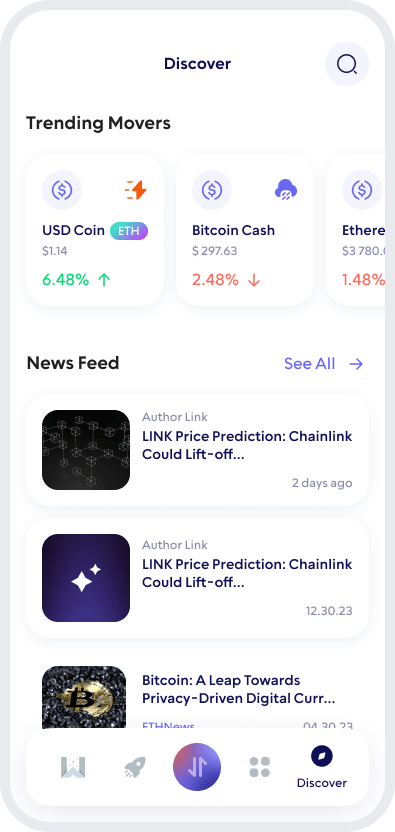
How to Keep Your XRP Wallet Secure
Follow these basic precautions:
Keep Recovery Information Private
Verify XRP Addresses
Check the Destination Tag
Protect Your Device
Watch for Phishing
What Is an XRP Destination Tag?
A Destination Tag is an additional identifier that some exchanges, custodial wallets, and payment services use when multiple customers receive XRP through the same XRP Ledger address.
Think of the XRP address as the address of a building and the Destination Tag as the apartment number.
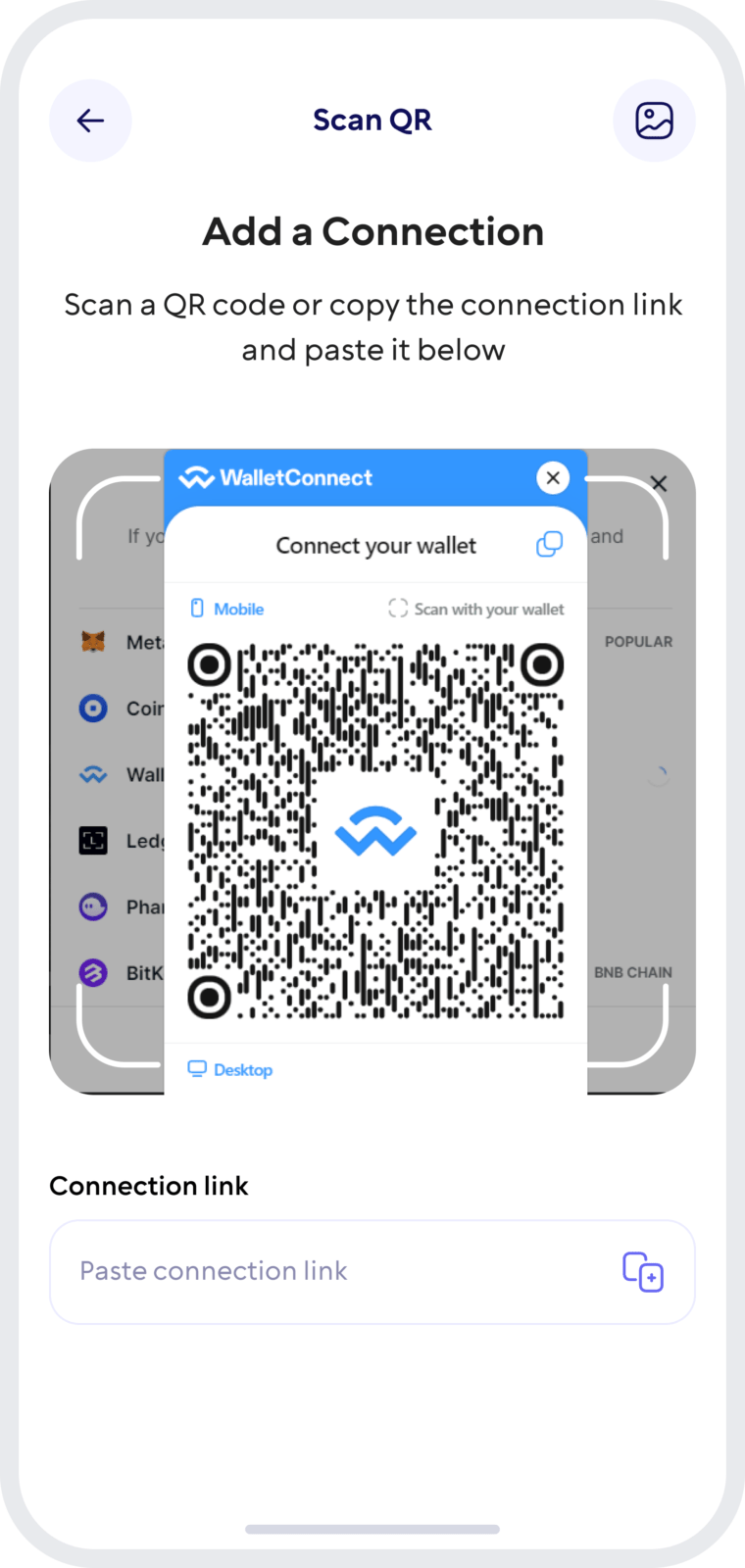
Manage XRP and Other Crypto in One Wallet
Walletverse is designed for users who want to manage more than one blockchain asset from a single mobile application.
Alongside XRP, you can manage a broad selection of supported cryptocurrencies and tokens, buy crypto through available payment providers, exchange supported assets, and access other Walletverse features without maintaining a separate wallet app for every asset.
FAQ
Yes. Walletverse supports XRP and allows users to manage XRP from a self-custody mobile crypto wallet.
Yes. Walletverse is designed as a self-custody wallet, meaning users control the credentials used to access their crypto assets rather than Walletverse holding those assets as a custodian.
Yes. Open XRP in Walletverse and use your XRP address or QR code to receive compatible XRP Ledger transfers.
Yes. You can send XRP to compatible XRP Ledger addresses. Always verify the destination address, network, and any required Destination Tag before confirming a transfer.
Walletverse provides access to supported third-party crypto purchase providers. XRP availability, payment methods, limits, fees, and identity-verification requirements can vary by provider and region.
Download to access all of Web 3 with just one app





