



Shiba Inu (SHIB) Wallet
Store, buy, send, receive and swap Shiba Inu with Walletverse — a self-custody SHIB wallet for iOS and Android.
Manage your SHIB from one mobile crypto wallet while keeping control of your private keys. Walletverse combines simple asset management with built-in crypto buying and swapping tools, making it easy to manage Shiba Inu alongside your other digital assets.
Available for iOS and Android.
Featured in:


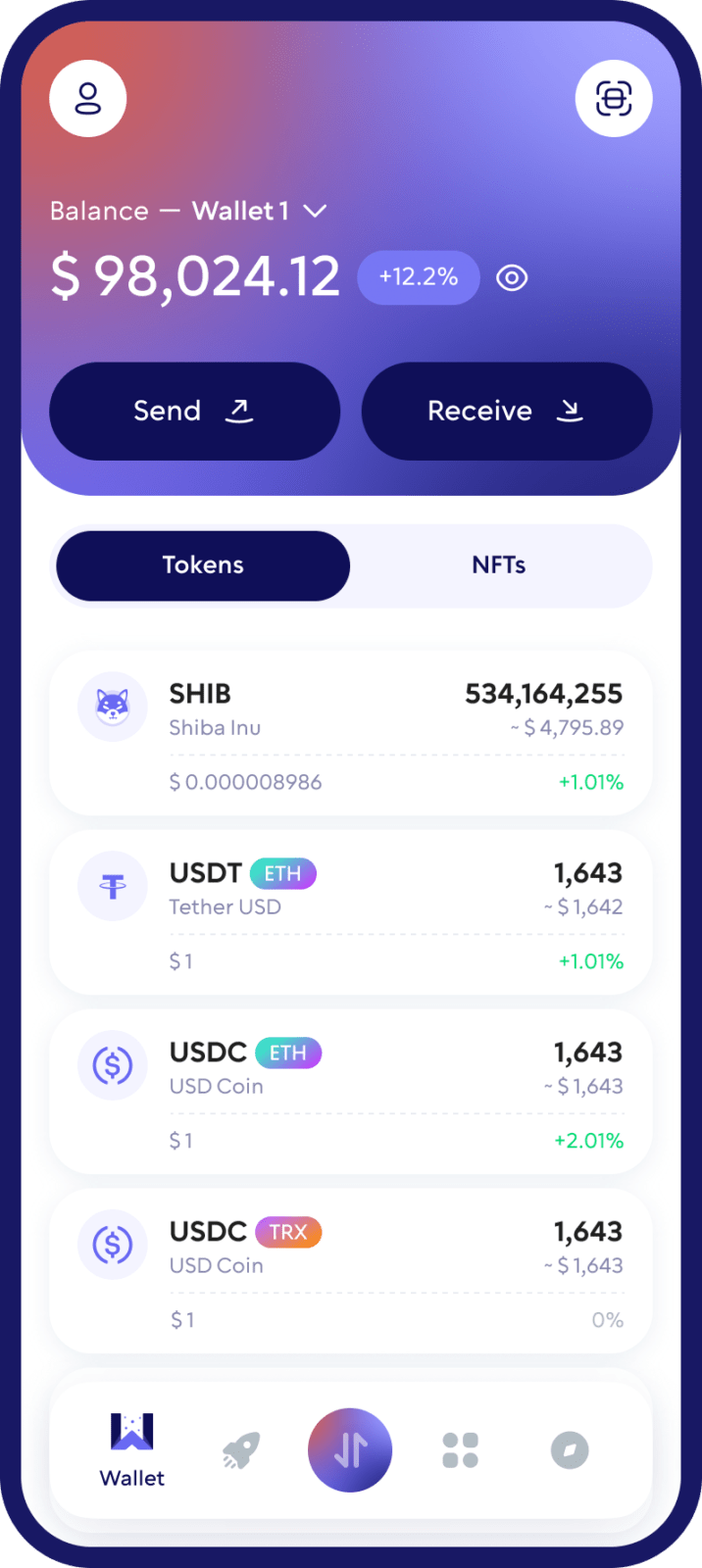
What Is a Shiba Inu (SHIB) Wallet?
A Shiba Inu wallet is a crypto wallet that lets you manage SHIB and interact with supported blockchain networks.
SHIB was launched on the Ethereum blockchain in 2020 as the main token of the Shiba Inu ecosystem. Today, SHIB is also available across multiple blockchain networks, so choosing the correct network when sending or receiving tokens is important.
A crypto wallet does not literally store cryptocurrency inside the app. Your SHIB exists on the blockchain, while your wallet manages the cryptographic keys and addresses that allow you to access and use your assets.
With a Walletverse SHIB wallet, you can manage Shiba Inu from your phone, receive SHIB from another wallet or exchange, send it to another address, buy supported crypto through integrated providers and swap supported assets from the same app.
A Self-Custody Wallet for Your SHIB
Walletverse is designed as a self-custody crypto wallet. Your private keys are encrypted on your device and remain under your control.
This is different from keeping cryptocurrency in a custodial exchange account. With a self-custody wallet, you control access to your assets instead of relying on an exchange to hold wallet credentials on your behalf.
Self-custody also comes with responsibility. Protect your wallet credentials, use the security features available on your device and never share private information that could provide access to your wallet.
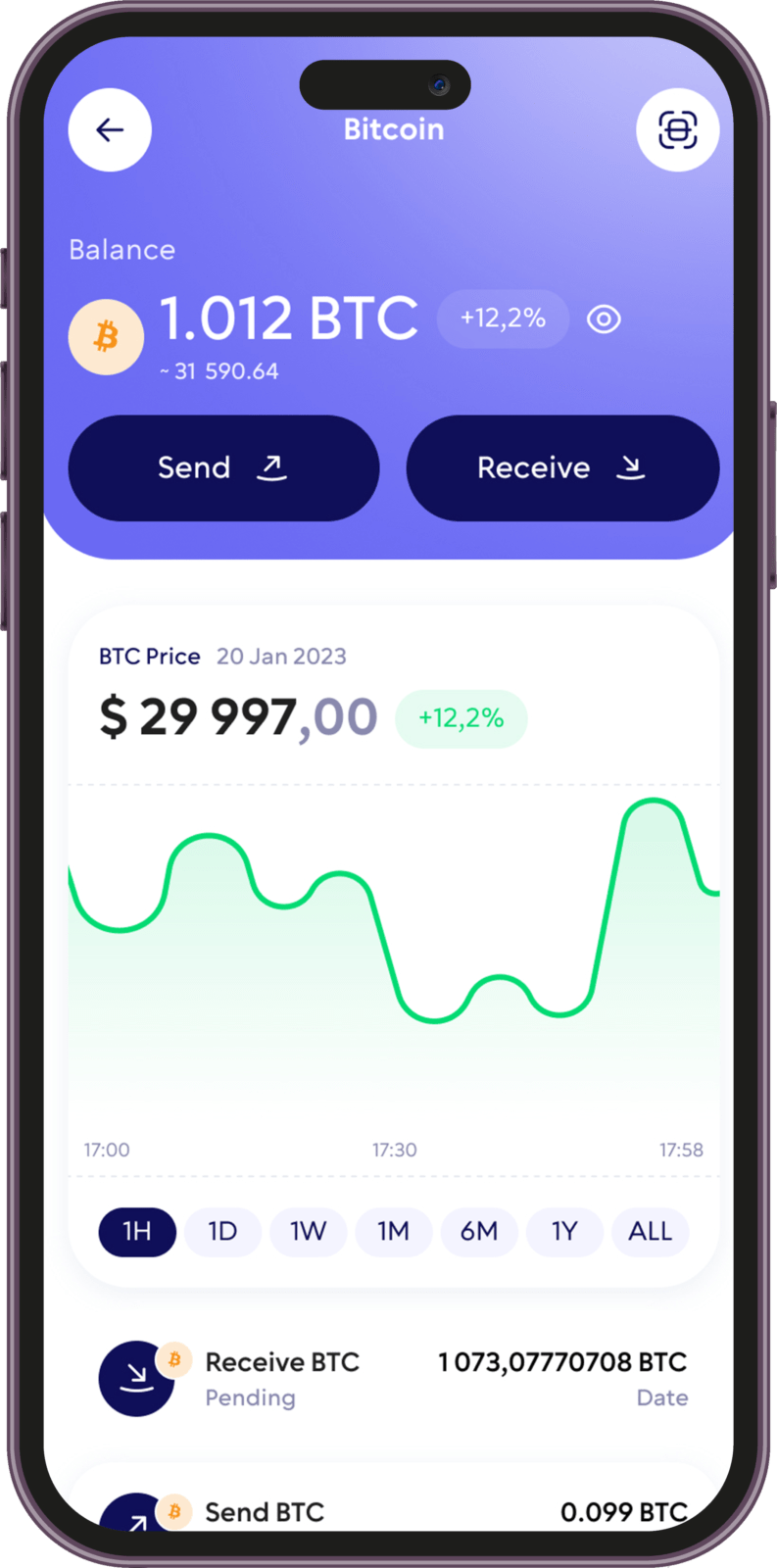
Buy and Manage Shiba Inu in One Mobile Wallet
Walletverse brings the main tools for managing SHIB into one mobile application.
You can use the app to receive and store Shiba Inu, send SHIB to another supported wallet address and swap between supported cryptocurrencies. Walletverse also integrates fiat-to-crypto providers that may allow eligible users to purchase crypto using Visa, Mastercard and other payment methods available in their region.
Payment methods, providers, limits and asset availability may vary depending on your location.
How to Receive SHIB in Walletverse:
Open Walletverse and select Shiba Inu (SHIB). Choose the receive option and copy your wallet address or use the QR code provided by the app.
Before sending funds, confirm that the sender is using the same supported blockchain network shown in Walletverse.
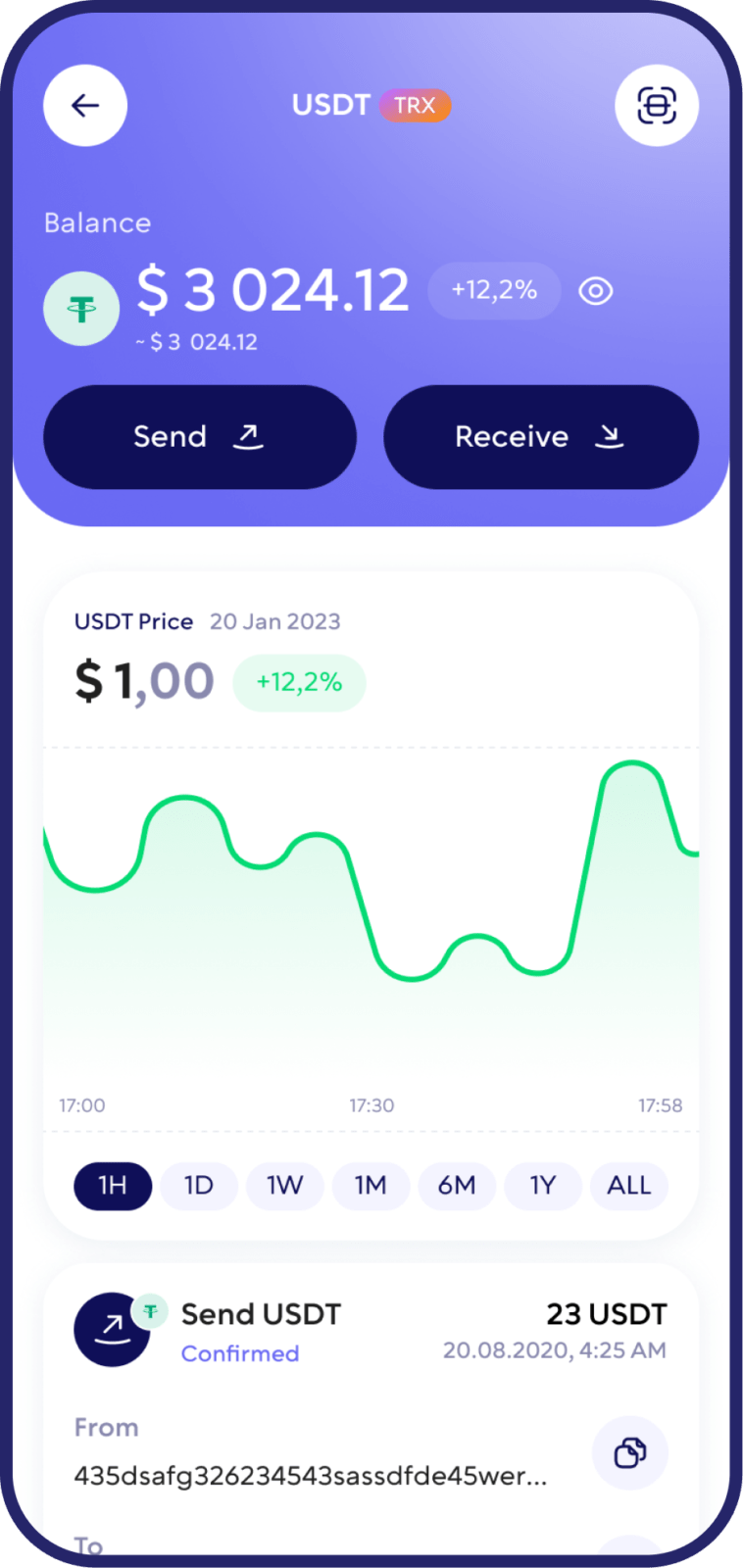
How to Send SHIB to Another Wallet:
Select Shiba Inu in Walletverse and choose the send option. Enter or paste the recipient’s wallet address, select the appropriate supported network and specify the amount of SHIB you want to transfer.
Carefully verify the recipient address and network before confirming the transaction.
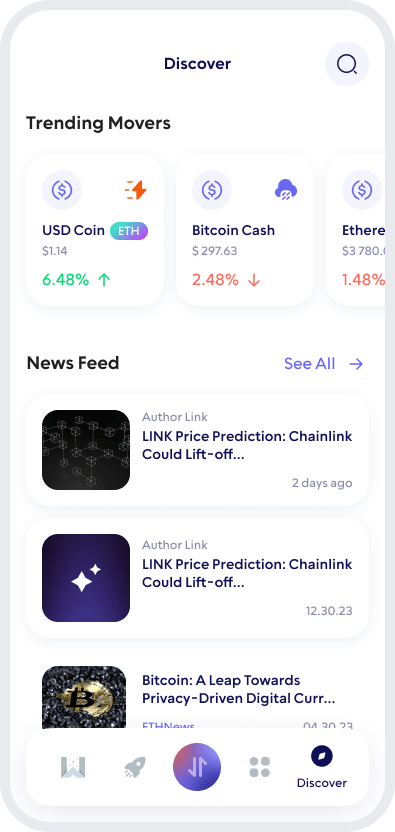
Swap SHIB and Other Cryptocurrencies
Walletverse includes an integrated crypto exchange aggregator for swapping supported digital assets.
Instead of moving funds between several different apps, you can check available swap routes from inside Walletverse and exchange supported cryptocurrencies from your mobile wallet.

How to Keep Your Shiba Inu Wallet Secure
Self-custody gives you control over your SHIB, but good security practices are essential.
Use a strong device passcode and enable biometric protection when available. Keep Walletverse and your phone’s operating system updated. Never disclose private keys or recovery information.
How to Create a Shiba Inu Wallet
Step 1 — Download Walletverse
Install Walletverse from the official App Store or Google Play listing.
Step 2 — Create or Import Your Wallet
Open the app and follow the setup process to create a new self-custody wallet or import an existing compatible wallet.
Step 3 — Find Shiba Inu (SHIB)
Search for Shiba Inu or SHIB in Walletverse and add the supported asset to your wallet if it is not already visible.
Step 4 — Receive or Buy SHIB
You can fund your SHIB wallet by receiving tokens from another wallet or exchange. Where available, you can also use an integrated crypto purchase provider to buy supported assets.
FAQ
Buying Shiba Inu coins is a straightforward process with the crypto wallet Walletverse. You can conveniently purchase SHIB with USD, credit cards, or debit cards. Our wallet platform streamlines the conversion and management of SHIB coins and tokens, enabling a seamless investment experience while providing the means to convert and manage your assets into USD.
Starting your journey with Shiba Inu begins by creating a SHIB wallet on Walletverse. The app guides you through a simple setup process, enabling you to securely store, manage, and transact your SHIB tokens. Walletverse is designed for ease of use without compromising security, making it the ideal tool for newcomers and seasoned crypto enthusiasts looking to dive into the world of SHIB.
Creating your Shiba Inu wallet is effortless with Walletverse. Our user-friendly wallet app enables you to create a SHIB wallet effortlessly, check your balance, and receive, send, and securely store your Shiba Inu assets. You can also exchange SHIB coins for other cryptocurrencies and confidently explore decentralized applications.
Securing your Shiba Inu (SHIB) tokens is crucial, and Walletverse employs the latest security technologies to protect your digital assets. Our wallet features state-of-the-art encryption and security protocols, ensuring your SHIB tokens and transaction details are safe from unauthorized access. With Walletverse, you can confidently explore the SHIB ecosystem, knowing your investments are safeguarded by the best in digital asset protection.
Wondering how to invest in Shiba Inu (SHIB)? Follow these simple steps:
- Download the Walletverse Cryptocurrency wallet.
- Acquire Shiba Inu (SHIB) with USD via PayPal, credit cards, or debit cards.
- Securely store your SHIB in your Walletverse wallet and monitor your investments.
To sell Shiba Inu, open your Walletverse wallet, navigate to the “Send” section, choose the amount of SHIB to sell, specify the recipient’s address (e.g., their address on an exchange), confirm the transaction, and your SHIB will be sent to the chosen address.
Create a Shiba Inu (SHIB) wallet address in Walletverse. Once you set up your wallet in the app, a unique SHIB wallet address is automatically generated, allowing you to start managing your Shiba Inu tokens immediately. Walletverse simplifies your entry into cryptocurrency, ensuring a secure and user-friendly platform for all your digital asset management needs.
Walletverse is free to download. However, blockchain transfers can require network fees, while purchases or swaps may include fees or spreads charged by blockchain networks or integrated service providers.
Download to access all of Web 3 with just one app





