


Best Stellar (XLM) Wallets in 2026: 8 Secure Wallets Compared
Choosing the best Stellar wallet in 2026 is about more than finding an app that can display an XLM balance. Stellar has several network-specific features — including minimum account reserves, MEMOs, trustlines, Stellar-native assets, and Soroban smart contracts — that can make one wallet much better suited to your needs than another.
For most users, the right choice depends on what they plan to do with XLM. A mobile multi-currency wallet can be ideal for everyday portfolio management, while a Stellar-native wallet may be better for issued assets and the Stellar DEX. Users holding larger amounts for the long term may prefer a hardware wallet.
In this guide, we compare the best Stellar (XLM) wallets in 2026 based on security, self-custody, ease of use, platform support, Stellar-specific functionality, and overall usability.
Best Stellar Wallets in 2026: Quick Comparison
| Wallet | Type | Best For | Main Advantage |
|---|---|---|---|
| Walletverse | Mobile software wallet | Multi-asset mobile users | Simple mobile XLM and multi-crypto management |
| LOBSTR | Mobile/Web Stellar wallet | Stellar-native ecosystem | Strong Stellar asset and ecosystem support |
| Freighter | Browser extension | Soroban and Stellar dApps | Built for Stellar web applications |
| Ledger | Hardware wallet | Long-term XLM storage | Private keys remain on a hardware device |
| Trezor | Hardware wallet | Secure Stellar and token storage | Hardware security with current Stellar support |
| Tangem | Hardware/mobile wallet | Mobile-focused cold storage | NFC-based hardware wallet experience |
| Exodus | Mobile/Desktop wallet | Cross-platform users | Easy XLM management across desktop and mobile |
| OneKey | Software + hardware | Multi-chain power users | Software and hardware wallet ecosystem |
Our quick verdict
Walletverse is a strong option for users who want to manage XLM alongside a broader cryptocurrency portfolio from one mobile self-custody wallet. It supports 700+ cryptocurrencies and combines everyday features such as sending, buying, swapping, multi-account management, WalletConnect, passcode protection, and biometric authentication.
However, there is no single Stellar wallet that is best for every use case. LOBSTR is better suited to users who want deeper access to the Stellar-native ecosystem, Freighter is designed for Stellar dApps and Soroban, while hardware wallets such as Ledger, Trezor, and Tangem are worth considering for long-term storage.
What Is a Stellar (XLM) Wallet?
A Stellar wallet is an application or hardware device used to manage the cryptographic keys associated with an account on the Stellar network.
XLM, also known as Lumens, is the native asset of Stellar. It is used to pay network transaction fees and to satisfy account reserve requirements.
A wallet does not literally store XLM inside the app or device. Your assets remain recorded on the Stellar ledger. The wallet manages the keys that allow you to access the account and authorize transactions.
Depending on the wallet, you may be able to send and receive XLM, manage Stellar-issued assets, swap cryptocurrencies, interact with decentralized applications, or secure your private keys with dedicated hardware.
How We Evaluated the Best XLM Wallets
Our comparison focuses on the features that matter most for real Stellar users rather than simply counting how many cryptocurrencies each wallet supports.
Security is a primary consideration. We look at who controls the private keys, the wallet’s recovery model, authentication features, and whether hardware signing is available.
We also consider ease of use, mobile and desktop availability, support for sending and receiving XLM, multi-currency functionality, and access to features such as swaps or Web3 applications.
Finally, Stellar-specific functionality matters. A wallet designed for the network may offer better support for MEMOs, trustlines, Stellar-issued assets, the Stellar DEX, multisig accounts, or Soroban applications.
8 Stellar (XLM) Wallets Compared in 2026
If you hold both XRP and Stellar (XLM), choosing a multi-currency wallet can simplify your cryptocurrency management. Instead of using separate applications, you can keep track of both assets through one interface, provided the wallet supports their respective blockchain networks.
Although XRP and XLM are both associated with blockchain-based payment systems, they operate on separate networks. XRP is the native cryptocurrency of the XRP Ledger, while XLM is the native asset of the Stellar network.
Walletverse supports both XRP and XLM as part of its multi-currency offering. Its mobile application provides self-custody functionality, passcode and biometric protection, and access to supported cryptocurrency management features.
When selecting a wallet for both assets, check that it supports the native XRP Ledger and Stellar networks rather than relying on the cryptocurrency names alone.
Transaction requirements also differ. Some XRP receiving services require a destination tag, while certain Stellar services require a MEMO. Always check the recipient’s instructions before transferring funds.
Walletverse users should verify the selected asset, receiving network and any additional transaction information before confirming a transfer.
Top 10 Best Stellar (XLM) Wallets in 2026
1. Walletverse — Best Multi-Currency Mobile Wallet for XLM

Walletverse is a mobile self-custody cryptocurrency wallet designed for users who want to manage XLM together with a broader crypto portfolio.
The wallet supports 700+ cryptocurrencies and gives users control over their assets without relying on a centralized exchange to hold their keys.
For everyday security, Walletverse provides passcode and biometric protection. The app also supports multiple accounts, cryptocurrency purchases through supported payment providers, swaps, and WalletConnect for interacting with compatible Web3 services.
For XLM holders, its main advantage is convenience. Instead of maintaining a separate wallet for every cryptocurrency, users can manage Stellar alongside assets from other supported networks in one mobile application.
Walletverse is therefore particularly suitable for people who hold XLM as part of a diversified portfolio and prioritize a straightforward mobile experience.
Best for: mobile users, beginners, multi-asset portfolios, self-custody.
Consider another option if: you specifically need advanced Stellar-native functionality such as deep Stellar DEX tools or a browser wallet focused on Soroban applications.


2. LOBSTR — Best Stellar-Native Wallet
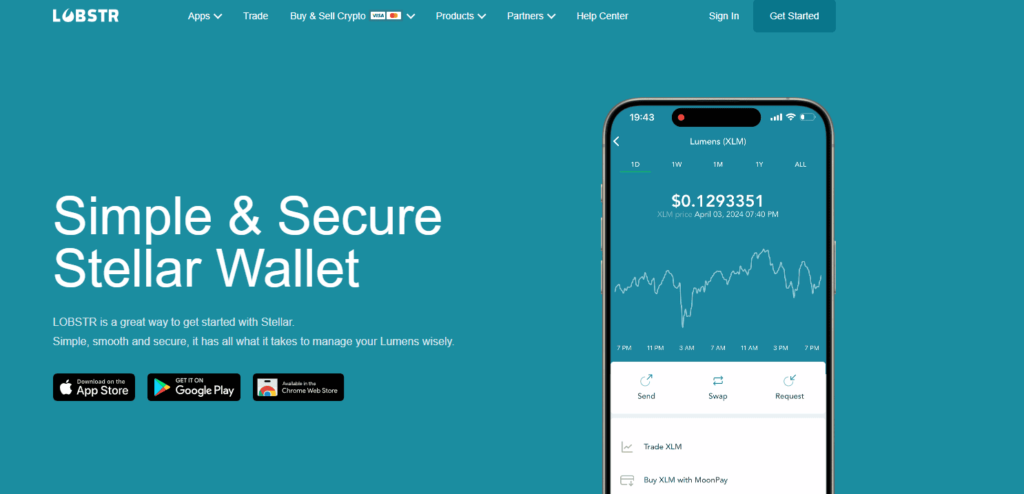
LOBSTR is one of the best-known wallets built specifically around the Stellar ecosystem.
Unlike generic multi-chain wallets, its feature set is focused heavily on Stellar and Stellar-issued assets. It provides mobile and web access and is commonly used for sending, receiving, and managing assets on the Stellar network.
LOBSTR also offers access to Stellar trading functionality and can be combined with LOBSTR Vault for multisignature protection.
That specialization makes LOBSTR a good option for people whose crypto activity is concentrated primarily on Stellar rather than across many unrelated blockchains.
Best for: Stellar-focused users, Stellar assets, multisig users and active network participants.
Main trade-off: it is less useful as an all-in-one wallet for a large multi-chain portfolio.
3. Freighter — Best Wallet for Soroban and Stellar dApps
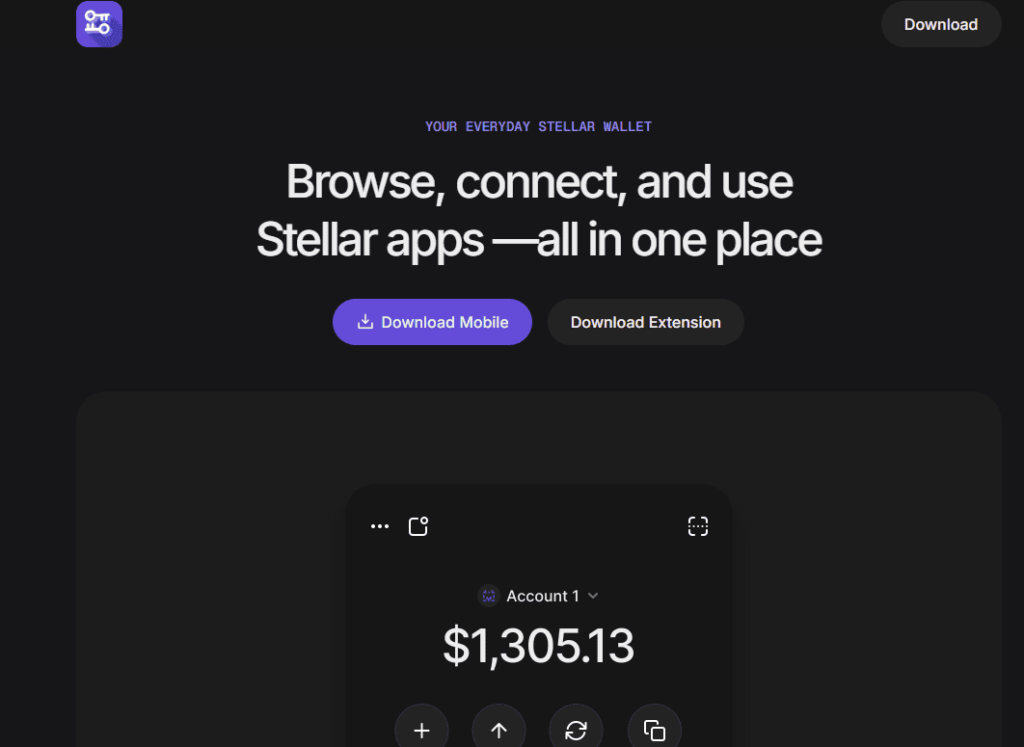
Freighter is a browser-extension wallet provided by the Stellar Development Foundation.
It is particularly relevant to users who interact with Stellar applications through a web browser. Freighter supports transaction signing and interaction with Soroban smart-contract applications.
That makes it one of the most important wallets for users participating in the newer smart-contract side of the Stellar ecosystem.
Freighter is not necessarily the ideal choice for someone who simply wants a mobile application for holding XLM. Its strength is web-based interaction with Stellar applications.
Best for: Soroban, Stellar dApps, browser-based DeFi and advanced Stellar users.
Main trade-off: a browser extension is less convenient than a dedicated mobile wallet for everyday portfolio management.
4. Ledger — Best Hardware Wallet for Long-Term XLM Storage

Ledger provides hardware wallets that keep private keys isolated from a normal internet-connected computer or smartphone.
For users holding significant XLM balances over long periods, hardware signing can reduce exposure to malware and key theft compared with keeping the signing keys directly in a conventional hot wallet.
Ledger’s software ecosystem also supports managing Stellar and provides access to additional cryptocurrency services through Ledger and third-party providers.
Hardware wallets do introduce additional cost and a less convenient transaction process, so they are usually best suited to savings rather than frequent everyday payments.
Best for: long-term XLM holders and users prioritizing hardware-based key protection.
Main trade-off: hardware must be purchased and used when authorizing transactions.
5. Trezor — Best Open Hardware Alternative for Stellar
Trezor is another strong hardware-wallet option for Stellar users.
Stellar support has improved significantly, and current versions of Trezor Suite support sending and receiving XLM as well as management of Stellar tokens on supported devices.
Trezor also explains Stellar-specific concepts such as trustlines, token activation and MEMOs directly in its documentation, making it useful for users who want hardware security while still accessing Stellar functionality.
Like other hardware wallets, Trezor is primarily suited to users who value stronger separation of their private keys from internet-connected devices.
Best for: hardware security, long-term holdings and users managing Stellar tokens.
6. Tangem — Best NFC Hardware Wallet for Mobile Users
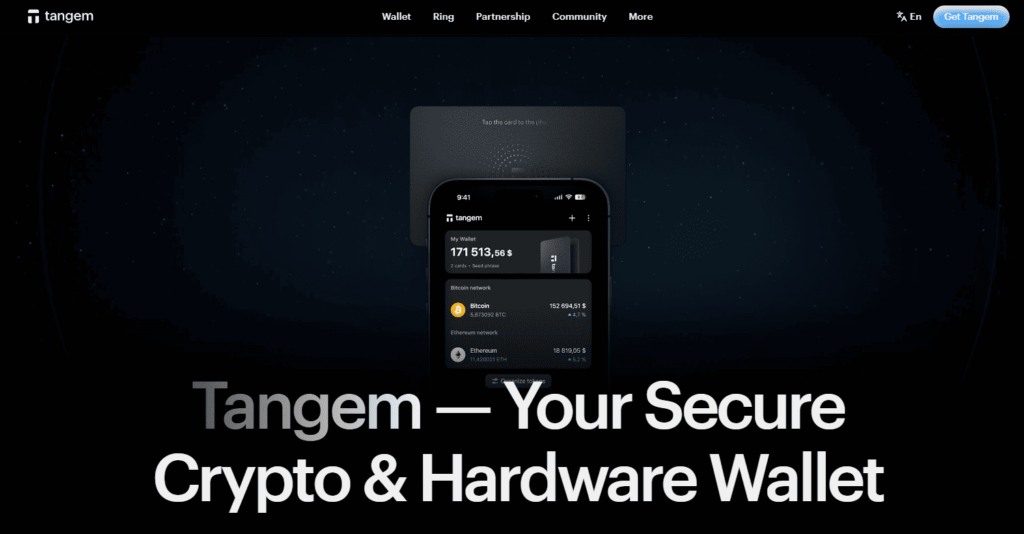
Tangem combines hardware-based private-key protection with an NFC card-based mobile experience.
Users authorize wallet operations by interacting with the Tangem card and mobile application rather than relying on a traditional USB hardware wallet workflow.
Tangem supports XLM and positions its product for users who want cold-storage-style security without giving up a mobile-first user experience.
It is an attractive option for people who want a physical signing device but find conventional hardware wallets inconvenient.
Best for: mobile-focused hardware wallet users.
Main trade-off: it requires purchasing dedicated Tangem hardware.
7. Exodus — Best XLM Wallet for Desktop and Mobile

Exodus is a self-custody wallet available across desktop and mobile platforms.
Users can send and receive XLM, manage their Stellar balance, and use supported swap functionality through an interface designed to be accessible to beginners.
Exodus also offers biometric protection on supported mobile devices and can be used across several desktop operating systems.
Its broad platform availability makes Exodus a particularly useful alternative for users who do not want to manage their crypto exclusively from a smartphone.
When sending XLM to exchanges, Exodus users should pay particular attention to Stellar address and MEMO requirements.
Best for: desktop and mobile users who want one consistent multi-asset wallet experience.
8. OneKey — Best Software and Hardware Combination

OneKey offers both software and hardware wallet products and added Stellar support to its application in 2026.
Its ecosystem emphasizes self-custody, multi-chain asset management, transaction verification and integration between the OneKey application and dedicated hardware devices.
This approach can appeal to users who want to start with a multi-chain software wallet but also want the option to use dedicated hardware for additional key protection.
Best for: advanced multi-chain users and people who want software and hardware products from the same ecosystem.
How to Buy and Swap Stellar (XLM) with Walletverse
Stellar (XLM) can be purchased and exchanged through cryptocurrency services that support the asset and the required blockchain networks.
Walletverse is a self-custody mobile wallet that provides access to integrated cryptocurrency purchasing and exchange functionality.
Users can check available exchange routes and manage supported cryptocurrencies directly within the application.
How to exchange XLM
To exchange Stellar, open the exchange feature in Walletverse and select the cryptocurrency you want to send.
Choose XLM as the receiving asset, enter the amount and check whether the desired exchange route is currently available.
If the exchange provider supports the selected pair, review the quoted exchange rate, applicable fees, transaction limits and estimated amount of XLM before confirming.
The availability of specific exchange pairs depends on the current provider, market liquidity and supported blockchain networks.
What should you check before swapping XLM?
Before completing a transaction, verify that you have selected native Stellar (XLM) and that the receiving wallet supports the Stellar network.
Pay attention to the exchange rate and the final amount you are expected to receive. Provider fees and network charges may affect the result.
Some receiving services may also require a MEMO to identify your deposit. Follow the recipient’s instructions carefully whenever additional transaction information is required.
Walletverse allows users to access supported exchange services, but the availability and conditions of any particular XLM exchange route should always be checked before proceeding.
Supported Cryptocurrencies and Blockchain Networks
The number of supported cryptocurrencies is an important consideration when choosing a wallet, particularly if you hold Stellar alongside other digital assets.
Walletverse supports more than 700 cryptocurrencies, allowing users to manage multiple supported assets through one mobile application.
Alongside Stellar (XLM), the wallet supports Bitcoin (BTC), Ethereum (ETH), XRP, Litecoin (LTC), Tether (USDT), USD Coin (USDC) and many other cryptocurrencies.
This multi-currency approach can simplify portfolio management for users who regularly interact with several blockchain ecosystems.
However, support for a cryptocurrency does not automatically include every blockchain network or token version on which that asset exists.
For example, native XLM operates on Stellar. The network also supports other issued assets, but a wallet that supports XLM does not necessarily provide full functionality for every Stellar-issued token, trustline or decentralized application.
Before transferring funds, check whether Walletverse supports the specific cryptocurrency and blockchain network you intend to use.
For users who need advanced Stellar-native functionality, it is also important to verify support for MEMOs, trustlines and other network-specific features.
Hot Wallet vs Hardware Wallet for XLM
A software or hot wallet is usually more convenient for everyday activity. Mobile wallets such as Walletverse make it easy to check balances, send crypto, swap supported assets and manage a broader portfolio without carrying a separate signing device.
Hardware wallets provide an additional security boundary because the private key is protected by dedicated hardware.
Many users therefore use both approaches: a mobile wallet for an everyday working balance and a hardware wallet for funds intended for longer-term storage.
The right choice depends on how frequently you move XLM, the value of your holdings and your own security model.
Self-Custody vs Custodial Stellar Wallets
A self-custody wallet gives you control of the credentials required to access your assets.
Walletverse, LOBSTR, Freighter, Exodus and hardware wallets are examples of approaches centered around user-controlled assets.
A custodial service such as a centralized exchange manages the keys on the user’s behalf. That can make password recovery easier, but it also means access to the cryptocurrency depends on the custodian.
For long-term crypto storage, many users prefer self-custody because it removes dependence on an exchange account. However, self-custody also means the user is responsible for protecting wallet recovery information.
Stellar Network Fees and Minimum Balance
Stellar accounts have minimum balance requirements designed to limit unnecessary network resource consumption.
A standard Stellar account currently requires a minimum balance of 1 XLM. Additional account entries, such as trustlines, may increase the required reserve.
Transaction fees are generally small, but users should distinguish their available balance from the amount reserved by the network.
Before transferring your entire XLM balance from Walletverse or another Stellar wallet, review the applicable network requirements.
Some receiving services may also require a MEMO. Always follow the recipient’s instructions when sending XLM to a cryptocurrency exchange or another custodial platform.
How to Keep Your XLM Wallet Secure
Never share your recovery phrase or private keys with another person or website. Legitimate wallet support teams do not need this information to help you.
Install wallet applications only from official sources and carefully verify browser extensions before using them.
When transferring XLM, verify both the Stellar address and any MEMO required by the recipient. A small test transaction can be useful before sending a large amount.
For larger holdings, consider separating daily spending funds from long-term storage and using a hardware wallet for assets that do not need to move frequently.
Can You Stake XLM?
XLM does not have native blockchain staking.
Stellar uses the Stellar Consensus Protocol rather than a Proof-of-Stake model where users delegate tokens to validators in exchange for network staking rewards.
Some third-party platforms may offer lending, yield or other reward products involving XLM, but these should not be confused with native Stellar staking.
FAQ
For a comprehensive and secure experience, Walletverse stands out as one of the best Stellar wallets, offering security features, ease of use, and multi-currency support.
You can download a Stellar wallet app like Walletverse or Exodus Wallet from your preferred app store or visit the wallet provider’s website to get started.
To buy XLM instantly, use wallets like Walletverse, which support purchasing via Apple Pay, Google Pay, and credit/debit cards.
Hold your XLM in a secure wallet with features like passcode protection, biometric authentication, and cold storage options like Walletverse or a hardware wallet for XLM like Tangem.
For users who hold multiple cryptocurrencies, Walletverse offers a mobile self-custody solution for XLM and hundreds of other supported assets. Users focused primarily on Stellar may prefer a dedicated Stellar wallet such as LOBSTR.


