



Ripple (XRP) Wallet — Secure Self-Custody App for XRP
Manage XRP from one secure mobile wallet. Walletverse is a self-custody XRP wallet for iOS and Android that lets you store, send, receive, buy and swap XRP — plus 700+ other cryptocurrencies and tokens — while your private keys stay encrypted on your device.
Featured in:


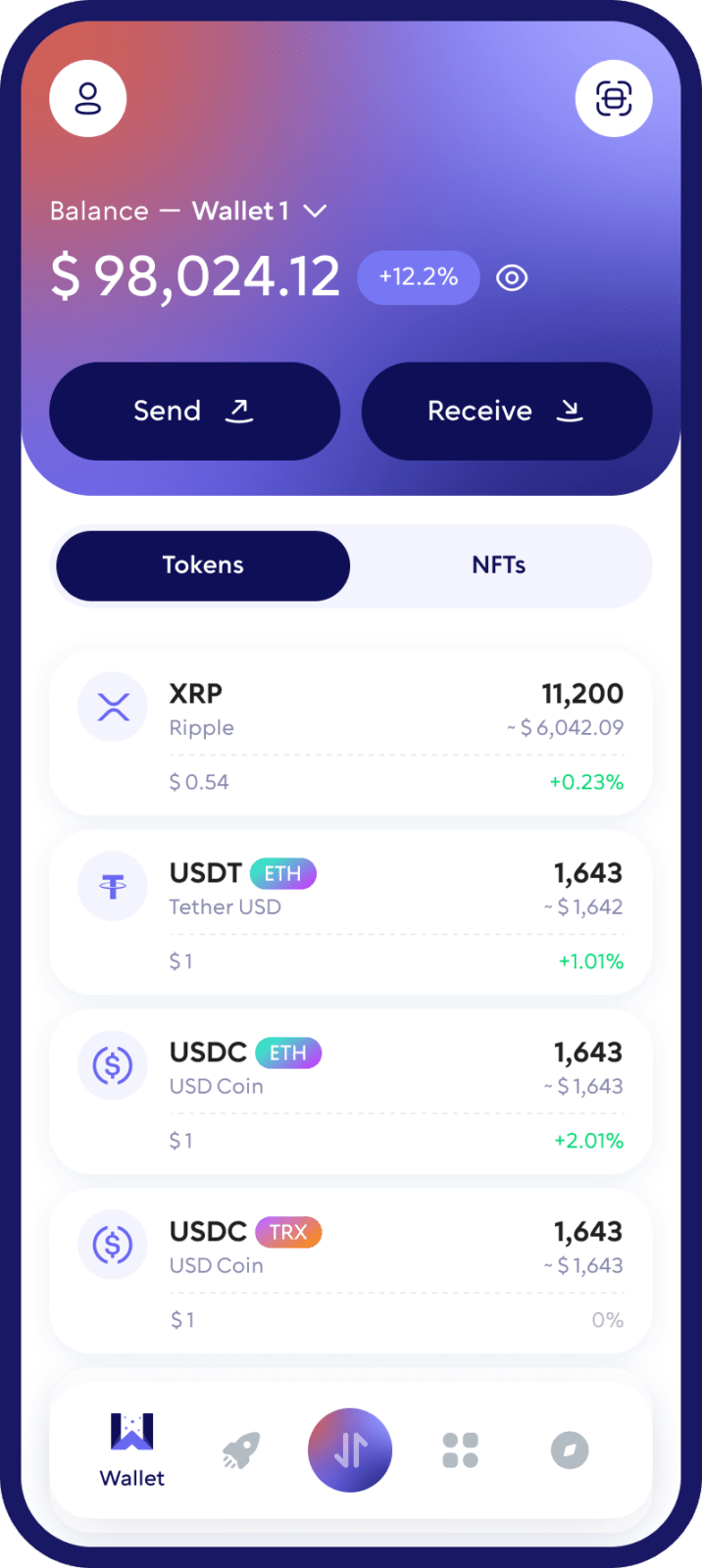
XRP and the XRP Ledger at a Glance
| XRP | |
|---|---|
| Network | XRP Ledger (XRPL), an open-source public blockchain |
| Settlement | About 3–5 seconds, for fractions of a cent (xrpl.org) |
| Address format | Classic addresses start with r (xrpl.org) |
| Account reserve | 1 XRP base reserve + 0.2 XRP per owned object (xrpl.org) |
| Exchange deposits | Often need a destination tag (xrpl.org) |
“Ripple” and “XRP” are often used interchangeably, but they’re different: XRP is the native asset of the XRP Ledger, and Ripple is a company that builds on it (xrpl.org). A “Ripple wallet” is simply a wallet for XRP.
Why Use Walletverse as Your XRP Wallet?
- Self-custody. Your private keys are encrypted on your device and aren’t held by Walletverse.
- Send and receive XRP to and from any XRP Ledger address, exchange or service.
- Buy XRP with Visa, Mastercard or local payment methods through providers such as MoonPay, Simplex, Banxa, Transak and Wert; Apple Pay and Google Pay where available.
- Swap XRP through a built-in aggregator of 100+ DEX and CEX venues with more than 10,000 trading pairs.
- Check before you send. Built-in AML checks (powered by Crystal) show an address’s risk level.
- Mobile security: passcode and biometric authentication.
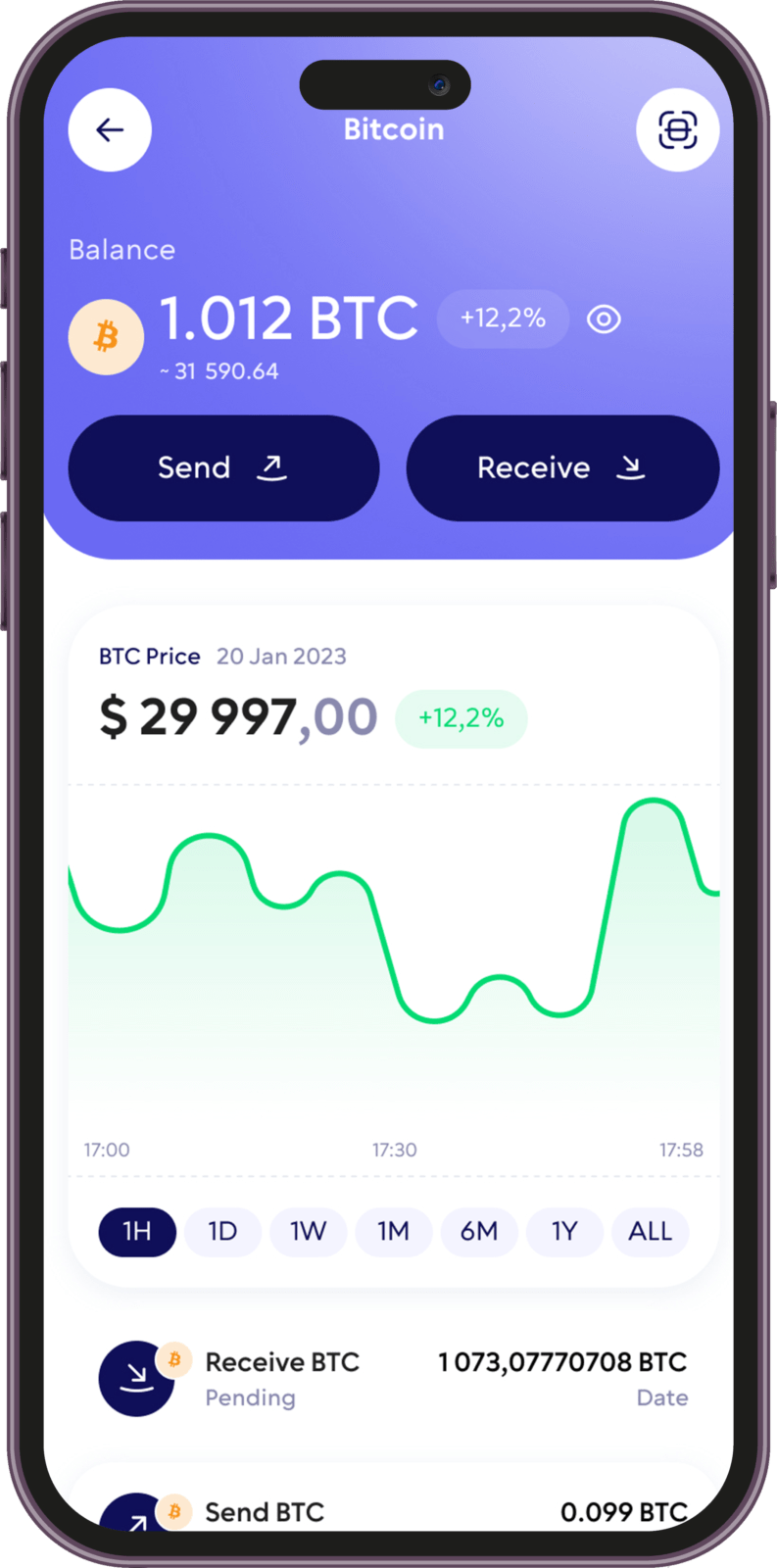
How to Create an XRP Wallet with Walletverse
- Download Walletverse from the official App Store or Google Play listing.
- Create a new wallet or restore an existing one, and back up your recovery details offline.
- Add XRP to your asset list. The app shows your XRP Ledger address (starting with r) and a QR code.
- Activate the address. A new XRP Ledger account needs at least 1 XRP (the base reserve) before it exists on the ledger, so your first incoming transfer must be at least that amount.
XRP Reserve and Destination Tags
Every XRP Ledger account keeps a minimum balance: 1 XRP base reserve plus 0.2 XRP for each object it owns, such as a trust line for a token. Reserved XRP can’t be sent or swapped, so your spendable balance is a little lower than your total.
Exchanges and some custodial services use one XRP address for many customers and identify deposits with a destination tag — think of the address as a building and the tag as the apartment number.
Swap XRP for Other Crypto
You can exchange XRP without leaving the app: open XRP in Walletverse, tap Swap, choose the coin you want and check the quote before you confirm.
Leave the reserve untouched and compare the final amount you’ll receive.
The XRP Ledger also has a built-in decentralized exchange, with automated market makers (AMMs) that hold pools of two assets and provide liquidity for trades on the ledger.
Keeping Your XRP Safe
- Back up your recovery details offline and never share them — no real support team, giveaway or “XRP airdrop” will ever need them.
- Check the address and destination tag before every transfer; XRP payments can’t be reversed.
- Send a small test amount to a new address first (at least 1 XRP if the address is new).
- Download wallets only from official stores and check the developer name.
XRP, RLUSD and 700+ Other Coins in One Wallet
Walletverse supports 700+ cryptocurrencies and tokens on networks such as XRP Ledger, Bitcoin, Ethereum, TRON and Solana, so you can manage XRP alongside BTC, ETH, USDT and others without a separate app for every asset.
Ripple USD (RLUSD). Many “Ripple USD wallet” searches are about RLUSD, Ripple’s US-dollar stablecoin. It received final approval from the New York Department of Financial Services in December 2024 and is natively issued on the XRP Ledger and Ethereum. To hold RLUSD on the XRP Ledger, an account must first set up a trust line with the RLUSD issuer — and each trust line adds 0.2 XRP to your reserve. Check in your wallet whether it supports XRPL tokens such as RLUSD before you send them.
Other XRP Wallets to Consider
| Wallet | Type | Platforms | Good to know |
|---|---|---|---|
| Walletverse | Self-custody, multi-chain | iOS, Android | XRP plus 700+ assets, swaps, AML checks |
| Xaman (formerly XUMM) | Self-custody, XRPL-native | iOS, Android | Unlimited XRPL accounts, XRP and stablecoins (Xaman) |
| Trust Wallet | Self-custody, multi-chain | iOS, Android, browser extension | Store, send, receive and swap XRP (Trust Wallet) |
| Guarda | Self-custody, multi-chain | Mobile, desktop, web | XRP wallet on every device (Guarda) |
| Edge | Self-custody, mobile | iOS, Android | Added XRP support (Edge) |
| BitPay | Self-custody wallet app | Mobile, desktop | Buy, store, swap and spend XRP (BitPay) |
| Ledger | Hardware | Device + Ledger Wallet app | Keys on a secure element (Ledger) |
| Trezor (Safe family) | Hardware | Device + Trezor Suite | XRP supported natively in Trezor Suite (Trezor) |
Sources: official websites and app store listings, checked October 2026.
FAQ
Yes. Walletverse supports XRP and allows users to manage XRP from a self-custody mobile crypto wallet.
Yes. Walletverse is designed as a self-custody wallet, meaning users control the credentials used to access their crypto assets rather than Walletverse holding those assets as a custodian.
Yes. Open XRP in Walletverse and use your XRP address or QR code to receive compatible XRP Ledger transfers.
Yes. You can send XRP to compatible XRP Ledger addresses. Always verify the destination address, network, and any required Destination Tag before confirming a transfer.
Walletverse provides access to supported third-party crypto purchase providers. XRP availability, payment methods, limits, fees, and identity-verification requirements can vary by provider and region.
It depends on what you need. For XRP alongside many other coins on your phone, a multi-chain wallet such as Walletverse or Trust Wallet. For XRP Ledger features like tokens and dApps, an XRPL-native wallet such as Xaman. For long-term storage, a hardware wallet like Ledger or Trezor.
Download to access all of Web 3 with just one app





