


Best Gram Toncoin (GRAM) Wallet in 2026 for Beginners and Advanced
Updated: October 2026. Wallet features were checked against each provider’s official website or app store listing.
A TON wallet is any wallet that holds coins and tokens on The Open Network (TON) — the blockchain originally developed by Telegram. Since June 2026, the network’s native coin is called Gram (GRAM) instead of Toncoin (TON), but the network, your address and your balance haven’t changed. This guide explains the rebrand, compares the best TON wallets and shows how to keep your GRAM safe.
Toncoin Is Now Gram: What Changed for Holders
- New name and ticker. On 15 June 2026, Toncoin was renamed Gram, and its ticker changed from TON to GRAM after a community vote passed with 81.22% support (crypto.news).
- Nothing to migrate. Only the token’s name, ticker and logo changed; balances, wallets, staking positions and network operations stayed the same (crypto.news). Ledger, for example, notes that all TON holdings are treated as GRAM at a 1:1 ratio (Ledger).
- The network is still TON. “TON wallet”, “Toncoin wallet” and “Gram wallet” all mean the same thing: a wallet for The Open Network.
Beware of “migration” scams: you don’t need to send your coins anywhere or sign anything to convert TON into GRAM.
Gram (GRAM) at a Glance
| Gram (GRAM), formerly Toncoin (TON) | |
|---|---|
| Network | The Open Network (TON) |
| Price | About $1.33 |
| Market cap | About $3.78 billion (#31 on CoinGecko) |
| Circulating supply | About 2.83 billion GRAM |
| All-time high | $8.25 |
| Typical transfer fee | ~0.00039 GRAM; USDT transfers ~0.001 GRAM (ton.org) |
Market data: CoinGecko, snapshot from 22 October 2026. Prices change constantly — check a live source before you buy.
Best TON Wallets Compared
| Wallet | Type | Platforms | GRAM staking in the app | Good to know |
|---|---|---|---|---|
| Walletverse | Self-custody, multi-chain | iOS, Android | No | 700+ coins, swaps, AML checks |
| Tonkeeper | Self-custody, TON-native | iOS, Android | Yes | Buy, swap and stake (Tonkeeper) |
| My Wallet (MyTonWallet) | Self-custody, multi-chain | Mobile, desktop, browser extension | — | Open-source, audited by CertiK (My Wallet) |
| Gram Wallet | Wallet for Telegram users | Android (Google Play) | — | TON plus Ethereum, Solana, TRON and more; Telegram 2FA |
| Wallet in Telegram (@wallet) | Custodial + self-custodial option | Inside Telegram | — | Check which mode you use |
| Tonhub | Self-custody, TON-native | iOS, Android | Yes | Debit card linked to the wallet (Tonhub) |
| Trust Wallet | Self-custody, multi-chain | iOS, Android, desktop | — | Supports TON and UQ addresses |
| SafePal | Software + hardware | Mobile app, hardware devices | — | TON supported since December 2022 |
| Ledger | Hardware | Device + Ledger Wallet app | Yes, via Ledger Wallet | GRAM shown 1:1 for TON |
| OpenMask | Self-custody, TON-native | Chrome extension | — | MetaMask-style extension for TON dApps |
Sources: official websites, help centers and app store listings (see “Sources”), checked October 2026. “—” means we didn’t verify it.
The Best TON Wallets in 2026
1. Walletverse

Walletverse is a free self-custody mobile wallet for iOS and Android that supports 700+ cryptocurrencies and tokens, so you can keep GRAM next to BTC, ETH, USDT and other assets.
- Self-custody: private keys are encrypted on your device.
- Swaps: a built-in aggregator of 100+ DEX and CEX venues with 10,000+ trading pairs.
- Security: passcode, biometrics and AML checks (powered by Crystal) to see an address’s risk before you send.
- Extras: WalletConnect for dApps, multi-wallet, GasFree USDT on TRON, staking for ETH, SOL, TRX and other assets.
Limitations: mobile only; GRAM staking isn’t offered in the app.


2. Tonkeeper
One of the best-known TON-native wallets: you can buy, swap and stake crypto “with keys that stay on your device” (Tonkeeper). Available for iOS and Android.
Best for: TON users who want staking and dApps in one app.
3. My Wallet (formerly MyTonWallet)
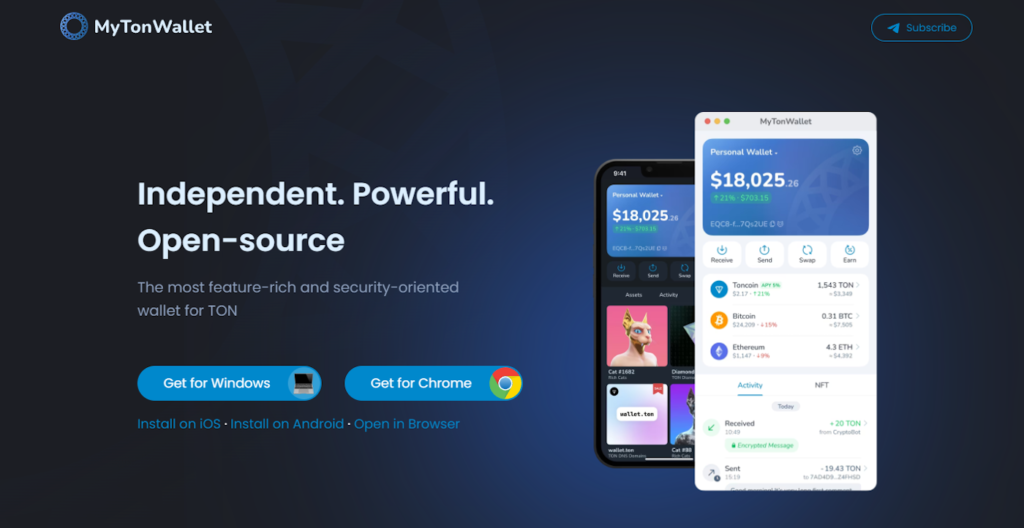
A self-custodial multi-chain wallet that’s open-source, audited by CertiK and, by its own count, trusted by 9M+ people. It runs on mobile, tablet and desktop and as a browser extension (My Wallet).
Best for: using TON on several devices.
4. Gram Wallet
A wallet built for Telegram users. Its Google Play listing says it puts TON and Telegram at the center while also supporting Ethereum, Solana, TRON, BNB Chain, Base, Polygon, Arbitrum and other networks, with an extra layer of Telegram-based 2FA (Google Play).
Best for: Telegram users who want a multi-chain wallet.
5. Wallet in Telegram (@wallet)
Telegram’s built-in wallet combines a custodial mode with a self-custodial option (Wallet in Telegram). In the custodial mode, the service holds the keys — check which mode you’re using before you store larger amounts.
Best for: small, quick payments inside Telegram.
6.Tonhub
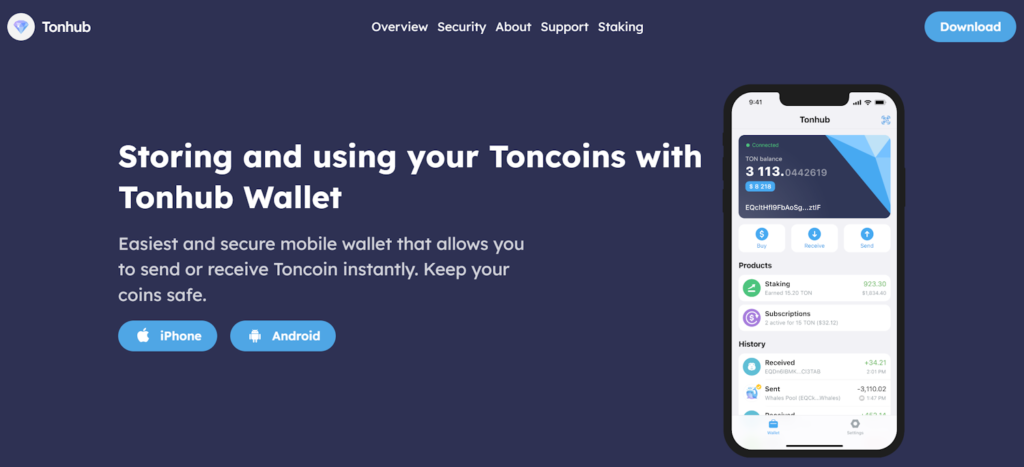
A non-custodial TON wallet with a debit card attached, so you can pay in shops and online straight from your wallet (Tonhub). Its Google Play listing mentions buying, selling and staking (Google Play); the core wallet is open-source (Tonhub docs).
Best for: spending GRAM in everyday life.
7. Trust Wallet

A multi-chain self-custody wallet that supports TON on Android, iOS and desktop (Trust Wallet). Trust Wallet has switched TON addresses to the UQ format; old addresses keep working (Trust Wallet).
Best for: holding GRAM alongside many other networks.
8. SafePal

9. Ledger

Ledger supports GRAM through the Ledger Wallet app (formerly Ledger Live), including staking (Ledger). Keys stay on the device’s secure element.
Best for: long-term storage of larger amounts.
10. OpenMask
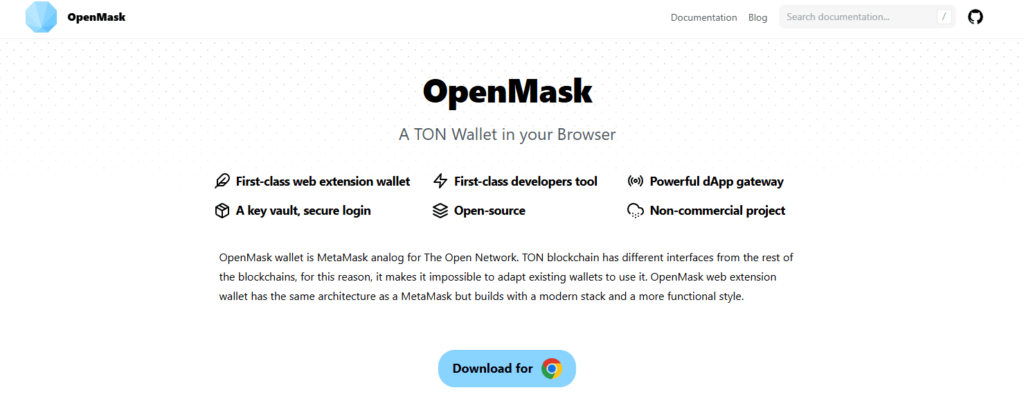
A browser extension for TON dApps — a MetaMask analog for The Open Network (TON App). The Chrome Web Store listing was last updated in February 2025 (Chrome Web Store), so check that it still meets your needs.
Best for: desktop users of TON dApps.
TON Addresses: UQ, EQ and Memos
Two details cause most failed TON transfers:
- Two address formats. The same TON wallet can be shown as a non-bounceable address (starting with UQ) or a bounceable one (starting with EQ). TON documentation recommends non-bounceable addresses for wallets, so funds can be credited even if the recipient wallet isn’t initialized yet (TON Docs). Many wallets, including Trust Wallet, now show UQ addresses by default.
- Memos for exchanges. Some exchanges need a memo (comment) to credit a TON deposit to your account (TON). If the exchange shows a memo, include it — otherwise your deposit may be delayed or lost (Coinbase Help). Wallet-to-wallet transfers don’t need one.
Supported Coins and Tokens on TON
Tokens on TON are called Jettons. The most widely used is USDT on TON, which ton.org says costs about 0.001 GRAM to transfer (ton.org). When you choose a TON wallet, check that it:
- shows Jettons such as USDT, not just GRAM;
- supports other networks you use, if you hold BTC, ETH or TRON assets too — multi-chain wallets such as Walletverse, Trust Wallet and My Wallet keep them in one app;
- lets you pick the right network when you withdraw from an exchange: USDT on TON, TRON and Ethereum are different.
Swapping GRAM
You can exchange GRAM for other crypto in three ways:
- In a multi-chain wallet. Walletverse’s aggregator compares routes across 100+ DEX and CEX venues; open GRAM, tap Swap, choose the coin you want and check the quote.
- On a TON-native wallet or DEX connected through TON Connect, such as the swap features in Tonkeeper.
- On a centralized exchange, with a deposit (watch the memo) and a withdrawal.
Always compare the final amount you’ll receive, and keep a little GRAM for network fees.
Staking GRAM
GRAM can be staked to help secure the TON network. Tonkeeper and Tonhub offer staking in their apps, and Ledger supports GRAM staking through Ledger Wallet. Walletverse doesn’t offer GRAM staking. Staking rewards vary and aren’t guaranteed, and some staking options lock your coins for a period — check the terms before you start.
Keeping Your TON Wallet Safe
- Never share your recovery phrase — no Telegram admin, bot or “support” will ever need it.
- Ignore “Toncoin to Gram migration” offers. The rebrand needed no action from holders.
- Check the wallet mode in Telegram. Custodial mode means the service holds your keys.
- Download wallets only from official stores and verify the developer.
- Check address formats and memos before sending to an exchange.
- Use a hardware wallet (Ledger, SafePal) for larger holdings.
How to Choose a TON Wallet
- Only TON, staking and dApps: a TON-native wallet such as Tonkeeper, Tonhub or My Wallet.
- TON plus BTC, ETH and other networks on your phone: a multi-chain wallet such as Walletverse or Trust Wallet.
- Telegram payments: Gram Wallet or Wallet in Telegram — mind custodial vs self-custodial.
- Long-term storage: Ledger or SafePal hardware.
FAQ
Most frequent questions and answers
Walletverse is one of the best options for Gram Toncoin (GRAM) due to its robust security features, user-friendly interface, and support for over 700 cryptocurrencies, including GRAM.
Gram Toncoin (GRAM) can be securely stored in a GRAM blockchain wallet like Walletverse or Tonkeeper, depending on your needs.
You can create a GRAM wallet using Walletverse, which provides a simple setup process and automatically generates a GRAM wallet address for you.
You can buy Gram Toncoin (GRAM) instantly through platforms that support GRAM, such as Walletverse, where you can use Apple Pay, Google Pay, or a credit/debit card.
Gram Toncoin (GRAM) wallets like Walletverse offer encrypted GRAM wallet storage, private Gram Toncoin (GRAM) transactions, and pass-code and biometric authentication to ensure the highest level of security.
Gram Toncoin can be used for private Gram Toncoin (GRAM) transactions, staking, participating in dApps, or simply holding as an investment within the GRAM ecosystem.


