



USDC Wallet – Secure USD Coin (USDC) Wallet App
Store, send, receive, buy, and swap USD Coin with Walletverse — a self-custody crypto wallet for iOS and Android.
With Walletverse, you stay in control of your crypto assets. Your USDC can be managed alongside 700+ supported cryptocurrencies from one mobile app, with passcode and biometric protection for convenient everyday access.
Download Walletverse and create your USDC wallet.
Featured in:


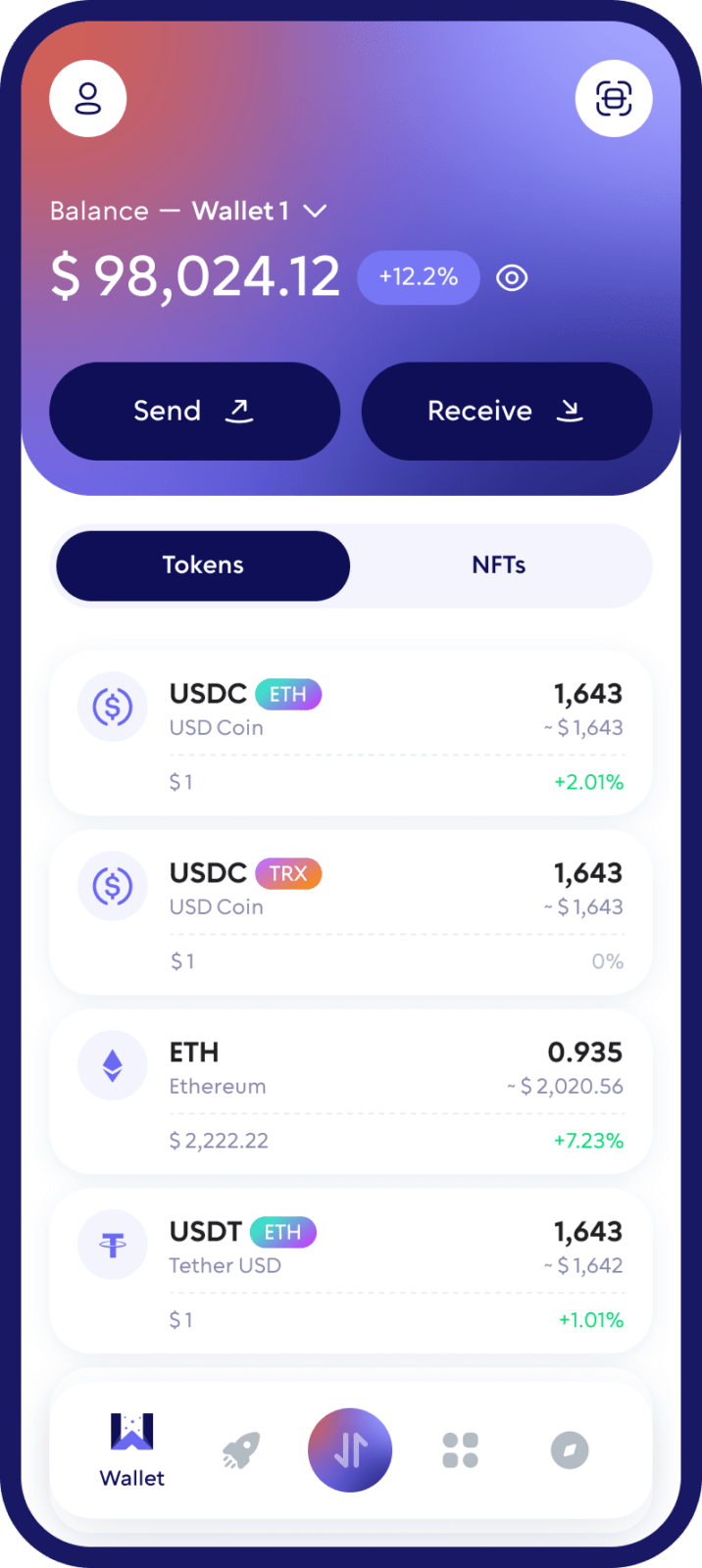
What Is a USDC Wallet?
A USDC wallet is a crypto wallet that allows you to manage USD Coin (USDC) on a blockchain.
Instead of storing physical dollars or USDC tokens inside the app itself, a self-custody wallet manages the cryptographic keys that give you access to your assets on the blockchain.
With a USDC wallet, you can check your balance, receive USDC, send it to other addresses, and interact with supported crypto services.
Walletverse combines these functions in a mobile self-custody wallet designed for both new and experienced crypto users.
Your USDC, Under Your Control
Walletverse is a self-custody wallet, giving you control over your digital assets instead of relying on an exchange to hold them for you.
Use your Walletverse USDC wallet to:
Store USD Coin in your mobile wallet
Send USDC to another wallet
Receive USDC using your wallet address
Buy USDC through available payment providers
Swap USDC for other supported cryptocurrencies
Manage USDC alongside 700+ crypto assets
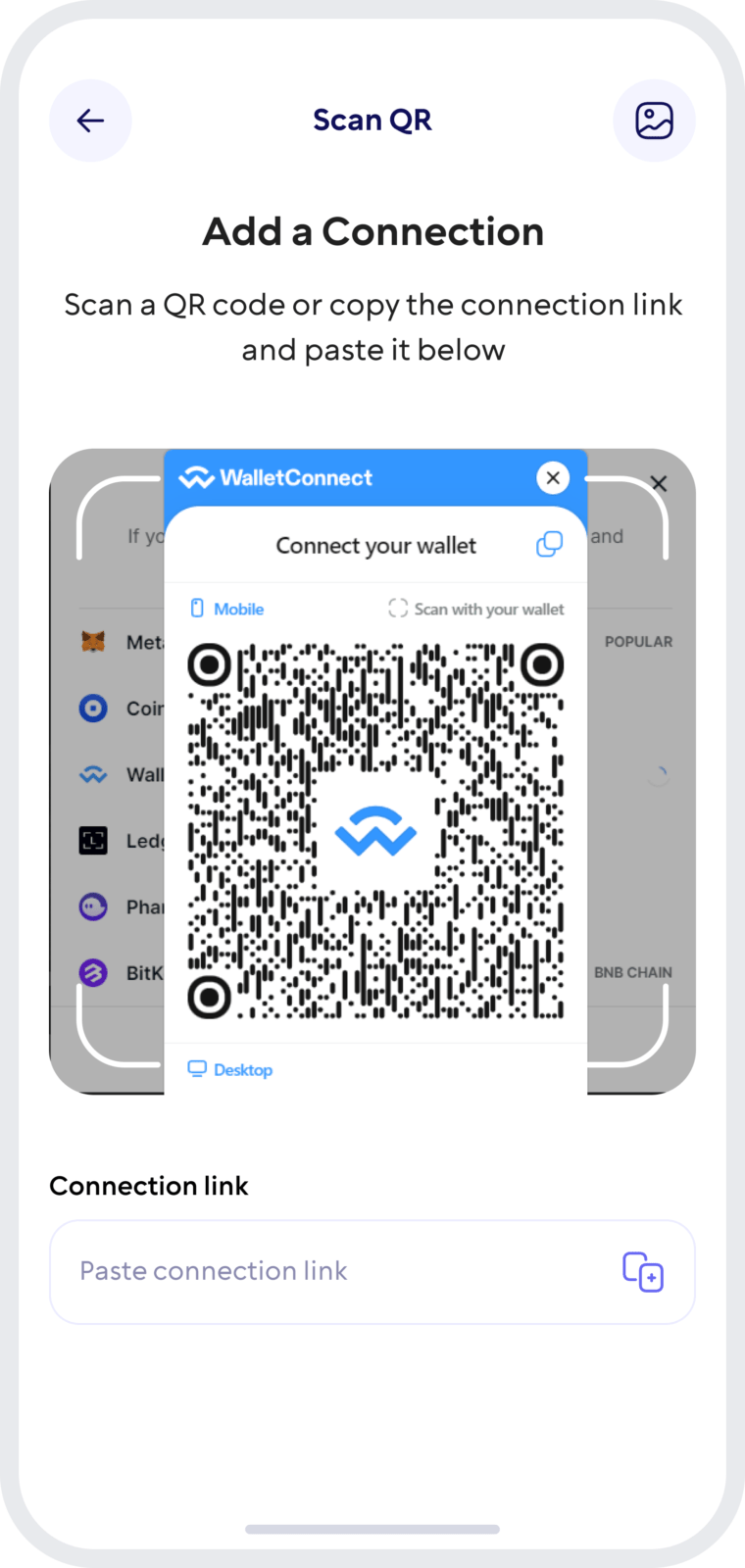
Connect to Web3 apps with WalletConnect
Whether you use USDC for payments, transfers, trading, or as a dollar-denominated crypto asset, Walletverse gives you one place to manage it.
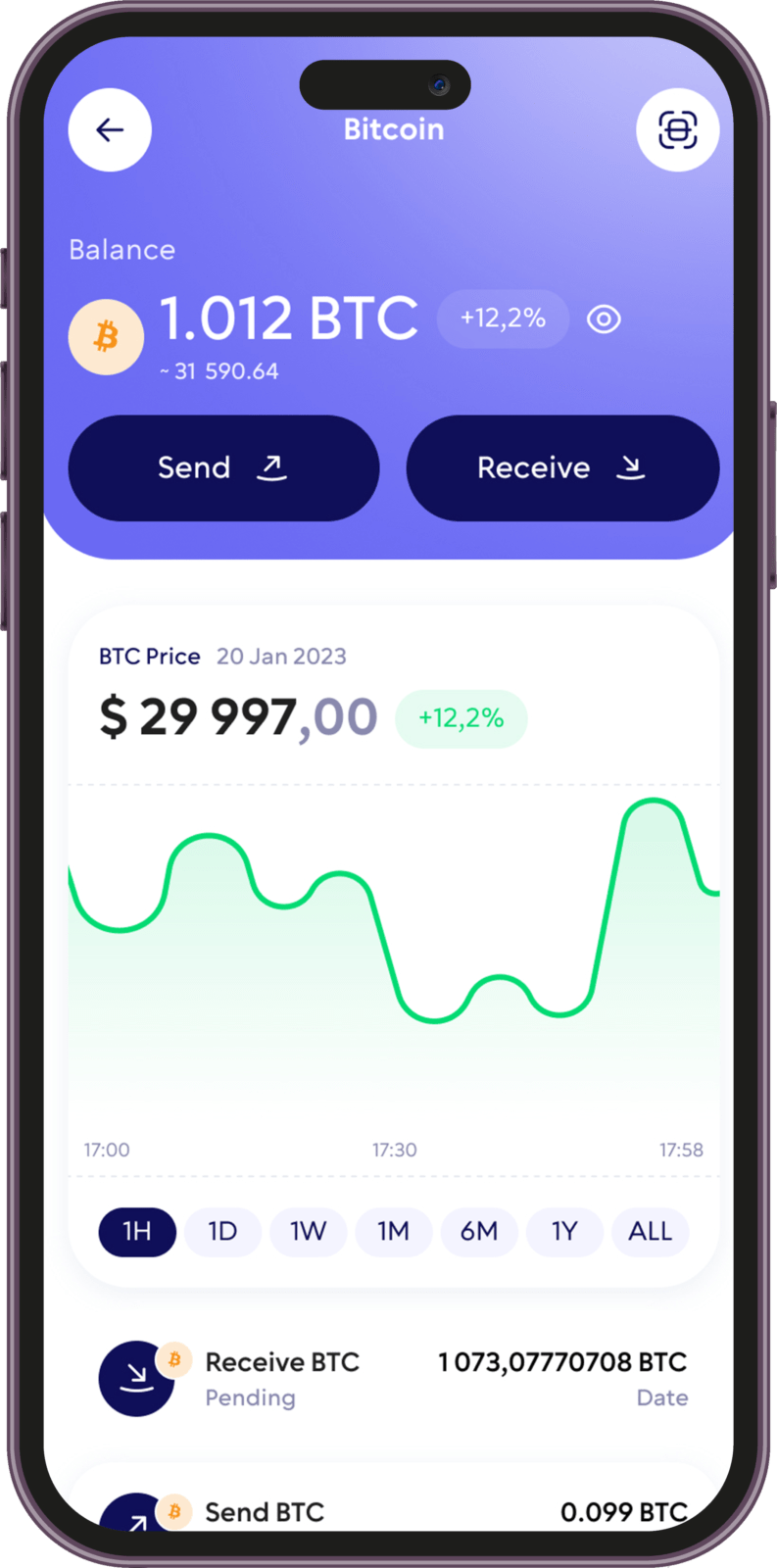
How to Create a USDC Wallet with Walletverse
Getting started takes only a few steps.
1. Download Walletverse
Install the Walletverse app from the App Store or Google Play.
2. Create or restore your wallet
Follow the in-app instructions to create a new self-custody wallet or restore an existing wallet using the supported recovery method.
Always keep your recovery information private. Walletverse support or any legitimate wallet service should never ask you to share private recovery credentials.
3. Find USD Coin (USDC)
Open the asset list and select USD Coin.
4. Open your USDC wallet
You can now view your balance, access your receiving address, send USDC, and use other available Walletverse features.
Receive USDC
Open USDC in your wallet and select Receive. Walletverse will display the wallet address available for the selected network.
You can copy the address or use its QR code when available.
Before anyone sends USDC to your wallet, always make sure the sending platform and Walletverse are using the same blockchain network.
A USDC address and the network used for the transfer must be compatible. Sending assets through an incorrect or unsupported network may result in permanent loss of funds.
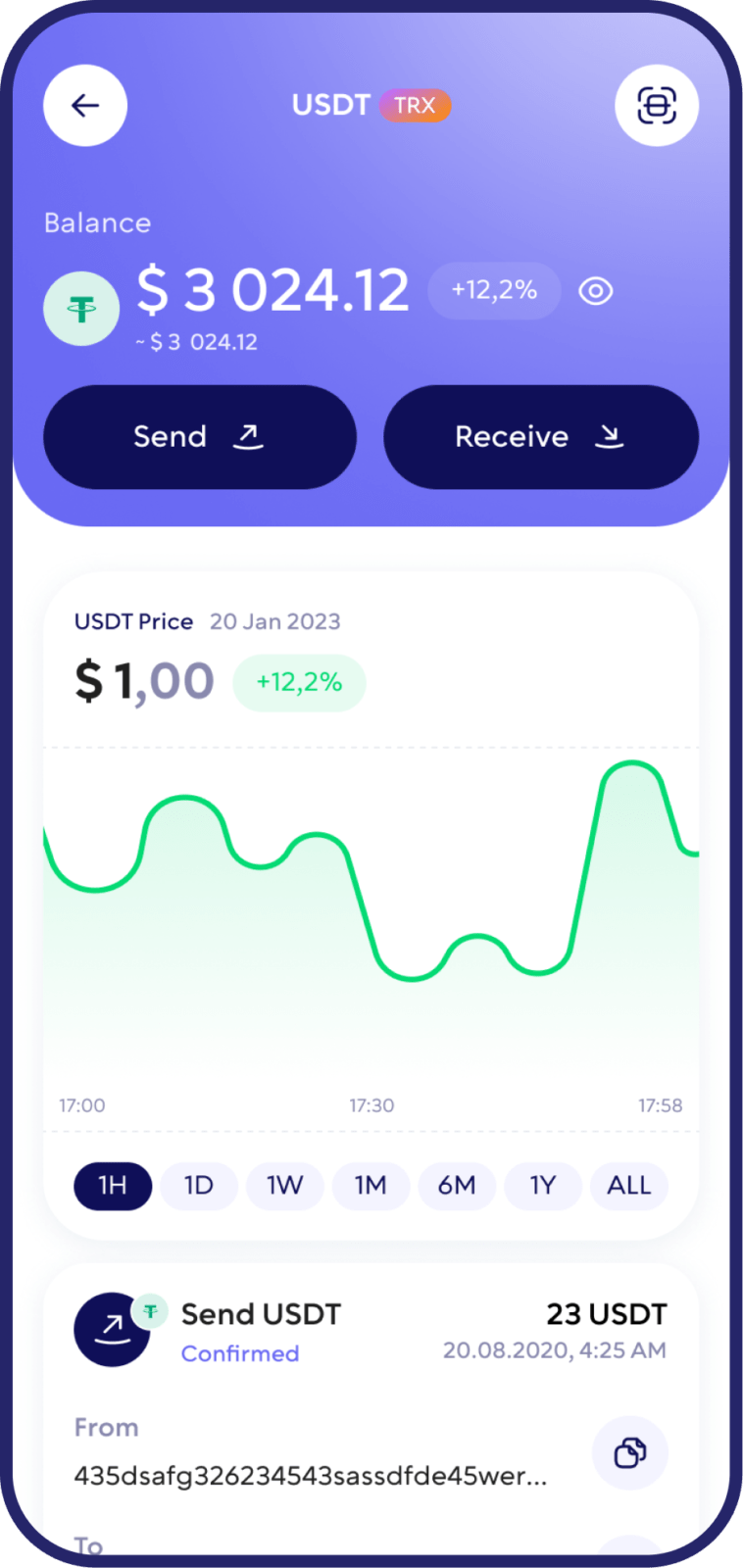
Send USDC
Open USDC in Walletverse. Select Send.
Enter or paste the recipient’s wallet address. Select the correct network where applicable. Enter the amount of USDC.
Review the destination address, network, amount, and network fee.
Confirm the transaction.
Blockchain transactions generally cannot be reversed after they are confirmed, so always verify the recipient address and network before sending.
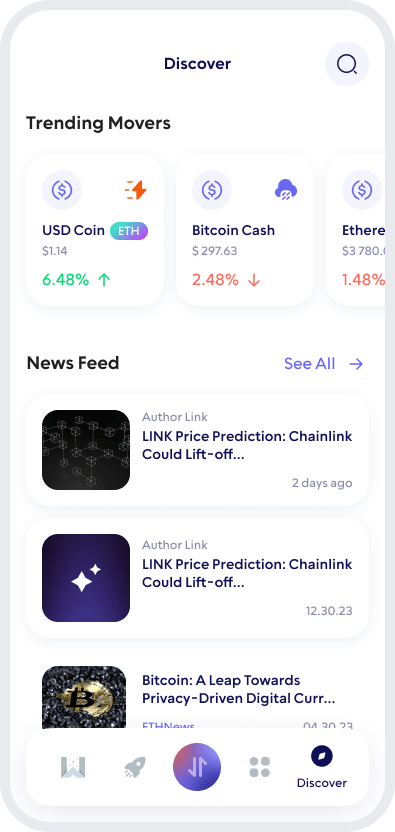
Buy USDC in Walletverse
Walletverse lets users access crypto purchase options through supported payment providers.
Depending on your location and provider availability, payment methods may include bank cards, payment applications, or bank-based payment methods.
After completing a purchase, the supported crypto is transferred to your wallet, where you can manage it directly from Walletverse.
Payment methods, limits, fees, and availability can vary by country and provider. Always review the final rate and fees before confirming a purchase.
Swap USDC for Other Cryptocurrencies
USDC can also be exchanged for other supported crypto assets from Walletverse.
Walletverse provides access to crypto swapping and a DEX aggregator designed to help users access available trading routes from one interface.
Choose USDC, select the asset you want to receive, review the quoted rate and applicable fees, and confirm the swap.
Walletverse supports 700+ cryptocurrencies, allowing you to manage stablecoins, major cryptocurrencies, and Web3 assets in the same app.
Why Use Walletverse as Your USDC Wallet?
Self-Custody
Maintain control over your crypto assets instead of leaving them in a custodial exchange account.
Simple Mobile Experience
Manage USDC directly from your iOS or Android device.
Send and Receive USDC
Use your USDC wallet address to transfer assets between compatible wallets and services.
Buy Crypto
Access supported purchasing methods directly from the Walletverse ecosystem, subject to regional and provider availability.
Swap Crypto
Exchange USDC and other supported assets without managing several separate crypto applications.
700+ Supported Cryptocurrencies
Keep USDC together with Bitcoin, Ethereum, Solana, USDT, and hundreds of other supported assets.
FAQ
Download Walletverse, create or restore your wallet, and open USD Coin in the asset list. Select Receive to view the wallet address available for the selected USDC network.
Yes. Open your USDC wallet and use the receiving address for the appropriate supported network. Make sure the sender uses the same blockchain network.
Walletverse provides crypto swapping functionality that allows users to exchange between supported digital assets. Available pairs and rates may vary.
Yes. Enter the recipient’s compatible wallet address, select the correct network where applicable, review the transaction details and network fee, and confirm the transfer.
Crypto purchase methods are available through supported providers. Available currencies, payment methods, transaction limits, and fees depend on your location and the provider being used.
Walletverse supports 700+ cryptocurrencies, allowing users to manage USDC together with assets such as Bitcoin, Ethereum, USDT, Solana, and many other supported coins and tokens.
Download to access all of Web 3 with just one app





