



Zcash (ZEC) Wallet
Securely store, send, receive, buy and swap Zcash with Walletverse — a self-custody crypto wallet for iOS and Android.
Your private keys remain encrypted on your device, giving you control of your ZEC and other digital assets from one easy-to-use mobile app.
Featured in:


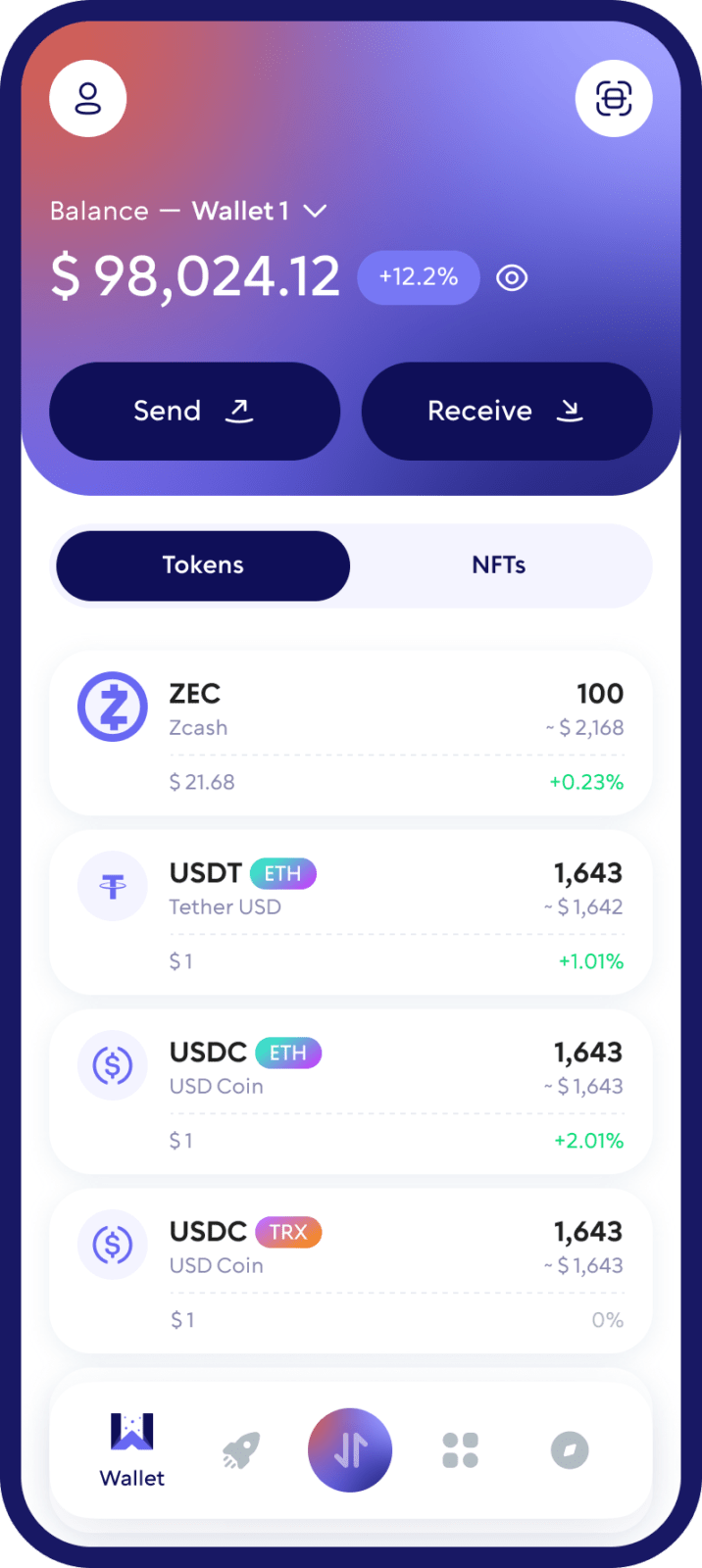
What Is a Zcash (ZEC) Wallet?
A Zcash wallet is an application that lets you manage ZEC on the Zcash blockchain. Instead of physically storing cryptocurrency inside the app, a wallet manages the cryptographic keys that allow you to access your funds and authorize transactions.
With a ZEC wallet, you can receive Zcash to your wallet address, send ZEC to another address, check your balance and transaction history, and manage your assets without relying on a centralized exchange to hold your crypto.
Walletverse combines Zcash support with a self-custody model, so you can manage ZEC directly from your mobile device while retaining control over your wallet.
How to Create a Zcash Wallet with Walletverse
Download Walletverse. Install the official Walletverse app from the App Store or Google Play.
Create or import your wallet. Follow the setup process to create a new wallet or restore an existing wallet using the supported recovery method.
Secure your wallet. Complete the backup process and enable available passcode or biometric protection. Never share your recovery information with anyone.
Open Zcash (ZEC). Find Zcash in the supported asset list and open your ZEC wallet.
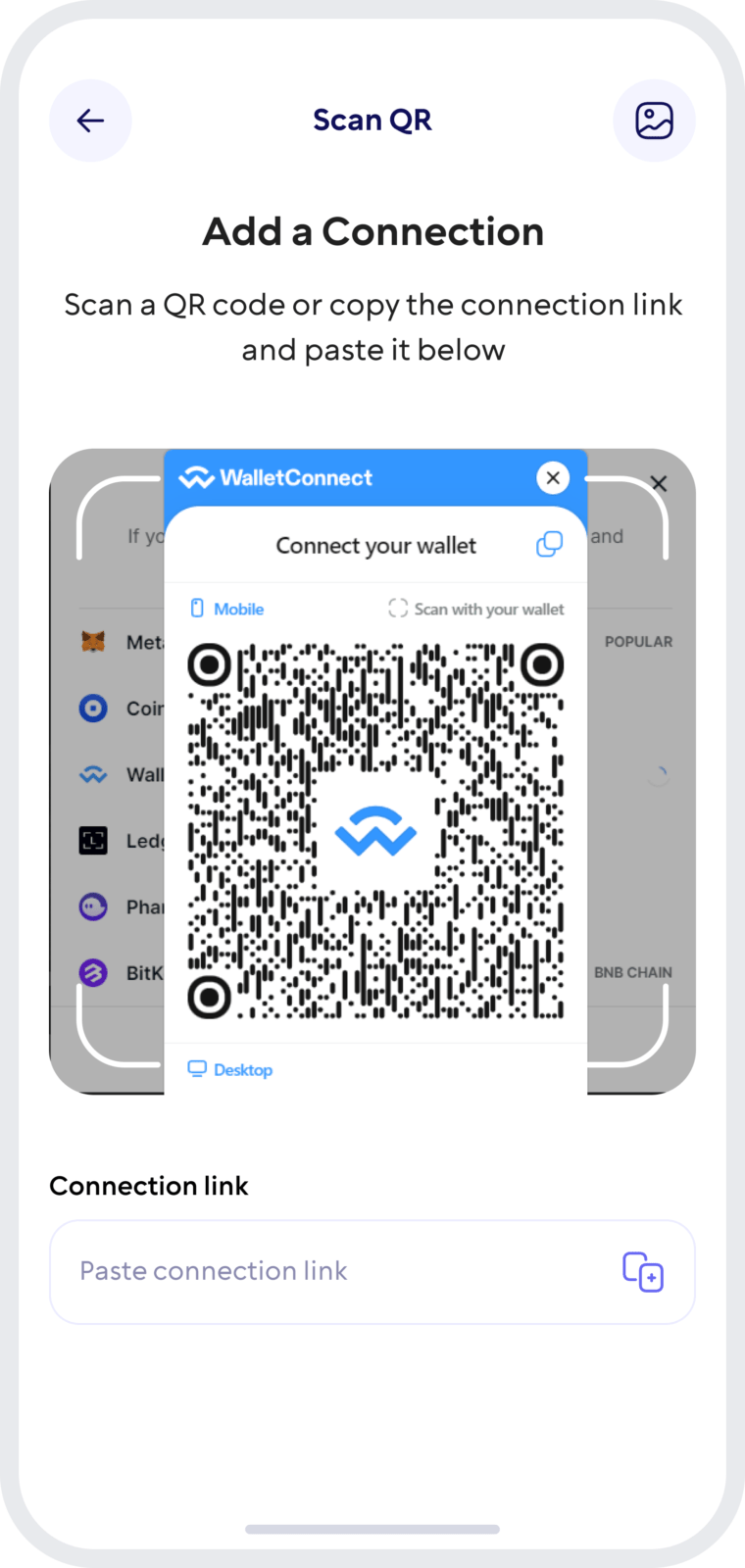
Receive your first ZEC. Select Receive to view your Zcash address. Copy the address or use the QR code where available, then verify it carefully before making a transfer.
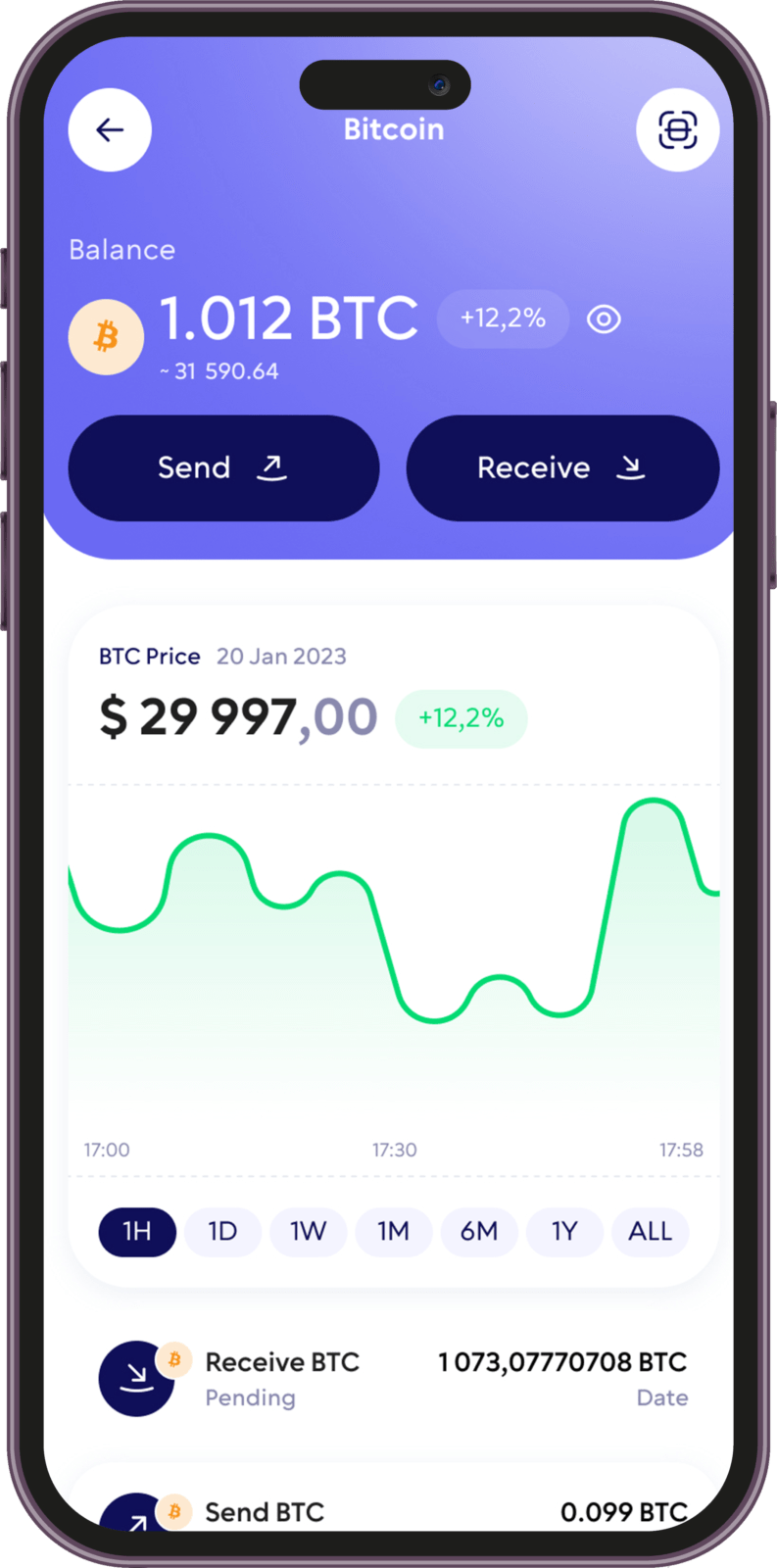
Why Use Walletverse as Your Zcash Wallet?
Self-Custody of Your ZEC
Walletverse is designed for self-custody. Your private keys are encrypted on your device, giving you control over access to your cryptocurrency.
Instead of leaving ZEC on a centralized exchange, you can manage it from your own crypto wallet.
Send and Receive Zcash
Receive ZEC to your wallet address or send Zcash to another compatible address directly from Walletverse.
Before confirming any transaction, always verify the recipient address and make sure the address type is supported.
Buy ZEC
Purchase Zcash using available fiat on-ramp providers and supported payment methods where available in your region.
Payment options and availability can vary by country and provider.
Swap ZEC and Other Crypto
Use Walletverse’s integrated exchange tools to swap supported cryptocurrencies without managing multiple wallet applications.
You can keep ZEC alongside other crypto assets and manage your portfolio from one interface.
Mobile Security
Protect access to Walletverse using device security features such as a passcode and biometric authentication where supported.
For maximum security, never share your recovery information, private keys or authentication credentials with anyone.
Manage More Than Zcash
Walletverse is a multi-asset crypto wallet, allowing you to manage ZEC alongside hundreds of other supported cryptocurrencies and tokens from one mobile application.
How to Receive Zcash (ZEC)
To receive ZEC, open your Zcash wallet in Walletverse and select Receive.
You will be shown a wallet address that can be shared with the sender. Copy the address carefully or use the QR code if available.
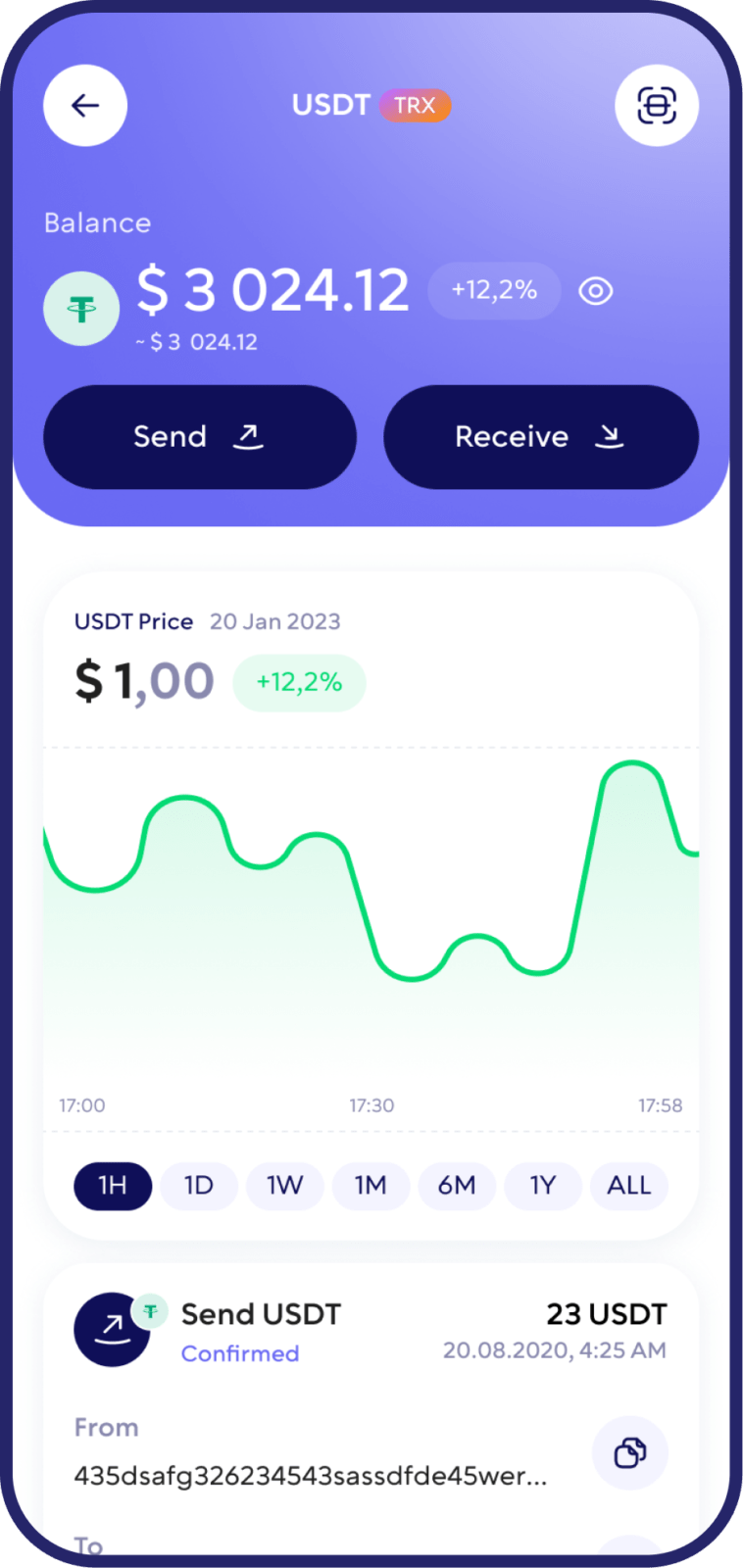
How to Send Zcash (ZEC)
Open Zcash in Walletverse and select Send. Enter or scan the recipient’s ZEC address, specify the amount and review all transaction information before confirming.
A Zcash network fee may apply when sending ZEC.
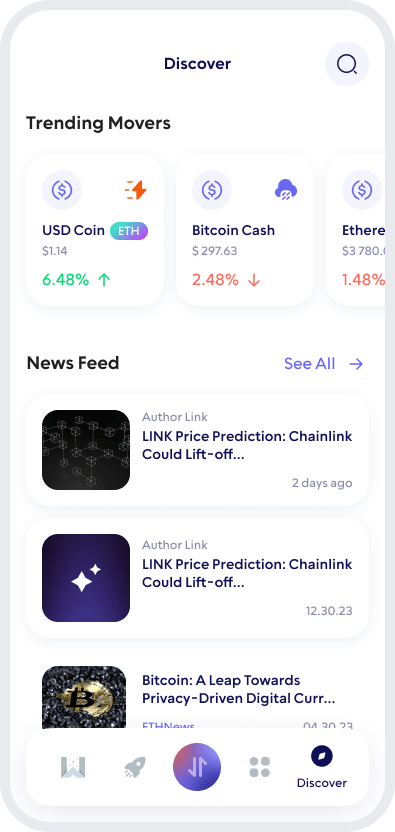
Swap Zcash (ZEC)
Walletverse provides integrated crypto exchange functionality that lets you access supported swap routes from inside the wallet.
Select the assets you want to exchange, enter the amount and review the expected rate.
Buy Zcash with Walletverse
Walletverse gives users access to integrated fiat on-ramp providers, allowing supported cryptocurrencies to be purchased using payment methods such as bank cards and local payment options where available.
Zcash Wallet for iOS and Android
Manage ZEC wherever you go with the Walletverse mobile crypto wallet.
Walletverse is available for both iOS and Android, giving you access to your Zcash wallet, crypto portfolio and supported wallet features from your smartphone.
Whether you are holding ZEC, receiving a payment or exchanging crypto, you can manage supported assets from one application without maintaining a separate wallet for every cryptocurrency.
FAQ
Walletverse offers a self-custody mobile option for users who want to manage ZEC alongside other supported crypto assets.
Walletverse is designed as a self-custody crypto wallet. Private keys are encrypted on the user’s device, giving the wallet owner control over access to their assets.
Walletverse provides access to third-party fiat on-ramp providers. ZEC availability, payment methods and fees can depend on your location and the selected provider.
Walletverse provides built-in exchange functionality for supported assets. Open the swap interface to check the currently available ZEC trading routes and quoted rates.
Download to access all of Web 3 with just one app





