


Buy Helium (HNT) with USD, EUR and Other Fiat Currencies
Updated: October 2026. Prepared by the Walletverse team at ilink.
Helium (HNT) is the token of the Helium Network, a wireless network built by people and businesses who deploy their own access points. You can buy HNT with USD, EUR and other fiat currencies in a self-custody wallet such as Walletverse, swap other coins for it, or buy it on an exchange and withdraw it to your wallet.
HNT Price and Market Data
Snapshot from late October 2026:
- Price: about $0.38 per HNT (Crypto.com).
- 1-year change: about −82% (Crypto.com).
- All-time high: $54.88 (CoinGecko), reached on November 12, 2021 (Coinbase). HNT now trades about 99% below that peak.
- Circulating supply: about 186 million HNT, or 84% of the 223 million maximum (Coinbase).
For the live price, chart and market cap, see CoinGecko or Coinbase. HNT is highly volatile: only buy an amount you’re prepared to lose.
What Is Helium and What Is HNT Used For?
Helium was founded in 2013 by Amir Haleem, Shawn Fanning and Sean Carey, and its mainnet launched in July 2019 (Coinbase). Today, Helium fills coverage gaps with Wi-Fi access points deployed by a community of people and businesses, who are rewarded in HNT (Helium).
According to Helium, the network has:
- 1 million+ daily active users;
- 49 TB+ of data transferred daily;
- 40,000+ community-deployed access points (Helium).
How HNT works (Helium):
- Rewards: deployers who provide coverage earn HNT.
- Burn: HNT is burned for the data that flows through the network, removing it from supply.
- Supply: there was no pre-mine; emissions halve every two years; the hard cap is 223 million HNT.
HNT is a Solana token. The Helium Network migrated from its own blockchain to Solana on April 18, 2023. The official HNT mint address on Solana is hntyVP6YFm1Hg25TN9WGLqM12b8TQmcknKrdu1oxWux (Helium Docs).
How to Buy HNT with Fiat in Walletverse
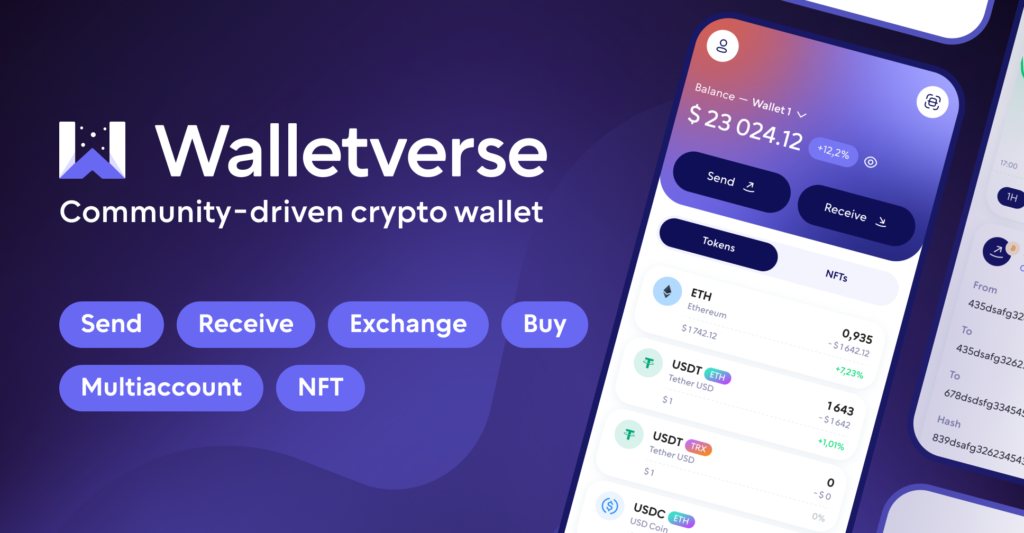
- Install Walletverse from the App Store or Google Play and create a wallet. Save your backup offline.
- Open Buy and search for HNT.
- Choose your currency — Walletverse supports fiat currencies such as USD, EUR, GBP, CAD, AUD, AED, ARS, KZT and INR.
- Choose a payment method: Visa, Mastercard or a local payment method; Apple Pay or Google Pay where available in your region.
- Compare the quotes. Purchases go through partner providers — MoonPay, Simplex, Banxa, Transak and Wert. Each shows its own rate, fees and limits. The provider may ask you to verify your identity.
- Confirm. HNT arrives at your Walletverse Solana address once the provider completes the order.
Which coins you can buy depends on the provider and your country. If HNT isn’t offered directly, buy SOL or USDC and swap (see below).


Buy HNT Without an Exchange: Swap From SOL or USDC
If you already hold crypto, you don’t need an exchange account:
- In Walletverse: open the coin you hold, tap Swap and choose HNT. The built-in aggregator connects 100+ DEX and CEX venues with more than 10,000 trading pairs; the app shows which routes are available for HNT and your amount.
- Keep some SOL. Transactions on Solana need SOL for network fees, including swaps and transfers of HNT (Helium Docs).
- Compare the final amount you’ll receive, not only the rate.
Buy HNT on an Exchange
HNT is also available on exchanges such as Coinbase and Kraken; Kraken lets you buy from $10 with a card or bank deposit, after account verification. To move HNT to your own wallet, withdraw it to your Walletverse address on the Solana network.
Keeping HNT in your own wallet means you hold the keys. Leaving it on an exchange means the exchange holds them.
Check Before You Buy
- The right token. Scam tokens can copy the HNT name and logo. Check the mint address above before you swap or receive.
- The right network. HNT is on Solana. When withdrawing from an exchange, choose Solana.
- Fees. Card and Apple Pay purchases include provider fees and a spread; swaps include network and venue fees.
- Risk. HNT has fallen about 99% from its 2021 high. Past prices don’t predict future ones.
- Taxes. In many countries, buying, swapping and selling crypto can have tax consequences. Keep records.
Store HNT Safely
- Self-custody. Walletverse is non-custodial: your private keys are encrypted and stored on your device, protected by a passcode and biometrics.
- Backup. Write your recovery details offline and never share them.
- Address checks. Walletverse’s built-in AML checks (powered by Crystal) show the risk level of an address before you send.
- Large amounts. Walletverse doesn’t connect to hardware wallets yet — Ledger, Trezor and SafePal support is listed as coming soon.
FAQ
Most frequent questions and answers
In Walletverse, Apple Pay and Google Pay are available through partner providers where supported in your region. Whether you can buy HNT directly depends on the provider and your country.
You can buy HNT with USD using crypto wallets that support card payments, Apple Pay, or Google Pay, like Walletverse. Simply select HNT, choose USD, and complete the purchase.
Walletverse is a mobile crypto wallet that supports fiat purchases, self-custody security, and access to over 700 cryptocurrencies, including HNT.
HNT can be purchased through crypto wallets with fiat on-ramps or on exchanges that list the token, like Walletverse.
Lower fees usually come from local bank card payments. Costs depend on the provider and region. Walletverse also helps reduce USDT transfer fees with its GasFree system.
In Walletverse, you can swap HNT for other coins where a route is available — the app shows the options. Selling crypto for fiat isn’t available in Walletverse yet; to cash out, send HNT to an exchange that supports it.
It depends on local rules and the payment provider. Walletverse shows which providers and payment methods are available where you live.


