


Best Crypto Wallet in South Africa 2026 for Beginners and Advanced Users
Updated: October 2026.
South Africa has one of the clearest crypto frameworks in Africa: crypto service providers are licensed by the FSCA, transfers fall under the FIC travel rule, and SARS taxes crypto gains. That makes choosing a wallet a two-part decision: a licensed local exchange account for buying and selling with rand, and a wallet — self-custody or exchange — for holding your coins. This guide covers the rules and compares 10 wallets by coins, swaps, security and platforms.
Quick picks:
- Mobile self-custody, many coins: Walletverse, Trust Wallet
- Buy and sell with ZAR in one app: Luno (exchange wallet)
- Desktop and mobile: Exodus, Atomic Wallet, Coinomi
- DeFi and dApps: MetaMask, Coinbase Wallet
- Cold storage: Ledger Nano S Plus
Crypto Rules in South Africa: FSCA, FIC and SARS
- Licensing (FSCA). Since 19 October 2022, crypto assets have been declared financial products under the FAIS Act, so anyone giving advice or intermediary services in crypto must be licensed as a financial services provider (Bowmans). As of 12 December 2025, the FSCA had received 512 crypto asset service provider (CASP) license applications and approved 300 (FSCA). The FSCA publishes a list of licensed providers (FSCA list).
- Travel rule (FIC). Since 30 April 2025, FIC Directive 9 requires crypto asset service providers to collect and share information about the sender and recipient of crypto transfers (FIC). The rules also cover transfers to and from unhosted (self-custody) wallets, which providers treat as higher risk (Masthead). In practice, your exchange may ask you to confirm details when you withdraw to your own wallet.
- Tax (SARS). Normal income tax rules apply: you must declare crypto gains or losses as part of your taxable income, either as revenue (income) or as capital gains, depending on your situation (SARS).
A self-custody wallet is software that stores your own keys; the licensing rules apply to service providers such as exchanges.
Wallet or Exchange Account?
| Self-custody wallet | Exchange wallet (e.g. Luno) | |
|---|---|---|
| Who holds the keys | You | The exchange |
| Buy and sell with ZAR | Through partner providers, where available | Yes, with withdrawals to a South African bank |
| Regulation | Software you control | Licensed CASP, KYC required |
| If you lose access | Restore with your own backup | Recover through the exchange’s account support |
| Good for | Long-term holding, swaps, DeFi | Buying, selling and cashing out to rand |
Many South Africans use both: they buy on a licensed exchange, then withdraw to a self-custody wallet.
South African Crypto Wallets Side by Side
| Wallet | Type | Supported assets (per provider) | Platforms | Best for |
|---|---|---|---|---|
| Walletverse | Self-custody, mobile | 700+ cryptocurrencies and tokens | iOS, Android | Everyday use and swaps |
| Trust Wallet | Self-custody | 10M+ digital assets | iOS, Android, browser extension | Beginners, many networks |
| Luno | Exchange (custodial) | 50+ cryptocurrencies | App and web | Buying and selling with ZAR |
| Exodus | Self-custody | 1,000,000+ assets | Desktop, iOS, Android | Desktop portfolio |
| Atomic Wallet | Self-custody | 300+ coins and tokens | Desktop, mobile | One portfolio on PC and phone |
| Coinomi | Self-custody | 10,000+ assets on 50+ blockchains | Mobile, desktop | Many different coins |
| MetaMask | Self-custody | Ethereum, EVM networks, Solana, Bitcoin | Mobile, browser extension | DeFi and dApps |
| Coinbase Wallet | Self-custody | Many networks and tokens | iOS, Android | Web3 |
| Edge | Self-custody, mobile | Bitcoin, Ethereum, XRP, Monero and more | iOS, Android | Privacy-minded mobile users |
| Ledger Nano S Plus | Hardware | 15,000+ coins and tokens via Ledger Wallet | Hardware + app | Cold storage |
Sources: official websites and app store listings (see “Sources”), checked October 2026.
Top 10 Best Crypto Wallets in South Africa 2026
1. Walletverse
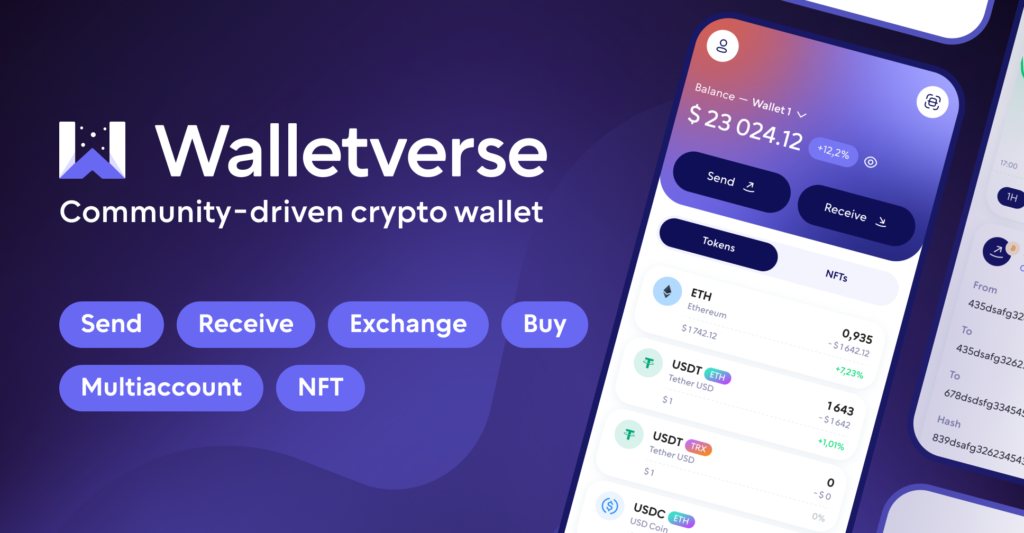
Walletverse is a free self-custody mobile wallet for iOS and Android with support for 700+ cryptocurrencies and tokens.
- Self-custody: private keys are encrypted on your device.
- Swaps: a built-in aggregator connects 100+ DEX and CEX venues with more than 10,000 trading pairs.
- Buying: Visa, Mastercard and local payment methods through MoonPay, Simplex, Banxa, Transak and Wert, plus Apple Pay and Google Pay — depending on availability in your country.
- Security: passcode, biometrics and built-in AML checks (powered by Crystal) to check an address’s risk before you send.
- Extras: staking for ETH, SOL, TRX and other assets, WalletConnect, portfolio and price alerts.
Limitations: mobile only; rand (ZAR) isn’t among the app’s fiat currencies; selling crypto for fiat isn’t available yet.


2. Trust Wallet
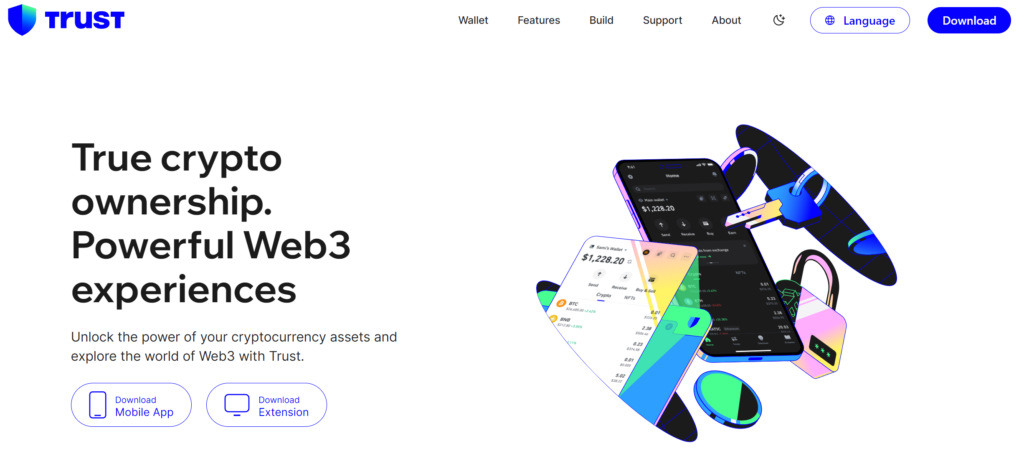
A free self-custody wallet for iOS, Android and the browser with access to 10M+ digital assets, swaps and dApps (App Store).
Best for: beginners who want one app for many networks.
3. Luno Wallet

A South African exchange with a built-in custodial wallet. Luno says you can buy and sell 50+ cryptocurrencies on a licensed, regulated platform (Luno), and it was among the first crypto firms licensed by the FSCA (CoinDesk). Normal ZAR withdrawals reach your bank account within up to 2 business days (Luno Help Centre).
Keep in mind: Luno holds the keys; for long-term storage, many users withdraw to a self-custody wallet.
4. Exodus Wallet
A self-custody wallet for desktop and mobile; Exodus says it supports 1,000,000+ assets and offers built-in swaps (Exodus). Its Web3 browser extension has been discontinued.
Best for: managing a portfolio on a computer.
5. Atomic Wallet

A self-custody wallet for desktop and mobile with built-in swaps and staking; the download page lists 300+ coins and tokens (Atomic Wallet).
Best for: one portfolio on computer and phone.
6. Coinomi
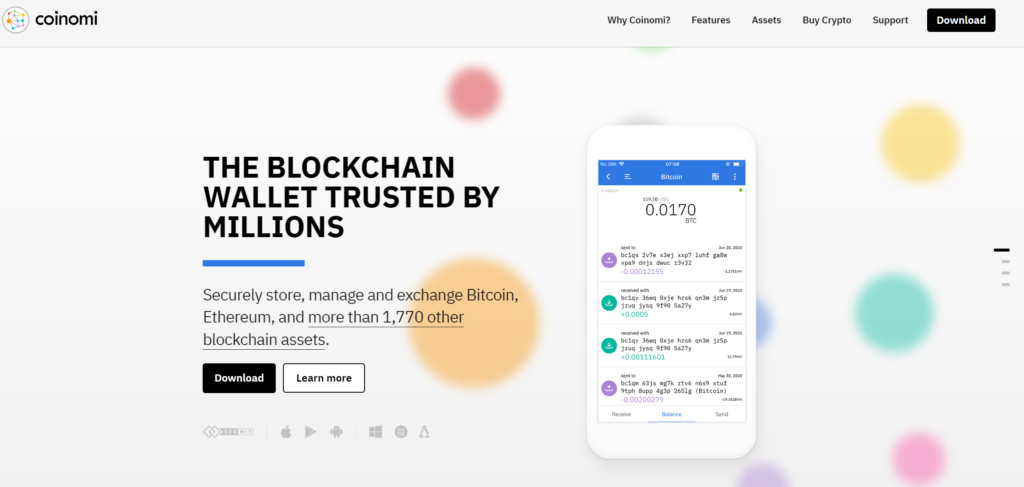
Operating since 2014, Coinomi supports 10,000+ assets across 50+ blockchains on mobile and desktop (Coinomi).
Best for: holding many different coins.
7. MetaMask

8. Coinbase Wallet

A self-custody wallet from Coinbase for iOS and Android with dApp access and swaps. It was renamed Base App in July 2025 and returned to the Coinbase Wallet name in September 2026 (Yahoo Finance). It’s separate from a Coinbase exchange account — you hold your own keys.
Best for: Web3 users.
9. Edge

10. Ledger Nano S Plus
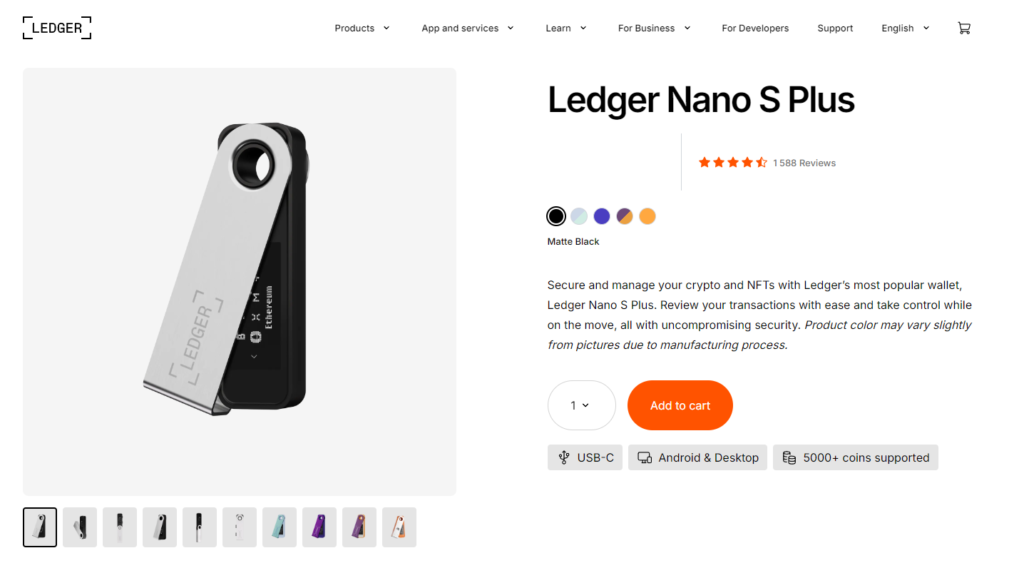
A hardware wallet managed in the Ledger Wallet app (formerly Ledger Live), which supports 15,000+ coins and tokens (Ledger). If you own the original Ledger Nano S, note that Ledger is phasing out its support; the Nano S Plus remains fully supported (Ledger).
Best for: long-term storage of larger amounts.
Exchanging Coins Without Leaving Your Wallet
A built-in swap converts one coin into another without an exchange deposit:
- Open the coin you hold and tap Swap.
- Pick the coin you want and enter the amount.
- Compare the rate, the network fee and any provider fee, then confirm.
In Walletverse, the aggregator compares routes across 100+ DEX and CEX venues and shows the quote before you confirm. Remember that, according to a SARS draft guide, trading or swapping crypto may have tax consequences even if you never convert to rand — keep a record of every swap (Moonstone).
Coin and Network Support: USDT, Bitcoin and More
- USDT runs on several networks — for example TRON (TRC-20) and Ethereum (ERC-20). Before you withdraw USDT from an exchange, check that your wallet supports the same network; Walletverse, Trust Wallet and Atomic Wallet support TRON.
- Bitcoin: make sure the wallet shows a native BTC address (starting with 1, 3 or bc1).
- Exchange coverage: a local exchange may list fewer coins than a self-custody wallet — Luno lists 50+, while multi-chain wallets support hundreds or thousands.
- Tokens on specific chains (Solana, BNB Smart Chain, Ethereum) need a wallet that supports that chain.
Staying Safe: Security Habits That Matter
- Use FSCA-licensed providers for buying and selling — check the FSCA’s published list before signing up.
- Keep your recovery details offline and never share them; no real support agent will ask.
- Download apps only from official stores and check the developer name.
- Check the address and network before every transfer; send a small test amount first.
- Avoid “guaranteed return” schemes — no licensed provider can promise profits.
- Use a hardware wallet for large long-term holdings.
Getting Rand Out: Withdrawals to a Bank
A self-custody wallet can’t pay rand into your bank account by itself. To cash out, send your crypto to a licensed exchange, sell it for ZAR and withdraw to your bank — Luno, for example, processes normal withdrawals within up to 2 business days (Luno Help Centre). Because of the travel rule, the exchange may ask about the wallet you’re sending from. Walletverse doesn’t offer selling crypto for fiat yet.
FAQ
Most frequent questions and answers
You can buy cryptocurrency through crypto wallets like Walletverse, exchanges like Luno, Binance, or local platforms that support MYR transactions.
Exchanges like Luno and Binance are considered safe, with robust security features and regulatory compliance.
You can buy crypto using local exchanges, mobile wallets like Walletverse, or peer-to-peer platforms that accept bank transfers or credit cards.
Bitcoin is the most widely used cryptocurrency in South Africa, followed by Ethereum and other altcoins.
It depends on how you use crypto. For everyday mobile use and swaps, Walletverse and Trust Wallet are strong self-custody options. To buy and sell with rand, use a licensed exchange such as Luno. For cold storage, a Ledger Nano S Plus.
Any wallet that supports the USDT network you use. For TRON (TRC-20) USDT, Walletverse, Trust Wallet and Atomic Wallet support it; check that the network matches when you withdraw from an exchange.
For everyday use, a multi-coin self-custody wallet such as Walletverse, Trust Wallet or Edge. For long-term storage, a hardware wallet such as the Ledger Nano S Plus.


