


Best ERC-20 Wallet 2026 for Beginners and Advanced Users
Updated: November 2026.
An ERC-20 wallet is any wallet that can hold Ethereum (ETH) and tokens built on Ethereum’s ERC-20 standard, such as USDT, USDC, LINK or UNI. Almost every major wallet supports ERC-20. The real differences are in security, network support, swaps and how you recover access.
Quick answer:
- Mobile multi-chain wallet: Walletverse, Trust Wallet or Exodus
- Ethereum DeFi and dApps: MetaMask
- No seed phrase: Zengo or Coinbase Wallet
- Hardware (cold) storage: Ledger, Trezor or SafePal
- Software plus optional hardware: OneKey
What is ERC-20?
ERC-20 is Ethereum’s standard for fungible tokens. It was proposed by Fabian Vogelsteller and Vitalik Buterin on November 19, 2015, and is a finalized Ethereum standard (EIP-20). It defines common functions such as transferring tokens, checking balances and approving another account or contract to spend your tokens (ethereum.org).
On November 3, 2026, Etherscan listed 2,340,140 ERC-20 token contracts on Ethereum (Etherscan). That’s why checking the contract address of a token matters: many tokens share names and tickers.
ERC-20 vs Ethereum vs Other Networks
- Is ERC-20 the same as Ethereum? No. Ethereum is the blockchain and ETH is its coin. ERC-20 is the standard for tokens that run on Ethereum. Your ETH address and your ERC-20 token address are the same 0x… address.
- You pay gas in ETH. Every ERC-20 transfer is a smart contract call on Ethereum, so you need ETH in the same wallet to send tokens.
- The same 0x address works on other EVM networks such as BNB Smart Chain (BEP-20), Polygon, Arbitrum or Base. But tokens on different networks aren’t the same asset. Always choose the network that matches the sender or receiver.
- ERC-20 or TRC-20? For USDT, TRON (TRC-20) transfers use TRON’s Energy and Bandwidth resources, paid for with staked or burned TRX (TRON Developers). Ethereum (ERC-20) transfers are paid in ETH gas. Choose the network your exchange or recipient supports. Neither is “better” in general.
The 10 Best ERC-20 Wallets in 2026
Features are taken from App Store listings and manufacturers’ websites, checked October 31 – November 3, 2026.
1. Walletverse
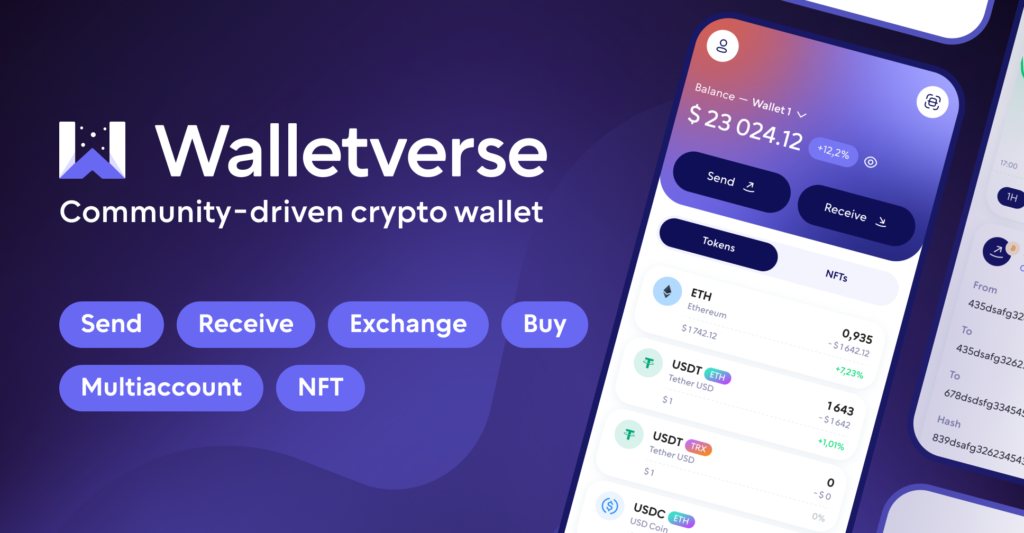
Walletverse is a free self-custody wallet for iOS and Android with 700+ cryptocurrencies and tokens on ERC20, TRC20, BEP20, Avalanche C-Chain, Polygon and Solana.
- Private keys encrypted on your device, passcode and biometric protection
- Built-in AML checks, powered by Crystal, to check an address before you send
- Swap aggregator with 100+ DEX and CEX venues, including Uniswap, 1inch and Binance
- WalletConnect for Ethereum dApps, multiple accounts, ETH staking
Pros: ERC-20 and other networks in one app; AML checks. Cons: mobile only; no hardware wallet connection yet.


2. Trust Wallet
A self-custody wallet with 100+ blockchains and 10+ million assets. You can add custom tokens and adjust RPC nodes, and keys are AES-encrypted on your device (App Store).
Pros: easy custom token import; broad network list. Cons: many features can overwhelm beginners.
3. Exodus Wallet
A self-custody wallet with 1+ million assets, including ETH, USDC and USDT, and swaps across 50+ networks (App Store).
Pros: clean design and portfolio view. Cons: a hot wallet, so it’s less suited to large long-term holdings.
4. MetaMask
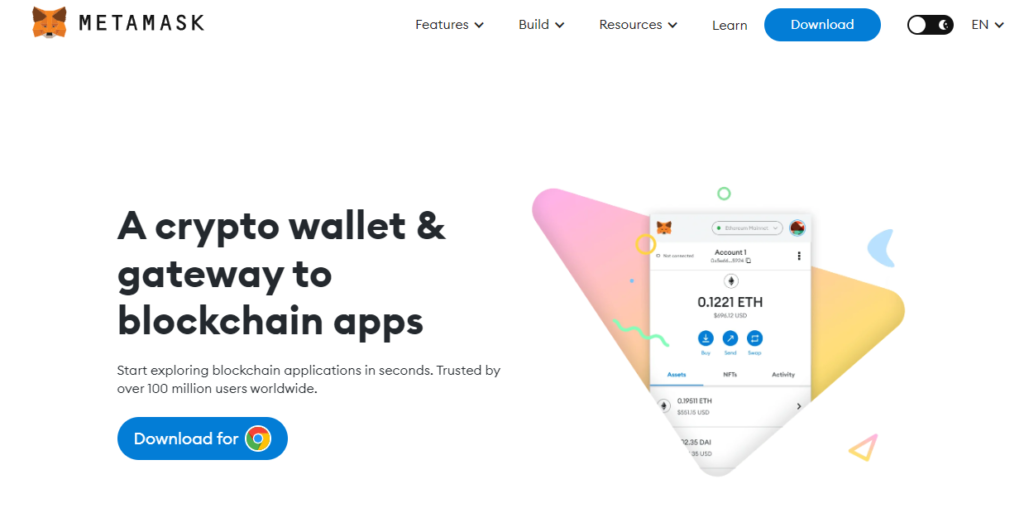
The best-known Ethereum wallet. MetaMask says it’s trusted by over 100 million users. It supports Ethereum, Linea, Arbitrum, Base, Optimism, Polygon, BSC and non-EVM networks such as Bitcoin, Solana and TRON, with swaps that include network fees in the quote and 24/7 threat monitoring (App Store).
Pros: the standard for Ethereum DeFi and dApps. Cons: complex for beginners; the app also offers high-risk perpetual futures.
5. ZenGo
An MPC wallet with no seed phrase. It supports Ethereum and layer 2s such as Polygon, Arbitrum One, Optimism and Base, with 3FA recovery and 24/7 support (App Store).
Pros: no seed phrase to lose. Cons: some security features require the paid Zengo Pro plan; fewer assets than most wallets here.
6. Ledger
7. Trezor
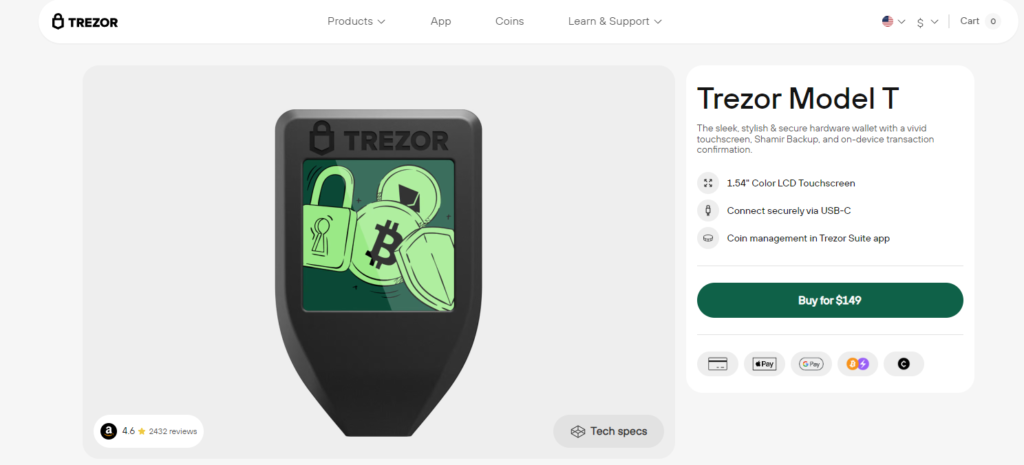
Trezor sells the Safe 3, Safe 5 and Safe 7 (Trezor). The Model T is discontinued (Trezor). On iPhone, Trezor Suite supports Ethereum and thousands of tokens, with full functionality on the Safe 7 over Bluetooth (App Store).
Pros: keys stay on the device; WalletConnect for dApps. Cons: on iPhone, full support only with the Safe 7.
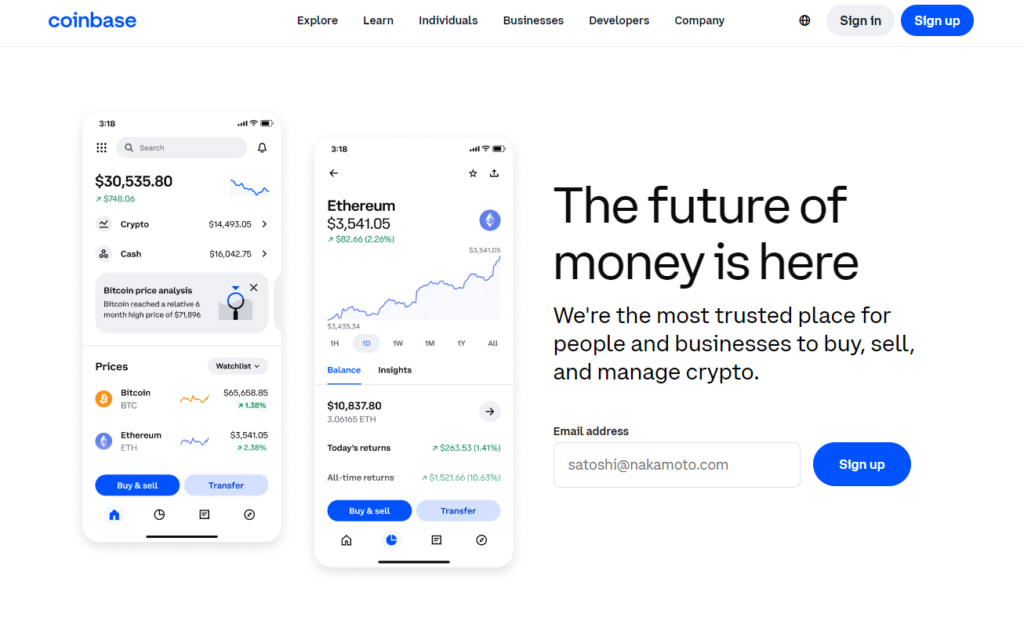
8. Coinbase Wallet

A self-custody wallet separate from the Coinbase exchange. It supports Ethereum, Base and other networks, and recovery works with email, Google or Apple, or with a recovery phrase or passkey (App Store).
Pros: easy onboarding and recovery. Cons: the app promotes perpetual futures and prediction markets.
9. OneKey

Supports 60+ blockchains and 30,000+ tokens. SignGuard flags phishing, malicious approvals and risky addresses before you sign. You can pair a OneKey, Ledger or Trezor hardware wallet (App Store).
Pros: approval warnings; works with three hardware brands. Cons: fewer reviews than the largest wallets.
10. SafePal (hardware + app)

ERC-20 Hardware Wallets
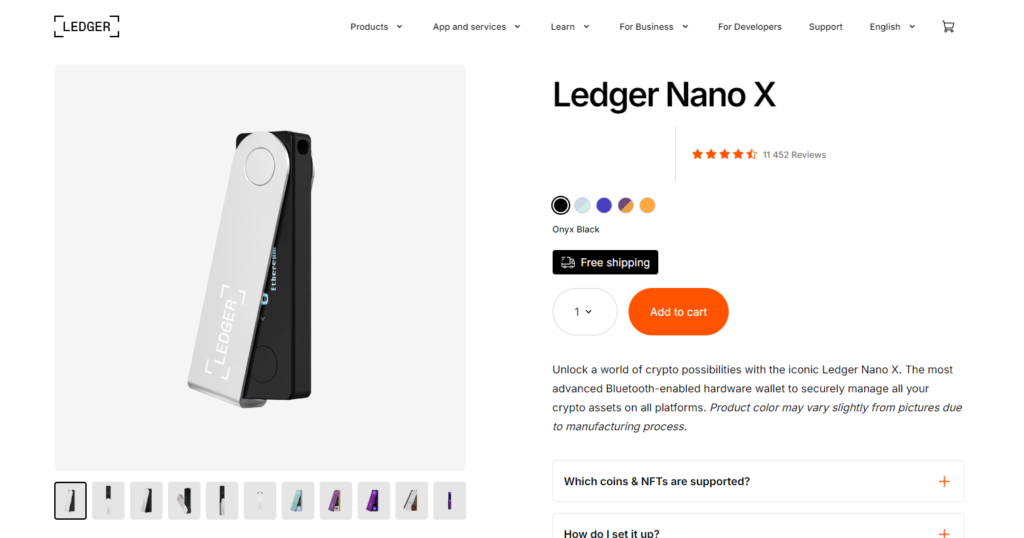
For larger ERC-20 holdings, a hardware wallet keeps your keys offline and shows each transaction on its own screen. Ledger states support for all ERC-20 tokens. Trezor and SafePal support Ethereum and ERC-20 tokens through their apps, and OneKey can pair Ledger or Trezor devices.
Important: a hardware wallet doesn’t protect you from approving a malicious contract. If you confirm an unlimited token approval on a phishing site, the attacker can still move those tokens. Read the details on the device screen before you confirm.
Swapping ERC-20 Tokens
- In a wallet: aggregators such as Walletverse (100+ venues), MetaMask, Exodus and OneKey compare routes across DEXs and exchanges.
- Approvals first: the first time you swap a token, you sign an approval that lets the swap contract spend it. Approve only the amount you need where possible.
- Gas: each swap and approval costs ETH on Ethereum. On layer 2 networks, fees are usually lower.
Before you confirm, compare the final amount you’ll receive and all fees.
Supported Tokens and Networks: What to Check
- Custom tokens: if a token doesn’t appear, add it by contract address. Trust Wallet, for example, supports custom tokens.
- Check the contract: USDT on Ethereum, for instance, has the contract 0xdac17f958d2ee523a2206206994597c13d831ec7 (Tether).
- Layer 2s and EVM chains: if you use Arbitrum, Optimism, Base or Polygon, make sure the wallet supports them.
ERC-20 Wallet Security Tips
- Back up your recovery phrase offline and never type it into a website.
- Review and revoke token approvals you no longer need, especially unlimited ones.
- Ignore unknown tokens that appear in your wallet. They’re often bait for scam websites.
- Copy addresses carefully and check the first and last characters. Lookalike addresses are used to trick people.
- Use a hardware wallet for large balances.
- Keep some ETH for gas so you can always move your tokens.
How to Create an ERC-20 Wallet and Get Your Address
- Install a self-custody wallet from the official app store or website.
- Create a new wallet and back up the recovery phrase offline.
- Open the Ethereum account and tap Receive. Your 0x… address is your ERC-20 address.
- Send a small amount of ETH first, so you can pay gas for future token transfers.
FAQ
Most frequent questions and answers
ERC-20 tokens can be purchased on various platforms:
- Centralized exchanges. Major exchanges like Binance, Coinbase, Kraken, and Bitfinex offer a wide range of ERC-20 tokens for purchase.
- Decentralized exchanges (DEXs). Platforms such as Uniswap, SushiSwap, and PancakeSwap facilitate the buying and trading of ERC-20 tokens directly from your wallet.
- Over-the-counter (OTC) services. For large transactions, OTC services provide a more personalized buying experience.
As of now, over 1,000 ERC-20 tokens exist. The ERC-20 token standard has been widely adopted for various projects, each serving different purposes within the Ethereum ecosystem. The circulating supply of the ERC-20 token itself is approximately 1.13 billion.
The best wallet for ERC-20 tokens depends on your individual needs:
- For beginners. Walletverse offers a user-friendly interface and supports a wide range of cryptocurrencies.
- For advanced users. Ledger Nano X and Trezor Model T provide advanced security features and support for many cryptocurrencies.
- For multi-chain support. Walletverse, Exodus Wallet and MetaMask offer comprehensive support for various blockchains and ERC-20 tokens.
The best Ethereum wallet varies based on your preferences:
- For ease of use. Walletverse, Trust Wallet and ZenGo are known for their simplicity and ease of use.
- For security. Ledger Nano X and Trezor Model T are top choices for those prioritizing security.
- For versatility. Walletverse, Exodus Wallet and MetaMask offer a range of features and integrations with dApps and hardware wallets.
ERC-20 is supported by:
- Wallet providers. Most major wallets, including Walletverse, MetaMask, Trust Wallet, and Exodus, support ERC-20 tokens.
- Exchanges. Major cryptocurrency exchanges like Binance, Coinbase, and Kraken list numerous ERC-20 tokens.
- dApps and DeFi platforms. Many decentralized applications and DeFi protocols are built on the Ethereum network and support ERC-20 tokens.
ERC-20 wallets can be obtained from:
- Official websites. Download wallets directly from their official websites to ensure you get the legitimate version.
- App stores. Look for wallets on app stores like Google Play and the Apple App Store for mobile versions.
- Hardware retailers. Purchase hardware wallets from authorized retailers or directly from the manufacturer’s website.


