


Best Hot Crypto Wallet 2026 for Beginner’s and Advanced
Updated: October 2026.
A hot wallet is a crypto wallet connected to the internet: usually a mobile app, a browser extension or a desktop program. Hot wallets are the most common type. Grand View Research estimates they held 56.2% of the crypto wallet market in 2025, which it valued at $15.5 billion (Grand View Research).
Quick answer:
- All-in-one multi-chain wallet: Walletverse or Trust Wallet
- Ethereum and DeFi: MetaMask
- Solana: Phantom
- No seed phrase: Zengo
- Easy recovery with email or Apple/Google sign-in: Coinbase Wallet or Kraken Wallet
- Bitcoin only: Blockstream or Muun
Hot vs Warm vs Cold Wallets
- Hot wallet: keys are on an internet-connected device. It’s fast and convenient for daily use, swaps and dApps, but more exposed to malware, phishing and fake apps.
- Warm wallet: sits between hot and cold storage. Funds stay accessible, but moving them requires extra controls such as multiple approvals, spending limits or multi-signature (Ripple). It’s mostly used by businesses and advanced users.
- Cold wallet: keys stay offline, usually on a hardware device. It’s best for long-term storage of larger amounts.
A common setup is a hot wallet for everyday amounts and a cold wallet for savings.
Best Hot Wallets Compared
| Wallet | Best for | Networks and assets (per App Store) | Recovery and key model | App Store rating |
|---|---|---|---|---|
| Walletverse | All-in-one mobile wallet | 600+ assets in listing, 700+ on site; ERC20, TRC20, BEP20, BEP2, Avalanche C-Chain, Polygon, Solana | Self-custody, keys encrypted on device | 5.0 (42) |
| Trust Wallet | Broad multi-chain support | 100+ blockchains, 10+ million assets | Self-custody, keys AES-encrypted on device | 4.7 (199,155) |
| MetaMask | Ethereum and DeFi | Ethereum, Bitcoin, Solana, BSC, Base, Arbitrum, Polygon, TRON and more | Self-custody; social login option | 4.7 (76,631) |
| Coinbase Wallet | Easy onboarding | Base, Solana, BNB, Ethereum, Monad and more | Email, Google or Apple recovery, or recovery phrase or passkey | 4.5 (161,375) |
| Exodus | Simple portfolio | 1+ million assets, swaps across 50+ networks | Self-custody | 4.6 (37,804) |
| Phantom | Solana | Bitcoin, Ethereum, Solana, Polygon, Base, HyperEVM | Self-custody, biometric authentication | 4.8 (64,248) |
| Zengo | No seed phrase | 380+ assets; 6 blockchains and 4 layer 2s | MPC, 3FA recovery | 4.7 (4,401) |
| Kraken Wallet | Kraken users, DeFi | Multiple networks, swaps and bridges | Seed phrase, or email, Apple or Google sign-in | 4.7 (1,283) |
| Blockstream | Bitcoin, Lightning, Liquid | Bitcoin on-chain, Lightning, Liquid | Recovery phrase; Jade hardware wallet support | 4.7 (1,250) |
| Muun | Bitcoin and Lightning | Bitcoin, Lightning | Emergency Kit with private keys | 4.1 (336) |
Ratings and review counts from the US App Store on October 31, 2026. Features are taken from each app’s App Store listing; availability can vary by country.
The 10 Best Hot Wallets in 2026
1. Walletverse
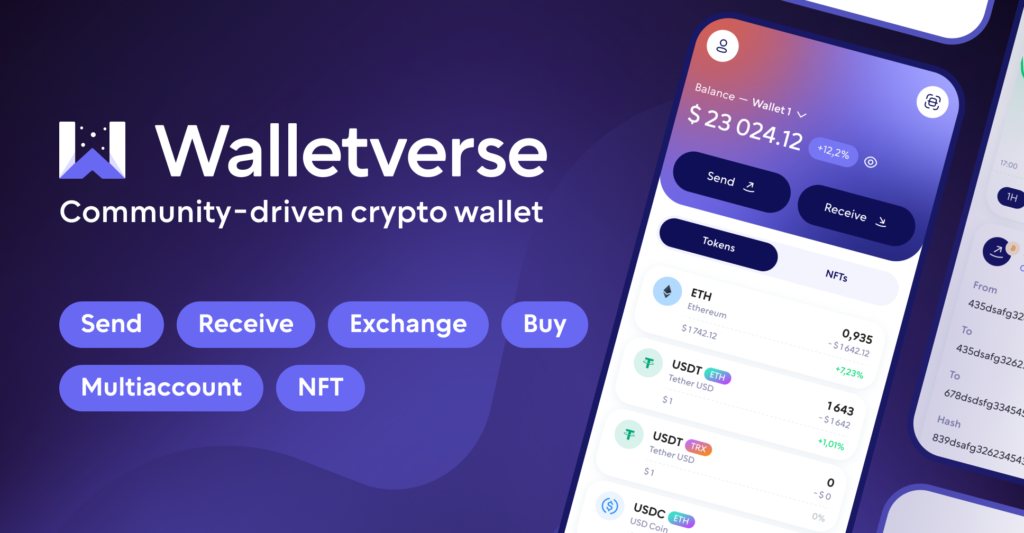
Walletverse is a free self-custody wallet for iOS and Android with 700+ cryptocurrencies and tokens.
- Swaps: an aggregator of 100+ DEX and CEX venues with 10,000+ trading pairs, including Uniswap, PancakeSwap, 1inch and Binance
- Buying: Visa, Mastercard or local payment methods through MoonPay, Simplex, Banxa, Transak or Wert. Apple Pay and Google Pay are available where supported in your region
- Security: keys encrypted on your device, passcode and biometrics, and built-in AML checks powered by Crystal
- Web3: WalletConnect, multiple accounts and addresses, staking for ETH, SOL, TRX and other coins, NFTs
Pros: many networks and swap venues in one app; AML address checks. Cons: mobile only, with no desktop app or browser extension; few App Store reviews so far.


2. Exodus
Exodus has been around since 2015. It offers 1+ million assets, swaps across 50+ networks, staking and an Exodus Card (App Store).
Pros: clean portfolio view. Cons: increasingly focused on payments.
3. Trust Wallet
Trust Wallet says it’s trusted by over 200 million users, with 100+ blockchains, 10+ million assets, a dApp browser, custom tokens and adjustable RPC nodes. Private keys are AES-encrypted on your device (App Store).
Pros: very wide coverage; advanced settings. Cons: the number of features and earn options can overwhelm beginners.
4. Kraken Wallet

A self-custody wallet from Kraken with DeFi built in. Create it with a seed phrase, or sign in with email, Apple or Google for an embedded wallet with easier recovery. Seed-phrase wallets can be backed up to iCloud Drive with password encryption (App Store).
Pros: easy transfers from a Kraken account; flexible recovery. Cons: fewer reviews than the largest wallets.
5. Coinbase Wallet
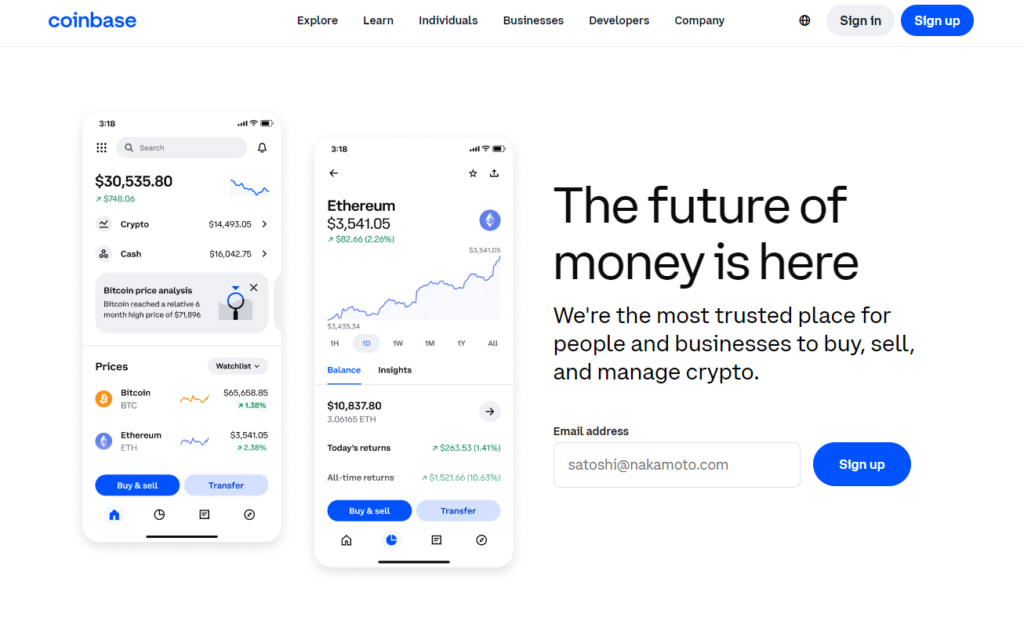
Coinbase Wallet is a self-custody wallet, separate from the Coinbase exchange. You can recover it with email, Google or Apple, or choose a recovery phrase or passkey. Trading on Base, Solana, BNB, Ethereum and Monad runs through third-party DEX aggregators (App Store).
Pros: beginner-friendly onboarding and recovery. Cons: the app promotes perpetual futures and prediction markets.
6. Zengo

Zengo uses MPC, so there is no seed phrase: signing is split between Zengo and the user. It supports 380+ assets and has 24/7 support. Some security features require the paid Zengo Pro plan (App Store).
Pros: no seed phrase to lose or have stolen. Cons: fewer assets; recovery depends on Zengo’s system.
7. Muun
A self-custodial bitcoin and Lightning wallet with mempool-based fee estimates. It lets you export an Emergency Kit with your private keys (App Store).
Pros: simple Lightning payments. Cons: Bitcoin only; lowest rating in this list.
8. MetaMask

MetaMask says it’s trusted by over 100 million users. It supports Ethereum, Bitcoin, Solana, BSC, Base, Arbitrum, Polygon, TRON and more, with swaps, staking, dApp connections and 24/7 threat monitoring (App Store).
Pros: the standard wallet for Ethereum DeFi. Cons: the app now also offers perpetual futures with up to 50x leverage, which is very high risk; complex for beginners.
9. Blockstream (formerly Blockstream Green)
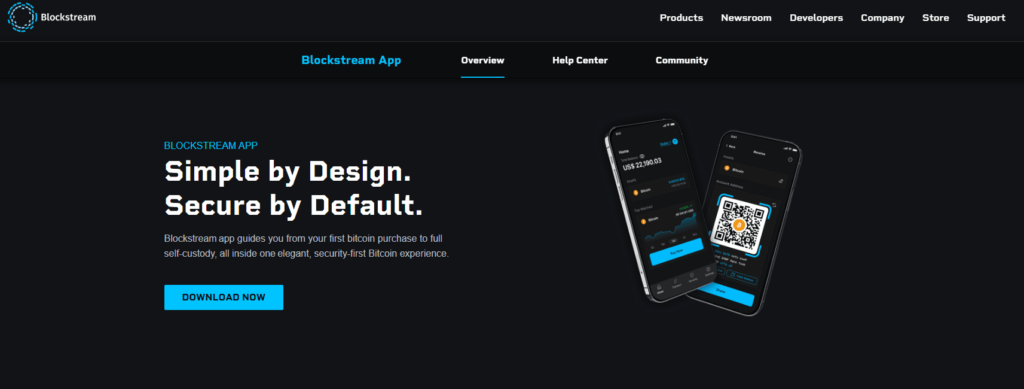
An open-source, self-custodial Bitcoin wallet for on-chain, Lightning and Liquid. It supports Tor and pairs with the Blockstream Jade hardware wallet (App Store).
Pros: privacy options; an easy path to cold storage. Cons: Bitcoin only.
10. Phantom

Phantom says it’s trusted by 20M+ users. It supports swaps across Bitcoin, Ethereum, Solana, Polygon, Base and HyperEVM, plus SOL staking (App Store).
Pros: strong Solana experience; 4.8 rating from 64,000+ reviews. Cons: fewer networks than MetaMask or Trust Wallet.
New Hot Wallet Technology in 2026
Hot wallets are moving beyond the classic 12- or 24-word seed phrase:
- MPC (multi-party computation): the key is split so it never exists in one place. Zengo and HOT Wallet use MPC (Zengo, HOT Wallet).
- Email, Apple or Google sign-in and passkeys: Coinbase Wallet and Kraken Wallet offer account-style recovery for self-custody wallets. MetaMask offers social login.
- Hardware-backed mobile: Tangem keeps keys on an NFC card or ring with a secure element chip and uses the phone app to approve transactions (App Store).
- Built-in risk checks: MetaMask advertises 24/7 threat monitoring. Walletverse offers AML checks of addresses, powered by Crystal.
Easier recovery is convenient, but it adds a dependency on the wallet provider’s systems. Check how recovery works before you deposit funds.
Swapping in a Hot Wallet
Most hot wallets have built-in swaps, but they work differently:
- Aggregators (Walletverse, MetaMask, Ledger Wallet) compare routes across DEX and CEX venues.
- Cross-chain swaps and bridges (Phantom, Exodus, Kraken Wallet) move value between networks.
Before you confirm, check the final amount you’ll receive, all fees and the receiving network. For large amounts, compare quotes in two apps.
Supported Coins: What to Check
- Bitcoin only: Blockstream and Muun.
- Ethereum and EVM tokens: almost every multi-chain wallet. Check the specific network, such as Base, Arbitrum or Polygon.
- Solana: Phantom, MetaMask, Trust Wallet, Coinbase Wallet and Walletverse.
- TRON (USDT TRC20): Walletverse, MetaMask, Trust Wallet and Zengo.
What matters is support for your coins on the right network, not the total number of assets.
Hot Wallet Security
Hot wallets are convenient, but losses are real. Hackers stole $2.87 billion in crypto across nearly 150 hacks in 2025 (TRM Labs). The largest single theft was the February 2025 Bybit exchange exploit at nearly $1.5 billion (Chainalysis). It’s a reminder that funds kept on exchanges carry risk too.
How to protect a hot wallet:
- Download only official apps and check the developer name. Fake wallet apps steal recovery phrases.
- Back up your recovery phrase offline. No screenshots, notes or cloud storage, unless you’re deliberately using a wallet’s encrypted backup.
- Use a passcode and biometrics on both the phone and the wallet.
- Review every approval. Malicious dApp approvals can drain tokens. Revoke ones you no longer need.
- Check addresses before sending. Some wallets offer address screening, such as Walletverse’s AML checks.
- Keep only spending money hot. Move savings to a cold wallet.
Crypto is volatile and high risk. This guide is not financial advice.
How to Choose a Hot Wallet
- Your coins and networks: Bitcoin only, EVM, Solana or many chains?
- Recovery model: seed phrase, MPC, or email and passkey? Pick one you understand.
- What you’ll do: holding, swapping, DeFi or payments.
- Platform: mobile only (Walletverse) or also desktop and browser.
- Reputation: check App Store ratings, security history and how long the wallet has existed.
FAQ
Most frequent questions and answers
A cold wallet is a type of cryptocurrency not connected to the internet, providing enhanced security for the long-term storage of digital assets.
The best crypto hot wallet often depends on individual preferences, but Walletverse is highly regarded for its user-friendly interface, robust security features, and extensive multi-currency support.
Acquiring a hot wallet is straightforward. You can download an application like Walletverse from the Google Play Store or App Store. Create an account, secure it with a passcode and biometric authentication, and you’ll be ready to manage your crypto with ease.


