


Best Mobile Crypto Wallet 2026 for Beginner’s and Advanced
Updated: November 2026.
A mobile crypto wallet lets you store, send, receive and swap crypto from your phone. All 10 wallets below are self-custody apps available on both iOS and Android. They differ in three things that matter most: how they protect and recover your keys, whether they have a built-in swap, and which coins and networks they support.
Quick answer:
- Many networks, swaps and AML checks in one app: Walletverse
- Widest asset coverage: Trust Wallet or Exodus
- Ethereum and dApps: MetaMask
- Recovery without a seed phrase: Coinbase Wallet or Edge
- USDT on TRON without holding TRX: Mycelium
- Mobile plus desktop: Guarda, Exodus or Trust Wallet
What Is a Mobile Crypto Wallet?
A mobile crypto wallet is an app for smartphones that stores the keys to your crypto. With a self-custody (non-custodial) wallet, only you control those keys. With a custodial app, such as an exchange account, the company holds your funds.
Mobile (Hot) Wallet vs Hardware (Cold) Wallet
Mobile (hot) wallet:
- Keys are kept on your phone, encrypted.
- Best for everyday payments, swaps and dApps.
- Main risks: malware, phishing, fake apps and a lost phone without a backup.
- Free to download.
Hardware (cold) wallet:
- Keys are kept on a separate offline device.
- Best for long-term storage of larger amounts.
- Main risks: losing the device and the recovery phrase.
- You have to buy the device.
Many people use both: a mobile wallet for daily use and a hardware wallet, such as a Ledger or Trezor device, for savings.
The 10 Best Mobile Crypto Wallets in 2026
App Store ratings are from the US App Store on November 17, 2026. All 10 wallets are also on Google Play. Features are taken from each app’s App Store listing unless another source is linked.
1. Walletverse
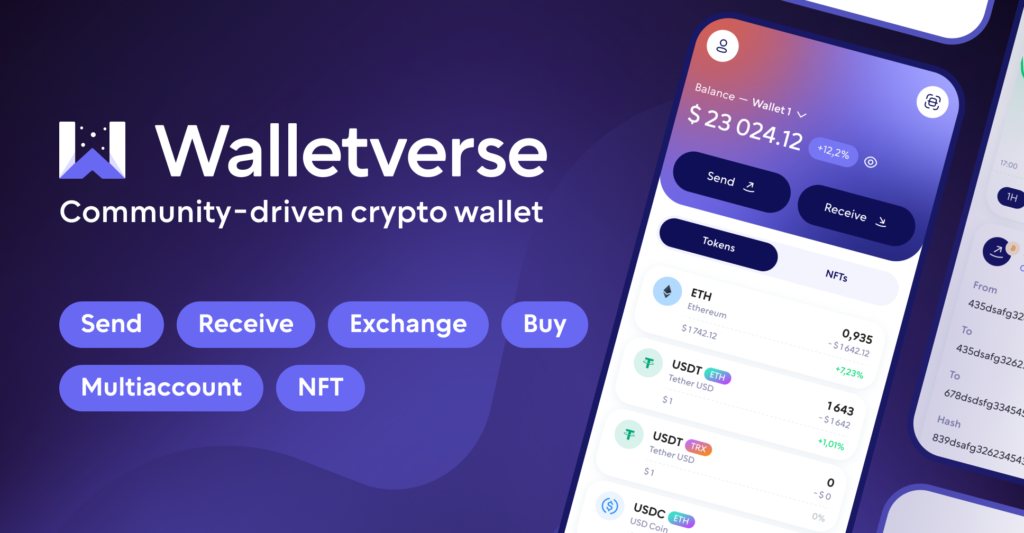
Walletverse is a free self-custody wallet for iOS and Android.
- Coins: 700+ cryptocurrencies and tokens on ERC20, TRC20, BEP20, Avalanche C-Chain, Polygon and Solana.
- Swaps: a built-in aggregator connects 100+ DEX and CEX venues with more than 10,000 trading pairs, including Uniswap, PancakeSwap, 1inch and Binance.
- Security: private keys stay encrypted on your device, with passcode and biometric protection. Built-in AML checks, powered by Crystal, let you check an address before you send.
- Extras: buy crypto with Visa, Mastercard or local payment methods through MoonPay, Simplex, Banxa, Transak or Wert, and with Apple Pay or Google Pay where available in your region. Staking for ETH, SOL and TRX. WalletConnect for dApps.
- App Store rating: 5.0 (42 ratings).
Pros: many networks and swap venues in one app; AML address checks. Cons: mobile only; hardware wallet connection is listed as coming soon; few reviews so far.


2. Exodus

- Coins: over 1 million digital assets.
- Swaps: across 50+ networks.
- Security: your secret key stays on your device and your data is encrypted.
- Extras: staking for ETH, SOL, ADA, ATOM and more. On the market since 2015. Desktop and mobile wallets sync with each other (Exodus).
- App Store rating: 4.6 (38,070) (App Store).
Pros: huge asset list; works on desktop too. Cons: the app is increasingly payments-focused.
3. Trust Wallet
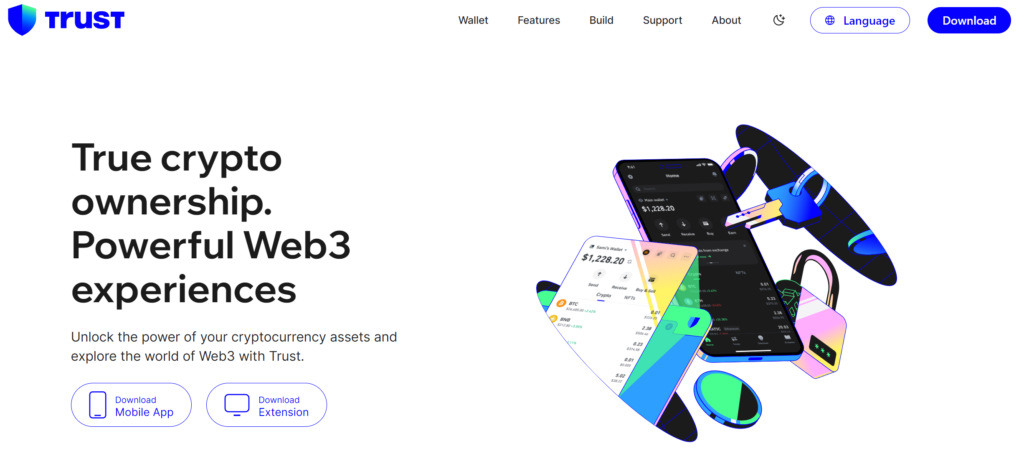
- Coins: 100+ blockchains and 10+ million assets.
- Swaps and dApps: access to thousands of Web3 dApps; Stablecoin Earn for USDT, USDC and DAI through on-chain protocols.
- Security: private keys are stored on your device and encrypted with AES. In December 2025, a malicious version (2.68) of the Trust Wallet browser extension was published to the Chrome Web Store. Trust Wallet told users to upgrade to 2.69 (Trust Wallet). The Hacker News reported about $7 million in losses (The Hacker News).
- Extras: mobile app plus desktop extension.
- App Store rating: 4.7 (199,255) (App Store).
Pros: very wide coverage; large user base. Cons: many earning features can confuse beginners; the 2025 extension incident is a reminder to keep apps updated.
4. Atomic Wallet
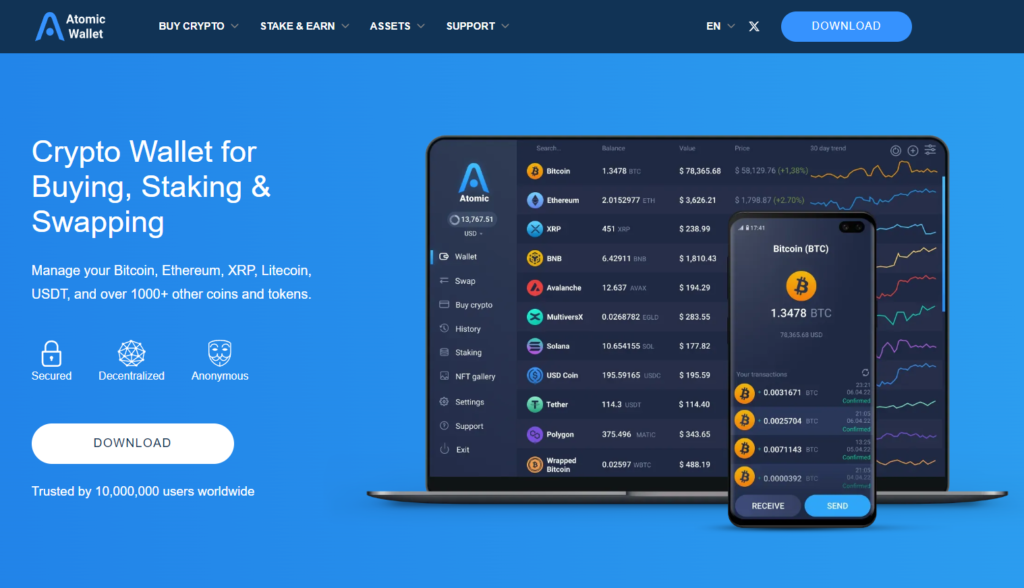
- Coins: over 300 cryptocurrencies, including BTC, ETH, XMR, TON, SOL and all ERC20, BEP20 and BEP2 tokens.
- Swaps: not described in the App Store listing. You can buy BTC, ETH, SOL and LTC with a card in USD or EUR.
- Security: private keys are encrypted on your device and built on open-source libraries. In June 2023, Atomic Wallet users lost more than $100 million in a hack that Elliptic attributed to North Korea’s Lazarus Group (Elliptic).
- App Store rating: 4.4 (19,000) (App Store).
Pros: wide coin list, including Monero. Cons: the 2023 hack; card purchases limited to a few coins.
5. Mycelium
- Coins: Bitcoin, Ethereum, TRON and ERC-20 and TRC-20 tokens.
- Swaps: BTC, ETH, USDT and more through third-party partners.
- Security: PIN with a randomized keypad, Face ID or Touch ID, Shamir backup (split your recovery phrase into shares), address-poisoning detection on Ethereum and TRON, and no account or email needed.
- Extras: sends USDT on TRON even with no TRX for fees, using a TRON energy rental service.
- App Store rating: 4.9 (37) (App Store).
Pros: strong anti-scam features; USDT without gas headaches. Cons: fewer networks than multi-chain wallets; few iOS reviews.
6. Coinomi
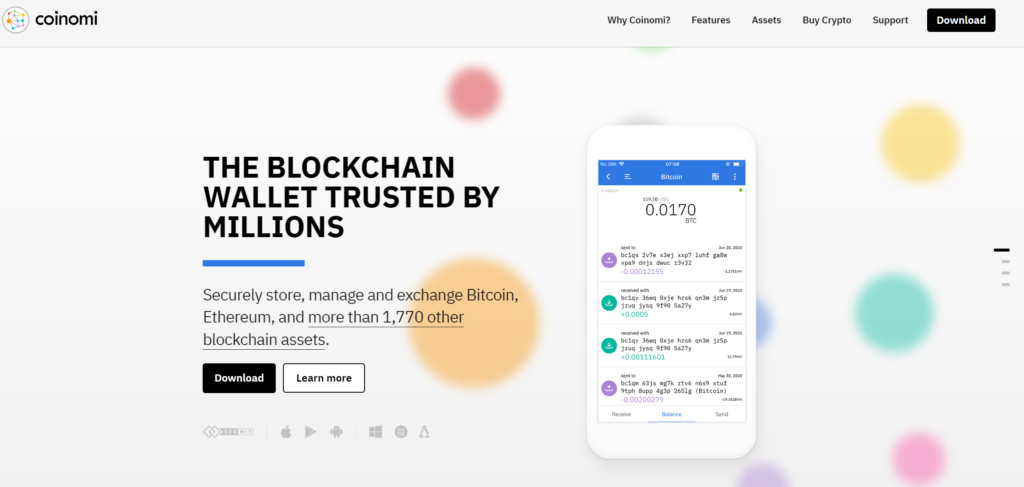
- Coins: 125+ blockchains, with unlimited token import.
- Swaps: not described in the App Store listing.
- Security: self-custody; sync across your devices.
- Extras: 24/7 support.
- App Store rating: 4.6 (2,150) (App Store).
Pros: many blockchains; custom token import. Cons: the listing gives few details about security features.
7. MetaMask

- Coins: swaps across 100,000+ assets and 700+ networks, including Bitcoin, Ethereum and Solana.
- Swaps: built in.
- Security: complete self-custody of your funds.
- App Store rating: 4.7 (76,815) (App Store).
Pros: widely used for Ethereum dApps; a very broad network list. Cons: many features can overwhelm beginners.
8.Coinbase Wallet

- Coins and swaps: spot token trading through third-party DEX aggregators.
- Security and recovery: sign up with email, Google or Apple for wallet recovery with multi-factor authentication, or use a recovery phrase or passkey instead.
- Extras: buy with Apple Pay, a bank account, local payment methods or cards. Separate from the Coinbase exchange app.
- App Store rating: 4.5 (161,447) (App Store).
Pros: easy onboarding and recovery. Cons: the app is now trading-focused (“Trade to Win”), which may distract beginners who only want to hold crypto.
9. Guarda Wallet

- Coins: native support for 60+ blockchains, including BTC, ETH, ADA, TRX, XRP and BSV.
- Swaps: built-in buy and exchange (Guarda).
- Security: non-custodial, data encrypted on the device, Touch ID or Face ID, no KYC for the wallet itself.
- Extras: mobile, desktop and web versions that sync; staking for ATOM, TRX, XTZ and others.
- App Store rating: 4.0 (967) (App Store).
Pros: works on every platform. Cons: the lowest App Store rating in this list.
10. Edge Wallet

- Coins: Bitcoin, Ethereum, Solana, Monero, Hedera, Avalanche, Dogecoin and more.
- Swaps: built-in exchange, plus buying and selling.
- Security: log in with a username and password, with no manual seed phrase backup required. Seed phrases can still be viewed in the app. Personal data stays encrypted on your device.
- App Store rating: 4.6 (3,404) (App Store).
Pros: beginner-friendly login; Monero support. Cons: a forgotten password needs a backup plan, so also save your seed phrase.
Security: How Mobile Wallets Protect You
The wallets in this list use different approaches:
- Keys encrypted on the device: Walletverse, Exodus, Trust Wallet, Atomic, Mycelium and Guarda say private keys or data stay encrypted on your phone.
- Recovery without a classic seed phrase: Coinbase Wallet (email, Google or Apple account with MFA, or a passkey) and Edge (username and password).
- Extra protection: Shamir backup and address-poisoning detection in Mycelium; AML address checks in Walletverse.
- Track record: past incidents matter. Atomic Wallet users lost over $100 million in 2023, and Trust Wallet’s browser extension was compromised in December 2025.
Safety checklist for any mobile wallet:
- Download only from the App Store or Google Play and check the developer name.
- Write your recovery phrase on paper or metal. Don’t store it in screenshots, notes or cloud storage.
- Turn on a strong passcode and biometrics.
- Keep the app and your phone’s operating system updated.
- Check addresses before you send, and be careful with dApp approvals.
- Move larger long-term holdings to a hardware wallet.
Built-in Swaps: What to Compare
Most wallets here let you swap without an exchange account, but in different ways:
- Aggregators compare several venues: Walletverse (100+ DEX and CEX venues), MetaMask, and Coinbase Wallet (third-party DEX aggregators).
- Cross-network swaps: Exodus (50+ networks), Edge and Guarda.
- Partner swaps: Mycelium uses third-party partners.
Before you confirm a swap, check the final amount you’ll receive, all fees (network, provider and spread) and the receiving network. For large amounts, compare quotes in two apps.
Supported Coins: What to Check
The number of supported assets matters less than whether a wallet supports your coins on the right networks:
- Bitcoin: Walletverse, Exodus, Trust Wallet, Atomic, Mycelium, Coinomi, MetaMask, Guarda and Edge.
- Ethereum and EVM tokens: all 10 wallets.
- Solana: Walletverse, Exodus, Trust Wallet, Atomic, MetaMask, Coinbase Wallet, Coinomi and Edge.
- USDT on TRON (TRC-20): Walletverse, Trust Wallet, Atomic, Mycelium and Guarda.
- Monero: Atomic and Edge.
Send a small test amount the first time you use a new network.
How to Choose the Right Mobile Crypto Wallet
- List your coins and networks, then check that the wallet supports all of them.
- Decide how you want to recover the wallet: a classic seed phrase, Shamir backup or account-based recovery.
- Check the swap and buy options available in your country.
- Look at the security record and how quickly the team responds to incidents.
- Plan for larger amounts with a hardware wallet.
FAQ
Most frequent questions and answers
The best mobile wallet often depends on your specific needs and preferences. Walletverse is an excellent choice for general use due to its user-friendly interface, support for over 600 cryptocurrencies, and robust security features like biometric authentication.
Yes, you can use your phone as a crypto wallet by downloading a mobile wallet application from your device’s app store. These apps allow you to store, send, and receive cryptocurrencies securely. Ensure you choose a reputable wallet with solid security measures, such as two-factor authentication and private key management.
Mobile crypto wallets like Walletverse are generally secure when robust security protocols are implemented. Features like passcode protection, biometric authentication, and encryption methods enhance safety. However, they are still more susceptible to hacking and malware than hardware wallets. Keep your app updated and be cautious of phishing attempts to maximize your wallet’s security.
Using a reputable mobile wallet with advanced security features, storing crypto on your phone can be safe. Wallets like Walletverse ensure that your private keys remain under your control and are not shared with external servers. To further enhance safety, always use strong passwords, enable two-factor authentication, and be mindful of the apps you download. It’s also wise to keep a backup of your wallet’s recovery phrase in a secure location to restore access if needed.
It depends on your coins and needs. For many networks with swaps and AML checks, consider Walletverse. For the widest asset coverage, Trust Wallet or Exodus. For Ethereum dApps, MetaMask. For recovery without a seed phrase, Coinbase Wallet or Edge.
Wallets with simple recovery help beginners most. Coinbase Wallet and Edge let you recover with an account or username and password. Walletverse and Exodus combine swaps and a simple interface in one app.


