How to Buy UMA Token (UMA) in 2025
Decentralized finance continues to push boundaries, and UMA has established itself as a cornerstone in enabling on-chain data, synthetic assets, and derivatives. If you’re considering adding UMA to your crypto portfolio in 2025, this article breaks down what the token is, how it functions, and which wallets offer the best experience for buying and storing it.
What is a UMA Token (UMA)?
UMA, which stands for Universal Market Access, is the native token of the UMA Protocol Ethereum-based platform designed to let users create self-executing financial agreements and synthetic assets. Co-founded in 2018 by Hart Lambur and Allison Lu, UMA aims to democratize complex financial tools by enabling anyone to launch permissionless contracts tied to real-world data or assets.
While UMA initially targeted synthetic asset launches, it has since become widely recognized for its optimistic oracle, a scalable, cost-effective mechanism that provides on-chain data with decentralized dispute resolution. The project enjoys strong ecosystem support and is regularly listed on major exchanges.
How Does UMA Token (UMA) Work?
UMA combines two key systems:
- Optimistic Oracle (OO). Participants submit data claims (like asset prices), which are tentatively accepted unless disputed during a challenge window.
- Data Verification Mechanism (DVM). If a claim is challenged, UMA token holders vote to arbitrate accuracy, typically within 48–96 hours.
UMA tokens are used to stake and dispute data inputs, securing the oracle. They are also used in governance decisions, like adjusting protocol parameters, fee settings, and collateral rules.
Beyond oracles, UMA supports issuing synthetic tokens, e.g. tracking commodity, equity, or crypto prices, backed by automated liquidation logic and decentralization safeguards. This flexibility has driven REAL-WORLD applications in prediction markets, insurance, and cross-chain tools.

Top 10 Best Crypto Wallets to Buy UMA Token (UMA) in 2025 – Comparison
1. Walletverse
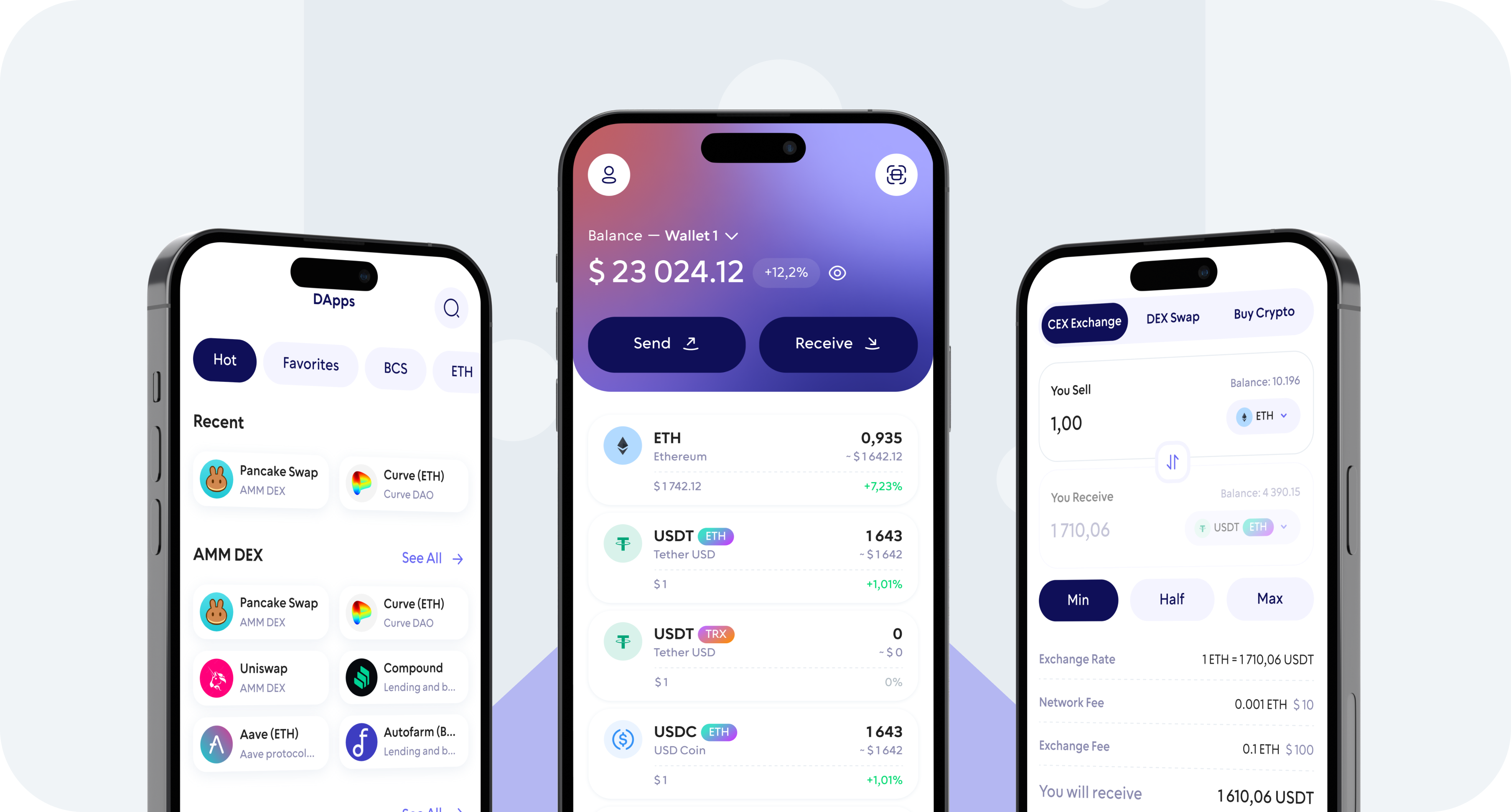
Walletverse – A mobile-native self-custody wallet supporting 600+ assets, including UMA.
Pros:
- Buy UMA with Apple/Google Pay or debit/credit cards
- Biometric/passcode safeguards
- Built-in dApp browser for staking or synthetic support
- Multi-account capability, PK-held private keys
Cons:
- No desktop app yet
2. MetaMask
A widely used wallet on browser and mobile used by DeFi enthusiasts.
Pros:
- Easily add UMA via ERC‑20
- Integrates with dApps like UMA governance and synthetic issuance
- Compatible with hardware wallets
Cons:
- Manual token setup and gas fee handling
- Can be overwhelming for beginners
3. Coinbase Wallet
A separate self-custody wallet from Coinbase with Web3 access.
Pros:
- User‑friendly, secure, and supports ERC‑20
- Plugins for UMA dApps
Cons:
- Limited DeFi analytics
- No hardware support
4. Trust Wallet
A beginner‑friendly mobile wallet with dApp connectivity.
Pros:
- Simple and intuitive, supports UMA
- Comes with a Web3 browser
Cons:
- No desktop version
- Basic portfolio features
5. Ledger Nano
A hardware wallet for secure offline UMA storage.
Pros:
- Cold storage with Bluetooth for mobile use
- Works with MetaMask for on-chain interactions
Cons:
- Costly hardware purchase
- Slower access for frequent use
6. Guarda Wallet
Multi-device wallet with flexible import options.
Pros:
- Provides easy UMA token import
- Available as web, desktop, and mobile
Cons:
- Lacks analytics and advanced DeFi tools
- Less polished UX
7. SafePal
Mobile wallet with optional hardware backup.
Pros:
- Supports UMA and includes dApp browser
- In-app swaps and optional hardware upgrade
Cons:
- Smaller community
- UI less refined
8. Trezor Wallet
Open-source hardware wallet with strong security.
Pros:
- Secure offline storage for UMA
- Compatible with MetaMask and DeFi dApps
Cons:
- Requires USB for connection
- No mobile-specific interface
9. Atomic Wallet
Desktop and mobile wallet with private key control and built-in swaps.
Pros:
- Supports custom tokens like UMA
- Secure, non-custodial design
Cons:
- No dApp browser
- UI feels outdated to some
10. Exodus
Cross-platform wallet with easy token swapping.
Pros:
- Supports UMA via Ethereum
- In-app exchange functionality
- No technical setup needed
Cons:
- Closed-source software
- No direct dApp interaction
Where Can I Store UMA Token (UMA)?
UMA is an ERC‑20 token, so any compatible wallet works. For a secure, mobile-first experience with direct purchase options, Walletverse offers a complete package, private-key custody, in-app buying, and dApp support. Users seeking additional security and long-term storage can combine Walletverse with hardware options like Ledger or Trezor.
UMA (Universal Market Access) continues to drive innovation in oracle infrastructure, synthetic finance, and decentralized governance with its optimistic oracle and DVM design. It’s consistently used in financial derivatives, cross-chain apps, and data verification markets.
In 2025, purchasing and managing UMA is easiest through Walletverse, which offers fast on-ramp options, self-custody, and seamless access to decentralized apps. Whether you’re voting on price disputes or deploying synthetic assets, Walletverse puts UMA-powered DeFi tools in your pocket.
FAQ
Most frequent questions and answers
UMA powers essential on-chain oracles and synthetic asset issuance, offering real utility. Its success depends on its governance model, adoption, and oracle decentralization. Always research and understand risks before investing.
You can buy UMA directly in the Walletverse app using Apple Pay, Google Pay, or debit/credit card. The process is secure, fast, and designed for users of all levels.
UMA is used to stake and vote within the optimistic oracle, resolve data disputes, govern platform upgrades, and facilitate issuance of synthetic assets and derivatives.