


Best Crypto Wallet in Ghana 2026 for Beginners and Advanced Users
Updated: October 2026.
Choosing a crypto wallet in Ghana comes down to three questions: where you’ll keep your crypto, how you’ll buy it, and how you’ll turn it back into cedis — usually through Mobile Money. This guide compares 10 wallets available to Ghanaian users, explains Ghana’s new crypto law, and shows how to buy, swap and sell crypto safely.
Quick picks:
- Everyday mobile wallet: Walletverse, Trust Wallet
- Desktop and mobile: Exodus, Atomic Wallet, Coinomi, Guarda
- DeFi and dApps: MetaMask
- Long-term cold storage: Ledger Nano S Plus, Trezor
- Buying and selling with Mobile Money: Binance (exchange with P2P)
Is Crypto Legal in Ghana?
Yes, and since December 2025 it has a legal framework. On 19 December 2025, Ghana’s Parliament passed the Virtual Asset Service Providers (VASP) Act, 2025 (Act 1154), which sets rules for the registration, licensing and supervision of crypto service providers (Bank of Ghana).
According to the Bank of Ghana’s FAQ on the Act (Bank of Ghana):
- Virtual assets are not currency or legal tender in Ghana.
- Businesses that provide crypto services to the public — exchanges, custodial wallet providers, brokers — must be licensed or registered.
- Individuals trading for themselves don’t need a licence.
- Regulators and the government do not control private wallets or individual transactions.
- Crypto carries risks such as price volatility, scams and loss of access to wallets; regulation reduces risk but does not eliminate it. Consumers are encouraged to use authorised service providers once the rules come into effect.
Best Crypto Wallets in Ghana: Comparison
| Wallet | Type | Supported assets (per provider) | Platforms | Best for |
|---|---|---|---|---|
| Walletverse | Self-custody, mobile | 700+ cryptocurrencies and tokens | iOS, Android | Everyday use, swaps, buying with cards |
| Trust Wallet | Self-custody | 100+ blockchains | iOS, Android, browser extension | Beginners |
| Exodus | Self-custody | 150+ cryptocurrencies | Windows, macOS, Linux, iOS, Android | Desktop users |
| Atomic Wallet | Self-custody | 300+ coins and tokens | Desktop, mobile | Multi-asset portfolios |
| Coinomi | Self-custody | 10,000+ assets on 50+ blockchains | iOS, Android, Windows, macOS, Linux | Many coins, no KYC |
| Guarda | Self-custody | 70+ blockchains, 1M+ tokens | Web, desktop, mobile, extension | Any device |
| MetaMask | Self-custody | Ethereum, EVM networks, Solana | Mobile, browser extension | DeFi and dApps |
| Ledger Nano S Plus | Hardware | Many coins via Ledger Wallet app | Hardware + desktop/mobile app | Cold storage |
| Trezor (Safe 3, Safe 5, Safe 7) | Hardware | Many coins via Trezor Suite | Hardware + desktop/web/mobile app | Cold storage |
| Binance | Exchange (custodial) + P2P | Large selection of trading pairs | Web, mobile | Buying and selling with Mobile Money |
Sources: official websites of each provider (see “Sources”), checked October 2026. Supported assets change — check the app before you buy.
Top 10 Crypto Wallets in Ghana Reviewed
1. Walletverse

Walletverse is a self-custody mobile wallet for iOS and Android that supports 700+ cryptocurrencies and tokens, including Bitcoin, Ethereum, USDT, BNB, TRON and Solana.
- Self-custody: private keys are encrypted on your device and never leave it.
- Swaps: a built-in DEX and CEX aggregator connects 100+ exchanges with more than 10,000 trading pairs.
- Buying: cards (Visa, Mastercard), local payment methods through MoonPay, Simplex, Banxa, Transak and Wert, plus Apple Pay and Google Pay — depending on availability in your region.
- Security: passcode, biometrics and built-in AML checks (powered by Crystal).
- Extras: GasFree USDT transfers on TRON, staking for ETH, SOL, TRX and other assets, WalletConnect for dApps, and community voting on new features.
Limitations: mobile only; selling crypto for cedis and Mobile Money withdrawals aren’t available in the app yet — to cash out, send crypto to an exchange or P2P platform.


2. Trust Wallet
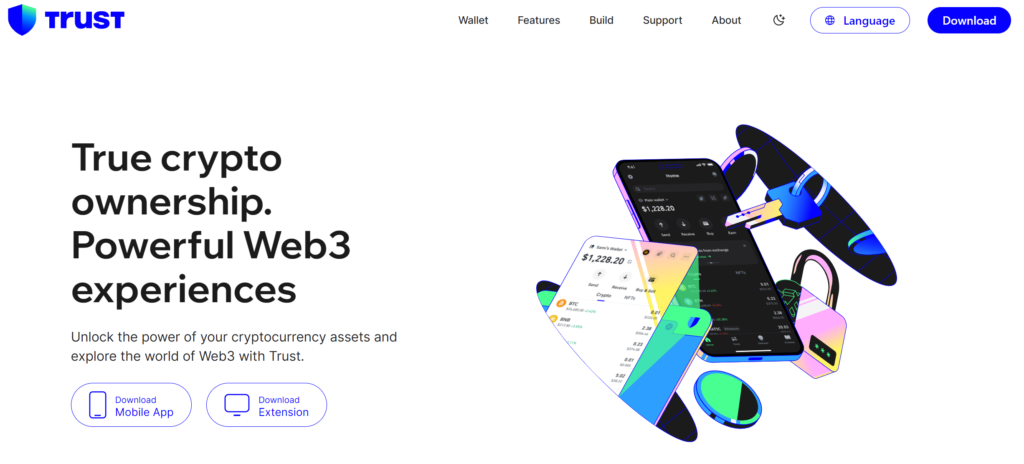
A self-custody wallet for iOS, Android and the browser that supports 100+ blockchains. You can buy, swap and stake crypto in the app, and connect to dApps. Trust Wallet was acquired by Binance in 2018 but, according to Binance Academy, has not been owned or controlled by the Binance exchange group since May 2025.
Best for: beginners who want a simple multi-chain wallet.
3. Exodus Wallet
A self-custody wallet with apps for Windows, macOS, Linux, iOS and Android; the desktop app manages 150+ cryptocurrencies. Exodus can be used with a Trezor hardware wallet. Note that it has discontinued its Web3 browser extension and WalletConnect, so it’s less suited to dApps.
Best for: users who manage crypto mainly on a computer.
4. Atomic Wallet

A self-custody wallet for desktop and mobile with built-in swaps and staking; its download page lists support for 300+ coins and tokens.
Best for: managing a portfolio on both computer and phone.
5. Coinomi
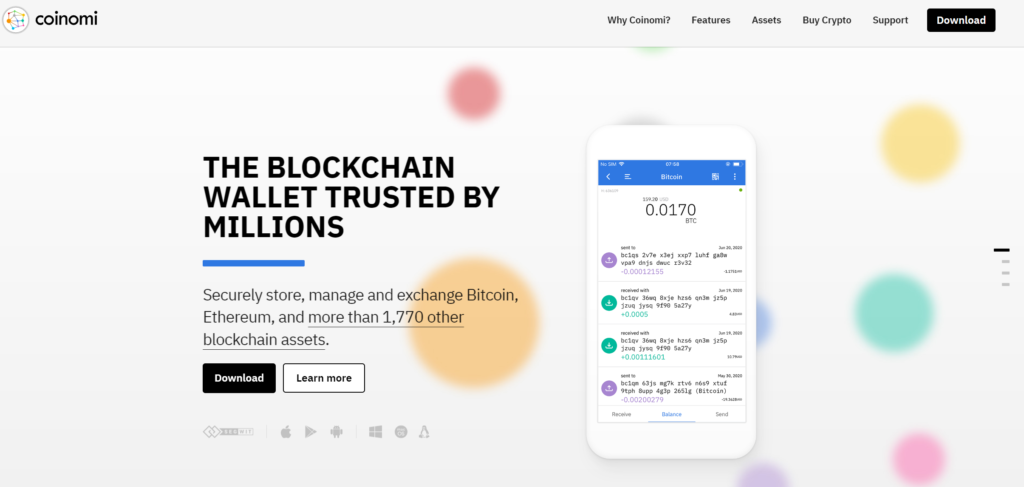
Operating since 2014, Coinomi supports 10,000+ assets across 50+ blockchains on iOS, Android, Windows, macOS and Linux, and doesn’t require KYC to use the wallet.
Best for: users who hold many different coins.
6. Guarda

A self-custody wallet that supports 70+ blockchains and 1M+ tokens, available on web, desktop, mobile and as a browser extension, with built-in exchange, buying and staking.
Best for: using the same wallet on any device.
7. MetaMask

A self-custody wallet as a mobile app and browser extension, focused on Ethereum and EVM networks, with Solana support. Swaps include a 0.875% MetaMask fee.
Best for: DeFi and dApp users. It can feel complex for beginners.
8. Ledger Nano S Plus
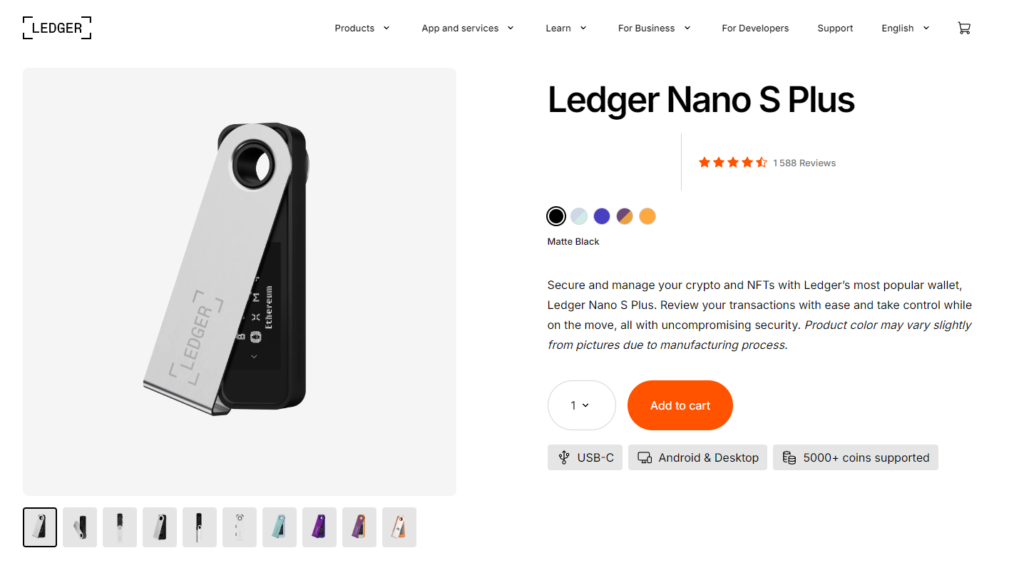
A hardware wallet that keeps private keys on a separate device and is managed with the Ledger Wallet app (formerly Ledger Live). If you still use the original Ledger Nano S, note that Ledger is phasing out its support; the Nano S Plus is a different device and remains fully supported (Ledger).
Best for: long-term storage of larger amounts.
9. Trezor
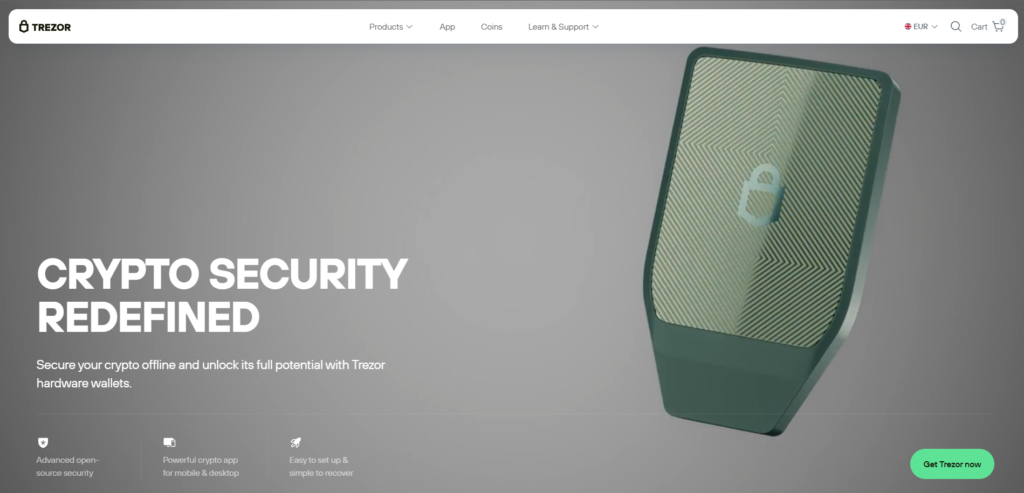
Trezor hardware wallets (Safe 3, Safe 5, Safe 7 and Model T) are managed in the Trezor Suite app on desktop, web and mobile.
Best for: cold storage with an established hardware brand.
10. Binance

Binance is a crypto exchange, not a self-custody wallet: your funds on the exchange are held by Binance. Its P2P marketplace lets users in Ghana buy crypto and pay with Mobile Money (Binance).
Best for: buying and selling crypto for cedis via P2P. For long-term storage, withdraw to a self-custody wallet.
How to Buy Crypto in Ghana
- P2P with Mobile Money. On P2P marketplaces such as Binance P2P, you buy crypto from another user and pay with MTN Mobile Money or other local methods.
- Card purchases in a wallet. Self-custody wallets such as Walletverse let you buy crypto with a card through partner providers, where available in your region.
- Withdraw to your own wallet. After buying on an exchange, move your crypto to a self-custody wallet — see how to transfer crypto from an exchange to a wallet.
How to Sell Crypto in Ghana and Withdraw to Mobile Money
A self-custody wallet stores crypto but doesn’t pay out cedis. To sell Bitcoin, Ethereum, USDT, Dogecoin, Litecoin, BNB or other coins for cedis:
- Choose a platform that supports selling for GHS and Mobile Money payouts, such as a P2P marketplace.
- Send crypto from your wallet to your deposit address on that platform — on the correct network.
- Sell via P2P or the platform’s sell option.
- Receive cedis to your Mobile Money account, and confirm the payment before releasing crypto in a P2P trade.
About BUSD: if you still hold BUSD, note that Paxos stopped minting new BUSD in 2023 and Binance ended BUSD support (Paxos). Paxos lets eligible customers redeem BUSD or convert it to USDP.
How to Swap Crypto in a Wallet
Swapping lets you move between coins without selling for cash — for example, from a volatile coin into USDT:
- Open the coin you hold and choose Swap.
- Select the coin you want, enter the amount and review the rate and fees.
- Confirm. The new coin appears in your wallet once the transaction is confirmed.
Walletverse’s swap aggregator connects 100+ exchanges, so you can compare routes inside one app.
Supported Coins: What to Check Before You Choose
- Your coins and their networks. For USDT, check which network you use — for example TRC20 on TRON or ERC-20 on Ethereum — and make sure the wallet supports it.
- The coins you want to sell later. If you plan to cash out through P2P, check that the platform lists those coins.
- Multi-chain support. A multi-currency wallet lets you keep everything in one app instead of several.
How to Keep Your Crypto Safe in Ghana
The Bank of Ghana warns that crypto involves price volatility, scams and the risk of losing access to your wallet. To protect yourself:
- Use licensed or registered providers for exchange and custody services as Ghana’s VASP rules come into effect.
- Keep your recovery details offline and never share them — no real support agent will ask for them.
- In P2P trades, confirm that Mobile Money has arrived in your account before releasing crypto.
- Beware of “guaranteed returns” and investment schemes promising fixed profits.
- Check the network and address before every transfer and send a small test amount first.
- Use a hardware wallet for large long-term holdings.
Types of Crypto Wallets
| Type | Examples | Pros | Cons |
|---|---|---|---|
| Mobile (hot) | Walletverse, Trust Wallet | Free, convenient, good for daily use | Phone can be lost or infected |
| Desktop (hot) | Exodus, Atomic, Coinomi | Full control on your computer | Malware risk on the computer |
| Web / extension | Guarda, MetaMask | Access from any browser | Phishing sites can copy them |
| Hardware (cold) | Ledger Nano S Plus, Trezor | Keys stay offline | Costs money; less convenient |
| Exchange (custodial) | Binance | Easy buying and selling | The exchange holds your keys |
How to Choose the Right Crypto Wallet in Ghana
- Custody: choose self-custody if you want full control of your keys.
- Buying and cashing out: check how you’ll buy and how you’ll get cedis or Mobile Money back.
- Supported coins and networks: make sure your coins are supported.
- Platforms: phone, computer or both.
- Security: passcode, biometrics, backups; hardware wallet for large amounts.
- Fees: compare network, swap and provider fees.
FAQ
Most frequent questions and answers
Walletverse is highly recommended for its user-friendly interface, extensive support for over 600 cryptocurrencies, and strong security features like biometric authentication. It’s ideal for both beginners and advanced users.
Yes, Walletverse allows users to buy cryptocurrency using credit/debit cards as well as payment services like Apple Pay and Google Pay. This makes it convenient for users to purchase crypto directly from the app.
Yes, Bitcoin (BTC) is readily available and actively traded in Ghana. Various exchanges and wallets facilitate the buying and selling Bitcoin and other cryptocurrencies.
You can buy cryptocurrency in Ghana through several methods:
- Exchanges. Register on local or international cryptocurrency exchanges that accept Ghanaians.
- Peer-to-peer platforms. Use P2P platforms to buy directly from other users.
- Mobile wallets. Use wallets like Walletverse that allow direct purchases through fiat options.


