



Tether (USDT) Wallet
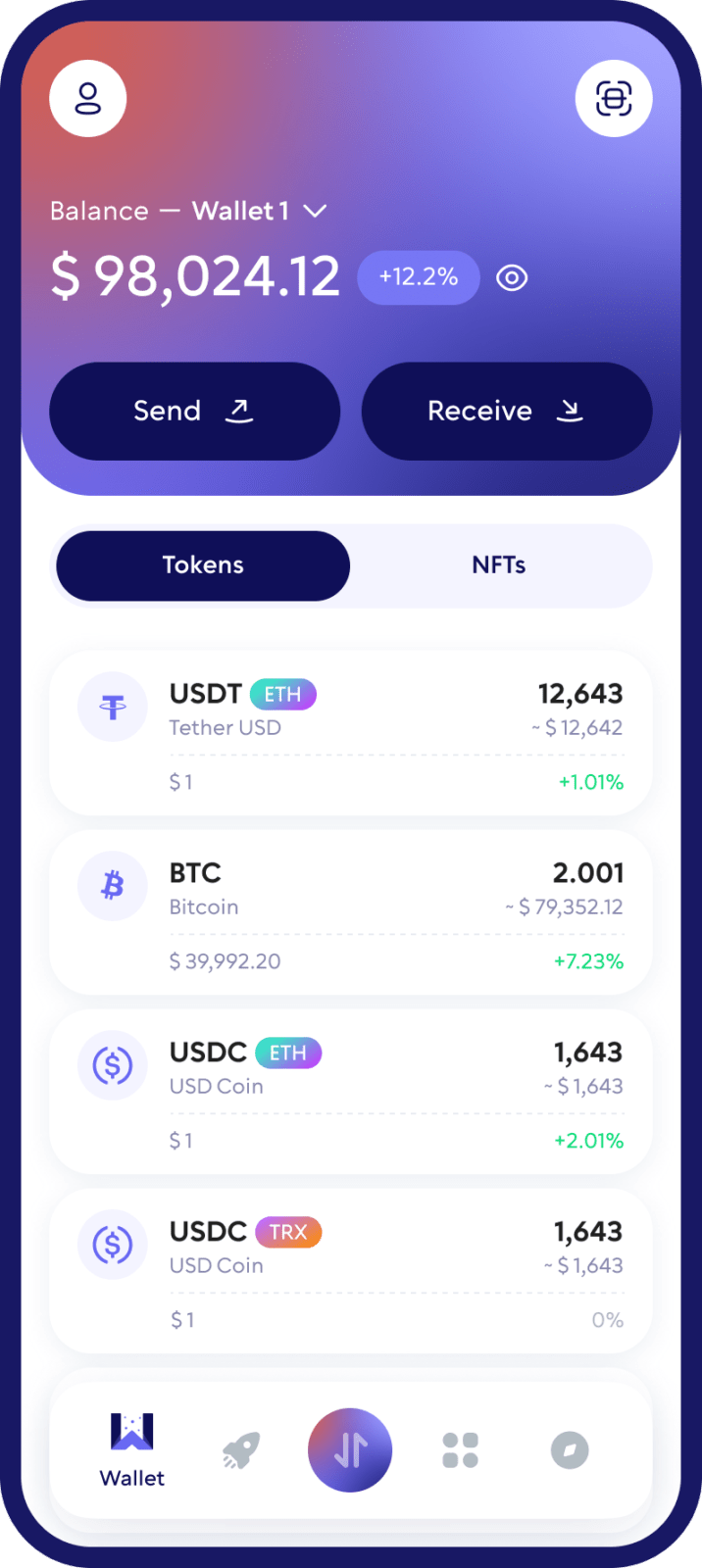
Store, send, receive, buy and swap Tether (USDT) with Walletverse — a self-custody USDT wallet app for iOS and Android. Download the Tether wallet app for free and manage your USDT alongside 700+ other crypto assets.
Only you control your USDT and your private keys. Receive USDT with your wallet address or QR code, send it to any wallet, buy it with a bank card, and swap it for other crypto — all in one mobile app. On TRON, GasFree transfers let you pay the transaction fee in USDT instead of keeping TRX for gas.
Featured in:


Why Use Walletverse as Your USDT Wallet?
Your keys, your USDT
Walletverse is a self-custody (non-custodial) wallet. Your private keys are encrypted on your device and never leave it — the Walletverse team has no access to your funds.
GasFree USDT transfers on TRON
A USDT TRC20 transfer normally needs TRX or Energy to cover the network fee. With GasFree, supported USDT transfers on TRON can pay the fee in USDT, so you don’t need to hold TRX just for gas.
Buy USDT in the app
Buy USDT with Visa, Mastercard or local payment methods through MoonPay, Simplex, Banxa, Transak and Wert, and with Apple Pay or Google Pay where available in your region. You can pay in USD, EUR, GBP, CAD, AUD, AED, ARS, KZT, INR and other fiat currencies. See how to buy USDT with a credit or debit card.
Send and receive Tether
Receive USDT with your wallet address or QR code and send it to any compatible wallet. The Receive screen shows which network your address is on.
Swap USDT for other crypto
Swap USDT through a DEX and CEX aggregator that connects 100+ exchanges, including Uniswap, PancakeSwap and 1inch, with more than 10,000 trading pairs. Popular swaps: BTC to USDT, ETH to USDT, USDC to USDT and USDT to TRX.
Manage USDT alongside 700+ assets
Walletverse supports 700+ cryptocurrencies and tokens, including Bitcoin, Ethereum, BNB, XRP, USDC, TRON, Solana and Dogecoin. It works with popular token standards — ERC20, TRC20, BEP20 (BNB Smart Chain) — and tokens on Solana, Polygon and Avalanche C-Chain. You can create multiple accounts and addresses in one app.
How to Choose a USDT Wallet
- Self-custody. In a non-custodial wallet, only you control the private keys.
- The networks you use. Make sure the wallet supports USDT on the network you need — most often TRON (TRC20) or Ethereum (ERC20).
- Fees. Check how the wallet handles network fees. On TRON, a GasFree wallet lets you pay the fee in USDT.
- Buying and swapping. If you want to buy USDT with a card or swap it for other coins, choose a wallet with built-in providers.
- Security features. Look for passcode and biometric protection, clear network warnings and risk checks for addresses.
- Platforms. Walletverse is available on iOS and Android; it has no desktop app or browser extension.
How to Create a Tether (USDT) Wallet
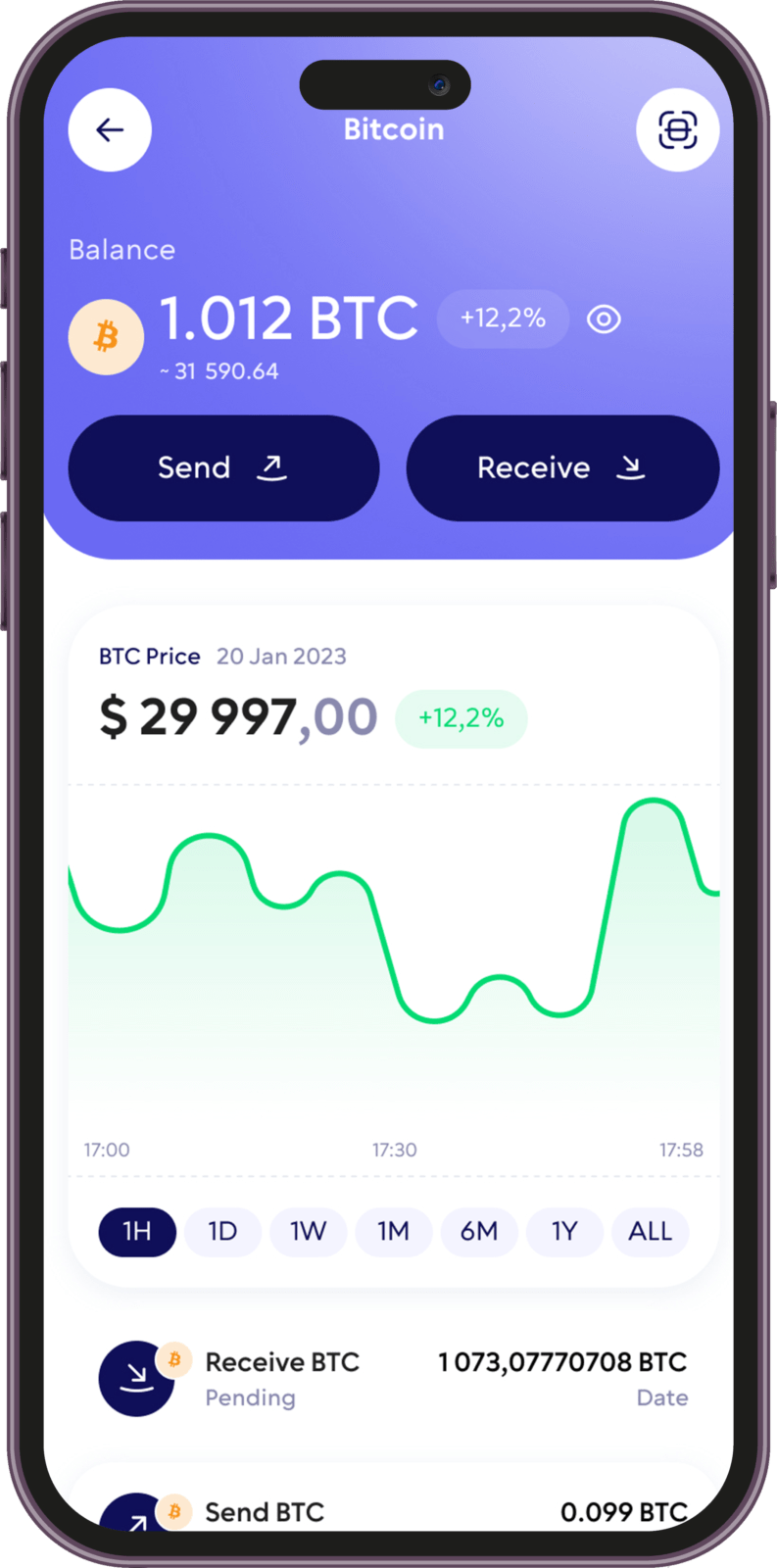
- Download Walletverse from the official App Store or Google Play listing.
- Create your wallet. Open the app and follow the instructions to create a new self-custody wallet.
- Secure your wallet. Follow the backup instructions, set a passcode and turn on biometrics. Never share your private keys, recovery details or passwords with anyone.
- Open Tether (USDT). Find USDT in your asset list and open your Tether wallet.
How to receive USDT:
- Open USDT in Walletverse and tap Receive.
- Choose the network if the app asks you to.
- Share the address or QR code with the sender and ask them to send USDT on the same network.
How to send USDT:
- Open USDT and tap Send.
- Paste the recipient’s address and check the network.
- Enter the amount, review the fee and confirm. On TRON, you can use GasFree to pay the fee in USDT.
How to buy USDT with fiat:
- Open USDT and choose the option to buy.
- Choose the amount, currency and payment method.
- Complete the payment with the provider. Rates and fees depend on the provider, payment method and region.
How Walletverse Helps Protect Your USDT
- Private keys stay on your device. They are encrypted and stored on your phone, not held by Walletverse.
- Passcode and biometric protection help prevent unauthorized access to the app.
- AML checks (powered by Crystal). Check the risk level of addresses and transfers before you deal with them.
- Transaction checks. Always review the address, network, amount and fee before you confirm.
USDT safety tips:
- Use the right network. Sending USDT on a network the recipient doesn’t support can lead to lost funds.
- Watch out for fake USDT tokens. Anyone can create a token called “USDT”. Tether publishes the official contract addresses for each blockchain on its Supported Protocols page.
- Check the address after pasting: compare the first and last characters.
- Send a small test amount before a large transfer.
- Keep your recovery details offline and never enter them on websites or share them with “support”.
What Is a USDT Wallet?
A USDT wallet is a crypto wallet that holds the private keys you need to receive, store and send Tether (USDT) on a blockchain.
USDT is a stablecoin issued by Tether and designed to track the value of the US dollar. Unlike most cryptocurrencies, whose prices can move sharply, USDT aims to keep a value close to $1.
USDT exists on several blockchains. According to Tether, tokens on different blockchains are interchangeable: 1 USDT on one blockchain equals 1 USDT on another. But they are not directly compatible — you must send and receive USDT on the same network.
| Network | USDT token type | Notes |
|---|---|---|
| TRON | TRC20 | Fees are paid with Energy/Bandwidth or TRX; GasFree lets you pay in USDT in Walletverse |
| Ethereum | ERC20 | Fees are paid in ETH |
| Solana | Solana token | Fees are paid in SOL |
| Other networks | — | Tether also issues USDT on TON, Avalanche, Aptos, NEAR, Tezos, Celo, Kaia and Liquid |
Types of USDT Wallets
| Exchange account | Software (mobile) wallet | Hardware wallet | |
|---|---|---|---|
| Who holds the keys | The exchange | You, on your phone | You, on a separate device |
| Cost | Free | Free | You buy the device |
| Best for | Trading and converting to fiat | Everyday USDT payments, swaps, dApps | Long-term storage of large amounts |
| Main risk | Hacks or frozen withdrawals at the platform | Phishing or malware on your phone | Losing the device and the recovery phrase |
Walletverse is a software wallet: it combines self-custody with everyday convenience. For large long-term holdings, many users also keep a hardware wallet.
FAQ
Yes. Walletverse is a self-custody crypto wallet designed to let users retain control of their private keys and digital assets.
Download Walletverse from the App Store or Google Play, create a wallet, follow the security and backup instructions, and select Tether (USDT) from the supported assets.
Open USDT in Walletverse and select Receive. Choose the appropriate network if requested. Walletverse will display the receiving address and QR code that you can share with the sender.
Walletverse provides GasFree USDT transactions on TRON for supported transfers. This allows the applicable transaction fee to be paid in USDT instead of requiring you to keep TRX separately.
Yes. Walletverse supports in-app exchange functionality for supported assets and networks. Rates, liquidity, and fees depend on the available providers and selected assets.
No. Walletverse is a multi-currency self-custody wallet that supports hundreds of cryptocurrencies, tokens, and blockchain assets, allowing you to manage USDT alongside the rest of your portfolio.
Walletverse supports popular token standards, including TRC20 on TRON and ERC20 on Ethereum. The Receive screen shows the network of your address — always make sure the sender uses the same network.
Download to access all of Web 3 with just one app





